








|
Quantity
|
Out of stock
|
||
|
|
|||
|
|
|||
Types of laptops
Laptops vary in size, power, purpose, and other characteristics. The main types of laptops are:
- Ultrabooks: Compact and lightweight devices, ideal for everyday tasks, working with documents, and browsing the internet.
- Gaming laptops: Powerful machines with high-performance processors and graphics cards, designed for modern games.
- Workstations: Professional laptops for engineers, designers, and other specialists who require massive computing power.
- 2-in-1 laptops (Convertibles): Laptops that can transform into a tablet or another format.
Laptop brands
Affordable models (e.g., Prologix, Medion) usually offer budget-friendly laptops with basic specifications suitable for simple tasks (web surfing, document editing). Such laptops are not fit for complex tasks, and regarding technical maintenance — it's better to clarify warranty conditions right at the selection stage.
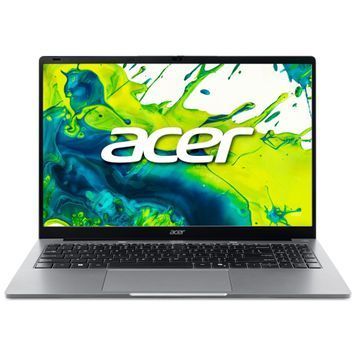
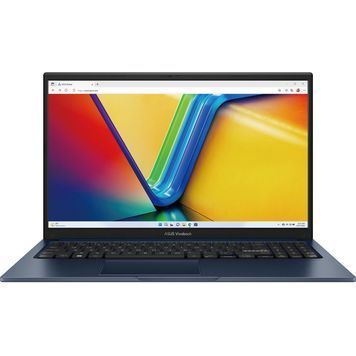
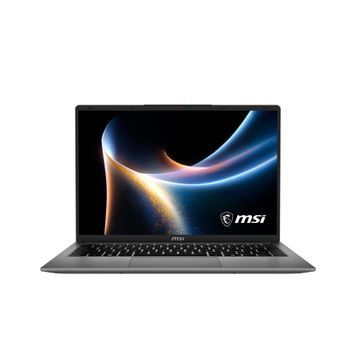
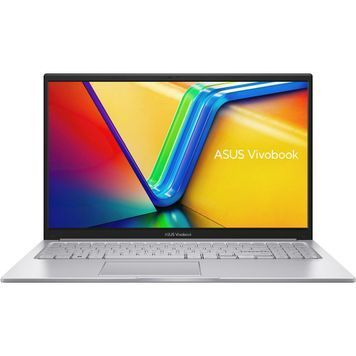
Well-known brands (Lenovo, HP, Acer, Asus, Dell, MSI) have a large assortment of laptops for different budgets and needs. Their products are distinguished by high quality, with prices in the mid and premium segments. Such laptops can be used to solve a wide range of tasks, including highly complex ones. The service support of well-known brands in Ukraine is well-organized and includes authorized service centers and qualified personnel.
Main components of a laptop
Just like desktop PCs, laptops consist of the same main components - processor, RAM, HDD or SSD drives, and graphics card. However, laptops also have a built-in display and battery. Their characteristics should also be considered when choosing a device. Accordingly, the better the components, the wider the range of tasks the laptop can handle, and the higher its price. Additionally, the price of a laptop increases if it has extra features such as a touchscreen, backlit keyboard, fingerprint scanner, etc.
Purpose of laptops
- Gaming laptops. These are powerful machines with discrete graphics cards that ensure smooth performance in modern games. Other components must also support high speed and overall high performance.
- Laptops for studying - lightweight and compact devices with enough performance to work with office programs and the internet. They feature budget or mid-level specifications. The price of a laptop for studying is usually quite affordable.
- Laptops for work - professional laptops with large screens and powerful processors for performing complex tasks (in the case of premium segment models), or those that meet the specific work requirements of a particular occupation.
Laptops 2026: modern processors and graphics cards
In 2026, the PowerUp assortment includes laptops powered by the new Intel Core Ultra and AMD Ryzen AI mobile chips with a built-in NPU for accelerating AI tasks directly on the device. For gaming and heavy graphics, the catalog features models with discrete NVIDIA GeForce RTX 5050, RTX 5060, RTX 5070 graphics cards, as well as the top-tier RTX 5070 Ti and RTX 5090. DDR5 RAM already dominates the lineup — providing the necessary bandwidth for modern processors and fast system responsiveness during multitasking.
How much does a laptop cost in 2026
The cost of a laptop depends directly on the processor, the amount of RAM, and the presence of a discrete graphics card:
- Budget level (from 14,900 UAH): Laptops with Intel Celeron or Core i3/Ryzen 3 and 8GB RAM — will easily handle video playback, browsing, and office documents.
- For study and work: Models with Core i5/Ryzen 5, 16GB RAM, and SSD from 512GB — offer a comfortable power reserve for several years ahead.
- Gaming and powerful models: Laptops with discrete GeForce RTX 5050–RTX 5090 graphics cards and Core Ultra 9 / Ryzen AI 9 processors — in the catalog, such configurations reach up to 281,850 UAH depending on the build.
Laptop upgrades
Some laptop components can be replaced or added to improve performance. The most frequently upgraded parts are: RAM, graphics card, hard drive, and SSD storage. Other components can also be replaced with more efficient ones if necessary. If you wish to upgrade your laptop, contact the specialists at Power Up.
Important: Before upgrading, be sure to read the technical documentation for your laptop to ensure it supports the necessary components. Or trust the professionals at our store.
Step-by-step tips for choosing a laptop
Before buying a laptop, define your main needs: what you will use the laptop for, what budget you are willing to allocate, and which specifications are important to you. After that, you can start comparing different models and choose the best option.
Recommendations for choosing a laptop:
- Compare specifications. Pay attention to the processor, RAM, hard drive, graphics card, and display.
- Read reviews. Find out the opinions of other users about the selected laptop model.
- Check for necessary ports. USB, HDMI, Ethernet, etc.
- Pay attention to the warranty. The longer the warranty period, the better.
- Price. A competitive price for the laptop matters.