




|
Quantity
|
Out of stock
|
||
|
|
|||
|
|
|||
How to choose a gaming PC for your monitor
FPS in games is primarily determined by the graphics card, so it is convenient to start with the monitor's resolution and refresh rate. We select the processor so that it doesn't bottleneck the graphics card, and the memory capacity based on games and background apps.
| Scenario | Graphics Card | Processor | RAM |
|---|---|---|---|
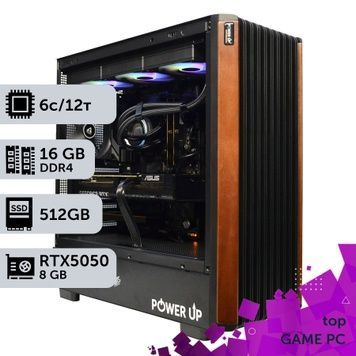
| Esports in Full HD: CS2, Valorant, Dota 2 | RTX 5050, RTX 5060 | Core i5-14400F, Ryzen 5 5600 | 16 GB |
| AAA games in Full HD on high settings | RTX 5060 Ti, RTX 4060 | Core i5-14400F, Ryzen 5 7500F | 16–32 GB |
| 1440p (2K) | RTX 5060 Ti 16GB, RTX 5070, RTX 4070, Radeon RX 9060 XT 16GB | Core Ultra 5 245KF, Core i5-14600K, Ryzen 7 7700 | 32 GB |
| 1440p (2K) at 165+ Hz | RTX 5070 Ti, Radeon RX 9070 XT | Ryzen 7 7800X3D, Ryzen 7 9800X3D, Core Ultra 7 265KF | 32 GB |
| 4K and ray tracing | RTX 5080, RTX 4090 | Ryzen 7 9800X3D, Ryzen 9 9950X3D, Core Ultra 7 270K Plus | 32–64 GB |
For 2K and new AAA projects, choose graphics cards with 16 GB of memory: 8 GB is already insufficient for ultra textures in some games. DLSS 4 and FSR 4 with frame generation add FPS, but do not replace the raw performance headroom of the graphics card. A detailed breakdown of budgets and component pairings can be found in our guide "How to choose a gaming PC in 2026".
Intel or AMD: which platform to choose
The platform determines not only performance today but also the possibility of upgrading the processor without changing the motherboard.
| Platform | Processors in the catalog | Memory | Processor upgrade |
|---|---|---|---|
| AMD AM4 | Ryzen 5 5500, Ryzen 5 5600, 5600G | DDR4 | Up to Ryzen 7 5700X3D / 5800X3D — the latest models for this socket |
| AMD AM5 | Ryzen 5 7500F / 8400F / 9500F, Ryzen 7 7700 – 9800X3D, Ryzen 9 7900X – 9950X3D | DDR5 | AMD guarantees socket support until at least 2027 |
| Intel LGA1700 | Core i3-14100F, Core i5 12400F – 14600K, Core i7 13700KF / 14700K, Core i9-14900K | DDR4 or DDR5 | 14th Gen Core is the last for this socket |
| Intel LGA1851 | Core Ultra 5 245KF, 225F, 250KF Plus, Core Ultra 7 265KF, 270K Plus, Core Ultra 9 285K | DDR5 | Within the Core Ultra 200 series |
For a pure gaming PC, AMD processors with 3D V-Cache are the fastest — Ryzen 7 7800X3D, Ryzen 7 9800X3D, and Ryzen 9 9950X3D: 96–128 MB of L3 cache increases average and minimum FPS, especially in esports, strategy games, and simulators. Core Ultra 7/9 and Core i7/i9 have an advantage in multi-threaded work — video editing, rendering, and CPU-encoded streaming — thanks to a higher core count.
Memory, storage, and cooling
- RAM. 32 GB is the volume of most builds in the catalog and the optimum for new games. 16 GB is enough for esports, while 64 GB is needed for streaming, video editing, and working with neural networks. AM5 and LGA1851 platforms only work with DDR5; AM4 builds and some LGA1700 builds work with DDR4.
- Storage. 1–2 TB NVMe SSD. Many new AAA games take up over 100 GB, so 512 GB is only suitable for a limited set of esports games.
- Cooling. A tower cooler is sufficient for processors with a 65 W TDP. For Core i7/i9, Core Ultra 7/9, and X3D models, the catalog offers versions with 240–360 mm liquid cooling: they are quieter and maintain frequencies under prolonged load.
- Power supply. We select PSUs with a power reserve for the graphics card and future upgrades. Our power supply calculator will help you estimate the required wattage.
How we assemble and test each PC
- We select compatible components and a power supply with a power reserve.
- We assemble with careful cable management so air flows freely through the case.
- We run a 4-hour stress test in AIDA64 and FurMark to monitor temperatures and stability.
- We pack it in shockproof packaging and insure the shipment for its full value.
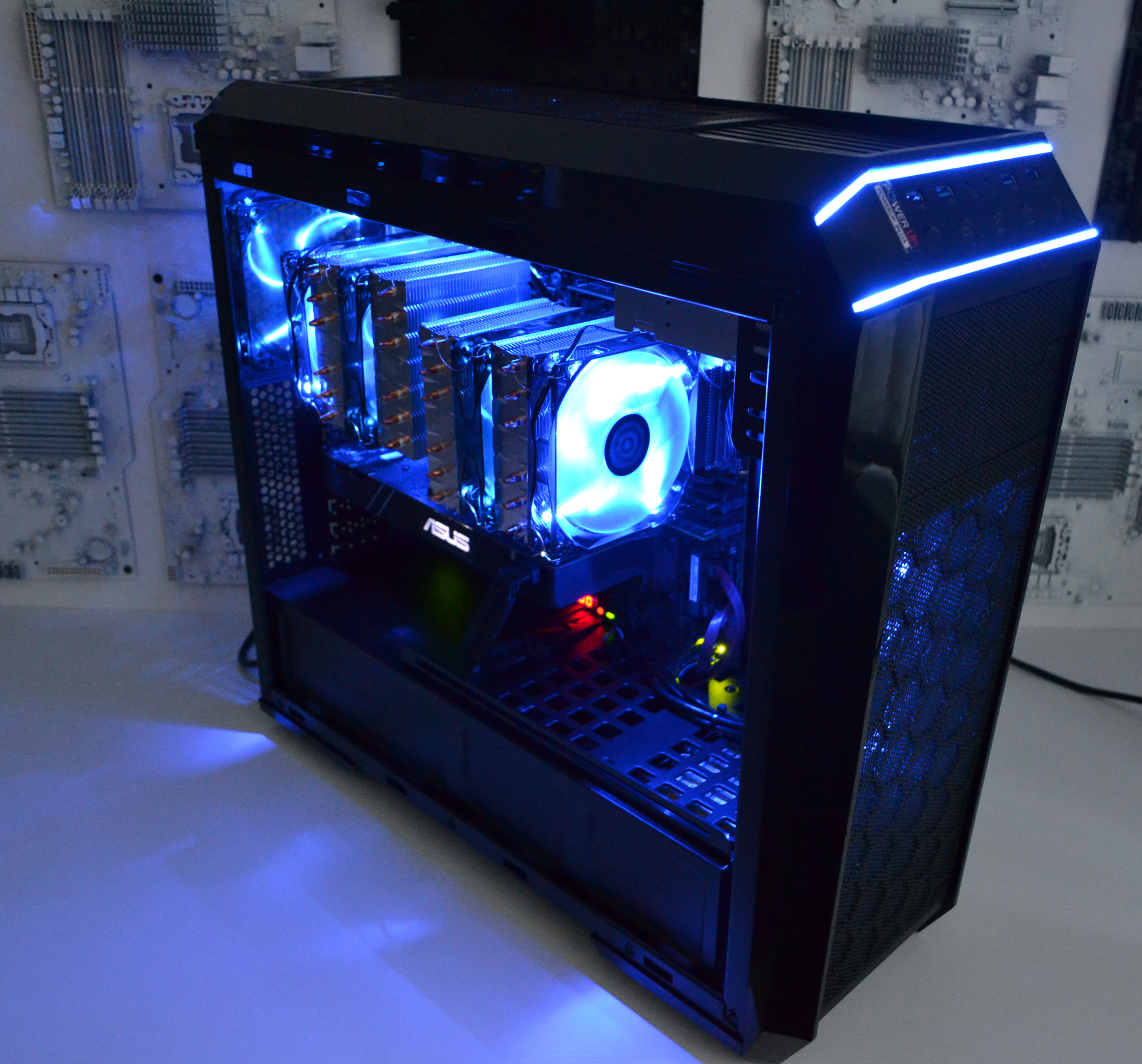
Any pre-built configuration can be modified when ordering: change the graphics card, add memory or an SSD, or choose a different case. If none of the ready-made builds suit you, we will assemble a custom configuration for your games and budget.