









|
Quantity
|
Out of stock
|
||
|
|
|||
|
|
|||
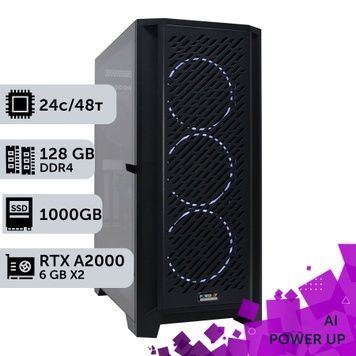
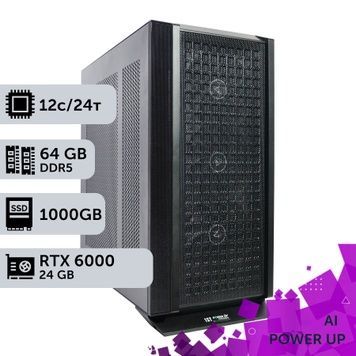
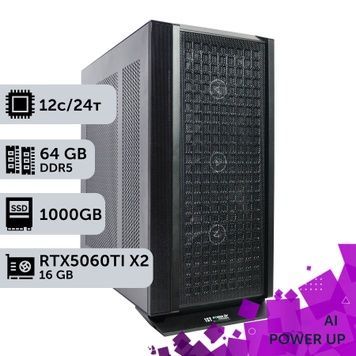
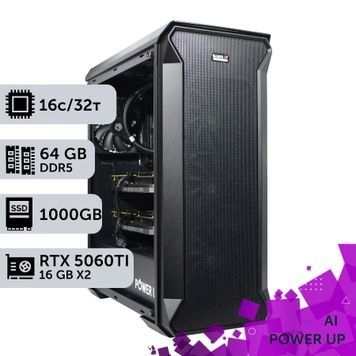
An AI workstation is a computer where the key spec is video memory: it decides which neural networks you can run locally and how fast they will work. PowerUp's AI workstations come with one, two or three graphics cards and up to 192 GB of total video memory: NVIDIA RTX PRO Blackwell, GeForce RTX 50, NVIDIA RTX A, Quadro RTX and Intel Arc Pro. Processors range from Core Ultra and Ryzen 9 to Threadripper PRO 9000, Xeon W and AMD EPYC, with 32 to 256 GB of RAM. Every station passes a 4-hour stress test and comes with a 24-month warranty.
How much video memory your task needs
When choosing an AI PC, start from the model: it has to fit entirely in video memory, or speed drops several times over. For large language models (LLMs) the math is simple: about 0.6 GB per billion parameters with 4-bit quantization, about 1.1 GB at 8 bits and 2 GB in FP16, plus 10–20% for context.
| Total video memory | What runs locally | Configurations in the catalog |
|---|---|---|
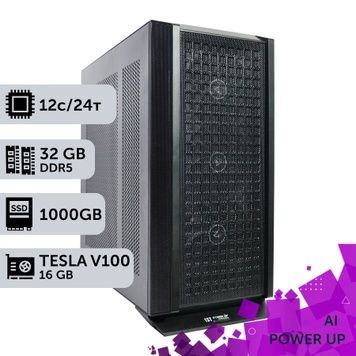
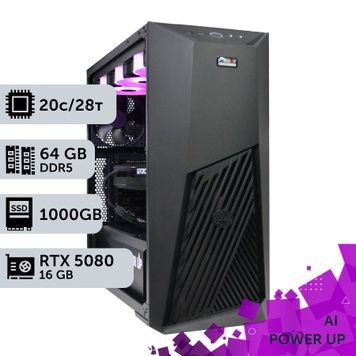
| 16 GB | 7–14B-parameter LLMs at 4 bits, Stable Diffusion XL, Flux in FP8 | GeForce RTX 5080, Tesla V100 16 GB |
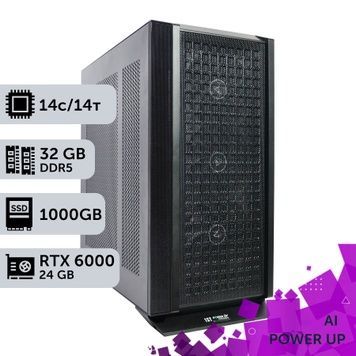
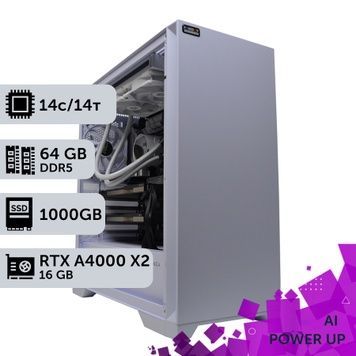
| 24–32 GB | LLMs up to 32B at 4 bits, 14B at 8 bits, image generation with Flux | GeForce RTX 5090 32 GB, Quadro RTX 6000 24 GB, Arc Pro B60 24 GB, 2× RTX 5060 Ti 16 GB, 2× RTX 5070 Ti, 2× RTX A4000, 2× RTX PRO 2000 Blackwell |
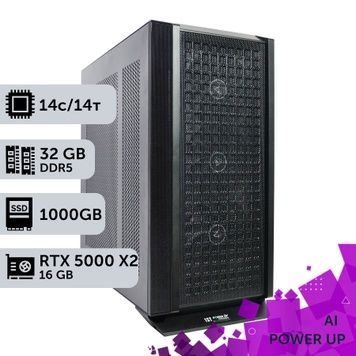
| 40–48 GB | LLMs around 70B at 4 bits, 32B at 8 bits | RTX PRO 5000 Blackwell 48 GB, 2× RTX PRO 4000 Blackwell, 2× Arc Pro B60, 2× RTX A5000, 2× Quadro RTX 6000, 2× RTX A4500, 3× RTX 5060 Ti 16 GB, 3× RTX A4000 |
| 72–96 GB | 70B LLMs at 8 bits (needs 96 GB), 100–120B MoE models at 4 bits, LoRA fine-tuning of models up to 30B | 2× RTX PRO 5000 Blackwell (96 GB), 3× RTX PRO 4000 Blackwell (72 GB), 3× Arc Pro B60 (72 GB) |
| 192 GB | 70B LLMs in FP16, MoE models of 200B+ at 4 bits, full fine-tuning of 7–8B models | 2× RTX PRO 6000 Blackwell 96 GB |
Graphics cards in our AI workstations
| Graphics card | Memory per card | Architecture | Best for |
|---|---|---|---|
| NVIDIA RTX PRO 6000 Blackwell | 96 GB GDDR7 with ECC | Blackwell | The largest models on a single card, fine-tuning, 24/7 operation |
| NVIDIA RTX PRO 5000 Blackwell | 48 GB GDDR7 with ECC | Blackwell | 70B-parameter LLMs on a single card |
| NVIDIA RTX PRO 4000 / 2000 Blackwell | 24 / 16 GB GDDR7 with ECC | Blackwell | Two- and three-card builds: the 4000 is single-slot, the 2000 draws 70 W |
| GeForce RTX 5090 | 32 GB GDDR7 | Blackwell | The fastest inference and image generation for the money |
| GeForce RTX 5060 Ti 16 GB / 5070 Ti / 5080 | 16 GB GDDR7 | Blackwell | An affordable entry into AI, two- and three-card builds |
| NVIDIA RTX A5000 / A4500 / A4000 | 24 / 20 / 16 GB GDDR6 with ECC | Ampere | Inference and fine-tuning with proven drivers |
| Quadro RTX 6000 / RTX 5000 | 24 / 16 GB GDDR6 | Turing | LLM inference with plenty of memory for less money |
| Intel Arc Pro B60 / B50 | 24 / 16 GB GDDR6 | Battlemage | Inference via OpenVINO, PyTorch and llama.cpp; the cheapest video memory |
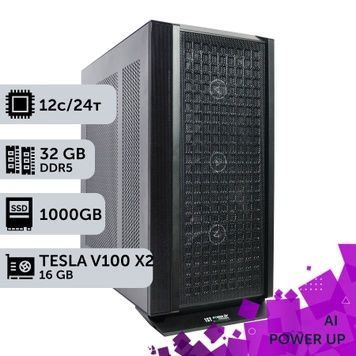
| Tesla V100 | 16 GB HBM2 | Volta | Double-precision (FP64) scientific computing, training classic models |
NVIDIA cards support CUDA, so virtually all AI software runs on them. Blackwell (RTX PRO and RTX 50) accelerates FP4 and FP8 math. Turing and Volta do not support BF16 or FlashAttention 2: they are fine for inference, but Ampere and Blackwell are better for training modern models. Intel Arc Pro gives you more memory for the same money, but software written only for CUDA will not run on it. For the differences between professional card generations, see our overview of the NVIDIA professional graphics lineup; we also explain why GeForce RTX 50 cards have so little memory.
One powerful card or several
- Language models — Ollama, llama.cpp and vLLM split a model across cards, so 2× 24 GB can run a model that needs 48 GB. A single card with the same amount of memory usually generates text faster, because data does not travel between cards over PCIe.
- Image generation — Stable Diffusion and ComfyUI render each image on one card. Several cards let you run several jobs in parallel, but they do not pool their memory.
- Training — several cards noticeably speed up training when the model fits in each card's memory. Without NVLink, the gain is smaller than the card count.
- Card-to-card links — RTX PRO Blackwell and GeForce RTX 50 cards have no NVLink, so data moves over PCIe, which is why the number of CPU PCIe lanes matters for two or three cards.
Processor and platform
| Platform | CPU PCIe lanes | Memory channels | Cards in our builds | When to choose it |
|---|---|---|---|---|
| Core Ultra 5/7, 14th gen Core i5/i7, Ryzen 9 7900X/9900X/9950X | 20–24 | 2 × DDR5 | 1–2 | Inference on one or two cards, image generation |
| Threadripper 3970X | 64 PCIe 4.0 | 4 × DDR4 | 2–3 | Three cards at an affordable price |
| AMD EPYC 7551, 7F52, 7F72, 7C13 | 128 PCIe 3.0/4.0 | 8 × DDR4 ECC | 2–3 | Plenty of lanes and memory for less money |
| Threadripper PRO 9955WX–9995WX | 128 PCIe 5.0 | 8 × DDR5 ECC | 2–3 | Flagship stations with RTX PRO 5000/6000 Blackwell |
| Xeon w5-3423, w9-3475X | 112 PCIe 5.0 | 8 × DDR5 ECC | 2–3 | Three cards on an Intel platform, up to 256 GB of memory |
On desktop Core and Ryzen systems, two cards usually run at x8/x8 or x16/x4. On Threadripper PRO, Xeon W and EPYC, each card gets its own 16 lanes. Eight memory channels matter when part of a large model is offloaded to system RAM — see our article on why memory channels matter on a workstation. How server EPYC chips such as the 7C13 differ from retail models is covered in our review of OEM EPYC versions.
RAM, storage and software
- RAM — at least as much as your total video memory, because the model is loaded into system RAM first. Our builds have 32 to 256 GB, and you can add more when ordering.
- NVMe SSD of 1 TB or more — a 70B model at 4 bits takes about 40 GB, and datasets and training checkpoints take hundreds of gigabytes. Our builds use 1–4 TB SSDs.
- Software — Ollama, LM Studio, llama.cpp and vLLM for language models, ComfyUI and Stable Diffusion for images, PyTorch and TensorFlow for training. vLLM officially runs only on Linux; everything else also runs on Windows.
For a headless 24/7 service such as an internal company chatbot, see our server PCs. Single-card GeForce RTX 50 builds for work are collected under computers with RTX 50 series graphics, and other lines are in the workstation catalog.
Testing, warranty, delivery and payment
- Testing — every station runs under load in AIDA64 and FurMark for 4 hours. An unactivated copy of Windows 10/11 is installed for testing; a license key can be purchased separately.
- Your configuration — we can change the memory size, the number and model of graphics cards, the processor within the platform and the drives. For a station built around your model, use the custom configuration form.
- 24-month warranty — repairs take 1–2 days on average plus shipping, and a replacement unit is available in the meantime. Warranty terms.
- Delivery and payment — Nova Poshta across Ukraine in 1–3 days, or pickup from our Kyiv office, where you can test the computer before paying. Pay by bank transfer with no fee, by invoice with VAT, or in installments from PrivatBank and PUMB for up to 6 months. Details are on the payment and delivery page.
AI workstation FAQ
How much video memory do I need to run a language model locally?
Multiply the parameter count in billions by 0.6 GB for 4-bit quantization, by 1.1 GB for 8 bits or by 2 GB for FP16, then add 10–20% for context. A 14B model at 4 bits fits in 16 GB, a 32B model needs 24 GB, a 70B model needs 48 GB, and a 70B model at 8 bits needs 96 GB.
Which is better for AI: the GeForce RTX 5090 or RTX PRO Blackwell?
The RTX 5090 with 32 GB delivers the most speed for the money as long as the model fits in that memory. The RTX PRO 5000 and 6000 Blackwell offer 48 and 96 GB per card, ECC memory and drivers built for 24/7 operation — they are the choice for models of 70B parameters and up and for multi-card stations.
Can I combine the video memory of several cards?
For language models, yes: Ollama, llama.cpp and vLLM spread the model across cards, so two 24 GB cards can run a 48 GB model. For Stable Diffusion and ComfyUI, no: each image is rendered on one card, while several cards let you run jobs in parallel.
Is the Intel Arc Pro B60 good for neural networks?
Yes, for inference: its 24 GB of video memory costs less than on NVIDIA cards, and models run through OpenVINO, PyTorch and llama.cpp. The one limitation is that software built only for CUDA will not run on Intel Arc, so NVIDIA is the safer choice for training and less common tools.
What is the difference between the RTX 6000 cards?
Four different cards have carried this name: the Quadro RTX 6000 (Turing, 24 GB GDDR6), the RTX A6000 (Ampere, 48 GB), the RTX 6000 Ada (48 GB) and the RTX PRO 6000 Blackwell (96 GB GDDR7). Our AI workstations use the Quadro RTX 6000 as an affordable 24 GB option and the RTX PRO 6000 Blackwell for the largest models.
Do I need a powerful processor for AI work?
When the model sits entirely in video memory, the processor has little effect on generation speed, and a Core Ultra or Ryzen 9 is enough for one or two cards. Threadripper PRO, Xeon W and EPYC are needed for three cards (PCIe lanes), for offloading part of a model to system RAM (eight channels) and for preparing large datasets.
Which operating system should I use: Windows or Linux?
Ollama, LM Studio and ComfyUI run on Windows, while vLLM and most training tools are easier to run on Linux, such as Ubuntu. An unactivated copy of Windows 10/11 is installed for testing; you can activate it with your own key or replace it with Linux.
Can I change the configuration and buy an AI workstation as a company?
Yes. We can change the memory size, the number and model of graphics cards, the processor within the platform and the drives — add your requests in the order comment or agree on them with a manager. Payment options include bank transfer with no fee, invoice with VAT and installments from PrivatBank and PUMB for up to 6 months; the warranty is 24 months.