



|
Quantity
|
Out of stock
|
||
|
|
|||
|
|
|||
Key features of: TP-LINK (TL-WR840N)
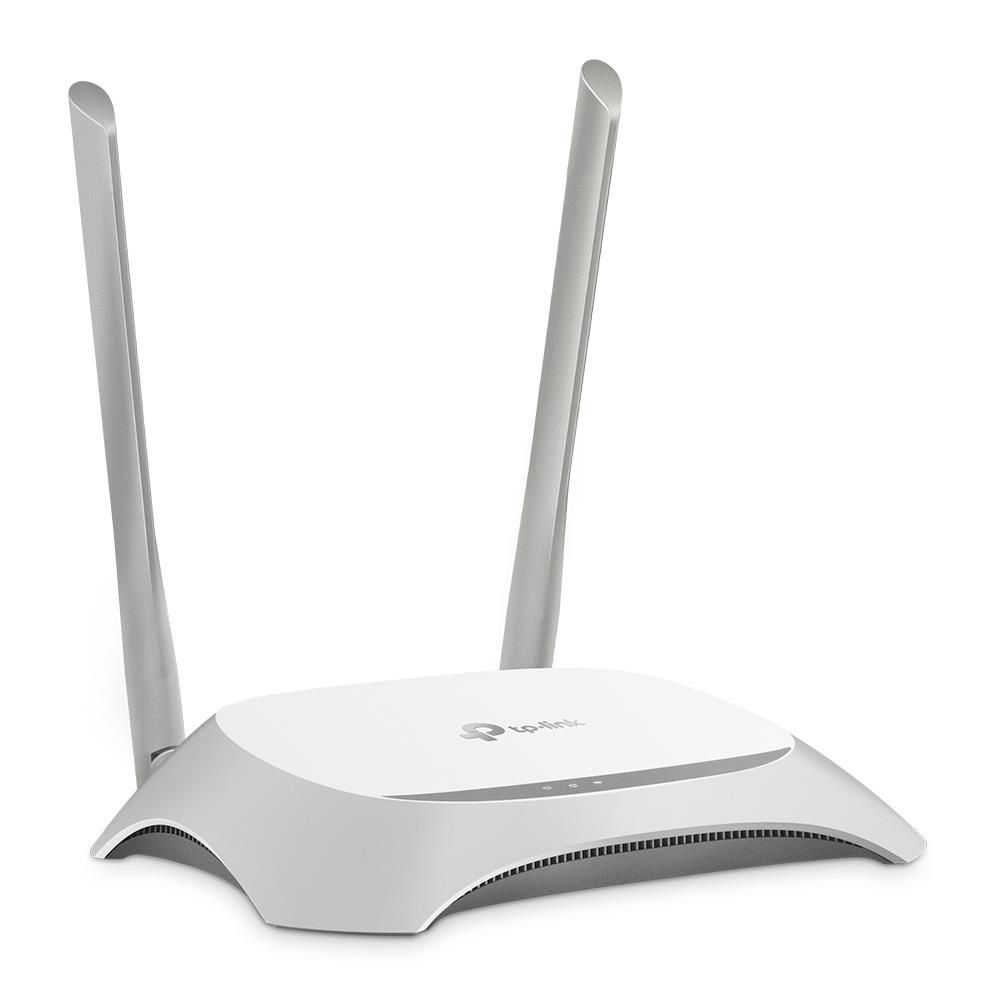
- Reliable Network Solution: The TP-Link TL-WR840N is a wireless router designed to create a stable and secure home or office network.
- High Wi-Fi Speed: Support for the Wi-Fi 4 (802.11n) standard provides wireless data transfer speeds of up to 300 Mbps in the 2.4 GHz band.
- Signal Optimization: CCA (Clear Channel Assessment) technology improves Wi-Fi performance by automatically avoiding channel conflicts.
- Advanced Security Features: Includes WEP, WPA, WPA2 encryption algorithms and an SPI firewall to protect your network.
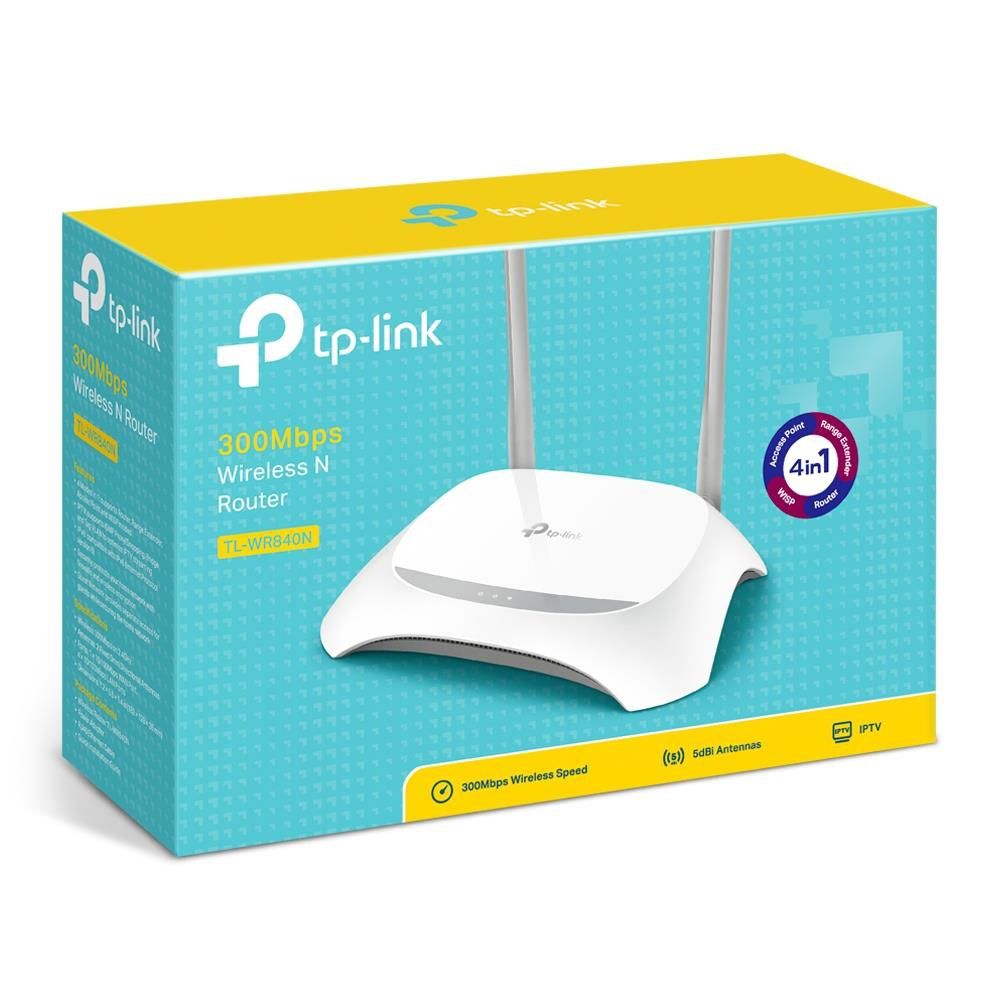
The TP-LINK Wi-Fi router (TL-WR840N) provides a stable wireless connection at 2.4 GHz with speeds up to 300 Mbps, utilizing the Wi-Fi 4 (802.11n) standard. This wireless router is ideal for basic networking tasks at home or in a small office. The current price for this model makes it an advantageous option to buy reliable network equipment in Kyiv. Among TP-LINK routers, this model stands out for its ease of setup and sufficient performance for everyday use.
Overview of: TP-LINK (TL-WR840N)
Architecture and Connectivity Options
This TP-LINK model is designed with basic needs for high-speed wireless communication and stable wired connectivity in mind.
- Wi-Fi Standard: Supports the primary Wi-Fi 4 (IEEE 802.11n) standard, operating in single-band mode (2.4 GHz) with a maximum speed of 300 Mbps.
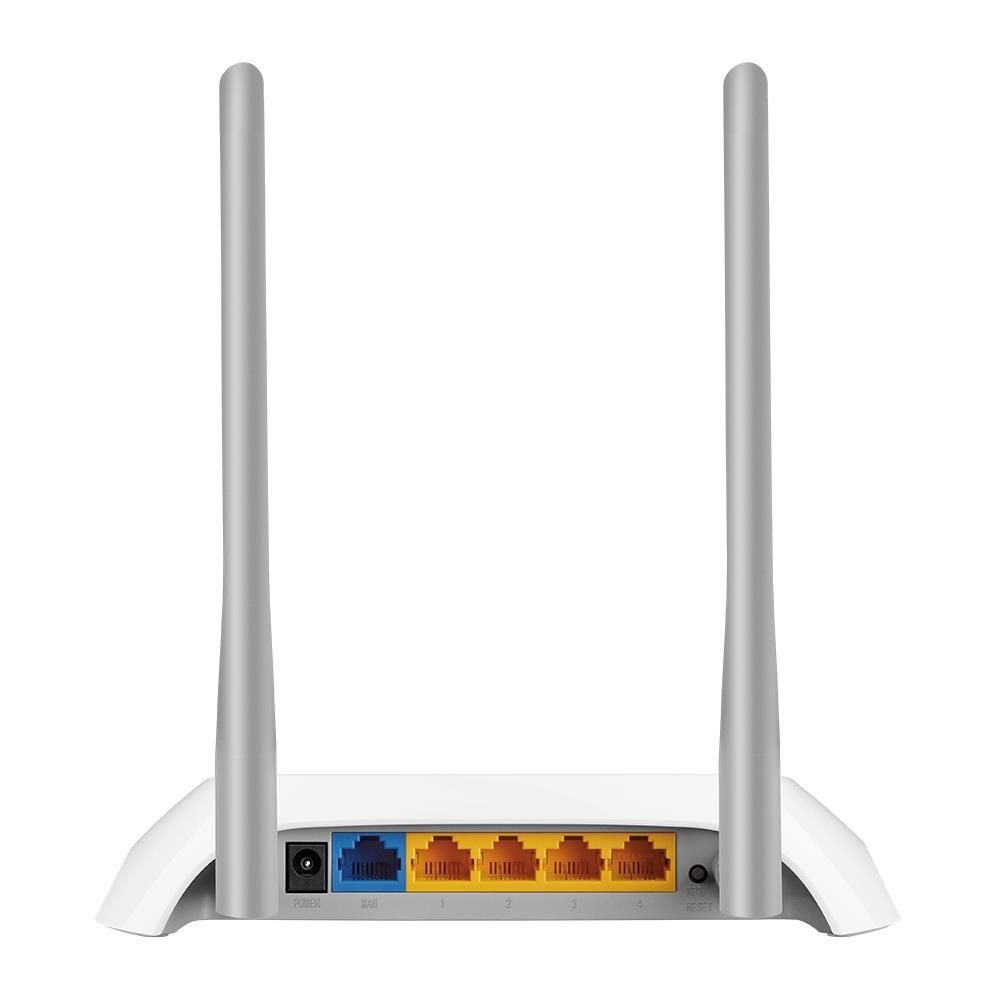
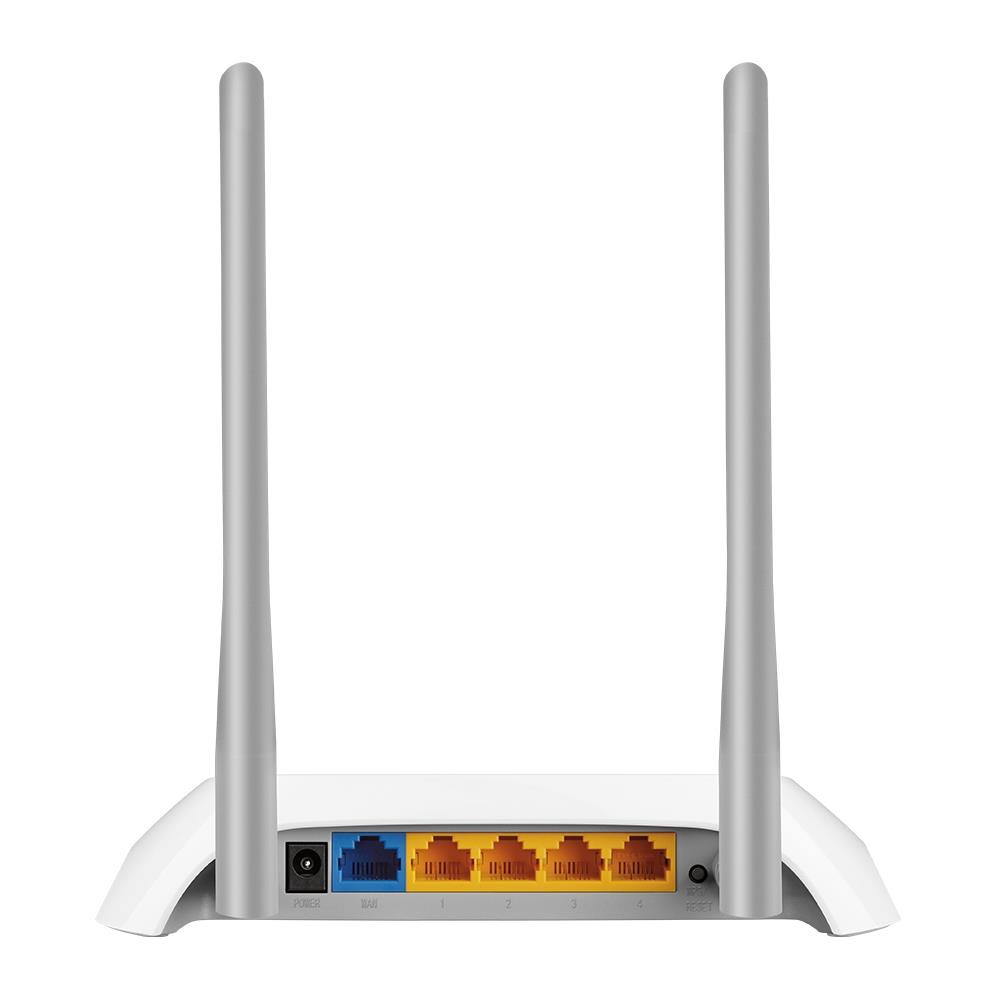
- WAN/LAN Ports: Equipped with one RJ-45 type WAN port and four LAN ports with a Fast Ethernet interface, supporting data transfer speeds of 10/100 Mbps.
- Network Protocols: Provides support for both IPv4 and IPv6, ensuring compatibility with modern network infrastructures.
- IPTV Functions: Includes support for IGMP Proxy, Bridge mode, and 802.1Q TAG VLAN, which is critically important for working with interactive television services.
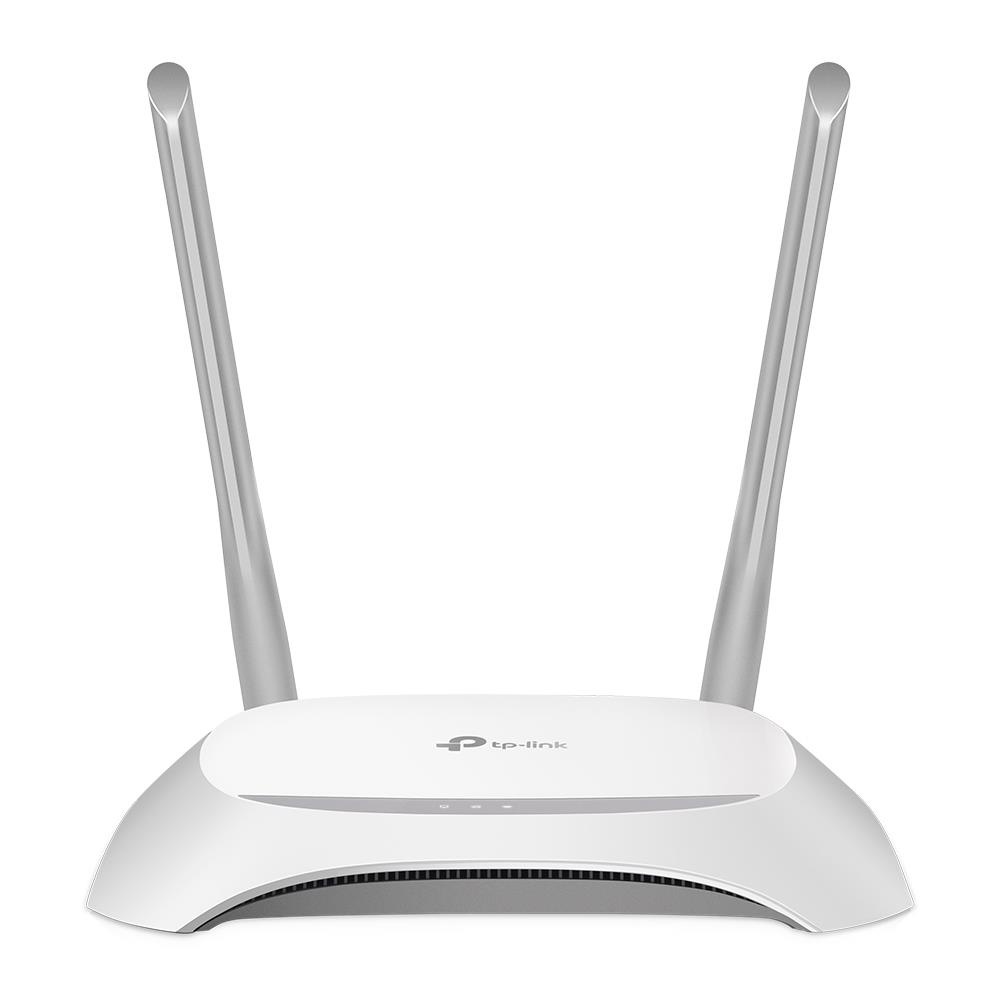
- Antennas: Integrated internal antennas ensure the device's compactness and aesthetic appearance.
Reliable Protection for Your Wireless Network
Security is one of the key aspects of a wireless network. The TL-WR840N model offers a comprehensive set of features to protect your data and prevent unauthorized access.
- Multi-level Encryption: Supports a wide range of data encryption algorithms, including WEP, WPA, WPA-Enterprise, WPA2, and WPA2-Enterprise, providing reliable protection for wireless traffic.
- SPI Firewall: The built-in firewall with Stateful Packet Inspection (SPI) actively monitors the state of network connections and filters potentially dangerous data packets.
- WPS (Wi-Fi Protected Setup): The WPS function allows quick and secure connection of new devices to the Wi-Fi network with a single button press, minimizing the need for manual entry of complex passwords.
- Protection Against External Threats: The combination of encryption protocols and a hardware firewall helps create a protected perimeter for your home or office network.
Effective Home Network Modernization
The TL-WR840N model is an optimal solution for upgrading outdated network devices, offering significant advantages in performance and functionality. This router, unlike earlier standards, provides a stable and fast connection for most home devices.
- Increased Wi-Fi Speed: Support for the 802.11n standard allows speeds up to 300 Mbps, significantly exceeding the capabilities of 802.11g devices.
- Improved Coverage: CCA (Clear Channel Assessment) technology actively searches for a free channel, minimizing interference and ensuring more reliable coverage.
- Network Expansion Flexibility: The WDS wireless bridge function allows easy expansion of the Wi-Fi coverage area, combining multiple devices into a single network.
- Traffic Prioritization: IP-based bandwidth control enables managing traffic consumption for different devices on the network.
Need Expert Assistance?
Having trouble choosing? Our lead specialist Alexey will help you find the perfect solution tailored to your needs.
Setup Guide: TP-LINK (TL-WR840N)
- 1. Connect to your TP-Link router's web interface by entering its IP address (usually 192.168.0.1 or 192.168.1.1) into your browser's address bar and logging in.
- 2. In the settings menu, find the 'Wireless' section and select 'Guest Network'.
- 3. Activate the guest network, set a unique name (SSID), and establish a strong password, then save the changes to apply the settings.
FAQ
What is the maximum wireless data transfer speed supported by the TP-LINK TL-WR840N Wi-Fi router?
This router supports a maximum wireless data transfer speed of up to 300 Mbps, using the Wi-Fi 4 (802.11n) standard in the 2.4 GHz band.
Does this router support IPv6 technology?
Yes, the device supports both IPv4 and IPv6, ensuring compatibility with modern network standards.
What Wi-Fi security standards are available in this model?
This model offers WEP, WPA, WPA-Enterprise, WPA2, and WPA2-Enterprise encryption algorithms, as well as protection via an SPI firewall.
Can the TP-LINK TL-WR840N router be used to extend Wi-Fi coverage?
Yes, this router supports the WDS wireless bridge function, which allows extending the Wi-Fi network coverage area.
How is bandwidth control implemented in this router?
Bandwidth control in this router is implemented by IP address, allowing you to manage traffic priorities for various connected devices.
What IPTV functions are available in this router?
For IPTV, the device supports IGMP Proxy, Bridge mode, and 802.1Q TAG VLAN, which ensures correct operation of interactive television.
What type of WAN connection is used in this model?
This model uses an RJ-45 type WAN connection for internet access.