


|
Quantity
|
Out of stock
|
||
|
|
|||
|
|
|||
Why Enthusiasts Choose the 4090 for Gaming and Rendering
- Frame Generation: Innovative DLSS 3.0 technology multiplies the framerate without visual artifacts, making gameplay on high-refresh-rate monitors perfectly smooth.
- Temperature Stability: The AD102 chip generates a lot of heat. Before issuing an order, we conduct a rigorous 4-hour stress test in AIDA64 and FurMark utilities. Our engineers have tested dozens of liquid cooling systems, guaranteeing the absence of throttling.
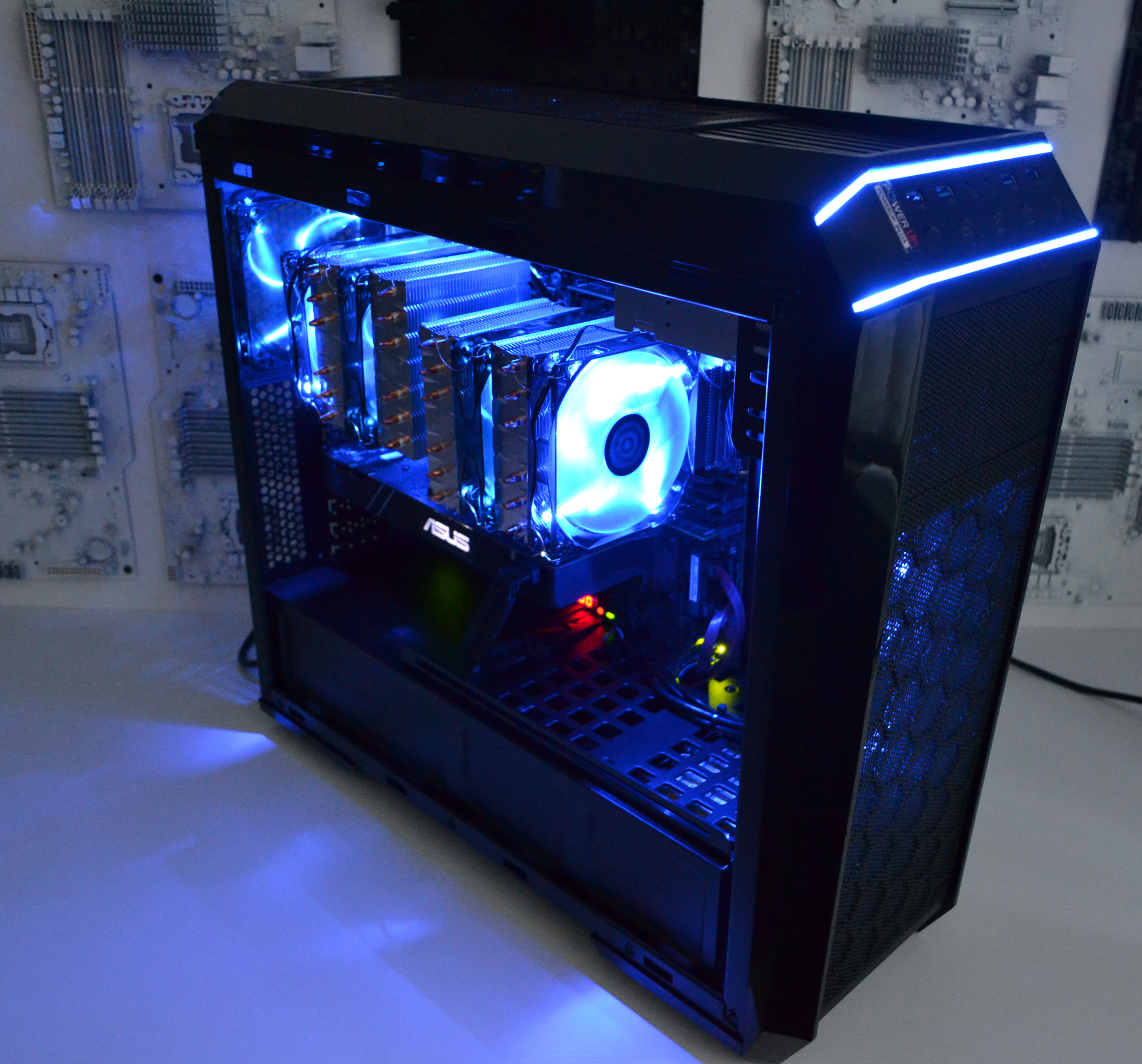
- Perfect Airflow: Professional cable management inside spacious Full-Tower cases eliminates obstacles for cold air circulation.
- Investment Protection: When deciding to buy a premium-segment workstation, you demand reliability. Every PowerUp desktop is covered by an official 24-month warranty.
Which Components to Combine with Top-Tier Graphics?
Installing an ultra-powerful graphics adapter requires an appropriate supporting setup. A weak processor or lack of RAM will inevitably become a "bottleneck," reducing the overall performance of the platform.
- CPU Computing Power: Only high-end processors can unlock the flagship's potential. We recommend baseline Intel Core i7 PCs or top-tier Core i9 solutions. If you prefer the AM5 platform, pay attention to AMD Ryzen 5 PCs or Ryzen 7/9 with 3D V-Cache technology.
- RAM Capacity: For heavy 4K gaming, streaming, and working with 3D models, we advise 64 GB RAM Gaming PCs. For exclusively gaming scenarios, 32 GB RAM Gaming PCs act as the strict minimum.
- Alternatives for Other Resolutions: If the price of an ultimate build exceeds your budget, or you play in 1080p, the flagship will be excessive. For esports, Budget Gaming PCs or popular RTX 4060 PCs are ideal. For comfortable 2K gaming, Intel Core i5 PCs paired with mid-range cards will be a reasonable alternative: consider RTX 4070 PCs or the new RTX 5060 Ti PCs.