






|
Quantity
|
Out of stock
|
||
|
|
|||
|
|
|||
Key features of: TP-LINK (ARCHER BE220)
- The TP-LINK Archer BE220 is a desktop router with Wi-Fi 7 support, designed for high-speed and stable wireless connections.
- Maximum WLAN data transfer rate of up to 2882 Mbps ensures smooth 8K content viewing and lag-free online gaming.
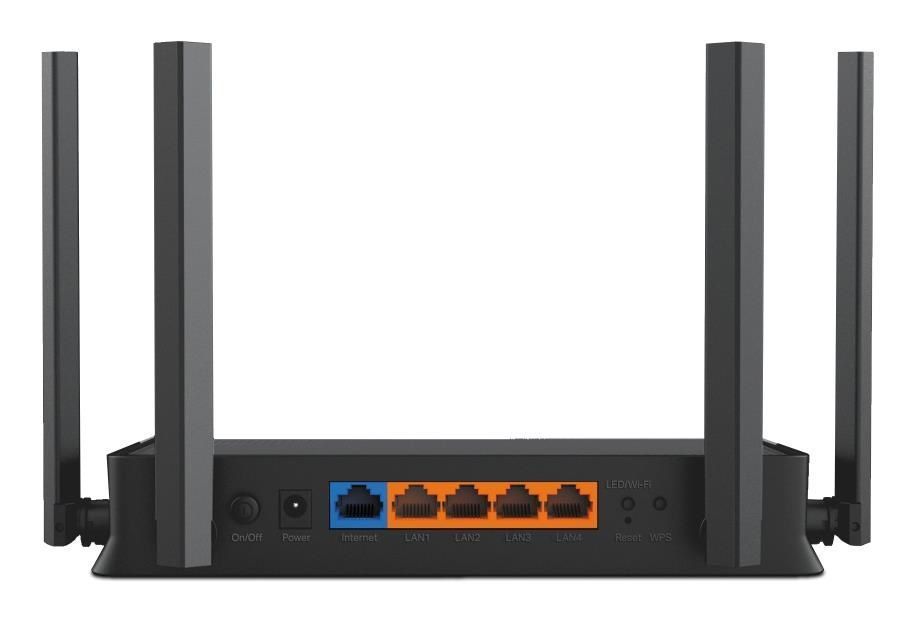
- Equipped with a gigabit Ethernet interface for wired connections and supports EasyMesh technology for network scaling.
- Includes comprehensive security features such as WPA3, SPI Firewall, and TP-Link HomeShield, as well as a VPN server.
Supporting the latest Wi-Fi 7 (802.11be) standard, the TP-LINK Archer BE220 is a wireless router capable of delivering unprecedented speeds up to 2882 Mbps and efficiency for the most demanding home and office tasks. This model elevates networking equipment standards, offering a stable and ultra-fast connection for all devices. Among modern TP-LINK routers, this one stands out for its future-readiness, ensuring an optimal user experience. You can find out the current price and buy in Kyiv this high-tech networking solution today.
Setup Guide: TP-LINK (ARCHER BE220)
- Connect the router to a power source and the WAN port to your internet modem, then connect your computer to a LAN port or via Wi-Fi.
- Open a web browser and enter the default address (usually 192.168.0.1 or tplinkwifi.net), then log in using administrator credentials.
- In the management interface, navigate to the "Network" or "WAN" section to configure the WAN connection type (dynamic IP, static IP, PPPoE, etc.) and save changes.
Need Expert Assistance?
Having trouble choosing? Our lead specialist Vladimir will help you find the perfect solution tailored to your needs.
Overview of: TP-LINK (ARCHER BE220)
Wi-Fi 7 Superiority: Archer BE220 a Step Ahead
The TP-LINK Archer BE220 with Wi-Fi 7 (802.11be) support represents a significant technological breakthrough, surpassing the capabilities of previous generation routers like Wi-Fi 6 (802.11ax) and Wi-Fi 5 (802.11ac) in several key parameters.
- New Generation Speed: Unlike Wi-Fi 6, which offers a maximum speed of up to several gigabits, Wi-Fi 7 in the Archer BE220 provides a combined WLAN speed of up to 2882 Mbps, which is critical for large file transfers, 8K streaming, and VR applications.
- Improved Spectrum Utilization: Wi-Fi 7 optimizes performance in crowded environments, ensuring more efficient use of the available frequency spectrum, which reduces interference and improves connection stability compared to previous standards.
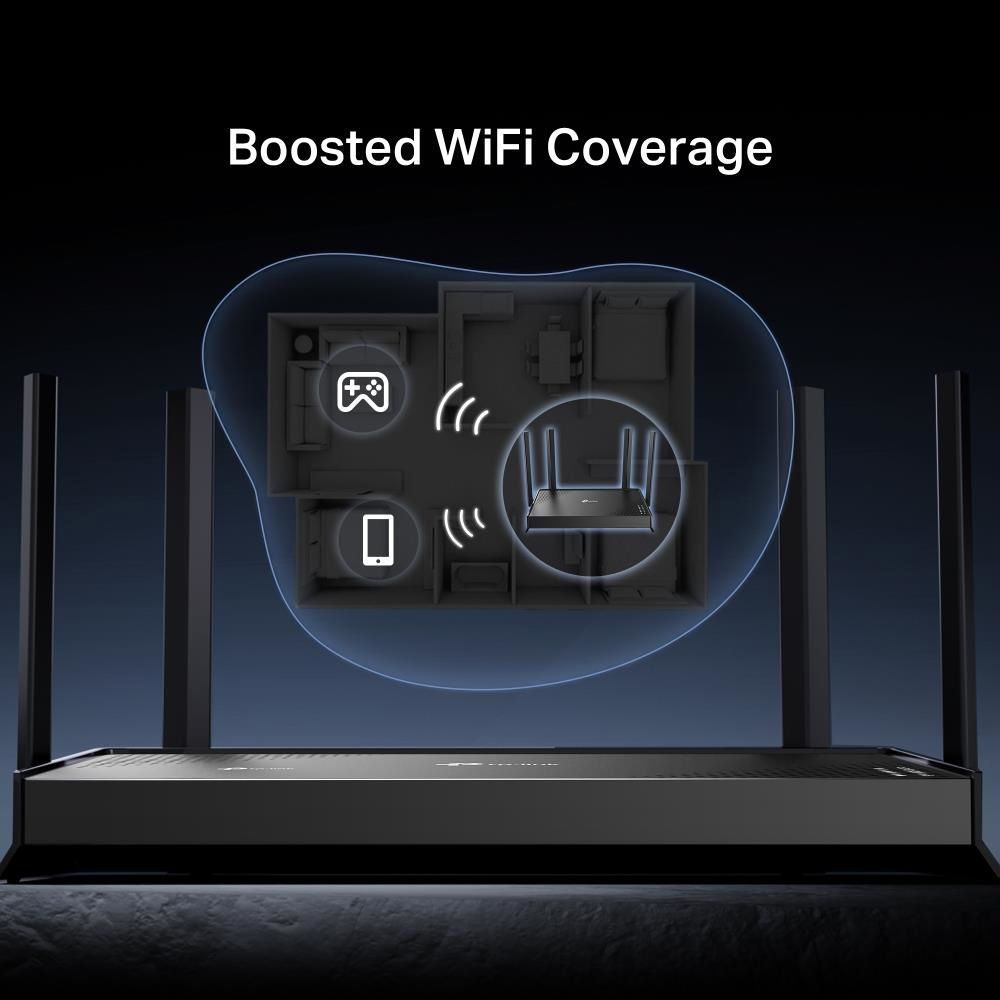
- Beamforming Technology: While many older models have basic antennas, the Archer BE220 uses four external antennas with Beamforming, which directionally focuses the signal on connected devices, significantly improving coverage and connection reliability, especially over long distances.
- Mesh Technology Support: EasyMesh compatibility allows for easy creation of a single, seamless network, which is often lacking in basic Wi-Fi 5 routers where extending coverage required separate repeaters or complex setup.

Innovation at a Smart Price
The TP-LINK Archer BE220 offers advanced Wi-Fi 7 technologies, making high-speed and efficient internet accessible to a wide range of users. This TP-LINK router combines the brand's proven reliability with modern features, allowing you to create a scalable home or office network without excessive costs.
- Modern Wi-Fi 7 Standard: Get all the benefits of the latest 802.11be standard, including increased speed, efficiency, and minimal latency for all your devices.
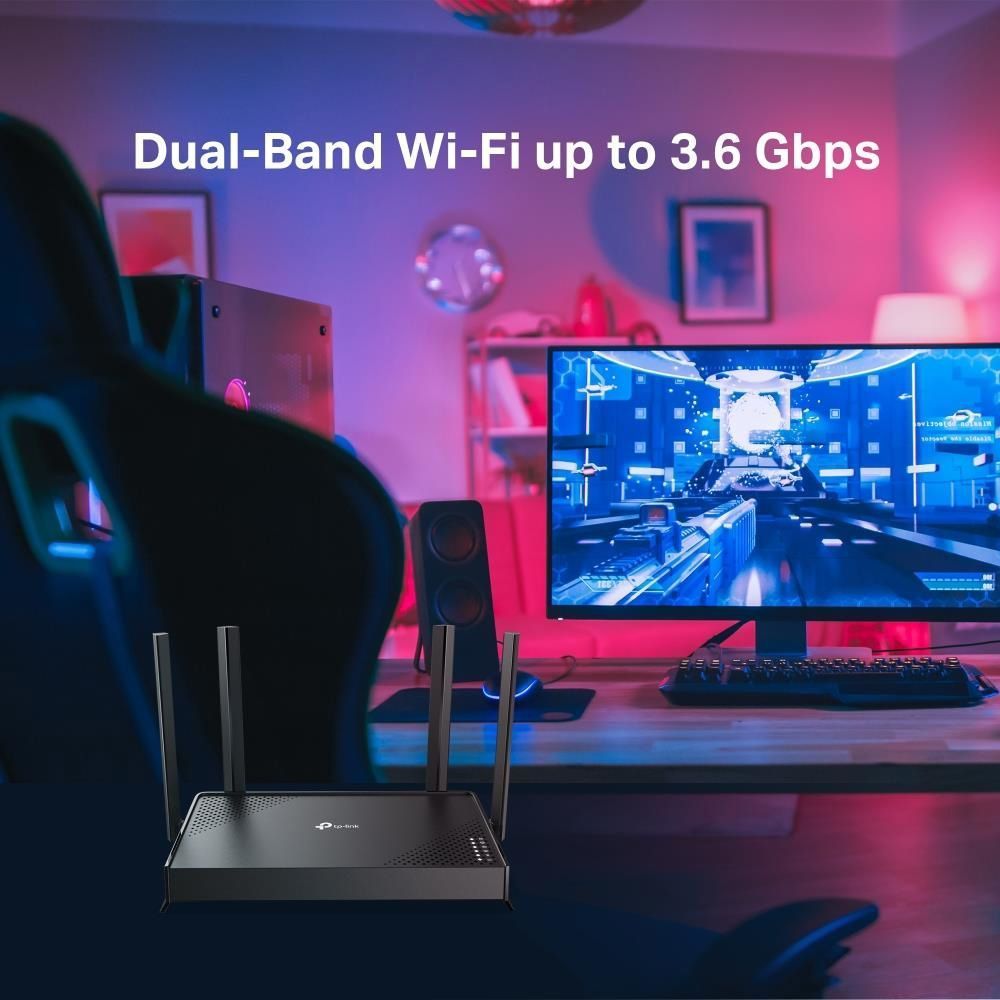
- Dual-Band Operation: The use of two frequency bands (2.4 GHz and 5 GHz) allows for efficient load distribution and optimal performance for various tasks, from video streaming to online gaming.
- Gigabit Ethernet: Equipped with a gigabit LAN interface, which provides high speed for wired connections, whether for gaming consoles, PCs, or network storage.
- EasyMesh Compatibility: EasyMesh support allows for easy expansion of Wi-Fi coverage by combining compatible devices into a single, seamless network.

Multi-Level Network Protection
Home network security is a priority, and the TP-LINK Archer BE220 provides a multi-level protection system, safeguarding your data and devices from external threats. With this device, you gain full control over your digital environment.
- Advanced Encryption Standards: Support for WPA, WPA2, and WPA3 algorithms ensures maximum protection of wireless traffic, preventing unauthorized access and data interception.
- SPI Firewall: The built-in firewall with Stateful Packet Inspection (SPI Firewall) actively monitors the status of network connections and filters potentially dangerous data packets, providing robust protection against attacks.
- Comprehensive TP-Link HomeShield System: This proprietary feature provides comprehensive protection, including network activity monitoring, restricting access to unwanted resources, and protecting connected devices from malware and cyber threats.
- Powerful VPN Server: The built-in VPN server with OpenVPN, PPTP, L2TP, and Wireguard support allows you to create secure connections, ensuring privacy and security when accessing your home network from outside.
Ideal Choice for Modern Users
FAQ
What are the key advantages of Wi-Fi 7 (802.11be) in the TP-LINK Archer BE220 router for home use?
Wi-Fi 7 (802.11be) in this model offers significantly higher speeds up to 2882 Mbps, improved efficiency when handling multiple devices, and lower latency, which is ideal for 8K streaming, online gaming, and working with bandwidth-intensive applications.
How does EasyMesh technology help extend Wi-Fi coverage with this router?
EasyMesh allows this device to combine with other compatible TP-Link products to create a unified, seamless Mesh network. This ensures stable Wi-Fi coverage throughout the home, eliminating 'dead zones' and allowing devices to automatically switch between access points without losing connection.
Which VPN protocols does this model support for secure remote access?
This model supports several VPN protocols for secure remote access: OpenVPN, PPTP, L2TP, and Wireguard VPN Server. This allows you to create secure tunnels for confidential connection to your home network from anywhere in the world.
How does the HomeShield feature enhance the security of gadgets connected to the device?
TP-Link HomeShield on this router provides comprehensive protection, including real-time network scanning, blocking malicious websites, preventing DDoS attacks, and monitoring network activity. This helps protect all connected gadgets from cyber threats and unauthorized access.
What types of internet connections is the WAN interface of this router suitable for?
The WAN interface of this router is an RJ-45 port, making it compatible with most wired internet service providers that use an Ethernet connection. It is suitable for connecting to fiber optic modems, cable, or DSL modems with an Ethernet output.
Can I manage the settings of this device via a mobile app?
Yes, you can manage the settings of this device using the convenient TP-Link Tether mobile app. The app allows you to easily set up the router, monitor connected devices, manage parental controls, and other functions directly from your smartphone or tablet.