








|
Quantity
|
Out of stock
|
||
|
|
|||
|
|
|||
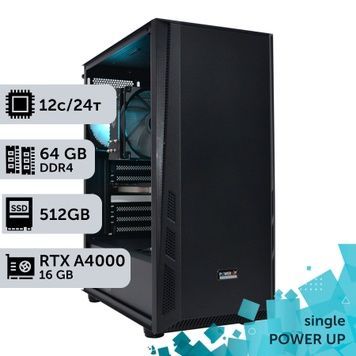
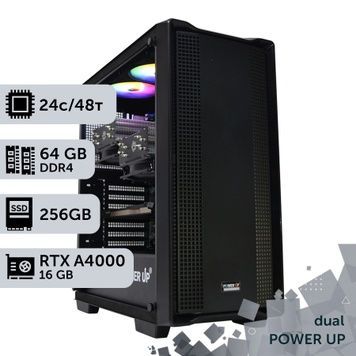
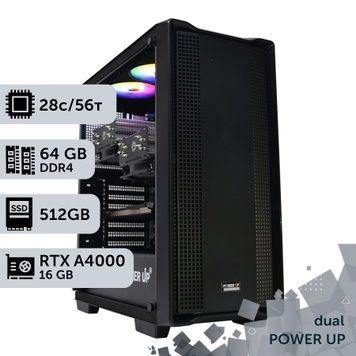
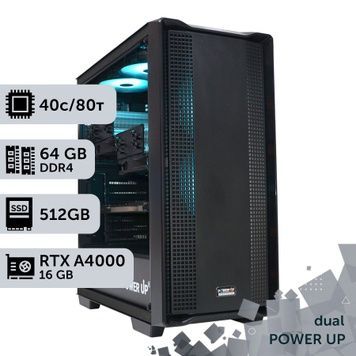
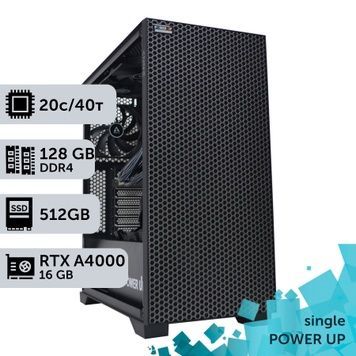
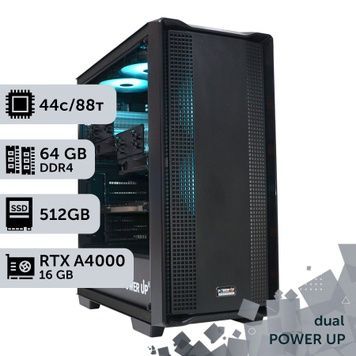
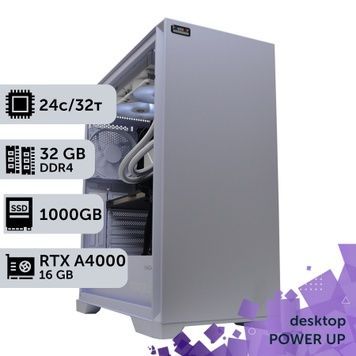
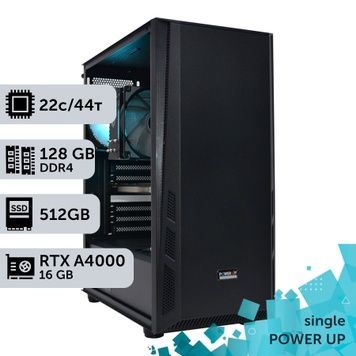
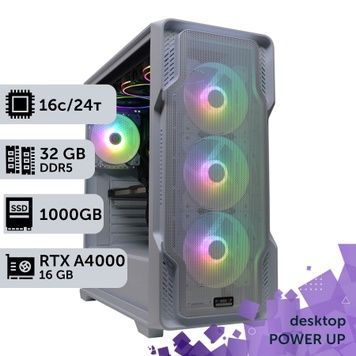
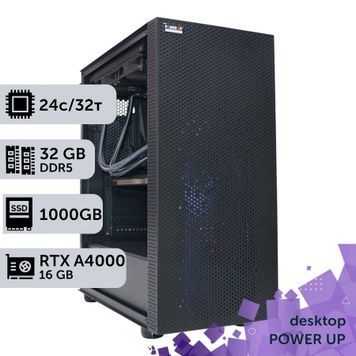
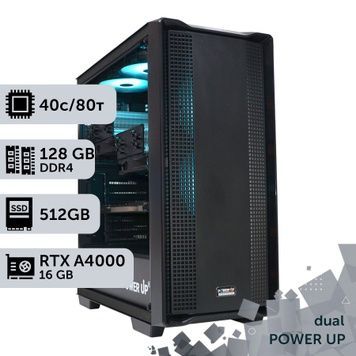
An NVIDIA RTX A4000 workstation is a computer with a professional graphics card carrying 16 GB of GDDR6 memory with error correction (ECC) for CAD, BIM, 3D visualization and rendering. PowerUp builds these workstations on Intel Core, Core Ultra and AMD Ryzen, on Xeon and EPYC server platforms, and as AI workstations with two or three A4000 cards. The card takes a single slot, draws up to 140 W and drives 4 monitors over DisplayPort 1.4a. Stores often call it the Quadro RTX A4000, although NVIDIA has released its professional cards without the Quadro brand since the Ampere generation. Every workstation runs a 4-hour load test, and the warranty is 2 years.
NVIDIA RTX A4000 specifications
| Parameter | RTX A4000 | What it gives you |
|---|---|---|
| Architecture | Ampere, 2021 | 2nd-generation hardware ray tracing and 3rd-generation Tensor cores |
| Cores | 6,144 CUDA, 192 Tensor, 48 RT; 19.2 TFLOPS FP32 | Faster rendering, viewport and neural networks |
| Graphics memory | 16 GB GDDR6 with ECC, 256-bit, 448 GB/s | Large assemblies and scenes, long renders without artifacts from memory errors |
| Power and cooling | Up to 140 W, one 6-pin connector, blower fan, single slot | Hot air is exhausted out of the case, so 2–3 cards fit in one workstation |
| Outputs | 4× DisplayPort 1.4a | Up to 4 monitors at 4K 120 Hz or 5K 60 Hz, or 2 monitors at 8K 60 Hz |
| Video engines | 1 NVENC, 1 NVDEC | H.264 and HEVC encoding, AV1 decoding |
| Professional features | NVIDIA RTX Enterprise drivers, Quadro Sync II, NVIDIA Mosaic | Certification in CAD applications, synchronization of video walls and multiple workstations |
| Bus | PCIe 4.0 x16 | Full speed on PCIe 5.0 motherboards too |
RTX A4000 vs GeForce and RTX PRO: Blender performance
In 2026 the A4000 is no longer the fastest card in its class. The table shows the median Blender Benchmark score from the open Blender Open Data database: more points means faster rendering.
| Graphics card | Memory | Power, slots | Blender 4.5, points* | vs RTX A4000 |
|---|---|---|---|---|
| NVIDIA RTX A2000 | 6 GB GDDR6 ECC | 70 W, 2 slots, low profile | 1,799 | 61% |
| Quadro RTX 4000 | 8 GB GDDR6 | 160 W, 1 slot | 2,115 | 72% |
| NVIDIA RTX A4000 | 16 GB GDDR6 ECC | 140 W, 1 slot | 2,956 | 100% |
| NVIDIA RTX A4500 | 20 GB GDDR6 ECC | 200 W, 2 slots | 3,917 | 133% |
| GeForce RTX 5060 Ti 16 GB | 16 GB GDDR7 | 180 W, 2+ slots | 4,309 | 146% |
| NVIDIA RTX PRO 4000 Blackwell | 24 GB GDDR7 ECC | 145 W, 1 slot | 6,247 | 211% |
| GeForce RTX 5070 Ti | 16 GB GDDR7 | 300 W, 2.5+ slots | 7,589 | 257% |
* Median of user results in Blender Open Data for Blender 4.5 and OptiX as of 25.09.2026; the RTX 5060 Ti result covers both the 8 GB and 16 GB versions. In professional applications the A4000 is well ahead of older Quadro cards: 1.6 times faster than the Quadro RTX 4000 in V-Ray, and 22 seconds versus 105 for the Quadro P4000 in SolidWorks Visualize. All measurements are in our RTX A4000 review and tests.
When to choose the A4000 and when another card
In GPU rendering the GeForce RTX 5060 Ti 16 GB is about 1.5 times faster than the A4000, and the RTX 5070 Ti is 2.6 times faster. The A4000 is bought not for Blender points but for reliability, drivers and compact size.
- RTX A4000 — SolidWorks, CATIA, Siemens NX, Inventor and Revit, where certified drivers matter; 24/7 rendering with ECC memory; 3–4 monitors or a video wall via Mosaic; workstations with 2–3 cards, where single-slot blowers do not overheat each other.
- GeForce RTX 5060 Ti 16 GB and RTX 5070 Ti — when rendering speed per hryvnia in Blender, Redshift, Octane, D5 Render and Twinmotion matters most, plus video editing with AV1 encoding. See RTX 5070 Ti workstations and computers with RTX 50 graphics cards.
- RTX PRO 4000 Blackwell 24 GB — the same single slot and about 140 W, ECC and professional drivers, but 2.1 times faster in Blender and 8 GB more memory for large scenes and neural networks.
- RTX A2000 and Quadro RTX 4000 — cheaper and enough for AutoCAD, 2D drafting and small assemblies, but 6–8 GB of memory is too little for visualization.
CPU and memory for the task
| Task | Processor | RAM | Where to choose |
|---|---|---|---|
| AutoCAD, SolidWorks, Inventor, modeling in Revit and SketchUp | Core i7-14700K, Core Ultra 7 265KF and 270K Plus, Ryzen 7 9700X — high per-core frequency | 32–64 GB DDR5 | Core i7-14700K workstations |
| 3ds Max, Blender, Cinema 4D: modeling and rendering | Core i9-14900K, Core Ultra 9 285K, Ryzen 9 9900X and 9950X | 64–192 GB DDR5 | Core i9-14900K, Core Ultra 9 285K, Ryzen 9 9950X |
| CPU rendering in Corona and V-Ray, simulations, large assemblies | Xeon E5 v4, AMD EPYC with 32–64 cores, dual CPUs | 128–256 GB ECC | Graphics workstations, dual-CPU |
| Neural networks and multi-GPU rendering | 2–3 RTX A4000 cards (32–48 GB of VRAM) on Core, Ryzen or EPYC | 64–128 GB | AI workstations |
A Core i3-14100F build is the minimum option when the graphics card does almost all the work: real-time visualization and GPU rendering. Xeon and EPYC workstations use ECC Registered server memory, which corrects single-bit RAM errors — why it matters is explained in our article on ECC Registered memory. All desktop configurations are in the Desktop section, and all lines are in the workstations catalog.
How we build and what the purchase includes
- In-house assembly — PowerUp builds workstations under its own brand and works with its own imports. Our clients include MHP, Obozrevatel and design studios: see who works with us.
- Testing — every workstation runs 4 hours under load in AIDA64 and FurMark, and we measure its Blender render time. An unactivated Windows 10/11 is installed for testing; the license key is purchased separately.
- Your own configuration — we change the CPU within the platform, the graphics card, memory and storage. A workstation for your project can be ordered through a custom configuration.
- 2-year warranty — repairs take 1–2 days on average plus shipping, with a replacement unit available for that time; post-warranty service continues after it ends. Unused items can be returned within 14 days. Warranty terms.
- Delivery — orders confirmed before 12:00 ship via Nova Poshta the same day, delivery across Ukraine takes 1–3 days, and parcels are insured. Pickup from our Kyiv office (Petropavlivska Borshchahivka, 6 Petropavlivska St, 4Room mall) with a check before payment, Mon–Fri 10:00–19:00.
- Payment — bank transfer without commission, invoice with VAT, or installments from PrivatBank or PUMB (PUMB offers 3 to 24 payments, the first one due a month later). Details are on the payment and delivery page.
RTX A4000 workstation FAQ
Why is the RTX A4000 called Quadro?
Since the Ampere architecture, NVIDIA has released its professional graphics cards as NVIDIA RTX without the Quadro brand. Out of habit, sellers and buyers call the card the Quadro RTX A4000 — it is the same NVIDIA RTX A4000 16 GB. How the line evolved is covered in our article on Quadro RTX professional graphics cards.
Which is better: the RTX A4000 or the GeForce RTX 5060 Ti 16 GB?
In Blender rendering the RTX 5060 Ti 16 GB is about 1.5 times faster and costs less. The A4000 is better where you need ECC memory, certified CAD drivers, single-slot cooling for 2–3 cards in one case, 4 DisplayPort outputs and Quadro Sync synchronization. GeForce is the better value for 3D visualization and video editing, the A4000 for engineering software and 24/7 work.
Is the RTX A4000 suitable for SolidWorks, Revit and 3ds Max?
Yes. 16 GB of VRAM is enough for large SolidWorks assemblies, Revit models and mid-size 3ds Max scenes, and the professional driver supports the RealView and Ambient Occlusion modes in SolidWorks. Modeling speed in these applications depends more on CPU frequency, so we pair the card with a Core i7, Core i9 or Ryzen 9. Read more in our articles on graphics cards for SOLIDWORKS and on PC specs for Revit.
Is the RTX A4000 enough for D5 Render, Enscape and Lumion?
Yes: the card has RT cores, so it runs ray tracing in D5 Render, Enscape, Twinmotion and Lumion. 16 GB is enough for interiors and small architectural scenes. Large scenes and 4K animation render faster on the GeForce RTX 5070 Ti and the RTX PRO 4000 Blackwell with 24 GB. Lumion requirements are covered in our article on a computer for Lumion.
Can you play games on the RTX A4000?
Yes: in our tests the card performs at the level of a GeForce RTX 3060 Ti in games. But buying it for gaming makes no sense — a GeForce card for the same money will be faster. The comparison results are in the article "Can I play on a professional graphics card?".
Can two or three RTX A4000 cards go in one workstation?
Yes, PowerUp AI workstations carry two or three A4000 cards — 32 or 48 GB of VRAM. The A4000 has no NVLink, so card memory is not pooled: Blender Cycles, V-Ray GPU, Redshift and Octane render on all cards at once, and in neural networks the model is split across cards by the framework. The single-slot blower exhausts hot air out of the case, so neighboring cards do not overheat.
Is the RTX A4000 suitable for video editing?
For Full HD and 4K editing in H.264 and HEVC, yes: the card has an NVENC encoder and 16 GB of memory for effects in DaVinci Resolve. But it cannot encode AV1 or decode 10-bit 4:2:2 video from Canon, Sony and Panasonic cameras. For such footage a GeForce RTX 50 card paired with an Intel processor with Quick Sync is the better choice — see our video editing computers page.
What is the warranty, and can I buy an RTX A4000 workstation in installments?
The warranty is 2 years, repairs take 1–2 days on average plus shipping, and a replacement unit is available. Before shipping, each workstation is tested under load for 4 hours. You can pay in installments from PrivatBank or PUMB (PUMB offers 3 to 24 payments), by bank transfer without commission, or by invoice with VAT.