VR requires a minimum of 16 GB of video memory (VRAM) for comfortable gaming at high resolutions; 24 GB is the optimal choice.
A modern 8-core processor is the new standard for VR, as it handles not only game logic but also complex tracking data.
A high-speed NVMe PCIe 5.0 SSD is mandatory to eliminate stuttering when loading textures and levels in VR.
Don't skimp on the power supply and cooling: long VR sessions put maximum and constant load on all system components.
In 2026, virtual reality has ceased to be a niche entertainment and has transformed into a full-fledged gaming platform. The new generation of headsets with 4K resolution per eye, a 144 Hz refresh rate, and a wide field of view demand colossal computing power from a computer. Old builds that were running games on 'ultra' settings in 2K just yesterday are now struggling with basic VR projects. Lags, blurry images, and low FPS not only spoil the experience—they can cause dizziness and nausea, killing the very magic of immersion. Building a PC for PCVR is not the same as building a regular gaming computer. Here, the requirements for the stability and performance of each component increase manifold. Any 'bottleneck' in the system, be it slow memory or a lack of video memory, will instantly manifest as unpleasant stutters and artifacts. The system must work as a single, cohesive mechanism, delivering a consistently high framerate without a single drop. This guide is designed to help you navigate the realities of 2026. We will look at the latest components—NVIDIA's 50-series graphics cards, Intel Core Ultra 200 and AMD Ryzen 9000 processors—and explain how to build a balanced, powerful system ready for future VR hits. Our goal is to help you make the right choice and avoid overpaying for unnecessary performance or, conversely, skimping on critically important parts.
The Graphics Card: The Undisputed King of VR Performance
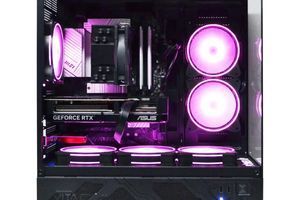
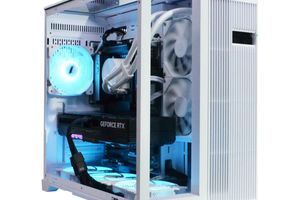
In the world of VR gaming, the GeForce RTX graphics card is not just an important component, but the absolute foundation of the entire experience. It is responsible for rendering two separate images (one for each eye) at a high frame rate to create a smooth and convincing sense of presence. By 2026, the demands on the graphics accelerator have reached a new level. While 8 GB of video memory used to be sufficient for VR, today it is the absolute minimum that will force you to lower texture quality. For modern headsets with resolutions around 2.5K-4K per eye, you should aim for 16 GB of VRAM as a comfortable starting point. Models like the NVIDIA RTX 5070 Ti with 16 GB on board will be the golden mean. For an uncompromising experience in the most demanding simulators on next-gen headsets, a flagship like the NVIDIA RTX 5090 with 24 GB of video memory will be required. It's not just the amount of memory that's important, but also its type. The GDDR7 standard provides a bandwidth of over 1.2 TB/s, which is critical for quickly loading high-resolution assets. Furthermore, performance is also affected by the DDR5 RAM installed in the system. It acts as a buffer from which the GPU draws data. Slow RAM will hold back even the most powerful graphics chip. Therefore, a dual-channel DDR5 kit with a frequency of at least 6400 MHz is mandatory for a VR build. Upscaling technologies like DLSS 4.0 with frame generation are becoming a necessity rather than a nice bonus. They allow achieving the target 90-144 FPS without significant loss in image quality, which is a key factor in preventing motion sickness in VR.
Minimum VRAM for 2026: 12 GB
Recommended VRAM: 16 GB
Optimal VRAM for 4K+ VR: 24 GB
Key Technology: DLSS 4.0 / FSR 4.0
Estimated PC Configurations for VR Gaming in 2026
Purpose
Recommended Graphics Card
Processor
Approximate Budget (UAH)
Entry-Level VR (Full HD per eye)
NVIDIA GeForce RTX 5060 12GB
Intel Core Ultra 5 245K / AMD Ryzen 5 9600X
55,000 - 70,000 UAH
Optimal VR (2K per eye)
NVIDIA GeForce RTX 5070 Ti 16GB
Intel Core Ultra 7 265K / AMD Ryzen 7 9700X
90,000 - 120,000 UAH
Ultimate VR (4K+ per eye)
NVIDIA GeForce RTX 5090 24GB
Intel Core Ultra 9 285K / AMD Ryzen 9 9900X
180,000 - 250,000 UAH
Ray Tracing and AI Technologies: The Future of VR is Here
In addition to raw performance, modern components bring technologies to VR that fundamentally change the level of immersion. The main one is hardware-accelerated Ray Tracing. This technology simulates the physically correct behavior of light, creating realistic reflections, shadows, and global illumination. In VR, where the brain is particularly sensitive to visual inconsistencies, realistic lighting plays a huge role. Imagine sunbeams breaking through the foliage in a fantasy forest or neon signs reflecting on the wet streets of a cyberpunk city—all this elevates the graphics to a new, cinematic level. However, this beauty comes at the cost of enormous computational resources. Enabling Ray Tracing can reduce FPS by two or even three times. This is where AI technologies like NVIDIA DLSS 4.0 and AMD FSR 4.0 come to the rescue. They use artificial intelligence to scale images from a lower resolution to a higher one with minimal quality loss, and Frame Generation technology creates intermediate frames, significantly increasing smoothness. For VR, this is absolutely essential. Although such a build focused on visuals differs from a typical esports build, where every frame counts and graphics are often lowered, these technologies allow you to have both: stunning visuals and high FPS. Below is a table with expected performance on a balanced build (RTX 5070 Ti 16GB, Core Ultra 7 265K, 32GB DDR5-6800) at a resolution close to 2K per eye.
Approximate FPS in 2026 Games (2560x2560, high settings)
Game
Native Settings
DLSS/FSR Quality + Frame Gen
Cyberpunk 2077 (with RT)
~55-65 FPS
~100-120 FPS
GTA VI
~70-80 FPS
~120-140 FPS
CS2 VR (fictional)
~200-250 FPS
Not used, min. latency is key
Pre-built PC or Custom Build: What's Better for 4K VR Gaming?
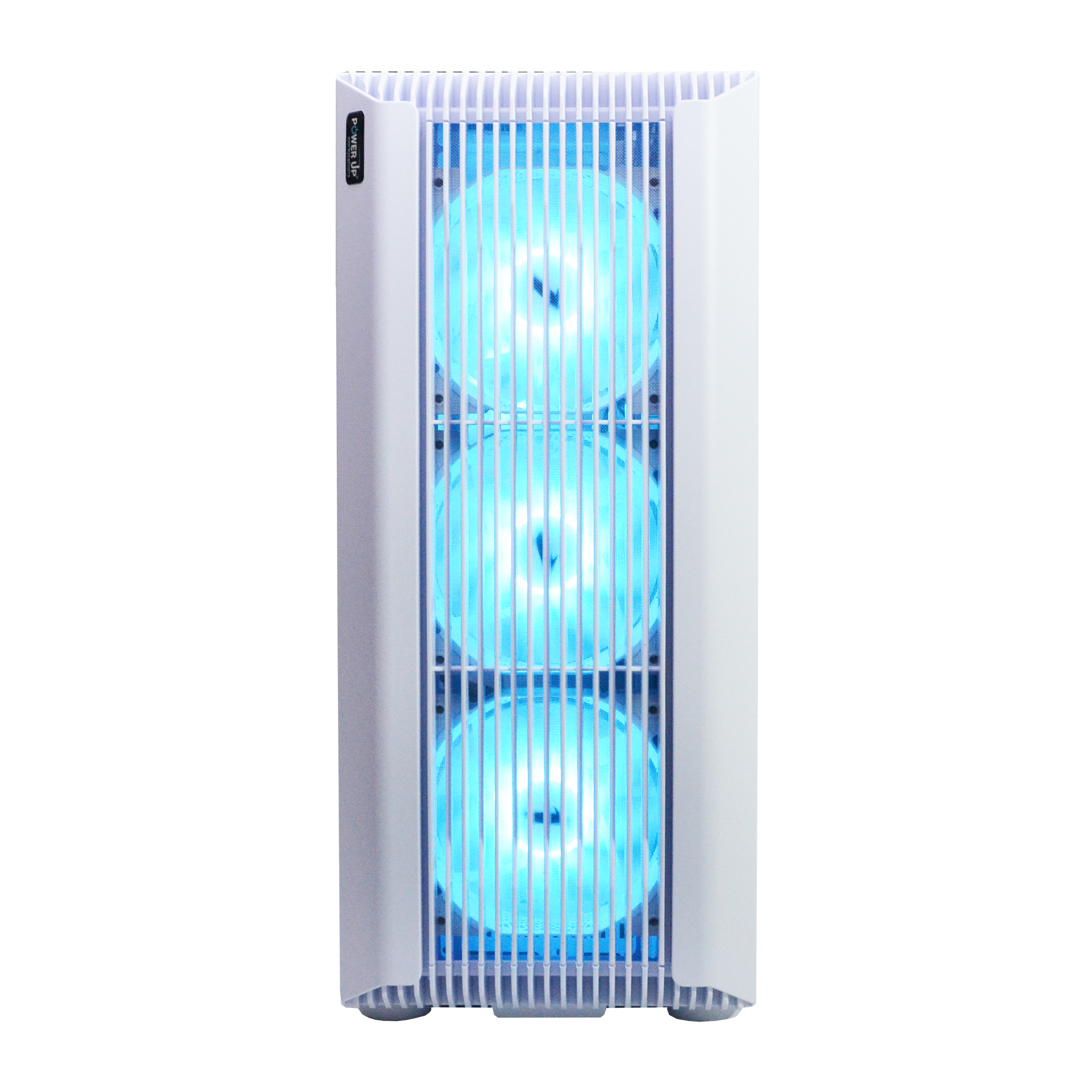
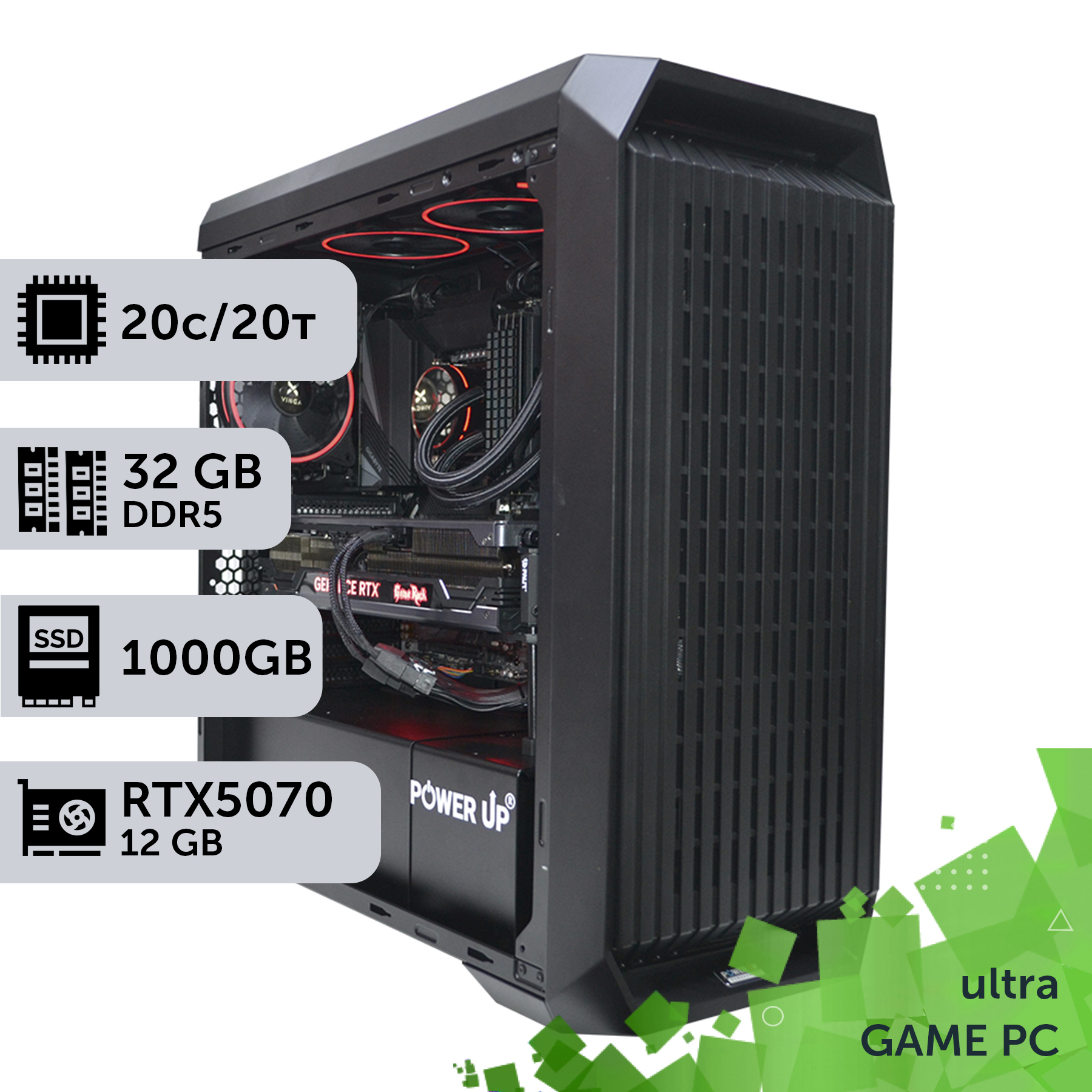
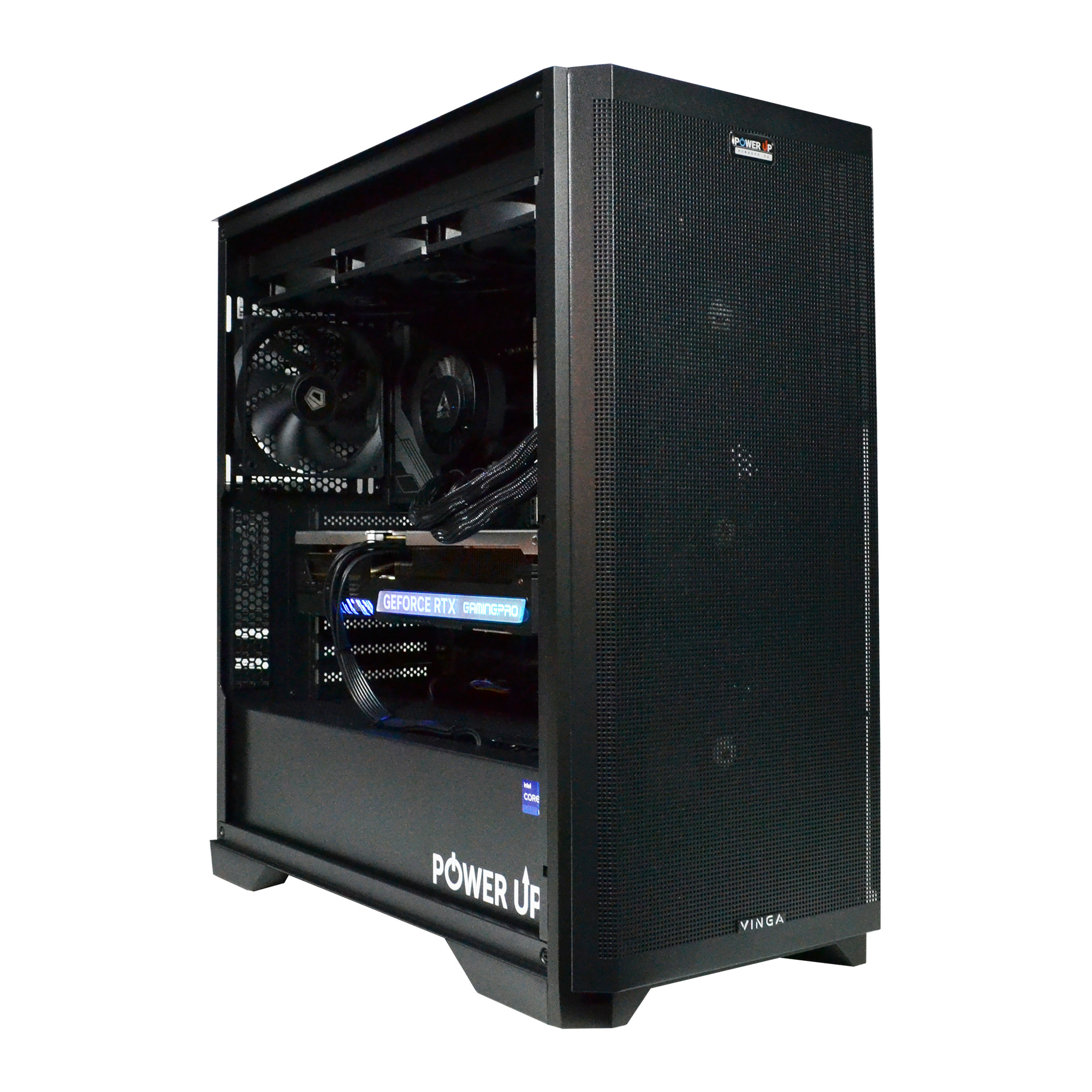
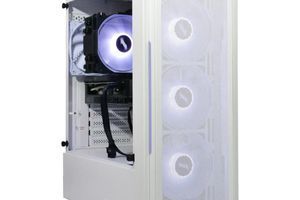
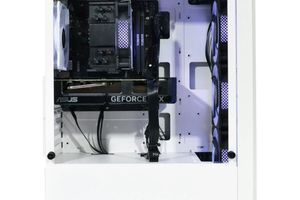
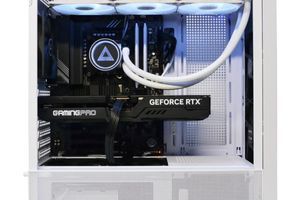
When it comes to building a powerful machine for 4K gaming in VR, the main question arises: buy a pre-built solution or build a custom PC yourself? Both options have their pros and cons, and the choice depends on your skills, time, and priorities. Building it yourself offers maximum flexibility. You can pick every screw, choose components based on dozens of reviews, and, according to independent tests from Tom's Hardware, find the best deal on each element. This allows you to create a truly unique system, perfectly tailored to your tasks and budget. However, this path requires deep knowledge of component compatibility, assembly skills, and a willingness to troubleshoot problems yourself if something goes wrong. Pre-built gaming computers from trusted builders like PowerUp take all the hassle away. You get a professionally assembled and tested system with proper cable management and, most importantly, a single warranty for the entire computer. If a fault occurs, you don't have to figure out what broke—you just take the system unit for service. For complex and expensive builds aimed at 4K VR, this is a huge advantage. Often, professional builders have access to components at better prices and can offer a balanced configuration that is guaranteed not to have any bottlenecks. There is also a third way—ordering a custom assembly. You select the components together with an engineer, and specialists handle all the technical work. This is the perfect compromise, combining the flexibility of a custom PC with the reliability of a pre-built solution.
Processor and Motherboard: The Foundation of Stability
If the graphics card is the muscle of a VR system, then the processor is its brain and nervous system. In virtual reality tasks, the CPU does much more work than in regular gaming. It is not only responsible for game logic, artificial intelligence, and physics, but it also continuously processes a huge stream of data from the headset and controllers: position in space, orientation, hand tracking. Any delay in this chain leads to a desynchronization between your movements and what you see, causing discomfort. In 2026, processors with 8 physical cores and 16 threads should be considered the gold standard for a VR build. Models like the Intel Core Ultra 7 265K or AMD Ryzen 7 9700X provide an ideal balance between high single-threaded performance (important for many games) and multitasking. The motherboard is no less important. It's not just a 'board for components,' but the basis of stability. Powerful processors require a board with a high-quality power delivery system (VRM) with 16+ phases and massive heatsinks. This ensures that the CPU receives clean and stable voltage even under peak load, avoiding throttling (frequency reduction due to VRM overheating). This stability directly affects a smooth frame rate (FPS). When choosing a board, pay attention to the presence of a PCIe 5.0 slot for the graphics card and at least one M.2 PCIe 5.0 slot for a future SSD. Modern interfaces are also important: USB4 (Type-C) with high bandwidth for connecting next-generation headsets and a built-in Wi-Fi 7 module for high-quality wireless streaming. Skimping on the motherboard is a ticking time bomb that can limit the potential of your entire system and future upgrade possibilities.
Building a VR PC Yourself: Main Pros and Cons
Advantages
✔Cost savings: you only pay for the components, without the markup for assembly, which can save 10-15% of the budget.
✔Full control: the ability to choose every component, from memory chips to thermal paste, to achieve the perfect balance.
✔Easy upgrades: you know your system inside and out and can easily replace outdated parts in the future.
✔Invaluable experience: building a PC is a fascinating process that provides a deep understanding of how computer hardware works.
Disadvantages
✖Risk of error: incorrect installation of the processor or connection of cables can lead to the failure of expensive components.
✖Warranty complications: in case of a malfunction, you will have to diagnose the problem yourself and contact the manufacturer of each individual component.
✖Requires time and knowledge: a beginner will have to spend many hours studying compatibility, instructions, and watching guides.
How to Organize Effective Cooling and Cable Management?
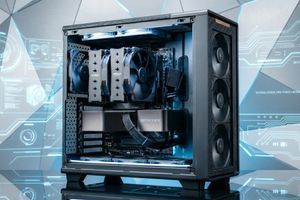
VR sessions can last for hours, and during this time, your system will be working at its limits. Unlike regular gaming where the load can be variable, VR creates a constant high pressure on the processor and graphics card. This generates a huge amount of heat that needs to be effectively dissipated. Poor cooling leads to overheating and throttling—an automatic reduction in performance to protect the components. As a result, you get FPS drops and stutters at the most inconvenient moments. The choice of cooling system depends on the power of your processor. For 8-core CPUs like the Core Ultra 7 or Ryzen 7, a high-performance dual-tower air cooler will be sufficient. For flagship 12-16 core processors, a liquid cooling system (AIO) with a 280mm or 360mm radiator is recommended. It not only handles heat dissipation more effectively but also often runs quieter under load. The case is equally important. It should be spacious and well-ventilated. The ideal option is a case with a mesh front panel and several pre-installed 140mm fans. This ensures a constant flow of cool air to the hot components. Special attention should be paid to cable management. It's not just a matter of aesthetics. Neatly routed cables behind the motherboard tray do not obstruct airflow, improving cooling by 3-5 degrees. This may seem like a small detail, but in the fight for every degree and a stable FPS, there are no small details. A well-organized space inside the PC is the key to its long and stable operation, especially under the extreme conditions of VR gaming. Modern cases greatly simplify this process with special channels, cable ties, and ample space behind the motherboard.
How to Avoid Bottlenecks in a VR Build?
Imagine installing a Formula 1 car engine into a family sedan with regular tires. The engine's power is immense, but you can't utilize it—the wheels will just spin. In the PC world, this phenomenon is called a bottleneck. It's a situation where the performance of the entire system is limited by one weak component. In VR builds, this is particularly painful. The most common scenario is a powerful graphics card (like an RTX 5080) paired with an outdated or budget processor. The graphics card is ready to render 120 frames per second, but the processor can only prepare data for 70 frames. The result is stutters, choppy movements, and a ruined immersion. To identify the problem, real-time monitoring is used (e.g., via MSI Afterburner). If the graphics card load in a game stays around 60-70%, while one or more processor cores are constantly hitting 100%, it's a clear sign of a CPU bottleneck. Another example is a fast CPU and GPU pair but slow RAM. The processor and graphics card are 'starved' for data from the RAM, leading to micro-freezes. Before considering the build complete, a comprehensive system stress test is mandatory. Utilities like OCCT or AIDA64 Extreme allow you to simultaneously load the processor, graphics card, and memory to check for stability and temperatures. If temperatures do not exceed 85-90°C under maximum load and the system runs without crashes for an hour, it means the components are balanced and the cooling is adequate.
Component Load Examples in a VR Game (Half-Life: Alyx)
Configuration
GPU Load
CPU Load
Conclusion
Balanced (RTX 5070 + Core Ultra 7)
95-99%
50-60%
The system is working optimally, GPU is the limiting factor.
CPU Bottleneck (RTX 5070 + old Core i5)
65%
100% (on 1-2 cores)
The processor cannot keep up with preparing frames for the GPU.
RAM Bottleneck (fast CPU/GPU + slow DDR5)
80-90% (with dips)
50-60%
The system is idle, waiting for data from RAM.
How Much RAM and What Kind of Storage Are Needed for VR?
To achieve absolutely smooth gameplay and maintain a high frame rate, two often underestimated components are crucial: RAM and storage. Let's start with RAM. In 2026, 16 GB is a thing of the past. For a VR system that needs to simultaneously hold the game, the operating system, headset software, and other background processes in memory, the absolute minimum is 32 GB. Using a fast DDR5 kit with a frequency of 6400-7200 MHz and low timings (e.g., CL32) provides the high bandwidth needed to prevent the processor from idling while waiting for data. This directly affects a stable framerate, especially the 1% and 0.1% low FPS metrics, meaning the absence of micro-freezes. Now for storage. Virtual reality operates with huge amounts of data and high-resolution textures. When you quickly turn your head or move through the world, the game must instantly load the necessary assets. If you use a slow hard disk drive (HDD) or even a SATA SSD, you will encounter noticeable stuttering and image 'hitching'. The only correct solution is an NVMe SSD installed in an M.2 slot. For modern systems, the PCIe 5.0 standard is optimal, providing read speeds of over 12,000 MB/s. This is 20 times faster than a SATA SSD. The recommended capacity is at least 2 TB, as modern VR games can take up 150-200 GB. Such a drive ensures that level loading is almost instantaneous, and texture streaming in an open world is completely seamless.
VR Game Level Loading Time Comparison (illustrative data)
Storage Type
Read Speed (approx.)
Level Load Time (30 GB)
HDD 7200 RPM
150 MB/s
~200 seconds
SATA SSD
550 MB/s
~55 seconds
NVMe PCIe 4.0 SSD
7,000 MB/s
~4.5 seconds
NVMe PCIe 5.0 SSD
12,000 MB/s
~2.5 seconds
How to Build a Future-Proof VR PC Without Overpaying?
Building a powerful computer is a serious investment, and you want it to remain relevant for as long as possible. The right approach to choosing components today will allow you to easily perform a PC upgrade in 2-3 years by replacing just one or two parts, not the entire system. This is what it means to build for the future. The first and most important rule is not to skimp on the foundation: the motherboard and the power supply. Choose a motherboard with the latest chipset (e.g., Z890 for Intel or X770 for AMD) that supports all the latest standards: PCIe 5.0, DDR5, USB4, Wi-Fi 7. Even if you install a mid-range processor today, in a couple of years you can easily install a flagship solution for the same socket. The power supply unit (PSU) is the heart of your PC. For a system that will run ultra graphics settings in VR, you need a quality PSU with a capacity of at least 1000W, an 80 Plus Gold or Platinum certification, and support for the ATX 3.1 standard. This will give you a 20-30% power headroom, which not only extends the life of the PSU itself but also allows you to install a more power-hungry graphics card in the future without changing the power supply. The case also plays an important role. Choose a spacious Mid-Tower or Full-Tower with good ventilation and enough space to install long graphics cards and liquid cooling systems. This approach allows you to achieve an ideal balance: you don't overpay for excessive performance today, but you create a platform that will be ready for future demands and technologies. A checklist for a 'future-proof build':
Power Supply: 1000W+ Gold/Platinum, ATX 3.1 standard.
Case: Spacious, with good airflow.
CPU Cooler: With TDP headroom for a future processor upgrade.
Step-by-Step Guide to Selecting Components for a VR PC
This guide will help you choose balanced components for a build that will provide a smooth and immersive VR experience without bottlenecks or unnecessary spending.
Step 1: Determining Your Budget and VR Headset Resolution
First and foremost, decide on your VR headset. Its resolution is the key factor influencing the choice of graphics card. For headsets in the Valve Index class (around 2K per eye), an RTX 5070 will suffice. For the Pimax Crystal or future 4K models, you'll need an RTX 5080 or even an RTX 5090. This choice determines 60% of the entire build's budget. Set a clear financial limit to stay within it.
Step 2: Choosing the 'Graphics Card + Processor' Combo
This is the core of your system. After selecting the graphics card, pair it with a corresponding processor to avoid bottlenecks. For an RTX 5060/5070, an 8-core Intel Core Ultra 5/7 or AMD Ryzen 5/7 will be suitable. For an RTX 5080/5090, you should look towards 12-16 core Core Ultra 9 or Ryzen 9 processors. Check benchmarks and comparisons of specific models online to ensure they work well together.
Step 3: Selecting the Platform: Motherboard and RAM
Choose a motherboard with a current chipset (Z890/X770) that supports your chosen processor. Make sure it has all the necessary slots and connectors (PCIe 5.0, M.2 PCIe 5.0, USB4). For RAM, get a dual-channel kit (2 sticks) of DDR5 with at least 32 GB of capacity and a frequency of 6400 MHz or higher. Check the Qualified Vendor List (QVL) on the motherboard manufacturer's website.
Step 4: Final Touches: Storage, PSU, and Cooling
Choose an NVMe SSD PCIe 5.0 with at least 2 TB of capacity for fast game loading. Calculate the total power consumption of the system (CPU TDP + GPU TGP + ~100W for the rest) and select a power supply with a 20-30% headroom (e.g., 1000W Gold). Finally, select a cooling system (air or liquid) capable of dissipating the heat generated by your processor under sustained 100% load.
Frequently Asked Questions (FAQ)
How much video memory (VRAM) is needed for VR in 2026?
The absolute minimum is 12 GB. For comfortable gaming at high settings with 2K resolution per eye, 16 GB is recommended. For an uncompromising 4K VR experience and future titles, 24 GB is ideal.
Do I need the absolute top-tier processor for VR games?
Not necessarily. The balance between the processor and the graphics card is much more important. A powerful 8-core processor, such as an Intel Core Ultra 7 or AMD Ryzen 7, will be more than sufficient for most VR games when paired with a graphics card like the RTX 5070/5080.
Is DDR4 memory still relevant for VR?
Absolutely not. In 2026, DDR4 platforms are obsolete and will create a serious bottleneck for modern processors and graphics cards. Only DDR5 provides the necessary bandwidth for smooth VR performance.
What power supply should I choose for a VR build?
Choose a quality power supply from a reputable manufacturer with a capacity of at least 850W (for mid-range builds) or 1000-1200W (for top-tier systems) with an 80 Plus Gold certification or higher and support for the ATX 3.1 standard. A 20-30% power headroom is key to stability.
Does SSD speed affect FPS in VR?
SSD speed does not directly affect the average FPS. However, it dramatically affects the smoothness of the gameplay. A fast NVMe SSD eliminates stuttering and freezes that occur when loading textures and new locations, which is critical for a comfortable VR experience.
Can I use Wi-Fi for wireless VR (PCVR)?
Yes, modern headsets support wireless connection to a PC. This requires a router that supports the Wi-Fi 6E standard or, ideally, Wi-Fi 7 to ensure wide bandwidth and minimal signal latency.
What is more important for VR: high processor frequency or a large number of cores?
A balance of both is important for VR. High single-core performance (IPC and clock speed) is critical for game logic. At the same time, having 8 or more physical cores is necessary for parallel processing of tracking data, physics, and background system processes without impacting the main rendering.
Building a gaming PC for VR in 2026 is a task that requires a thoughtful approach. The main principle is balance. There's no point in having a top-tier graphics card if it's held back by a slow processor or insufficient RAM. Each component must match the overall level of the system to ensure a consistently high frame rate—the key to a comfortable immersion in virtual reality. Investing in a quality platform—motherboard, power supply, and cooling—will pay off in the future, simplifying upgrades and extending the life of your PC. Not confident in your abilities or want a guaranteed quality result? We invite you to the PowerUp catalog, where you will find our best pre-built gaming computers, specially configured and tested for VR. And if you have special requests, our engineers will be happy to help you build the custom configuration of your dreams. Step into the world of VR without compromise!