Key Takeaways (TL;DR):
- The 10th generation NVENC hardware encoder in RTX 50-series graphics cards enables 4K streaming with only a 2-5% FPS loss, making it an unrivaled solution.
- You don't need a flagship processor for streaming with NVENC. A balanced combination of a Core Ultra 5 / Ryzen 5 and an RTX 5070/5080 is more cost-effective and efficient than a Core Ultra 9 + CPU encoding.
- The standard for a streaming machine in 2026 is 32 GB of fast DDR5 memory (from 7200 MT/s) and an NVMe SSD PCIe 5.0 for instant game loading and replay handling.
- A high-quality power supply with an 80 Plus Gold certification and the ATX 3.1 standard is not an option, but a necessity for the stable operation of powerful components under a dual load.
Architecture of Success: How NVENC Works in 2026 and Why It Matters
By 2026, NVIDIA Encoder (NVENC) technology has undergone a long evolution. In the RTX 50-series graphics cards, we are dealing with the 10th generation of this hardware block. Its key advantage is complete independence from the main GPU computing resources: CUDA cores, Tensor cores, and RT cores. It is a separate die on the chip, designed exclusively for one task—real-time video compression. When you start a stream via NVENC, gaming performance is virtually unaffected. The processor does its job (game logic, physics), the CUDA cores render the graphics, and NVENC simultaneously encodes the finished frame and sends it to the streaming platform. This is a fundamental difference from software encoding (e.g., x264), which consumes a significant portion of CPU resources, leading to FPS drops and micro-stutters.
The main innovation in the 10th generation NVENC is full and mature support for the AV1 codec. While it was once considered exotic, YouTube and Twitch are now actively implementing it. The advantages of AV1 over the outdated H.264 are colossal:
- Compression Efficiency: AV1 provides 30-40% better image quality at the same bitrate. For a streamer, this means that with a limited internet speed (e.g., 8000 kbps), their 1440p broadcast will look significantly sharper and with fewer artifacts, especially in dynamic scenes.
- HDR Support: Native support for 10-bit color allows for HDR streaming, which is the new standard for high-quality content.
Let's consider the practical impact on performance. When a streamer tries to play on ultra graphics settings and simultaneously encode the stream using the CPU, a critical bottleneck occurs. The CPU simply cannot handle two resource-intensive tasks. The result is choppy gameplay and dropped frames on the stream. NVENC completely solves this problem.
| Mode | Average FPS in game | CPU Load | Stream Quality |
|---|---|---|---|
| Gaming only (encoding off) | 95 FPS | 60% | N/A |
| Gaming + Stream (NVENC AV1, 10000 kbps) | 91 FPS (-4.2%) | 65% | Excellent |
| Gaming + Stream (x264 Medium, 10000 kbps) | 68 FPS (-28.4%) | 100% (throttling) | Good, possible frame drops |
| Gaming + Stream (x264 Fast, 10000 kbps) | 79 FPS (-16.8%) | 95% | Average, noticeable artifacts |
As seen in the table, the performance loss with NVENC is minimal and within the margin of statistical error. At the same time, attempting to use even the fast x264 preset leads to an FPS drop of almost 17%, and the quality Medium preset makes the game almost unplayable, pushing the CPU to 100% load. This is why the choice for streaming is obvious: NVIDIA's hardware encoding frees up system resources for the main task—ensuring smooth gameplay at maximum settings.
NVENC for Streaming: Pros and Cons in 2026
Advantages
- ✔Minimal impact on performance: FPS loss in games averages 2-5%, compared to 20-40% when using the x264 CPU codec.
- ✔Highest picture quality: AV1 format support provides better quality at the same bitrate compared to H.264, which is critical for dynamic scenes.
- ✔Broad software support: NVENC is natively integrated into all popular streaming (OBS Studio, Streamlabs, XSplit) and video editing software.
- ✔Energy efficiency: The specialized chip consumes significantly less power for encoding than central processor cores, reducing overall system heat.
Disadvantages
- ✖Locked into the NVIDIA ecosystem: The technology is only available on GeForce graphics cards, limiting options for AMD or Intel Arc users.
- ✖Demanding on the graphics card: A high-performance model (RTX 5070 and above) is still needed for comfortable 2K/4K streaming, which increases the build cost.
CPU, Memory, Storage: Building a Balanced Platform
One of the most common myths in building a PC for streaming is the need to buy a flagship processor like a Core Ultra 9 or Ryzen 9. In the reality of 2026, when the main encoding work is done by NVENC, this is an irrational waste of budget. The power of top-tier CPUs is excessive for gaming and basic tasks, and their cost can be redirected to a more powerful graphics card or better peripherals. The optimal choice for a streaming machine becomes mid-range processors.
- Intel Core Ultra 5 255H / 245H: Intel's new generation of processors with a hybrid architecture (P-cores and E-cores) performs excellently in multitasking scenarios. They have sufficient performance for any modern game, background applications (Discord, browser), and do not bottleneck graphics cards like the RTX 5070/5080.
- AMD Ryzen 5 9600X / Ryzen 7 9700X: AMD processors on the Zen 6 architecture continue the tradition of high gaming performance and energy efficiency. Models with 3D V-Cache technology (like the future 9800X3D) remain the absolute leaders in gaming, making them an excellent choice for streamers focused on maximum FPS.
A key element of the platform is the motherboard. You shouldn't skimp on it. Important parameters include:
- Power Delivery System (VRM): For stable operation of modern processors, a motherboard with a high-quality 12+2 phase power system and massive heatsinks is required.
- PCIe 5.0 Support: Having at least one M.2 PCIe 5.0 slot for a future NVMe SSD and one PCIe 5.0 x16 slot for the graphics card is mandatory for a future-proof build.
- Networking Capabilities: An integrated 2.5G Ethernet controller and Wi-Fi 7 are standard for a streamer's motherboard, ensuring a stable, low-latency connection.
RAM is another critical component. In 2026, 16 GB is no longer enough. 32 GB is the new minimum for comfortable gaming and streaming. It is recommended to choose kits of fast DDR5 memory with a frequency of 7200 MT/s or higher and low timings (e.g., CL34). This provides a noticeable performance boost, especially in CPU-bound games. As for cooling, the myth of leaking liquid cooling systems (AIO) is long outdated. Modern AIO (All-in-One) systems from reputable brands come with a 5-6 year warranty and are extremely reliable. For processors with a TDP of 125-150W, a quality 2-section AIO (240/280 mm) will be more effective and often quieter than massive air coolers.
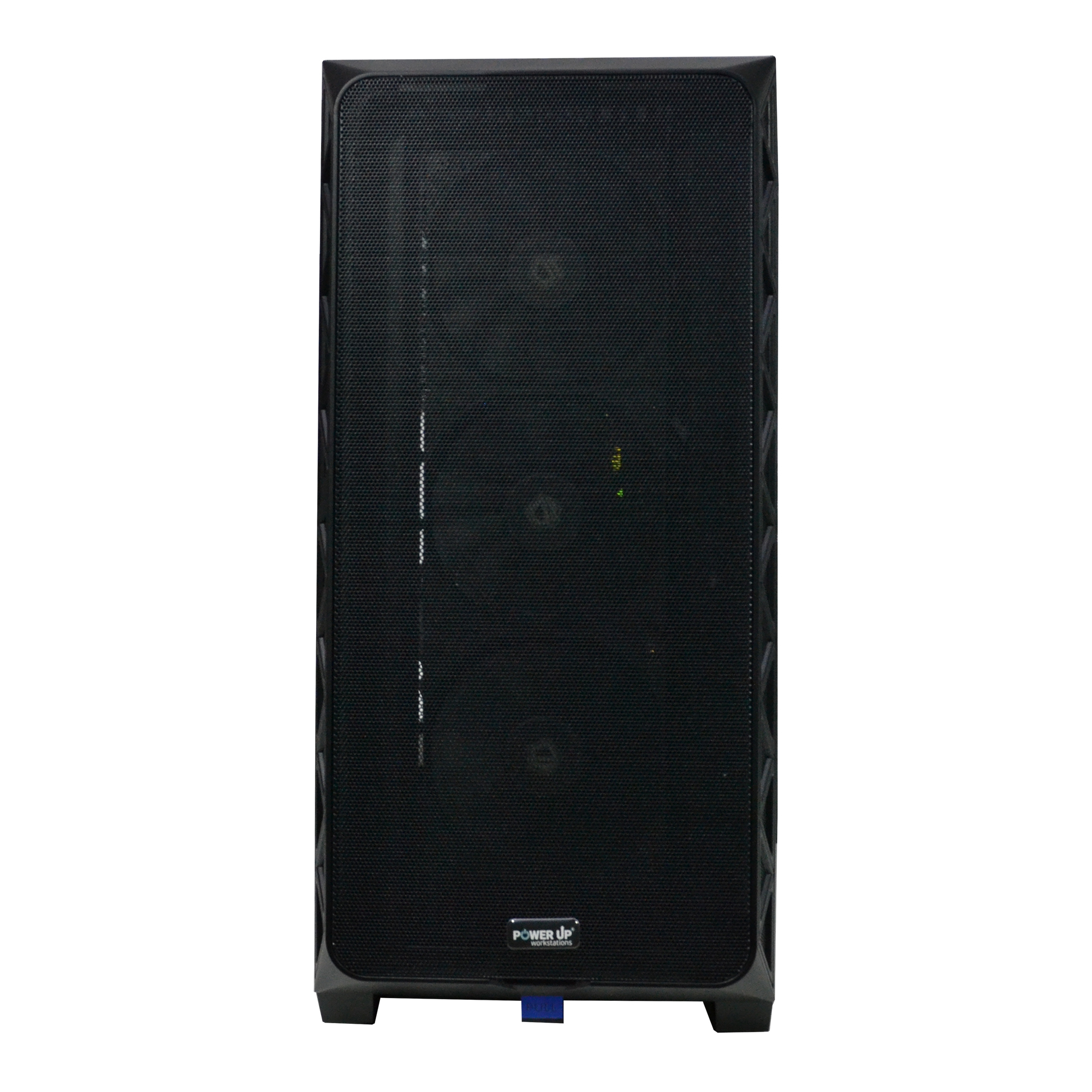
Choosing a Graphics Card: The RTX 50 Series as the Streaming Standard
The NVIDIA GeForce RTX 50 series of graphics cards, based on the 'Blackwell-Next' architecture, is a logical evolution of the ideas established in the 40-series. Key improvements have touched not only raw performance but also the memory subsystem and the efficiency of RT and Tensor cores. For a streamer, this means more FPS in games, which creates a 'safety margin' for encoding without compromise. Let's look at the current models for different tasks.
- GeForce RTX 5060 12GB GDDR7: The popular choice for 1080p streaming. It has enough power to run all modern games on high-ultra settings with a comfortable 100+ FPS, allowing for streaming at 1080p@60fps with a high bitrate without any issues. 12 GB of VRAM is the new standard for this segment, sufficient for high-resolution textures.
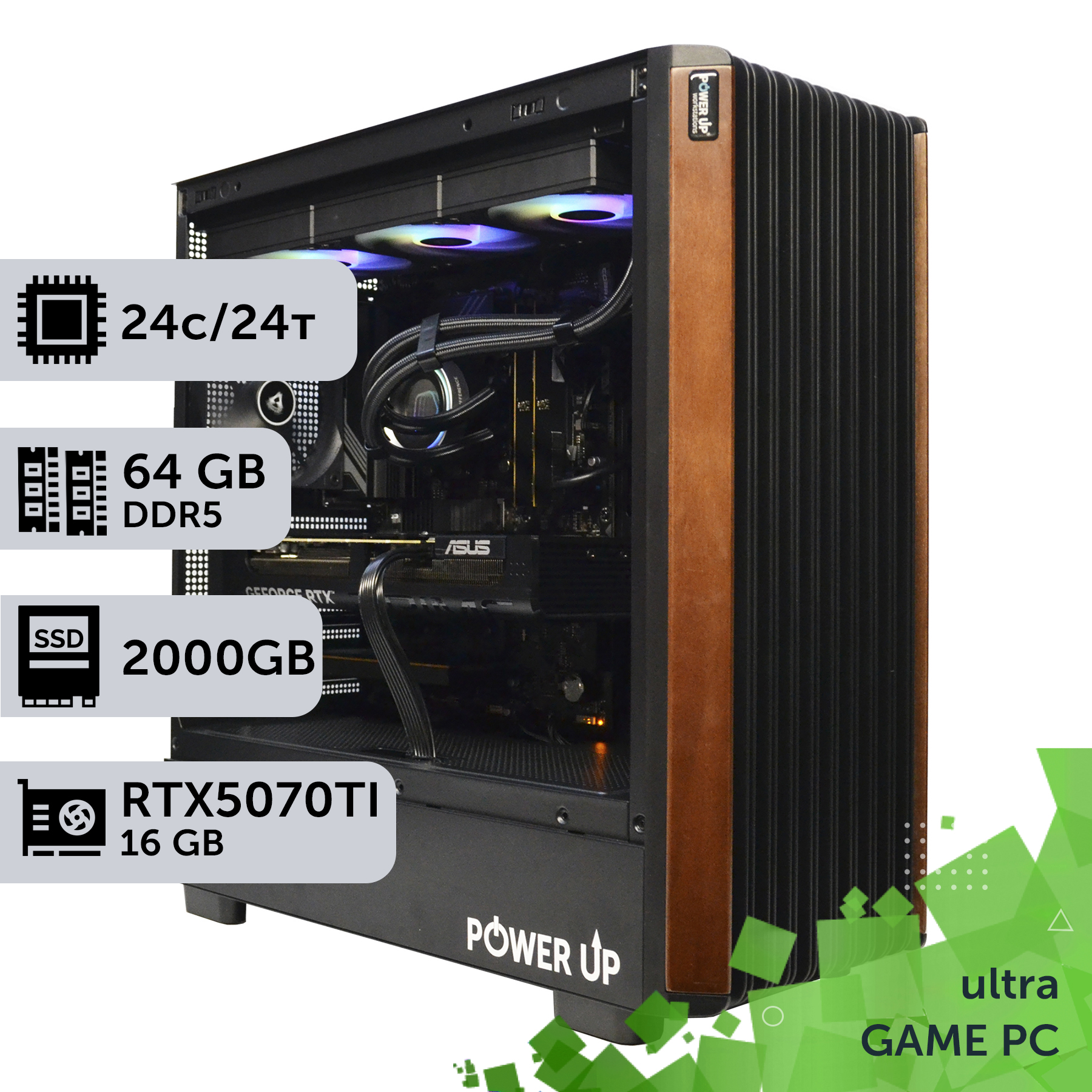
- GeForce RTX 5070 16GB GDDR7: The optimal choice for 1440p (2K) streaming. This is the 'golden mean' in terms of price-to-performance ratio. The card allows for comfortable gaming at 2K on ultra settings with ray tracing, while simultaneously encoding the stream in AV1. 16 GB of GDDR7 memory provides confidence for future titles and is ideal for working with video editors. It's the perfect component for a powerful gaming computer.
- GeForce RTX 5080 20GB GDDR7: An uncompromising solution for 4K gaming and streaming at the same resolution. This card possesses colossal power, allowing you to forget about graphics settings. 20 GB of fast GDDR7 memory is necessary for 4K textures and working with demanding projects. By choosing this card, you ensure the smoothest experience and the highest broadcast quality.
When choosing a graphics card, not only the amount but also the type of memory is important. The switch to the GDDR7 standard has provided a 25-30% increase in bandwidth compared to GDDR6X, which directly affects performance at high resolutions. When planning a PC upgrade, it's worth considering that older platforms with PCIe 3.0 can become a bottleneck for such powerful cards, so it is recommended to switch to motherboards with PCIe 5.0.
| Game | 1080p (Ultra, RT On) | 1440p (Ultra, RT On) | 4K (High, RT On) |
|---|---|---|---|
| Cyberpunk 2077 (2026 Update) | ~160 FPS | ~110 FPS | ~65 FPS |
| GTA VI | ~140 FPS | ~95 FPS | ~55 FPS |
| Counter-Strike 2 | ~500 FPS | ~350 FPS | ~180 FPS |
These numbers clearly demonstrate that even a mid-range model like the RTX 5070 can provide top-tier performance in the most demanding games, leaving a huge margin for streaming. The investment in a more powerful graphics card pays off not only in the picture quality for yourself but also for your viewers.
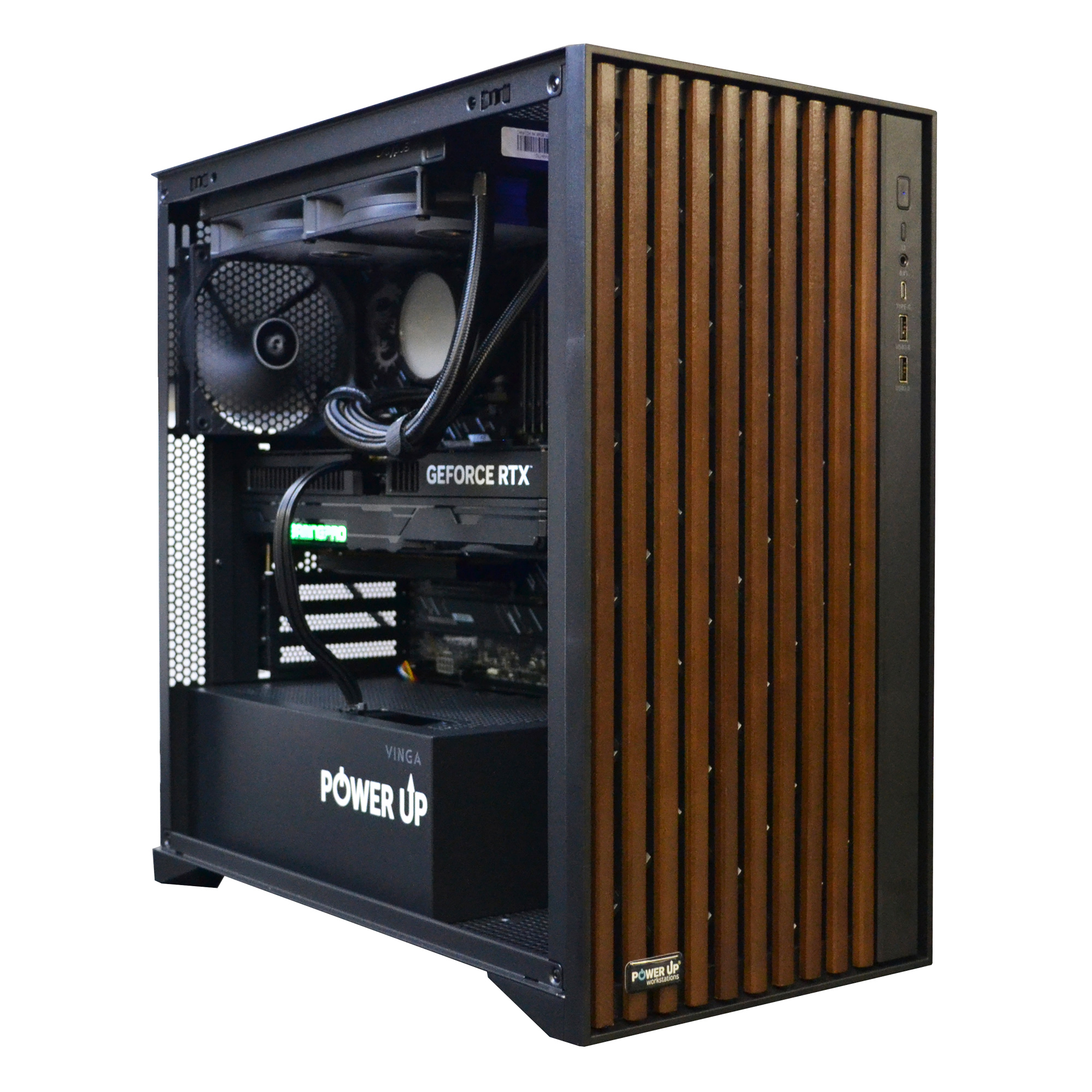
| Purpose | Recommended Graphics Card | Processor | Approximate Budget |
|---|---|---|---|
| Full HD (1080p) streaming @ 60 FPS | NVIDIA GeForce RTX 5060 12GB | Intel Core Ultra 5 245H / AMD Ryzen 5 9600X | 45,000 - 55,000 UAH |
| 2K (1440p) streaming @ 60 FPS | NVIDIA GeForce RTX 5070 16GB | Intel Core Ultra 5 255H / AMD Ryzen 7 9700X | 70,000 - 90,000 UAH |
| 4K (2160p) streaming @ 60 FPS | NVIDIA GeForce RTX 5080 20GB | Intel Core Ultra 7 265H / AMD Ryzen 7 9800X3D | 120,000 - 150,000 UAH |
Peripherals and Case: The Unsung Heroes of a Streamer's Build
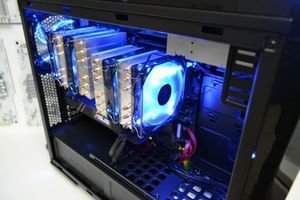
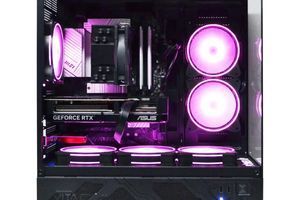
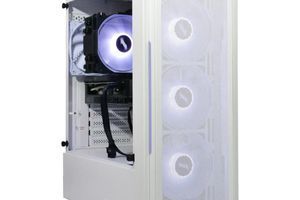
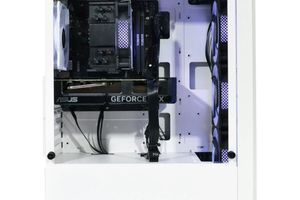
The efficiency and aesthetics of a streamer's setup largely depend on components that are often overlooked: the case, its cooling, and the motherboard's port selection. A well-chosen case is not just a box, but the foundation for the stable operation of the entire system. In 2026, the key parameters when choosing a case are:
- Airflow: Cases with a fine mesh front panel provide significantly better cool air intake compared to models with a solid glass or plastic panel. This directly affects GPU and CPU temperatures under load, reducing them by 5-10°C.
- Internal Volume: Modern graphics cards, especially models like the RTX 5080, have impressive dimensions (over 350 mm in length and 3.5-4 slots thick). You must ensure in advance that the case can accommodate the chosen graphics card and cooling system (especially 360mm AIO radiators).
- Ease of Building and Cable Management: Ample space behind the motherboard tray, rubber grommets for cables, and velcro straps greatly simplify the building process. Proper cable management not only improves aesthetics but also ensures unobstructed airflow inside the case.
For an esports build, where every millisecond counts, special attention should be paid to the motherboard. It must have not only a powerful VRM but also a rich set of ports. The modern standard for a streamer includes at least:
| Port Type | Minimum Quantity | Purpose |
|---|---|---|
| USB 3.2 Gen 2 (10 Gbps) | 4-6 | Keyboard, mouse, webcam, external drives |
| USB Type-C (20 Gbps or USB4) | 1-2 | Capture card, fast storage, monitor connection |
| 2.5G Ethernet | 1 | Stable wired network connection |
| Audio outputs (Optical S/PDIF) | 1 | Connecting a high-quality audio system or mixer |
Many underestimate the importance of proper workspace organization. For example, having front USB Type-C ports on the case allows for quick connection of external devices without having to reach behind the system unit. It's also worth paying attention to the quality of the included case fans. Manufacturers often cut costs on them, installing noisy and inefficient models. Replacing them with high-quality PWM fans from Noctua, be quiet!, or Arctic can significantly reduce noise levels and improve cooling. Ultimately, a thoughtful choice of these 'secondary' components determines the comfort of using the PC for years to come.
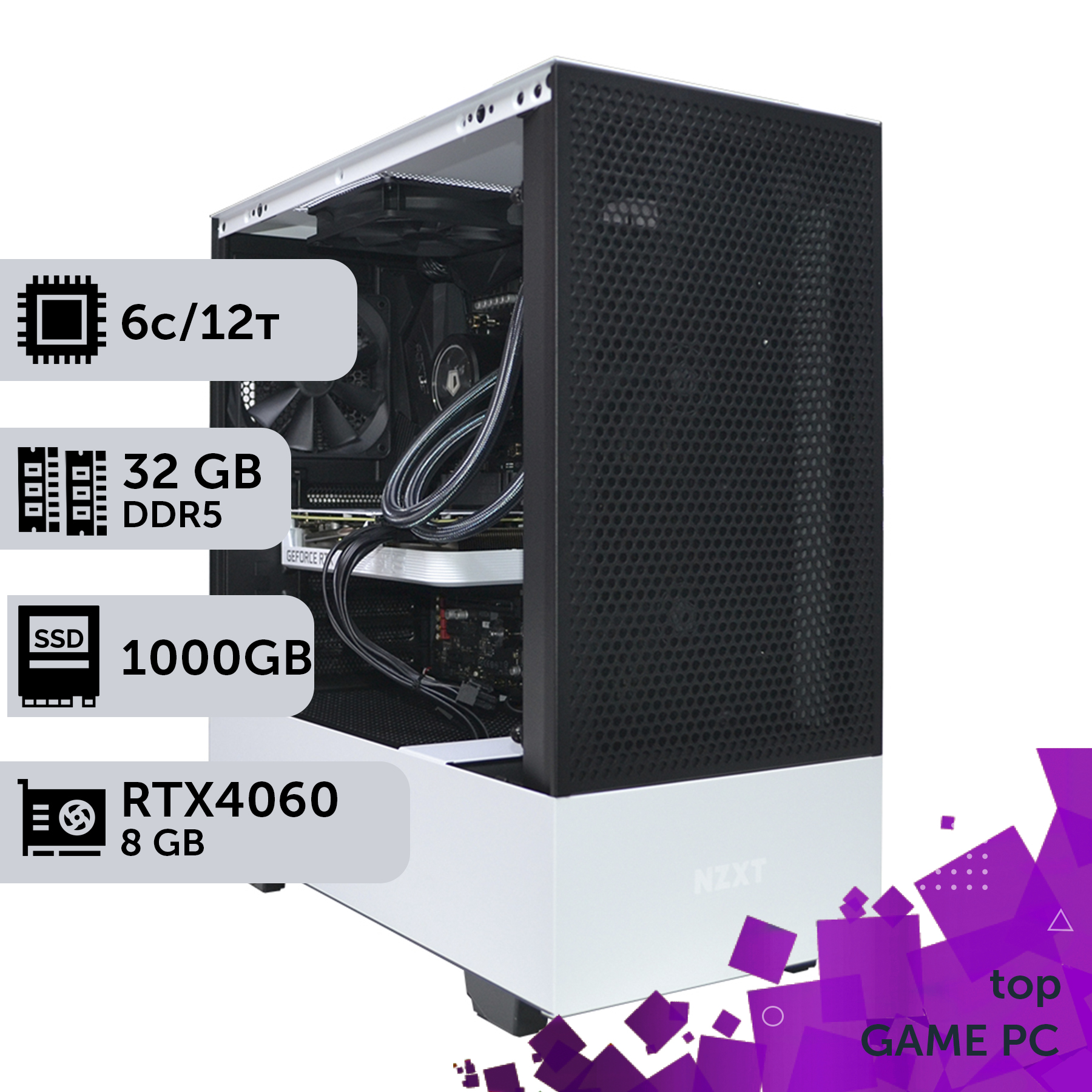
Power and Stability: Choosing a PSU and System Tuning
The stability of a powerful gaming and streaming station depends directly on the quality of its power supply. In 2026, with the increasing power consumption of flagship graphics cards and processors, choosing a power supply unit (PSU) has become more important than ever. Skimping on this component can lead not only to instability and reboots but also to the failure of expensive components. The main standard for modern builds is ATX 3.1. It provides better compatibility with graphics cards equipped with the 12V-2x6 power connector (an improved and safer version of 12VHPWR) and can withstand short-term peak loads exceeding the nominal power by 2-3 times. This is critically important for RTX 50 series cards, which can cause sudden spikes in consumption.
When choosing a PSU, you should focus on the following parameters:
- Wattage: You need to calculate the required wattage with a safety margin. The formula is simple: GPU TDP + CPU TDP + ~150W for other components, and add a 20-30% margin to the result. For a build with an RTX 5070 and an AMD Ryzen 7 9700X processor (TDP ~170W + ~120W), an 850W power supply would be optimal. For an RTX 5080, you'd need 1000W.
- Efficiency Certification: An 80 Plus certification is a must. It guarantees that the PSU operates with high efficiency, generates less heat, and consumes less electricity. The recommended level is a PSU with an 80 Plus Gold or Platinum certification. The price difference between Bronze and Gold is small, but the quality of the component base and voltage stability of 'gold' units are significantly higher.
- Manufacturer and Warranty: It is worth trusting proven brands such as Seasonic, Corsair, be quiet!, and Super Flower. A long warranty (7-12 years) is an indirect confirmation of the high quality and reliability of the device.
After assembling the PC, it needs to be properly configured in the UEFI/BIOS. The first steps are:
- Activate XMP/EXPO profile: Without this step, your fast DDR5 memory will run at a low base frequency (e.g., 4800 MT/s), which will significantly reduce performance.
- Enable Resizable BAR (Re-Size BAR): This technology allows the processor to get full access to the entire amount of video memory, which provides an FPS boost of 5 to 15% in most modern games.
- Adjust fan curves: In most motherboards, you can adjust the rotation speed of the case and CPU fans based on temperature. This allows you to achieve an optimal balance between cooling efficiency and noise level.
Some users neglect to update the BIOS, but fresh firmware often contains important security fixes, stability improvements, and support for new processor models, which complies with Intel's specifications and AMD's. A correctly selected and configured PSU, combined with up-to-date motherboard software, is the key to the long and trouble-free service of your streaming PC.
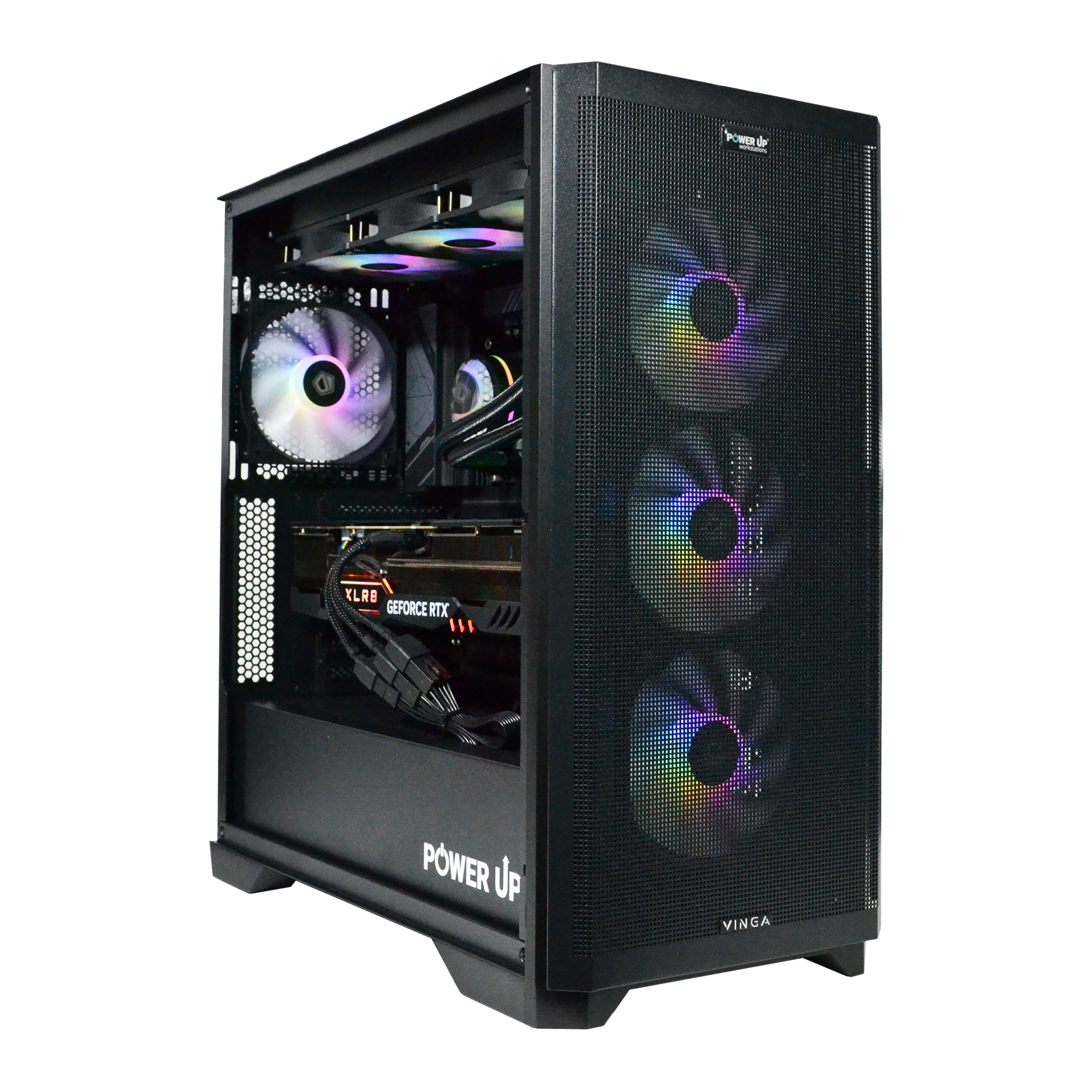
Step-by-Step Guide to Building a Streaming PC in 2026
This guide will help you avoid common mistakes and build a balanced, powerful, and quiet system for gaming and high-quality broadcasting without overpaying for unnecessary components.
Step 1: Determine Budget and Target Resolution
First and foremost, decide on the resolution you plan to game and stream in. This will determine the choice of the key component—the graphics card. For 1080p, an RTX 5060 is sufficient. For 1440p (2K), the optimal choice is an RTX 5070. If your goal is uncompromising 4K streaming, look towards the RTX 5080. Allocate your budget so that about 40-50% of the total cost goes to the graphics card.
Step 2: Select a Balanced Platform
Choose the rest of the components to match your selected graphics card. Don't overpay for the processor: a Core Ultra 5 255H or a Ryzen 7 9700X will be sufficient for a pairing with an RTX 5070/5080. Be sure to get a motherboard on a chipset that supports PCIe 5.0. The minimum amount of RAM is 32 GB of DDR5 with a frequency of 7200 MT/s or higher. Use an NVMe SSD PCIe 5.0 of at least 1 TB as the system drive.
Step 3: Choose a Case, Cooling, and Power Supply
Don't skimp on the 'supporting cast'. Choose a case with good airflow (a mesh panel). For cooling a mid-range processor, a high-performance air cooler or a 2-section AIO will be suitable. Calculate the power supply wattage with a 20-30% margin and choose a model with an 80 Plus Gold certification and the ATX 3.1 standard. This will ensure the stability and longevity of your system.
Frequently Asked Questions (FAQ)
How much video memory (VRAM) is needed for 4K streaming in 2026?
For comfortable gaming and streaming at 4K resolution, it is recommended to have a graphics card with at least 16 GB of memory. The optimal choice would be a model with 20 GB of VRAM, such as the RTX 5080. This amount is sufficient for ultra-quality textures in modern games and for the encoder buffer without creating bottlenecks.
Can I stream using AMD graphics cards? What's the difference?
Yes, AMD graphics cards have their own hardware encoder, AMF (Advanced Media Framework). In recent generations, its quality has significantly improved, especially with AV1 support. However, according to numerous tests, NVIDIA's NVENC still provides slightly better image quality at the same bitrate and has a slightly smaller impact on gaming performance. For professional streaming, NVENC remains the preferred choice.
Is a separate second PC needed for streaming in 2026?
With the advent of powerful hardware encoders like NVENC in the RTX 50-series cards, the need for a second PC has been eliminated for most streamers. A modern single-PC system can simultaneously handle gaming on ultra settings and encode a high-quality 2K/4K stream with minimal FPS loss. Dual-PC setups remain relevant only for very complex productions with multiple sources, transitions, and special effects.
What bitrate should I set for a stream on Twitch/YouTube in 2K/4K?
For a high-quality stream, it is recommended to use the AV1 codec if the platform supports it. Recommended bitrate values are: for 1440p (2K) @ 60 FPS — from 10,000 to 14,000 kbps; for 2160p (4K) @ 60 FPS — from 18,000 to 25,000 kbps. Always check the current recommendations of the streaming platform itself, as they can change.