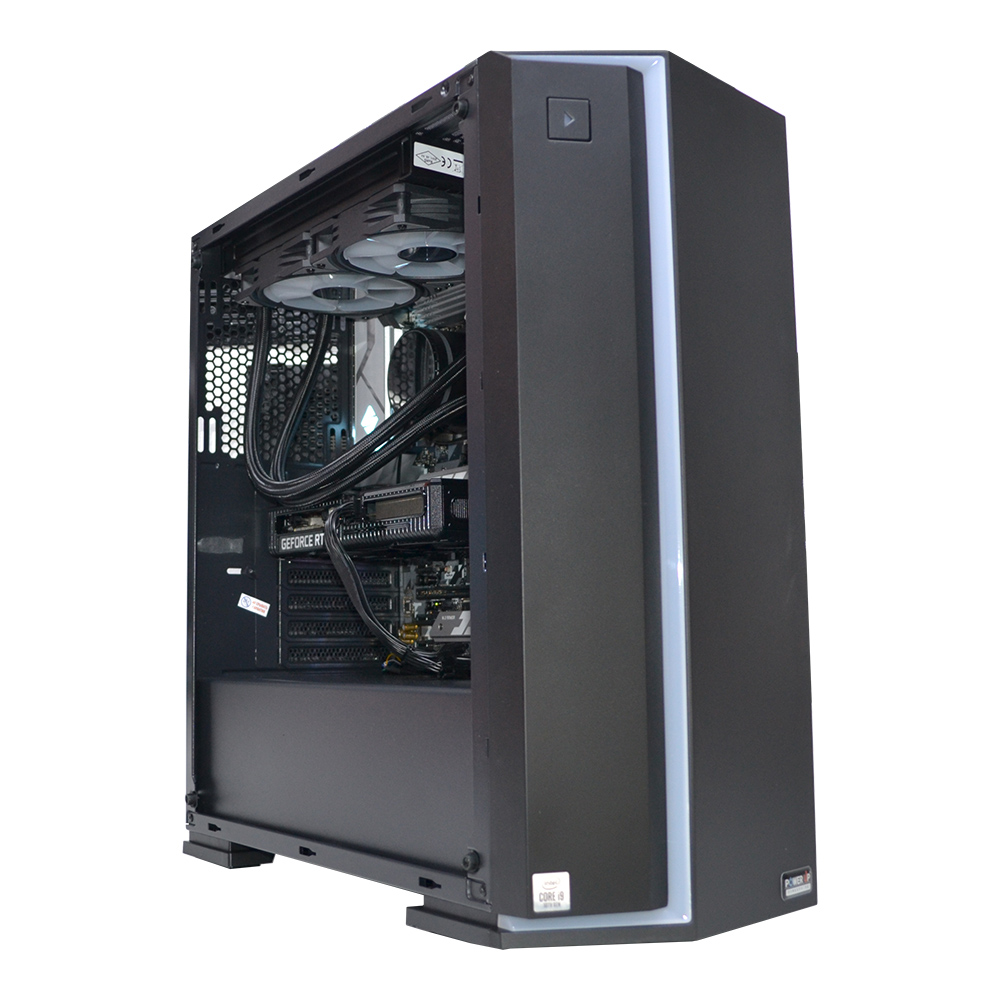
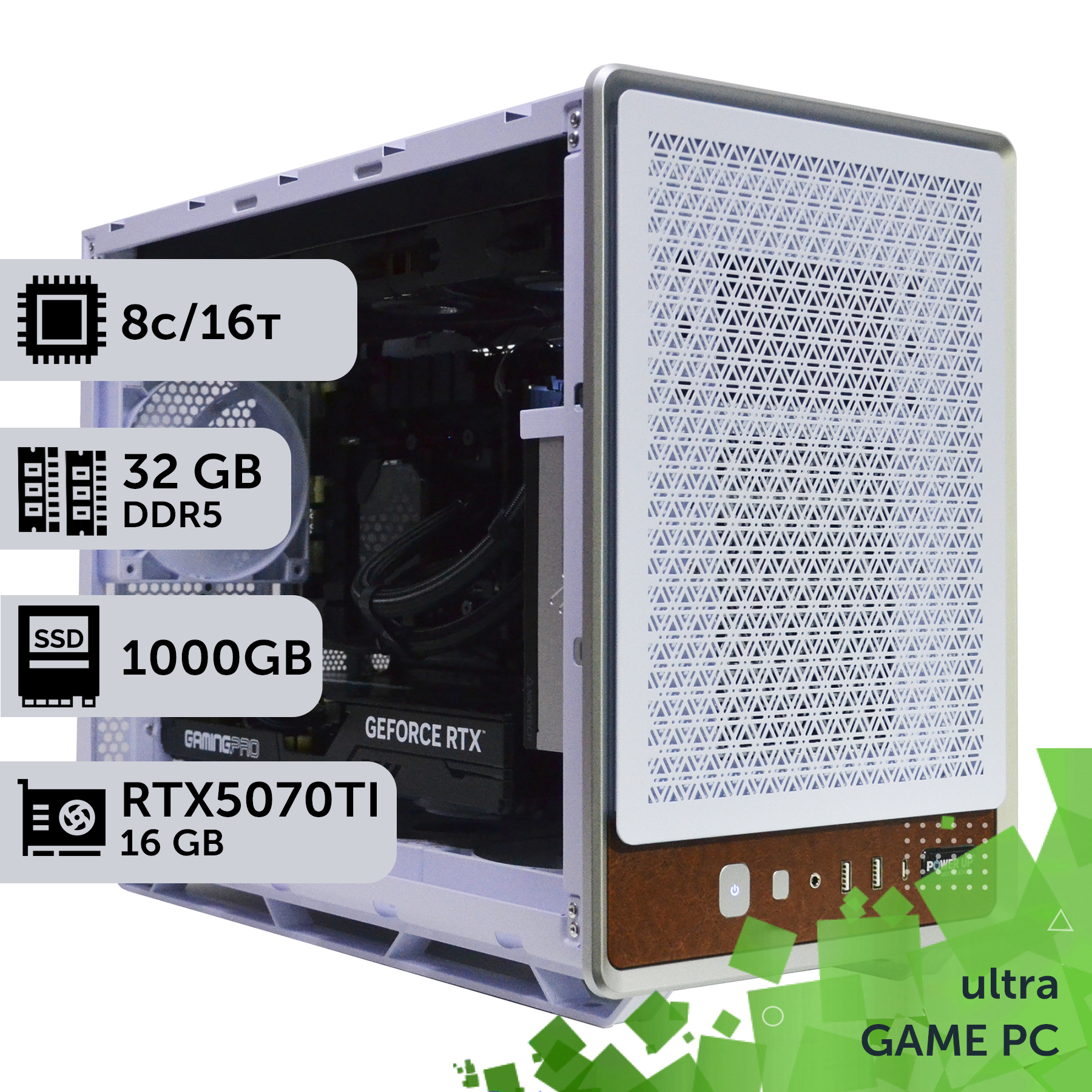
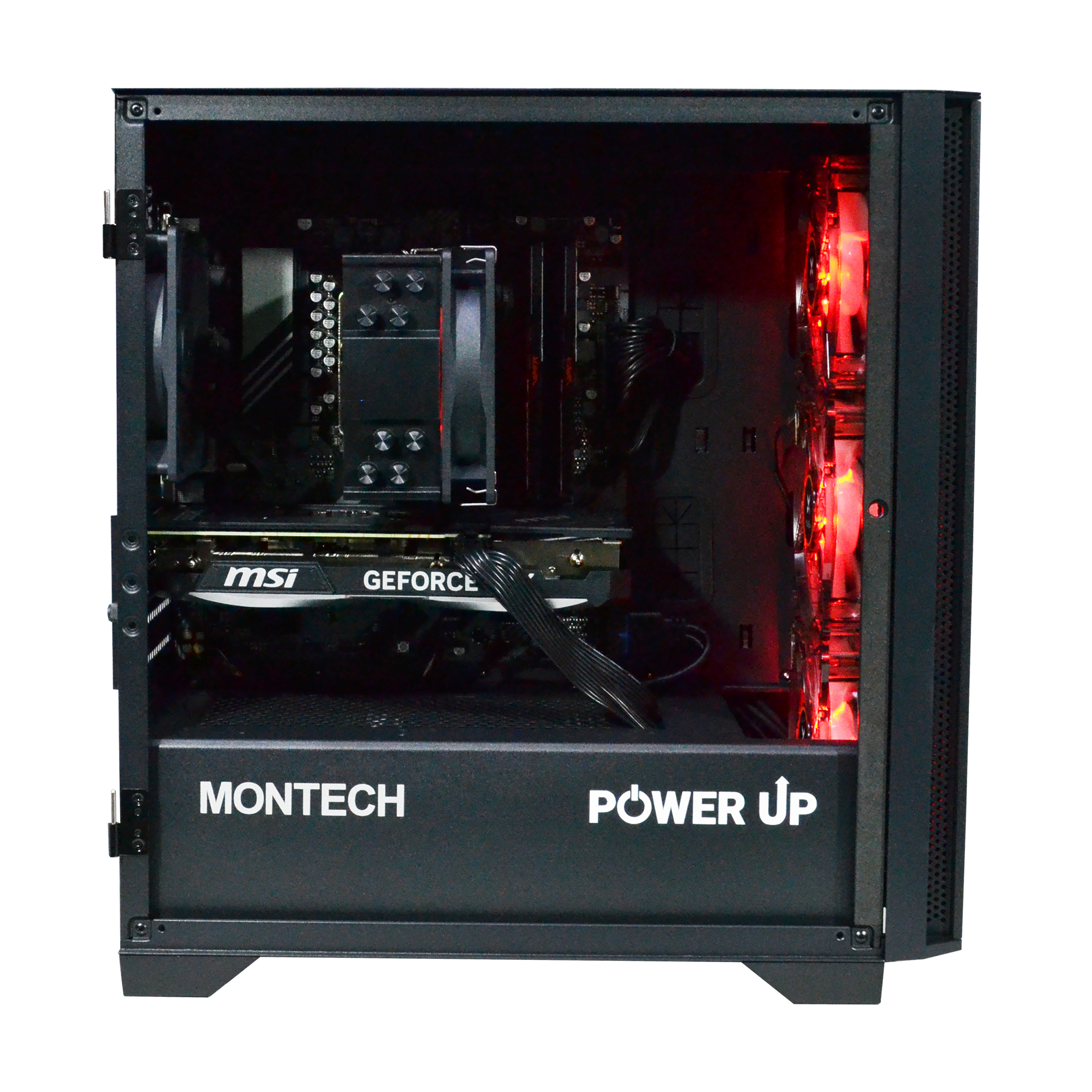
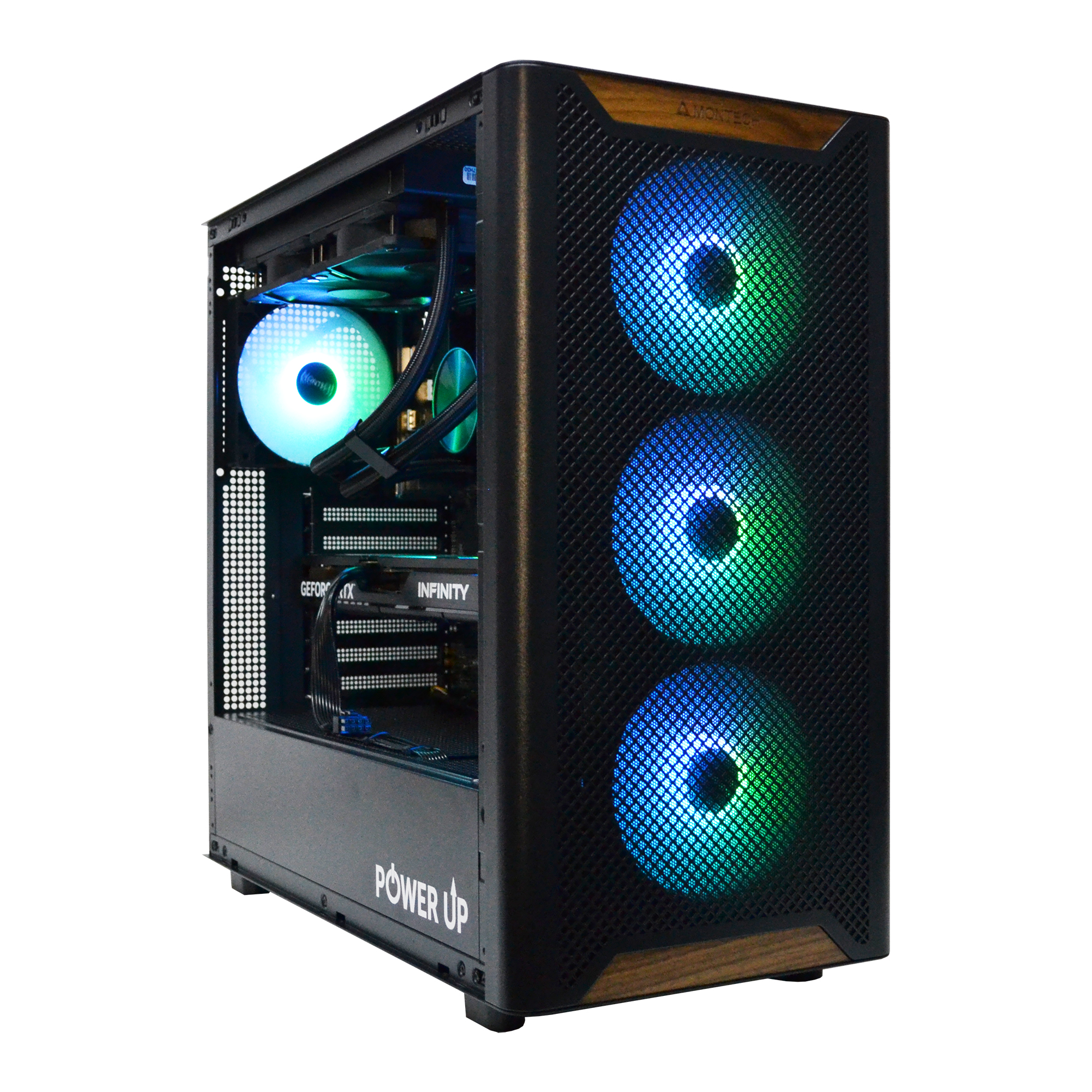
Processors like the Intel Core i5-13600K/14600K and AMD Ryzen 7 7800X3D remain an optimal choice for 2K and 4K gaming in 2026, as performance at high resolutions is bottlenecked by the graphics card (e.g., RTX 5070/5080).
Savings on a previous-generation 'CPU + motherboard' combo can reach 10,000 - 15,000 UAH, which can be wisely invested in a more powerful graphics card, a faster NVMe Gen4 SSD, or a power supply with ample headroom.
LGA 1700 and early AM5 platforms fully unlock the potential of DDR5 memory with frequencies of 6000-6400 MHz, which is the 'sweet spot' for price and performance in gaming.
For esports titles with the highest FPS (360+ Hz) and high-quality streaming, the latest Ryzen 9000 and Core Ultra 200 are still preferable due to their higher single-thread performance and improved architecture.
The year is 2026. Store shelves are dominated by the latest Intel Core Ultra 200-series processors on the LGA 1851 socket and AMD Ryzen 9000 on the AM5 platform. They offer unprecedented performance, support for DDR5 memory with frequencies of 8000+ MHz, and advanced AI accelerators. Against this backdrop, a reasonable question arises: does it make sense today to build a gaming PC on seemingly outdated chips like the Intel Core i5-13600K, i7-14700K, or the still-popular AMD Ryzen 7 7800X3D? Won't such savings become a bottleneck for powerful RTX 50 series graphics cards and future Unreal Engine 5 games? The answer is not as straightforward as it seems. The component market in 2026 presents a unique situation: previous-generation platforms (LGA 1700 and first-gen AM5) have reached peak maturity and maximum price drops. Motherboards, DDR5 modules, and the processors themselves have become significantly more affordable than at their launch. This opens a window of opportunity for building extremely powerful gaming systems with an optimal price-to-performance ratio. The key is to correctly assess the future-proofing of such CPUs and understand for which tasks their power is sufficient, and where compromises are unacceptable. This article is a deep technical analysis of the feasibility of buying Intel's 12th, 13th, 14th generation and Ryzen 5000/7000 processors in the reality of 2026. We will analyze their performance paired with the latest graphics cards, assess their upgrade potential, analyze the cost of ownership, and provide clear recommendations on how to save up to 15,000 UAH on a build without losing FPS.
The Pure Power Equation: Do Cores and Frequencies Still Rule?
In 2026, CPU manufacturers' marketing materials emphasize Neural Processing Units (NPUs) and AI optimizations. However, for a gamer, the fundamental characteristics remain the same: architecture, core count, clock speed, and cache size. And here, Intel's 13th and 14th generation processors, as well as AMD Ryzen 7000, perform more than admirably. For example, the Core i5-13600K, with its 6 Performance-cores and 8 Efficient-cores, is still one of the best gaming processors in terms of price-to-performance ratio. Its power is more than enough to ensure a stable framerate without stutters in the most demanding titles. The key architectural difference lies in the approach. Intel opted for a hybrid architecture of P-cores (Performance) and E-cores (Efficient), which excels at multitasking: game, stream, Discord, browser—everything runs smoothly. AMD, with its Ryzen 7000 series, especially with 3D V-Cache technology (as in the Ryzen 7 7800X3D), focused on minimizing data access latency with a massive L3 cache. This provides a direct advantage in games sensitive to memory subsystem speed and ensures the highest frame rate (FPS). Even compared to the Ryzen 9000 series, which offers a 10-15% improvement in games, the 7800X3D doesn't look like a weak link, especially considering its price. Let's look at the raw numbers and their impact on gameplay.
Comparison of key specifications of popular previous-generation processors
Model
Cores/Threads (P+E)
Max. Frequency (GHz)
L3 Cache (MB)
TDP (W)
Intel Core i5-13600K
14 (6+8) / 20
5.1
24
125
Intel Core i7-14700K
20 (8+12) / 28
5.6
33
125
AMD Ryzen 5 7500F
6 / 12
5.0
32
65
AMD Ryzen 7 7800X3D
8 / 16
5.0
96
120
As you can see from the table, even mid-range processors from previous years have impressive specifications. The 14 cores of the 13600K or the 96 MB of cache on the 7800X3D are not specs that will become obsolete in two or three years. Modern game engines like Unreal Engine 5 are actively learning to parallelize tasks (shader compilation, asset loading, physics), but the main game thread still heavily depends on the performance of 1-2 cores. And the chips from 2023-2024 are perfectly fine in this regard. Their single-threaded performance is still at a level sufficient to not limit graphics cards like the RTX 5070 or RTX 5080, especially at 1440p resolution and above, where the main load falls on the GPU.
Buying Previous-Gen CPUs: Pros and Cons
Advantages
✔Phenomenal price-to-performance ratio. Savings of up to 40% on the CPU+motherboard combo compared to new releases.
✔Sufficient power to unlock the potential of graphics cards up to the RTX 5080 at 2K and 4K resolutions.
✔Mature and stable platforms (LGA 1700, AM5) with refined BIOS and a wide selection of affordable motherboards.
✔The ability to use cheaper, yet still fast, DDR5 RAM with a frequency of 6000-6400 MHz.
Disadvantages
✖Limited or no potential for future processor upgrades on the same motherboard.
✖Higher power consumption and heat output on Intel flagships (i9-13900K/14900K) compared to current chips.
✖Lack of support for some of the latest technologies, such as PCIe 5.0 for multiple devices simultaneously or advanced AI instructions.
Temperatures and Power Consumption: The Hidden Cost of Performance
One of the key arguments against flagship Intel 13th and 14th generation processors is their massive power consumption and heat generation. Chips like the Core i9-13900K and Core i9-14900K can consume over 300W at peak load, turning into a real furnace. This creates a cascade of requirements for the rest of the system components. First, you'll need a high-efficiency cooling system. A standard tower cooler won't cut it; we're talking about top-tier dual-tower coolers or, more preferably, a liquid cooling system (AIO) with a 280mm or 360mm radiator. The cost of such an AIO can reach 5,000-8,000 UAH, which must be added to the price of the processor itself. Second, high TDP requires a quality motherboard with a powerful power delivery system (VRM) and good heatsinks. Cheap B760 chipset motherboards may not handle such a beast, and the processor will overheat and throttle, losing performance. Third, there are the power supply requirements. For a system with a Core i9-14900K and a graphics card on the level of an RTX 5080, you need a quality PSU of at least 1000W with an ATX 3.0 standard and a 'Platinum' certification. Finally, all this hot hardware needs to be housed in a well-ventilated case with several fans. In total, the supporting components for a hot Intel flagship can cost as much as the processor itself. In this context, AMD Ryzen 7000 processors, especially the Ryzen 7 7800X3D, look much more attractive.
Comparison of thermal and power characteristics
Processor
Peak Consumption (W)
Temperature under load (360mm AIO)
Recommended Cooling Type
Intel Core i9-14900K
~320 W
~95-100°C
360/420 mm AIO
Intel Core i7-14700K
~280 W
~85-90°C
280/360 mm AIO or supercooler
AMD Ryzen 7 7800X3D
~88 W
~75-80°C
High-quality air cooler
AMD Ryzen 9 7950X
~170 W
~90-95°C
240/280 mm AIO
As you can see, the 7800X3D, with comparable and often higher gaming performance, consumes 3-4 times less energy than Intel's flagships. This allows you to save on everything: a good air cooler for 2,000-3,000 UAH, a mid-range motherboard, and an 850W power supply are sufficient. This is especially relevant for 4K gaming. At this resolution, almost all the load is on the graphics card, and the performance difference between a Core i9-14900K and a Ryzen 7 7800X3D will be minimal, within the margin of error. However, the difference in build cost, noise level, and room heating will be colossal.
Recommended builds with previous-generation processors in 2026
Purpose
Recommended Graphics Card
Processor
Approximate Budget (PC case only)
Full HD (1080p) @ 144-240 Hz
NVIDIA GeForce RTX 5060 12 GB
Intel Core i5-12600KF / AMD Ryzen 5 7500F
45,000 - 55,000 UAH
2K (1440p) @ 144-165 Hz
NVIDIA GeForce RTX 5070 16 GB
Intel Core i5-13600K / AMD Ryzen 7 7800X3D
70,000 - 90,000 UAH
4K (2160p) @ 60-120 Hz
NVIDIA GeForce RTX 5080 20 GB
Intel Core i7-14700K / AMD Ryzen 7 7800X3D
110,000 - 140,000 UAH
How to Build a Smart Custom PC: Budget Reallocation
The main idea behind buying a previous-generation processor is not just to save money, but to smartly reallocate the saved funds. Let's imagine you saved 12,000 UAH by choosing a Core i7-14700K + Z790 motherboard combo instead of a new Core Ultra 7 265K + Z890 board. Where should you invest this difference to get the maximum performance and comfort boost? There are several options, and all of them are more tangible for a gamer than the 5-10% CPU performance increase that the new product offers. The first and most obvious option is the graphics card. 12,000 UAH is exactly the price difference between an RTX 5070 16 GB and an RTX 5080 20 GB. Such an upgrade will give you 30-40% more FPS at 4K resolution, allow you to max out ray tracing settings, and provide much more future-proofing. No processor will give such a performance leap in games. This is the most rational choice for a gamer who wants to get the most graphics power for their money. The second option is the storage subsystem and power supply. You can invest the money in:
A larger NVMe SSD: Instead of a 2 TB model, get a 4 TB one. Games like GTA VI or Star Citizen 2 take up 200-300 GB, and disk space runs out very quickly.
A better quality power supply: Instead of a 'Gold' 850W PSU, get a 'Platinum' 1000W one. This is not only headroom for future upgrades but also higher efficiency, quieter operation, and voltage stability, which extends the life of all components. You should never cheap out on the PSU.
Case and cooling: Buy a more spacious and well-ventilated case, which will facilitate cable management and improve the thermal performance of all components. Add a set of quality case fans.
The third option is peripherals. Perhaps your current monitor cannot unlock the full power of your new build. The saved money can be invested in upgrading from Full HD to a 2K 165 Hz monitor with an IPS panel or even a 4K model. The gaming experience will change dramatically. Building a custom PC is always about finding a balance. And in 2026, the balance is shifting towards a more powerful graphics card and quality peripherals, while the processing power of chips from 2023-2024 is still more than sufficient. This is the approach that allows you to build an optimal gaming computer that will bring you joy for years to come.
How Future-Proof is Such a Processor for Upcoming Games?
The main fear when buying hardware that isn't brand new is that it will quickly become obsolete. But in the case of Intel's 13th/14th generation and Ryzen 7000 CPUs, this fear is exaggerated. These chips have enormous future-proofing, and here's why. First, the current generation of consoles (PlayStation 5, Xbox Series X) use 8-core processors based on the Zen 2 architecture. Game developers will target this performance level as a baseline for many years to come. Any processor at the level of a Core i5-12600K or Ryzen 5 7600 already significantly surpasses console CPUs, which guarantees comfortable gameplay in all cross-platform titles until the end of the current console cycle (around 2028). Second, the key technologies that define 'next-gen' graphics primarily load the graphics card. Ray Tracing and its more advanced form, Path Tracing, require colossal power from the GPU. In this scenario, the processor's job is to prepare data and build BVH structures, but the graphics card takes the main hit. Scaling and frame generation technologies (NVIDIA DLSS 3.5/4.0, AMD FSR 3/4) work similarly. They allow for high FPS even with very demanding graphics settings, and the load on the CPU increases only slightly. Therefore, for an owner of an RTX 5070 or RTX 5080, it's much more important to have a powerful GPU than the very latest CPU. The money saved on the processor, invested in the graphics card, will yield a much greater FPS increase. Let's consider a practical performance example. A build with a Core i5-14600K, 32 GB of DDR5-6400, and an NVIDIA GeForce RTX 5070 16 GB graphics card in 2026 shows the following results:
Average FPS in games (1440p resolution, maximum settings)
Game
Graphics Settings
DLSS/FSR
Average FPS
Cyberpunk 2077 (Phantom Liberty)
Ultra + Path Tracing
DLSS 4.0 Quality + Frame Generation
~95 FPS
Grand Theft Auto VI
Very High
DLSS 4.0 Balanced + Frame Generation
~110 FPS
Counter-Strike 2
Maximum, no upscaling
N/A
~450 FPS
As you can see, even a non-flagship processor from a previous generation provides more than comfortable performance in the most demanding games. This makes the PC upgrade path based on these platforms very attractive. You can buy a Core i5-13600K today, and in a couple of years, when prices drop, find a Core i9-14900K on the used market, getting a serious performance boost without changing the entire platform.
Platform Analysis: Hidden Costs of Motherboards and Memory
Choosing a processor is always choosing an entire platform. In 2026, this means choosing between the outgoing LGA 1700, the still-relevant AM5, and the newest LGA 1851. And here lies significant potential for savings. The LGA 1700 platform, which supports Intel processors from the 12th to the 14th generation, is the most mature. Manufacturers have released a huge number of motherboard models for every taste and budget, from budget H610 to top-of-the-line Z790. Their prices have dropped significantly. For example, a quality motherboard on the B760 chipset with DDR5 support and good VRM can be found for 5,000-7,000 UAH, while a similar solution for the new LGA 1851 socket will cost 10,000 - 12,000 UAH at launch. Another important aspect is DDR5 RAM. By 2026, it has become the standard, but there are nuances. The new Intel Core Ultra 200 and Ryzen 9000 platforms are optimized for high-frequency modules of 7200-8000+ MHz. Such memory kits are still expensive. At the same time, Intel 13th/14th generation and Ryzen 7000 processors work perfectly with DDR5 memory at 6000-6400 MHz with low timings (e.g., CL30). This frequency range is considered the 'sweet spot' for price-to-performance, and the gain from more expensive modules in games is minimal. A 2x16 GB DDR5-6000 CL30 kit costs about 30-40% less than a DDR5-7600 CL36 kit. Thus, by choosing a previous-generation platform, you save on both the motherboard and the RAM, which can add up to 8,000 UAH. This budget is better redirected to buying a larger NVMe SSD, for example, a 4 TB one for your entire game library. The AM5 platform from AMD deserves a special mention. AMD promised long-term support for it, and that turned out to be true. Motherboards on B650/X670 chipsets purchased in 2023 are fully compatible with the new Ryzen 9000 processors after a BIOS update. This opens up an excellent upgrade path. You can build a system today on an affordable Ryzen 5 7500F and in a couple of years, install a hypothetical Ryzen 7 9700X without changing anything but the CPU. This factor makes AM5 a more forward-looking investment than LGA 1700, whose life cycle is over. You can dive deeper into the ecosystem and benefits of the platform by exploring information on AMD Ryzen technologies. In any case, both platforms offer PCIe 5.0 support for the graphics card and at least one M.2 PCIe 5.0 slot for future ultra-fast SSDs, so you won't feel left out in terms of speed. A huge selection of DDR5 RAM for any platform allows for flexible system configuration.
How to Choose the Optimal Previous-Generation Processor in 2026
This guide will help you make a rational CPU choice, save money, and not lose performance, focusing on your actual needs.
Step 1: Determine Your Monitor Resolution and Target FPS
This is the most important step. If you play on a Full HD (1080p) monitor and need 300+ FPS in CS2, you need a processor with maximum single-threaded performance, like the Core i7-14700K. If your goal is 4K (2160p) gaming at 60-120 FPS, performance will be bottlenecked by the graphics card, and a more affordable Core i5-13600K or Ryzen 7 7800X3D will be sufficient.
Step 2: Choose Your Graphics Card
The processor should match the graphics card to avoid a bottleneck. For an RTX 5060/5070, the Core i5-13600K/14600K or Ryzen 5 7600/Ryzen 7 7800X3D are ideal. For a flagship RTX 5080 or 5090, you should look towards the Core i7-14700K or Core i9-13900K to fully unlock their potential in high-FPS scenarios.
Step 3: Estimate the Budget for Cooling and Motherboard
If you choose a hot processor like an Intel Core i9, immediately budget 6,000-8,000 UAH for a high-performance AIO and 8,000-10,000 UAH for a quality motherboard with a powerful VRM. For the power-efficient Ryzen 7 7800X3D, an air cooler for 2,500 UAH and a B650 chipset board for 6,000 UAH are sufficient. The difference in platform cost can be huge.
Step 4: Analyze Additional Tasks
If you not only play games but also stream, video edit, or work with 3D graphics, pay attention to the core count. Intel processors with a large number of E-cores (like the 14700K) or multi-core Ryzen 9 CPUs (7900X, 7950X) will perform significantly better in productivity tasks than purely gaming-focused chips like the 7800X3D.
Step 5: Consider Future Upgrades
The Intel LGA 1700 platform has already reached its limit, and you won't be able to install a newer processor in it. The AMD AM5 platform, on the other hand, supports both Ryzen 7000 and the new Ryzen 9000 series. If you plan to upgrade only the processor in 2-3 years, a build on AM5 is a more forward-thinking decision.
Step 6: Compare the Final Build Cost
After selecting all the components, calculate the total cost of two or three build options. It often turns out that a system with a more expensive processor but cheaper supporting components (as in the case of the Ryzen 7 7800X3D) is more cost-effective than a system with a nominally cheaper CPU that requires expensive cooling and a motherboard.
Frequently Asked Questions (FAQ)
Wouldn't the Ryzen 7 5800X3D on the AM4 platform be a good choice in 2026?
The Ryzen 7 5800X3D is still a decent processor, but the AM4 platform and DDR4 memory are its main limitations. In 2026, the performance difference with DDR5 systems, especially in the latest games, becomes too noticeable. Building a new system on AM4 is not advisable, but as an upgrade for an existing PC with a Ryzen 1000/2000/3000, it's still an excellent and budget-friendly option.
How many cores are needed for gaming in 2026?
For the vast majority of games, a comfortable minimum is 6 performance cores. The optimal choice can be considered processors with 8 performance cores or hybrid CPUs with a 6P+8E or 8P+8E configuration. A higher number of cores (12, 16, or more) provides almost no FPS boost in games but can be useful for streaming and background tasks.
Does it make sense to get a processor with a 'K' (Intel) or 'X' (AMD) suffix if I don't plan to overclock?
Yes, it does. Even without manual overclocking, processors with these suffixes have higher base and boost clocks 'out of the box', which gives them a performance advantage of about 5-10% compared to non-suffixed models. Given the small price difference, their purchase is often justified.
What RAM is best suited for Intel 13th/14th generation and Ryzen 7000 processors?
The sweet spot for these platforms is DDR5 memory with a frequency of 6000-6400 MHz and CL30-CL32 timings. Higher frequency memory provides a minimal performance boost in games but costs significantly more and may require manual tuning for stable operation.
How important is PCIe 5.0 for graphics cards and SSDs in 2026?
For graphics cards, including the RTX 50 series, the bandwidth of the PCIe 4.0 x16 interface is still more than sufficient. The difference with PCIe 5.0 in games is less than 1%. For SSDs, the PCIe 5.0 interface allows for speeds up to 14,000 MB/s, which can be useful for very fast game loading with DirectStorage technology, but for most users, the difference from fast PCIe 4.0 SSDs (around 7,000 MB/s) will be barely noticeable.
Can I save money by buying a used processor?
You can, but with caution. Processors are one of the most reliable PC components, but there is a risk of buying a 'delidded' or overheated unit. Buy only from reputable sellers with good reviews and the option to test it. The savings can be 20-30% off the new price, which makes this an attractive option for budget builds.
In conclusion, it can be said with confidence: in 2026, previous-generation processors not only have a right to exist but are the most rational and pragmatic choice for building a powerful gaming PC. Chips like the Core i5-13600K, i7-14700K, and Ryzen 7 7800X3D have enough performance headroom to unlock the potential of the latest graphics cards and ensure comfortable gaming for several years to come, especially at the popular 2K and 4K resolutions. The main advantage of this approach is smart savings. The funds saved on the 'processor + motherboard' combo can be invested in what provides a real and tangible performance boost: a more powerful graphics card, a fast and capacious SSD, or a quality power supply. If you want to get the maximum FPS for every UAH invested and build a balanced system without overpaying for marketing, previous-generation processors are your choice. We invite you to the PowerUp store catalog, where you will find both pre-built gaming computers based on these proven chips, and you can also contact our engineers to create a custom build perfectly suited to your tasks and budget.