In Short (TL;DR):
- TP-Link wins with its broad lineup and Tapo smart home ecosystem; Ruijie Reyee offers SMB-level network features (VLAN, multi-SSID) even in budget models.
- Wi-Fi 7 (802.11be) is available from both brands in 2026: TP-Link has several models to choose from (Archer BE220, BE230, GE230, GE800), while Ruijie offers a single flagship, the RG-EW7200BE PRO, with top-tier hardware.
- Mesh is handled differently: TP-Link Deco is a separate lineup of identical nodes in kits, while Reyee Mesh is a built-in function in standard routers that connects even different Wi-Fi generations.
- Ruijie Cloud management is free for the lifetime of the device; TP-Link's advanced HomeShield Pro security requires a paid subscription.
TP-Link controls over 40% of the global home Wi-Fi equipment market. Ruijie entered the same segment through its subsidiary brand Reyee, bringing features to home routers that were previously only found in corporate networks: VLAN segmentation, multi-SSID, and cloud fleet management. In 2026, the line between "home" and "office" routers is almost completely blurred — both brands sell Wi-Fi 7 (802.11be) not only in flagships but starting from the mid-price segment.
A direct comparison of manufacturers is rarely objective: the marketing of both TP-Link and Ruijie equally promises "maximum coverage" and "stable signal", while the real differences are hidden in the datasheets. We compared the models sold in Ukraine across three segments — budget, mid-range Wi-Fi 6, and top-tier Wi-Fi 7 — relying on the manufacturers' official technical specifications, not promotional phrasing.
Below, you will find tables covering ports, antennas, chips, and claimed speeds, an analysis of both ecosystems' mesh technologies, and a step-by-step guide to help you choose a model for a specific apartment or office.
TP-Link and Ruijie: Two Different Approaches to Wi-Fi
TP-Link is the world's largest manufacturer of home Wi-Fi equipment: three separate lineups (Archer for routers, Deco for mesh systems, Tapo for smart plugs, cameras, and bulbs) cover the entire home with one ecosystem and one app. Ruijie is a corporate network equipment vendor from China, whose sub-brand Reyee adapted technologies for the SOHO/SMB and home segments: the RG-EW line unites routers from Wi-Fi 4 to Wi-Fi 7, while RG-RAP offers separate access points to expand coverage.
The key structural difference lies in their approach to networking features. TP-Link adds a guest network and IoT device segmentation in mid-range models and above, keeping budget routers as simple as possible. Ruijie, on the other hand, builds multi-SSID and basic VLAN segmentation into almost the entire RG-EW lineup — even in models costing just a couple of thousand hryvnias, inheriting this from Ruijie Networks' corporate products.
| Parameter | TP-Link | Ruijie (Reyee) |
|---|---|---|
| Positioning | World's largest consumer Wi-Fi manufacturer | Home lineup from corporate vendor Ruijie Networks |
| Router Lineups | Archer (classic and gaming GE/GX), Deco (mesh), Tapo (smart home) | Reyee RG-EW (routers), RG-RAP (access points) |
| Wi-Fi Standards | Wi-Fi 5 / Wi-Fi 6 / Wi-Fi 7 (802.11be) | Wi-Fi 4 / Wi-Fi 5 / Wi-Fi 6 / Wi-Fi 7 (802.11be) |
| App | TP-Link Tether + HomeShield | Ruijie Reyee App |
| Cloud Management | HomeShield (basic plan free, Pro by subscription) | Ruijie Cloud (free for the lifetime of the device) |
| Mesh Technology | Deco Mesh, OneMesh, EasyMesh support | Reyee Mesh (connects Wi-Fi 5/6/7 routers together) |
| Network Segmentation | Guest and IoT network — usually in mid-range models and above | Multi-SSID and basic VLAN segmentation — in almost the entire lineup |
| Strong Point | Smart home ecosystem, widest choice of models and accessories | Enterprise-grade network features at a home router price |
Budget Segment: Entry-Level Routers
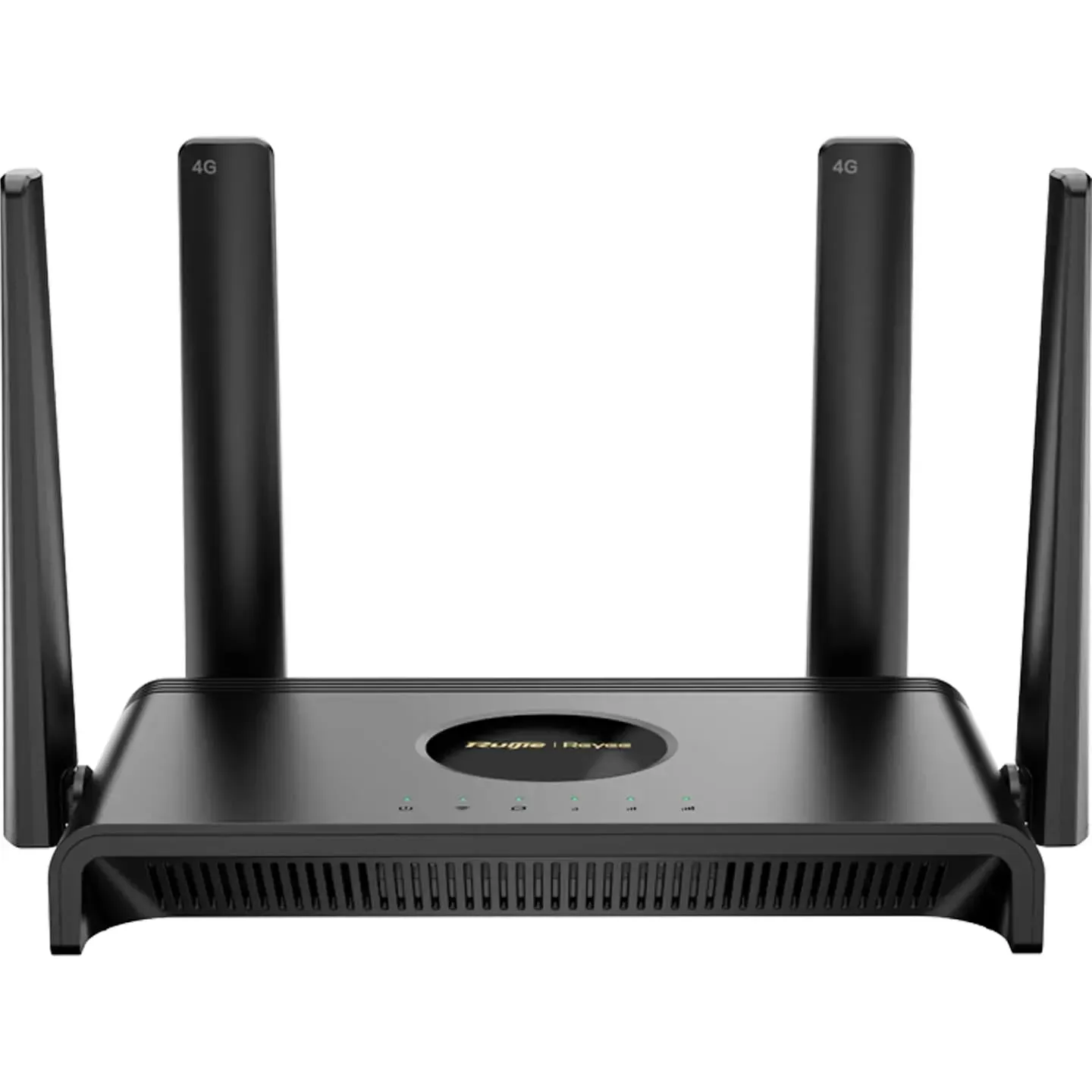
In the budget segment, both brands solve one task: stable internet for an apartment without complex requirements — 10-20 devices, no simultaneous 4K streaming on multiple screens. The difference is in what the manufacturer puts "in the box" besides the signal itself.
| Model | Wi-Fi | Speed Class | Bands | LAN Ports | Feature |
|---|---|---|---|---|---|
| TP-Link Archer C54 | Wi-Fi 5 | AC1200 | 2.4 + 5 GHz | 4× Fast/Gigabit Ethernet | Simplest setup via Tether, no unnecessary features |
| TP-Link Archer AX12 | Wi-Fi 6 | AX1500 | 2.4 + 5 GHz | 4× Fast Ethernet | OFDMA even in the most affordable model of the lineup |
| Ruijie Reyee RG-EW300N | Wi-Fi 4 | 300 Mbps | 2.4 GHz | 4× 100 Mbps | Router/Repeater/AP/WISP modes, 3-year warranty |
| Ruijie Reyee RG-EW1200 | Wi-Fi 5 | up to 1300 Mbps | 2.4 + 5 GHz | Gigabit LAN | Reyee Mesh and parental controls right at the start of the lineup |
The Archer C54 and RG-EW300N solve the same problem, but the C54 is noticeably more powerful "on paper": dual-band Wi-Fi 5 versus a single 2.4 GHz band and 100 Mbps ports on the RG-EW300N. A fairer comparison is the Archer AX12 and RG-EW1200: the former wins with Wi-Fi 6 and OFDMA for multitasking, the latter with Reyee Mesh and multi-SSID, which are almost never found among competitors in this price segment.
- If you just need stable internet without configuration, the Archer C54 or RG-EW300N will cover the issue for minimal money.
- If the house already has 15+ smart devices (bulbs, plugs, speakers), the Archer AX12 with OFDMA will handle it better than a single-band model.
- If you plan to expand coverage later with a second router, the RG-EW1200 natively supports Reyee Mesh, so you won't need to buy a special kit.
Mid-Range Wi-Fi 6: Balance of Price and Speed
The mid-range segment is the most competitive area of the market: it caters to families with 20-40 connected devices, gaming consoles, smart speakers, and video calls running simultaneously with remote work.
| Model | Speed Class | Ports | Key Features |
|---|---|---|---|
| TP-Link Archer AX55 | AX3000 (574 + 2402 Mbps) | 1× 2.5G WAN/LAN + 4× Gigabit LAN | OFDMA, Beamforming, EasyMesh support, 4 antennas |
| TP-Link Archer AX73 | AX5400 (574 + 4804 Mbps) | 5× Gigabit LAN + USB 3.0 | 6 antennas, 1.5 GHz triple-core CPU |
| Ruijie Reyee RG-EW3000GX PRO | Wi-Fi 6, 3000 Mbps | Gigabit LAN | Reyee Mesh, gaming traffic prioritization mode |
| Ruijie Reyee RG-EW6000GX | Wi-Fi 6, 6000 Mbps | Gigabit LAN + 2.5G port | Dual WAN aggregation, Reyee Mesh |
Based on claimed total speeds, Ruijie formally wins with 3000 and 6000 Mbps against TP-Link's AX3000 and AX5400. In practice, this is marketing arithmetic: the total figure adds up the speeds of both bands, which the device physically cannot use simultaneously without MLO (a technology that only appeared in Wi-Fi 7). A more indicative parameter in this segment is the ports and processor: the AX73 has five gigabit ports, USB 3.0 for a network drive, and a triple-core chip, while the RG-EW6000GX features dual WAN aggregation, which is useful when connecting a backup internet source, like a 4G modem, in case the primary provider goes down.
Wi-Fi 7 and Gaming Routers: The Top Tier
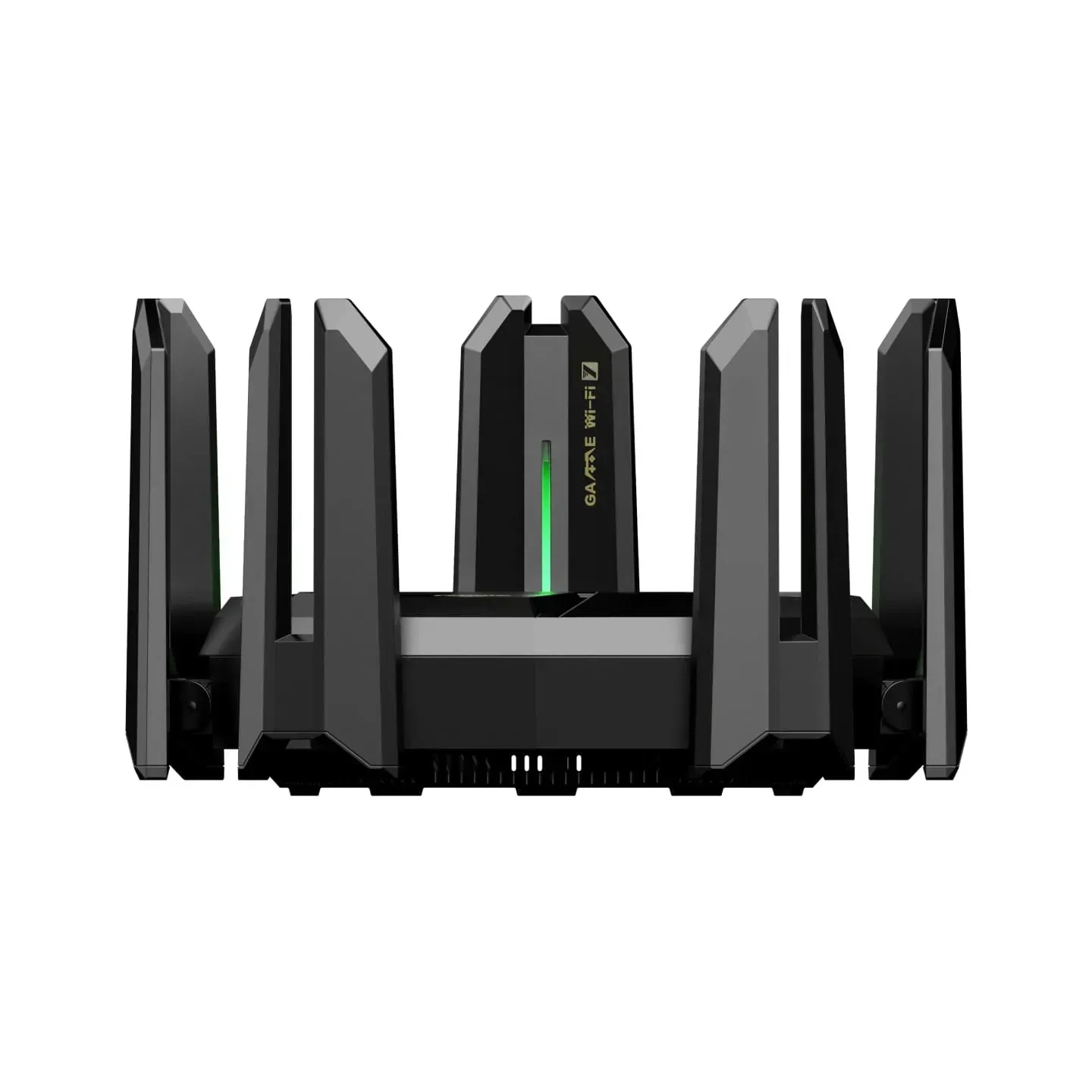
Wi-Fi 7 (802.11be) is the fastest entry into the top tier of 2026. Multi-Link Operation (MLO) technology allows a device to use two bands simultaneously for the first time, rather than switching between them, which reduces signal latency in online games and video calls under heavy network loads.
| Model | Speed Class | Ports | Features |
|---|---|---|---|
| TP-Link Archer BE230 | BE3600, dual-band, up to 3.6 Gbps | 2.5G WAN + 2.5G LAN + 3× Gigabit LAN + USB 3.0 | MLO, built-in VPN server, HomeShield |
| TP-Link Archer GE800 | BE19000, tri-band, up to 19 Gbps | 2× 10G + 2× 2.5G ports | Gaming mode, traffic prioritization, HomeShield |
| Ruijie Reyee RG-EW7200BE PRO | 7200 Mbps, dual-band | 2× 2.5G WAN + 3× 2.5G LAN + 4× 1G LAN + USB 3.0 | MediaTek MT7992 chip, 9 antennas, MLO + MRU, Reyee Mesh |
TP-Link offers a wider choice in the Wi-Fi 7 segment on the Ukrainian market — from the affordable Archer BE220 to the top-tier gaming Archer GE800 with two 10-gigabit ports. Ruijie currently has one model — the RG-EW7200BE PRO, but hardware-wise it is not a "lite" version: a nine-antenna design, MediaTek MT7992 chip, and five 2.5 Gbps ports put it on par with the higher-end Archer BE models. You can verify full specifications directly on the manufacturers' websites, as the marketing "Gbps" on the box doesn't always match the actual port throughput.
For a build with a top-tier graphics card like the RTX 5080 or RTX 5090, where connection stability during parallel texture downloads, voice chat, and streaming is crucial, any of these three routers will get the job done. If you are just putting together a system, you can immediately look at pre-built gaming PCs in the catalog to consider the router and the PC build as a complete package.
Mesh Systems: Deco vs. Reyee Mesh
Deco and Reyee Mesh solve the same problem — providing signal coverage for a house starting from 100 m² or two floors — but are designed as entirely different products.
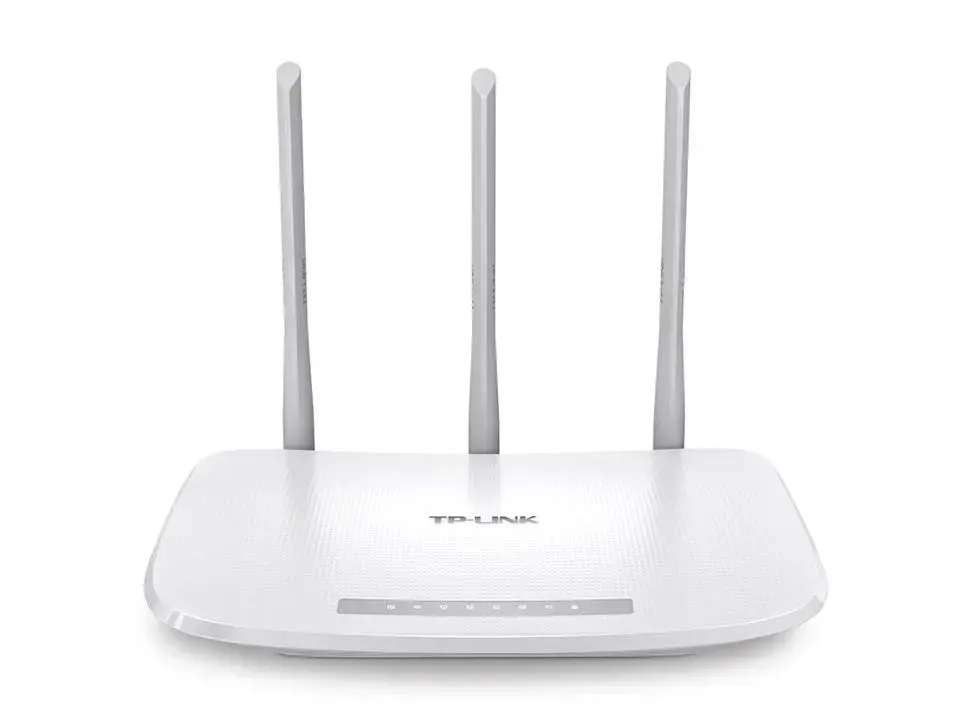
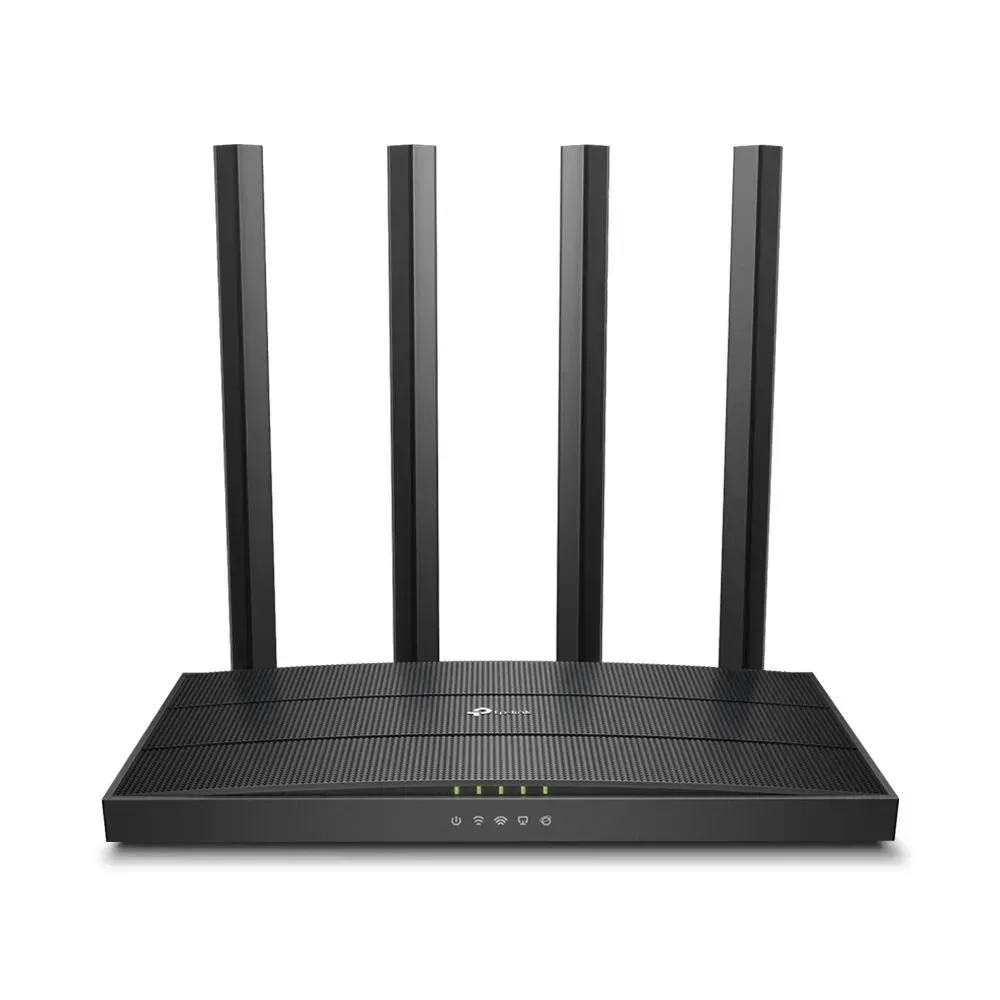
TP-Link Deco is sold in kits, usually 2-3 nodes per package: each node is an identical device designed solely for mesh, without a dedicated "main" router role. Setup is done via a separate Deco app, and roaming between nodes is seamless — the device switches to a stronger signal imperceptibly to the user.
Ruijie does not have a separate mesh line; instead, any RG-EW router can be linked to another via the Reyee Mesh feature directly in the app. Official Ruijie documentation confirms compatibility between routers of different Wi-Fi generations in a single mesh network: you can buy a second router later without being tied to a specific "branded" kit.
- TP-Link Deco: ready-made kits (Deco M4, X50, X50-PoE, X60, BE22, BE65-PoE, BE85), coverage from Wi-Fi 5 to Wi-Fi 7; select models support PoE for a wired backhaul between nodes.
- Ruijie Reyee Mesh: a built-in feature of standard RG-EW routers, compatible with Wi-Fi 5/6/7 models. It does not require purchasing a separate "mesh kit", allowing you to expand the system gradually.
Apps and Cloud Management
Both brands expect configuration to be done via a smartphone rather than a web interface with a cable — this is the industry standard as of 2026.
| Tool | What it does |
|---|---|
| TP-Link Tether | Basic router configuration and management; mandatory app upon the first device startup |
| TP-Link HomeShield | Antivirus, bandwidth control, parental controls. Basic plan is free, advanced features (Pro) are by subscription |
| Ruijie Reyee App | Network setup in minutes, remote reboot, connected device monitoring, shared access mode |
| Ruijie Cloud | Cloud management, stated by the manufacturer to be free for the lifetime of the device: time-based access restrictions, device blacklists/whitelists |
Security and Parental Controls
WPA3 in 2026 is the de facto standard for both brands, starting from the mid-range Wi-Fi 6 segment. The difference lies in the additional security layer on top of the encryption.
TP-Link integrates HomeShield into AX-class models and above: real-time network scanning, malicious site blocking, and network time management for children's profiles. Some features, such as deep antivirus scanning and advanced statistics, are only available via a paid Pro subscription.
Ruijie addresses similar tasks through built-in parental controls and Health Mode, which reduces antenna radiation power at night — a targeted feature that most competitors lack in this price segment. VLAN segmentation in Ruijie also acts as a security tool: guest devices and IoT gadgets are isolated from the main network at the protocol level, not just by a guest Wi-Fi password.
Advantages and Disadvantages of Each Brand
TP-Link
- ✔Widest lineup on the market — from budget to top-tier models for any budget
- ✔Tapo smart home ecosystem and broad mesh standards support (EasyMesh)
- ✔Intuitive Tether app suitable even for beginners
- ✖Advanced HomeShield Pro security features require a paid subscription
- ✖VLAN segmentation and multi-SSID are not available in all models, especially in the budget segment
Ruijie (Reyee)
- ✔Enterprise-grade network features (VLAN, multi-SSID) even in budget models
- ✔Lifetime free cloud management via Ruijie Cloud
- ✔Reyee Mesh connects routers of different Wi-Fi generations (5/6/7) into a single network
- ✖The lineup on the Ukrainian market is more compact than TP-Link's — fewer models in each segment
- ✖Fewer third-party smart home integrations compared to the Tapo ecosystem
How to Choose a Router: Step-by-Step Guide
Six steps that narrow the choice from dozens of models to 2-3 specific candidates for your apartment or office.
Step 1: Measure the area and count obstacles
A single router confidently maintains a signal in an apartment up to 60-70 m² with 1-2 load-bearing walls. For larger areas, L-shaped layouts, or two floors, immediately plan for a mesh system or a second router instead of relying on the antennas and Beamforming of a single device.
Step 2: Estimate the number of simultaneous connections
Count everything, not just smartphones and laptops: smart bulbs, plugs, cameras, TV boxes, consoles. From 20 devices onwards, a budget model without OFDMA will start to lag; here you need at least Wi-Fi 6.
Step 3: Check your provider's tariff and the required port
If your internet tariff is above 1 Gbps, a standard gigabit WAN port will become a bottleneck regardless of Wi-Fi speed. Look for models with a 2.5G or 10G WAN port; otherwise, the speed you paid the provider for will physically not pass beyond the router.
Step 4: Decide on coverage — a single router or mesh
For a house or apartment with dead zones, choose an ecosystem rather than a separate model: TP-Link Deco if a ready-made kit of identical nodes is more convenient, Ruijie RG-EW if you want to buy routers one by one as needed.
Step 5: Match the Wi-Fi generation with your budget
Wi-Fi 7 makes sense if your home already has or will soon have Wi-Fi 7-compatible devices (flagship smartphones, laptops, 2025-2026 gaming PCs) and a tariff from 1 Gbps. In all other cases, mid-range Wi-Fi 6 offers the best balance of price and real-world utility.
Step 6: Check for specific features
Need a VPN server for remote access to your home network, gaming traffic prioritization, built-in parental controls, or a VLAN to isolate guest devices? Verify this with the tables above before comparing models purely on price.
Frequently Asked Questions
TP-Link or Ruijie — which is better for home?
For most home users without specific networking needs, TP-Link provides a more refined, familiar interface and the broadest smart home ecosystem. Ruijie Reyee is a strong choice if you need network segmentation (VLAN, multi-SSID) or plan to expand with a mesh system in the future, often for less money with a comparable Wi-Fi generation.
Are Ruijie routers only for offices?
No. Reyee is a separate Ruijie Networks lineup designed specifically for homes: its own app, simplified setup in a few minutes, and RG-EW models do not require network administration experience. The full-fledged Ruijie enterprise lineup is named differently and sold separately.
Do I need Wi-Fi 7 in 2026?
Practical benefits only emerge with the combination of "Wi-Fi 7 device + tariff from 1 Gbps". Without these two conditions, mid-range Wi-Fi 6 performs just as well and costs noticeably less. As future-proofing for the next 2-3 years, Wi-Fi 7 is already available at a price point close to top-tier Wi-Fi 6 models.
How does Reyee Mesh differ from TP-Link Deco?
Deco is a separate line of identical nodes sold in ready-made kits of 2-3 units. Reyee Mesh is a built-in feature of standard RG-EW routers: you can start with one router and buy a second later, and they can be models of different Wi-Fi generations.
Can I combine TP-Link and Ruijie routers into a single mesh network?
No, proprietary mesh technologies (Deco Mesh, Reyee Mesh) only work within the ecosystem of a single brand. Routers from different manufacturers can only be linked in a separate access point mode, without a single SSID or seamless roaming between them.
Which router is better for gaming and esports?
Look for gaming models with traffic prioritization and a 2.5G port for a wired PC connection: for TP-Link this is the Archer GE series, and for Ruijie — the RG-EW7200BE PRO with its proprietary gaming mode. MLO technology in Wi-Fi 7 for both brands reduces signal latency during parallel network loads like streaming, torrents, and calls.
Is it difficult for a beginner to set up a Ruijie router?
No. According to the manufacturer, basic setup via the Ruijie Reyee App takes just a few minutes, similar to the first launch of TP-Link Tether: connect to the network, answer a couple of questions about your home, and you're done. Advanced features (VLANs, schedules) remain in a separate section for those who need them.
TP-Link remains the more universal choice if you want a complete smart home ecosystem and an out-of-the-box router without VLAN configuration. Ruijie Reyee wins where enterprise-grade network features at a home router price matter — from a guest network to combining multiple devices into a mesh without overpaying for a branded kit.
The entire current range of TP-Link is in the TP-Link routers section of the PowerUp store, and the Ruijie Reyee lineup is on the Ruijie brand page. If you need help choosing a specific model for your apartment's area or provider's tariff, PowerUp engineers will provide a free consultation and select a connection scheme for your home or small office.