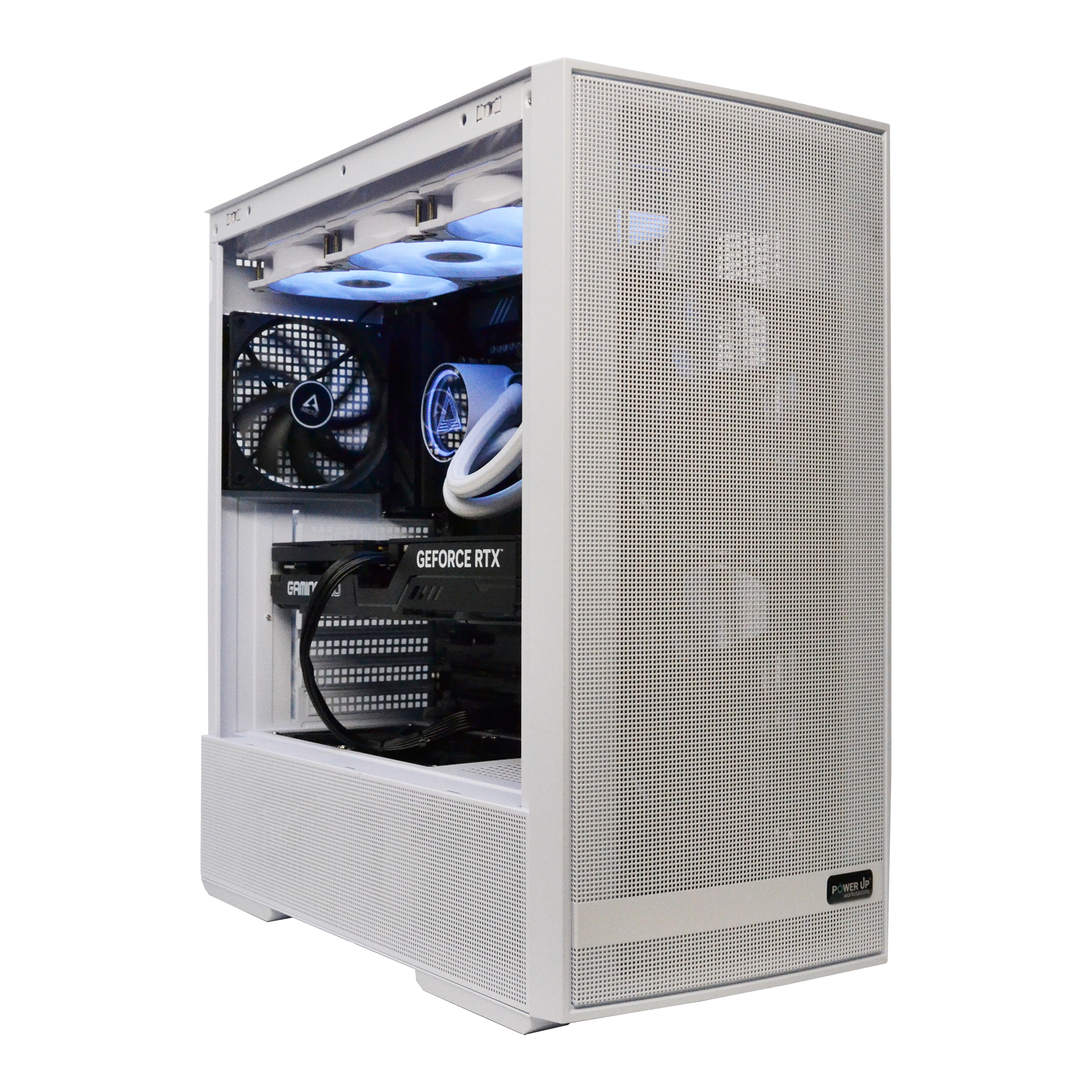
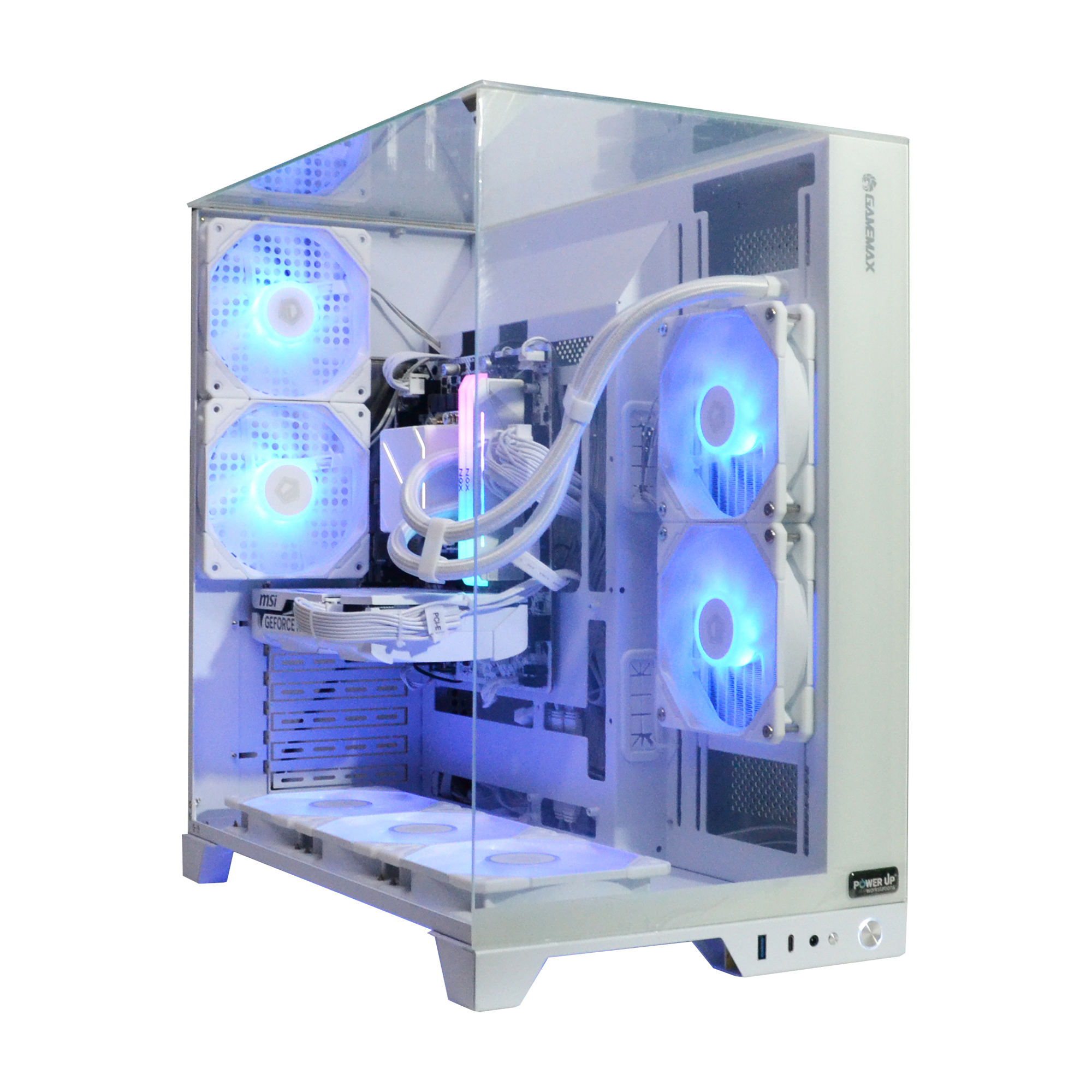
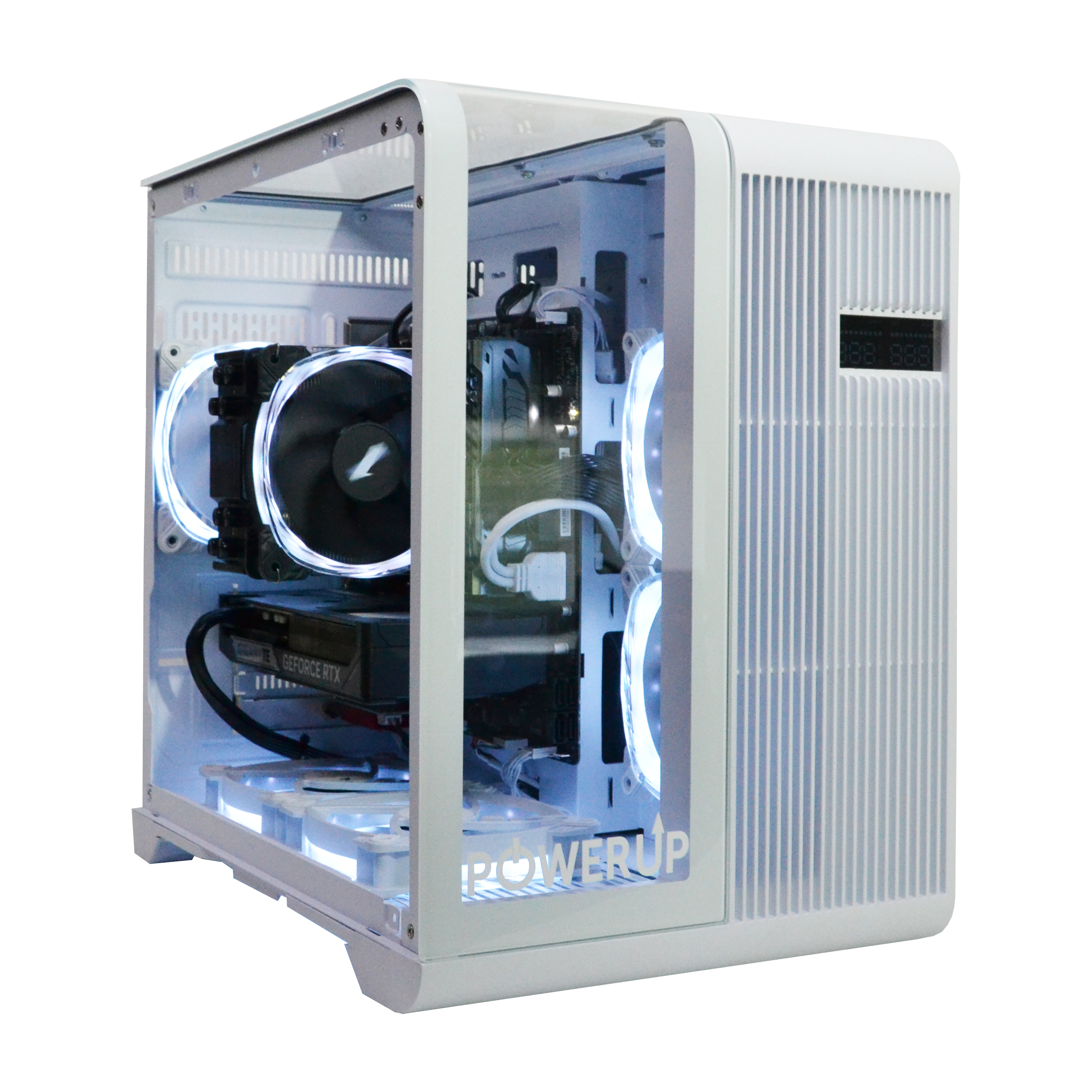
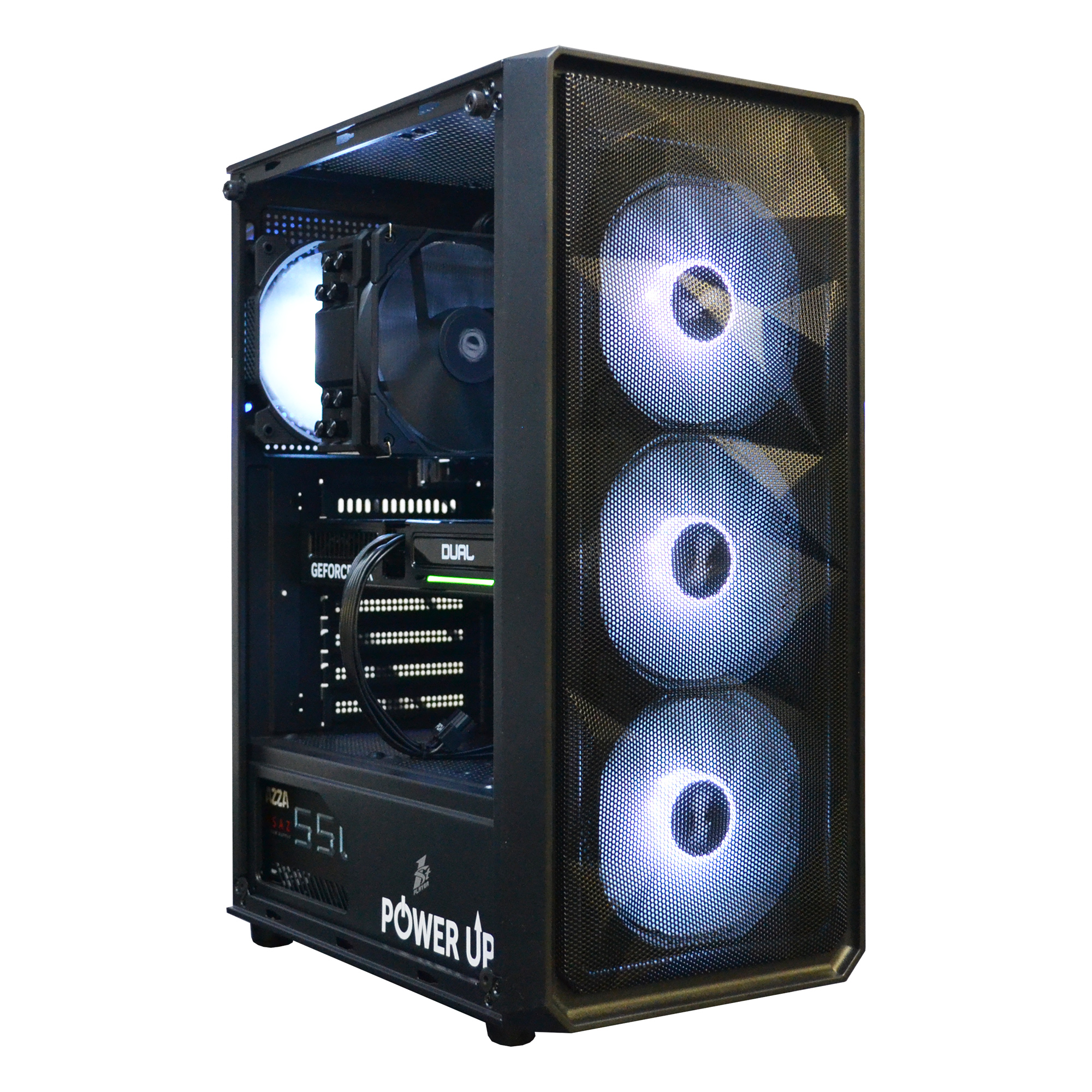
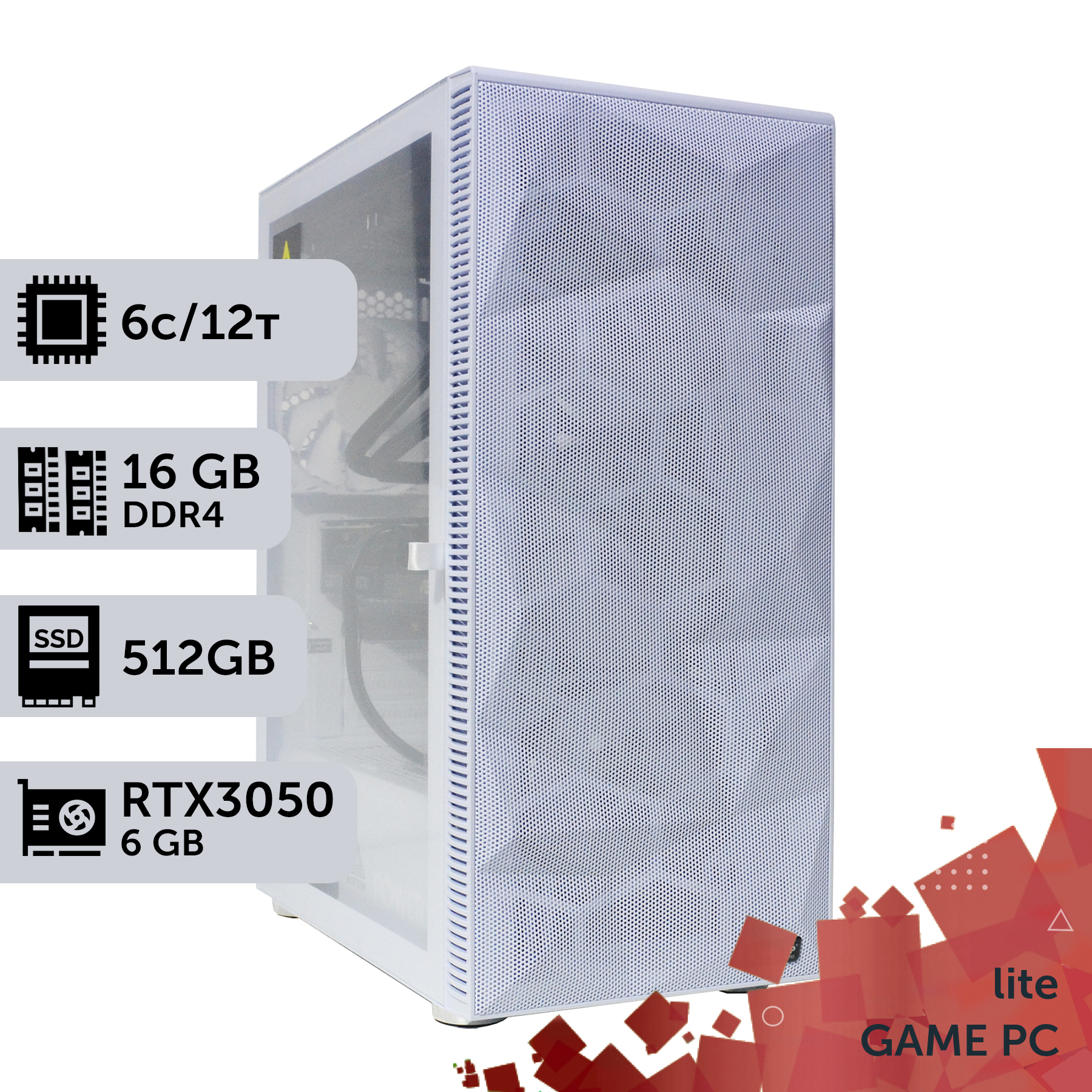
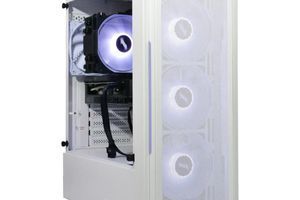
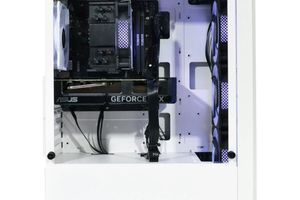
For a stable 240+ FPS at 1080p in 2026, the optimal choice is a combination of a graphics card at the level of NVIDIA GeForce RTX 5060 and a 6-core processor, such as the AMD Ryzen 5 9600X or Intel Core Ultra 5 255K.
The minimum required amount of RAM is 16 GB, but for stability and future-proofing, the recommended standard is 32 GB of DDR5 at 6400 MHz with timings no higher than CL32.
Skimping on the motherboard and power supply is a false economy. A quality VRM power delivery system on the motherboard and an 80+ Gold certificate for the PSU guarantee the stability and longevity of components under load.
A high-speed NVMe SSD with a PCIe 4.0 or 5.0 interface is a mandatory component that directly affects game loading speeds and system responsiveness, which is critical in competitive matches.
In 2026, the requirements for gaming systems for competitive shooters have reached a new level. A stable 144 frames per second is no longer the ultimate dream, but rather a basic necessity. For disciplines like Fortnite and Apex Legends, where milliseconds decide the outcome of a battle, 240+ FPS has become the esports standard. Achieving such performance requires not just buying the most expensive components, but a smart and balanced approach to building a PC. Overpaying for an overpowered processor or graphics card will not yield the desired result if other components become a bottleneck. This guide is your roadmap through the world of modern hardware. We will break down how to build an optimal gaming computer to achieve the coveted 240+ FPS in Full HD and 2K resolutions without unnecessary costs. We will focus on the latest components of 2026: NVIDIA's 50-series graphics cards, AMD Ryzen 9000 and Intel Core Ultra 200 processors, and fast DDR5 memory. The goal is maximum performance for every hryvnia spent. We will analyze the key components, explain their role in achieving a high framerate, and provide specific build recommendations that will allow you to dominate the battlefields of Fortnite and Apex Legends.
Why is 240 FPS the New Standard for Esports?
In 2026, the pursuit of high FPS is not just a marketing gimmick, but an objective necessity for any player aiming for competitive heights. The transition from 60 Hz to 144 Hz was a revolution, but the jump to 240 Hz and beyond provides even more tangible benefits, especially in dynamic shooters. The main thing is a stable framerate, which directly affects three key aspects: smoothness, input lag, and the clarity of moving objects. When your system outputs 240 frames per second on a 240 Hz monitor, each frame is displayed in just 4.16 ms. For comparison, at 60 FPS, this figure is 16.67 ms. This 12.5 ms difference may seem insignificant, but at a professional level, it determines who sees the opponent first and has time to react. Image smoothness allows for more accurate tracking of fast-moving targets, and reduced input lag makes character control more responsive. Your brain receives more visual information, which improves decision-making in combat. Additionally, high FPS reduces screen tearing and minimizes motion blur, making the picture crystal clear even in the most chaotic firefights. That's why for those who already have a powerful system but want more, a smart PC upgrade focused on achieving 240+ FPS is a logical step.
Comparison of Frame Display Latency at Different Frequencies
Frame Rate (FPS)
Time per Frame (ms)
Perceived Smoothness
60
16.67 ms
Basic
144
6.94 ms
High
240
4.16 ms
Esports-grade
360
2.77 ms
Maximum
Thus, investing in a build capable of maintaining 240+ FPS is a direct investment in your gaming performance and competitiveness.
Choosing a Processor: How Many Cores Are Really Needed in 2026?
There is a persistent myth that gaming requires a top-tier processor like a Core Ultra 9 or Ryzen 9. In 2026, this statement is fundamentally wrong, especially for our goal of 240+ FPS in Fortnite and Apex. These games, like most competitive titles, are extremely sensitive to single-core performance and cache speed, not a huge number of cores. That's why a perfectly balanced custom PC for esports is built around a 6-core processor of the latest generation. Models like the AMD Ryzen 5 9600X on the Zen 6 architecture or the Intel Core Ultra 5 255K on Battlemage are the golden mean. They offer the highest clock speeds (over 5.5 GHz in boost) and an optimized architecture, which ensures the maximum frame rate (FPS). Overpaying for 8, 12, or 16 cores in this case will provide virtually no performance increase in games, but will significantly increase the budget and cooling requirements. It's more important to pay attention to the L3 cache size: a hypothetical Ryzen 5 9600X with 32 MB of L3 cache would be preferable to a hypothetical Core Ultra 7 with 24 MB of cache, even if the latter has more cores. The cache memory acts as an ultra-fast buffer for data constantly required by the game, and its size directly affects framerate stability and minimizes micro-stutters.
AMD Ryzen 5 9600X: 6 cores / 12 threads, base clock ~4.2 GHz, boost up to 5.5 GHz, 32 MB L3 cache, TDP 105W. Ideal for those who value energy efficiency and the 3D V-Cache technology in higher-end models.
Intel Core Ultra 5 255K: 6 P-cores / 12 threads + E-cores, P-core boost up to 5.6 GHz, 24 MB L3 cache, TDP 125W. An excellent choice for those who need maximum out-of-the-box performance and broad compatibility.
These are the processors capable of fully unlocking the potential of graphics cards at the level of RTX 5060 / 5060 Ti, without creating a bottleneck and delivering that coveted FPS number on your monitor.
How to Avoid a 'Bottleneck' in Your Build?
The term bottleneck is the biggest fear of any PC builder. It describes a situation where one component of the system is significantly weaker than the others and prevents them from operating at full capacity, limiting overall performance. In the context of our goal (240+ FPS), two scenarios are most common. The first is a weak processor and a powerful graphics card. For example, if you install an RTX 5070 paired with an old 4-core processor, the graphics card will be idle, waiting for the processor to prepare frames for it. As a result, you'll get 150 FPS instead of 300, along with constant stutters. The second, less obvious scenario is slow DDR5 RAM. If you put 4800 MHz CL40 memory into a system with a Ryzen 5 9600X and an RTX 5060, you could lose up to 20-25% of performance in CPU-bound scenes compared to the recommended 6400 MHz CL32 kit. Ryzen processors are particularly sensitive to RAM speed, as the speed of the internal Infinity Fabric bus directly depends on it. To avoid these problems, adhere to the principle of balance:
Excessive CPU and RAM power, performance is limited by the weak graphics card
Proper component selection is the key to getting the maximum return on your investment. Always invest in components proportionally, avoiding clear performance imbalances.
Pros and Cons of Builds for 240+ FPS
Advantages
✔Phenomenal image smoothness and minimal input lag, providing a real advantage in competitive games.
✔The build will remain relevant for 3-4 years thanks to the use of the latest platforms (AM6, LGA1851) and components.
✔High liquidity of components on the second-hand market in the future.
✔The ability to comfortably play all AAA titles at high settings, not just esports disciplines.
Disadvantages
✖Requires a high-refresh-rate monitor (240 Hz or higher), the cost of which is comparable to the cost of the graphics card.
✖Higher demands on the processor and case cooling system due to constant high load.
✖Increased power consumption and, consequently, higher electricity bills compared to office PCs.
Cooling and Case: Silence and Performance for an Esports Build
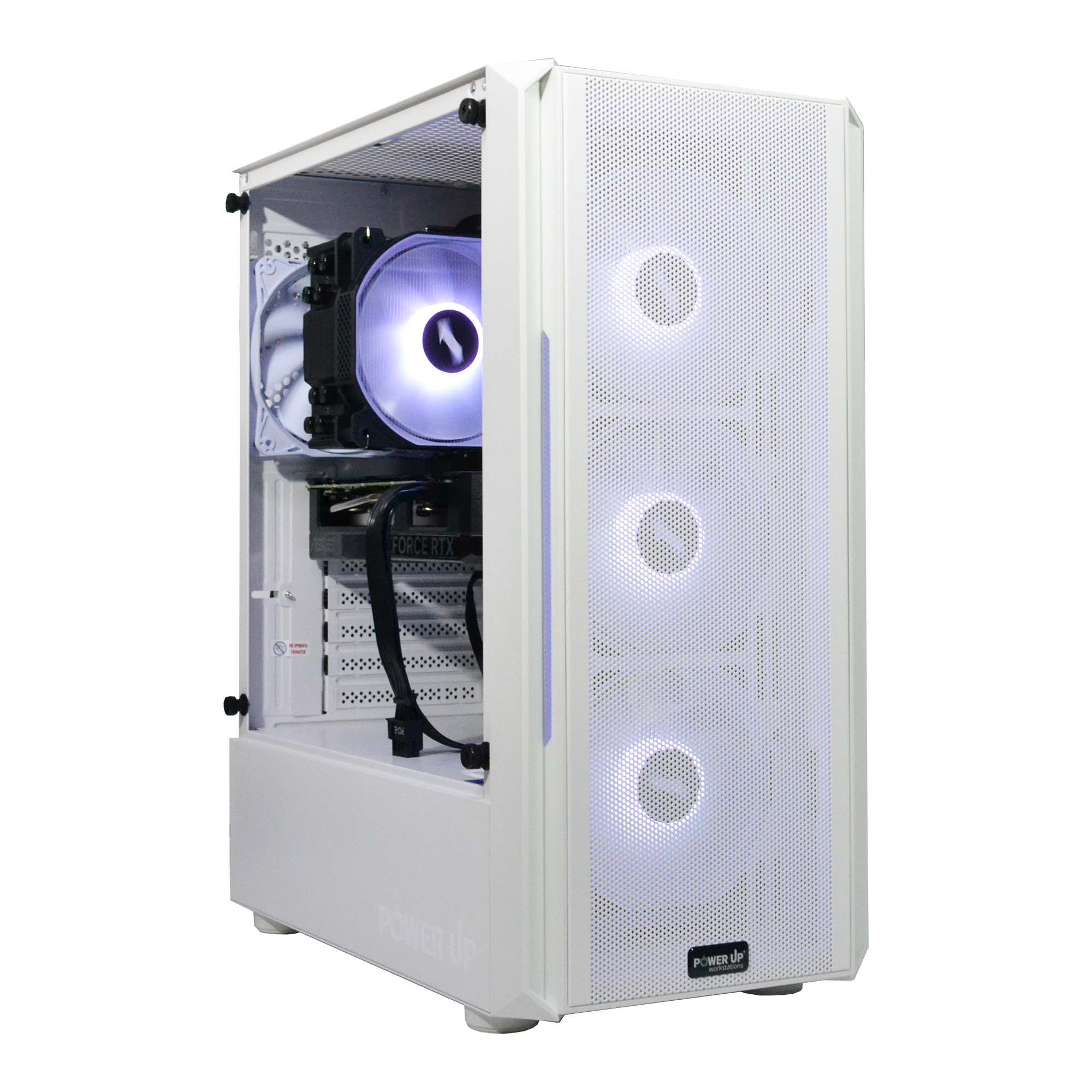
Effective cooling and a high-airflow case are not luxuries, but necessities for the stable operation of any esports build. Modern components, such as the AMD Ryzen processor 5 9600X, can get quite hot under load, and without proper heat dissipation, they will start to throttle (reduce clock speeds), leading to FPS drops at the most inopportune moments. For 6-core processors with a TDP around 105-125W, a high-performance tower-style air cooler is the optimal choice. Look for models with 5-7 heat pipes, a copper base, and a 120/140mm fan with a fluid dynamic bearing. Such a solution will ensure low temperatures (65-75°C in games) at a moderate noise level and will be significantly cheaper than all-in-one (AIO) liquid cooling systems. AIOs are worth considering for 8-core and more powerful processors, where heat generation is much higher. The case also plays a key role. Forget about sealed boxes with an acrylic front panel. For maximum efficiency, choose cases with a front panel made of metal mesh, which allows for unrestricted intake of cool air.
Minimum case requirements: Support for graphics cards up to 340mm long, coolers up to 165mm high, and at least two pre-installed 120mm fans (one for intake, one for exhaust).
Recommended configuration: A Mid-Tower case with a mesh front panel, three 120mm intake fans at the front, and one 120mm exhaust fan at the rear. This creates positive pressure inside the case, minimizing dust intake and ensuring excellent airflow for all components.
Also, don't forget about dust filters on the intake vents (front, top, and bottom under the power supply). Cleaning them regularly (every 1-2 months) will help maintain cooling efficiency and keep the inside of your system unit clean for years to come. A well-chosen case and cooling system are a guarantee that your PC will run quietly, coolly, and stably, delivering maximum performance without compromise.
Optimal Gaming PC Configurations for Different Resolutions in 2026
Purpose
Recommended Graphics Card
Processor
Approximate Budget (UAH)
Full HD (1080p) @ 240+ FPS
NVIDIA GeForce RTX 5060 12 GB
AMD Ryzen 5 9600X / Intel Core Ultra 5 255K
45,000 - 55,000 UAH
2K (1440p) @ 165+ FPS
NVIDIA GeForce RTX 5060 Ti 16 GB
AMD Ryzen 5 9600X / Intel Core Ultra 5 255K
60,000 - 75,000 UAH
4K (2160p) @ 120+ FPS
NVIDIA GeForce RTX 5070 16 GB
AMD Ryzen 7 9700X / Intel Core Ultra 7 275K
90,000 - 110,000 UAH
The Graphics Card - The Heart of the System: How to Avoid Overpaying for Extra Teraflops
The graphics card is the key component for achieving high FPS, but the choice must be pragmatic. For the goal of 240+ FPS at 1080p in Fortnite and Apex Legends, there's no need to chase flagships like the RTX 5080. The optimal solution in 2026 is the NVIDIA GeForce RTX 5060 with 12 GB of GDDR7 VRAM. This card is built on the new Blackwell architecture and offers performance on par with the previous generation's RTX 4070, but with significantly lower power consumption and price. Its power is more than sufficient to render hundreds of frames per second at competitive graphics settings (low shadows, high texture quality, and view distance). An important advantage is the support for DLSS 3.5 Frame Generation, which can further increase FPS, although it is used with caution in esports due to potential increases in input lag. If your budget allows, it's worth considering the RTX 5060 Ti with 16 GB of memory. This option will be an excellent investment for the future and will allow for comfortable gaming at 2K (1440p) resolution with a stable 165+ FPS. After assembling the system, it is crucial to conduct a system stress test using utilities like FurMark or OCCT to ensure stable temperatures and clock speeds of the graphics card under maximum load. Equally important is neat cable management inside the case, which will ensure good airflow and prevent the card from overheating.
Expected Performance of RTX 5060 12GB (Competitive Settings)
Game
Full HD (1920x1080)
2K (2560x1440)
Fortnite (Performance Mode)
~300-350 FPS
~220-260 FPS
Apex Legends
~280-320 FPS
~200-240 FPS
CS2
~400-500 FPS
~300-350 FPS
GTA VI
~90-110 FPS (High Settings)
~70-85 FPS (High Settings)
These figures, based on preliminary data and architectural analysis, show that the RTX 5060 is the ideal choice for our task, providing the necessary performance without unnecessary spending.
The Foundation of Stability: Motherboard and Power Supply
Often, gamers, engrossed in choosing a processor and graphics card, unfairly skimp on the foundation of the entire system—the motherboard and power supply. This is a critical mistake that, in 2026, can lead to unstable operation, throttling, and even the failure of expensive components. A Motherboard for processors like the Ryzen 5 9600X or Core Ultra 5 255K must have a quality power delivery subsystem (VRM). For these 6-core chips, which can consume up to 150-170W at peak, a board based on the B850 (for AMD) or B860 (for Intel) chipset with at least 8+2 power phases and massive heatsinks on the VRM zone is necessary. This ensures that the processor receives stable voltage without drops even during long gaming sessions, operating at maximum frequencies. It's also worth paying attention to the presence of at least one M.2 PCIe 5.0 slot for future SSD upgrades and support for RAM with frequencies up to 7200 MHz. A certified power supply is just as important. The minimum standard for a gaming build in 2026 is 80 Plus Bronze, but we strongly recommend 80 Plus Gold. The price difference is small, but a gold certificate means higher quality components, less heat, more stable output voltage lines, and ultimately, greater longevity for the entire system. For a build with an RTX 5060 and a 6-core processor, a quality 650-750W power supply will be sufficient. It is important to choose models from trusted manufacturers (e.g., Seasonic, Corsair, be quiet!) with Japanese capacitors and a warranty of at least 7 years. Such an approach, according to independent tests from Tom's Hardware, is the key to the long and trouble-free operation of your gaming PC.
How Much Memory is Needed and Which Drive to Choose?
In 2026, the DDR4 RAM standard is definitively a thing of the past for new builds. The AM6 and LGA1851 platforms work exclusively with DDR5, and this opens up new performance horizons. For games like Fortnite and Apex, which are sensitive to memory bandwidth, choosing the right RAM kit is critical. The minimum acceptable amount is 16 GB, but we strongly recommend 32 GB (two 16 GB sticks to enable dual-channel mode). This will not only ensure comfortable gaming but also allow you to keep Discord, a browser, and other applications running in the background without issues. Key parameters to look for:
Frequency: The optimal frequency for Ryzen 9000 and Core Ultra 200 processors is 6400 MHz. Higher frequencies offer minimal gains but may require complex manual tuning.
Timings (CAS Latency): The lower, the better. Look for kits with CL32 or CL30 timings. A 6400 MHz CL32 combination is the 'gold standard' for price-to-performance ratio.
As for the storage drive, the era of SATA SSDs for the main system is also over. You need an NVMe SSD drive that operates on the PCIe protocol. For maximum game and system loading speeds, the ideal choice is a drive with a PCIe 4.0 interface and a capacity of at least 1 TB. The read/write speeds of such models reach 7000/6000 MB/s, which is an order of magnitude faster than SATA SSDs. Although PCIe 5.0 drives are already on the market, their advantage in games is still minimal, and their price is significantly higher. Therefore, PCIe 4.0 is a reasonable and sufficient choice. Many people mistakenly believe that a powerful processor requires water cooling, but for the 6-core chips we recommend, this is overkill. A quality air tower cooler with 4-6 heat pipes and a 120mm fan will be more than enough for their effective and quiet cooling.
Step-by-Step Guide to Choosing the Perfect PC for Fortnite/Apex from Scratch
This guide will help you independently and correctly select components for a balanced gaming PC aimed at achieving 240+ FPS in popular competitive games.
Step 1: Determining Budget and Monitor Resolution
First, decide on the total amount you are willing to spend. Then, decide on the resolution you will be playing at. For 240+ FPS at 1080p (1920x1080), one configuration will be required; for 1440p (2560x1440), a more powerful and expensive one will be needed. Your monitor must support the corresponding refresh rate (240 Hz or higher), otherwise the build will not make sense.
Step 2: Choosing the Processor-Graphics Card Combo
This is the heart of your system. For 1080p@240Hz, the ideal pair in 2026 will be an AMD Ryzen 5 9600X or Intel Core Ultra 5 255K paired with an NVIDIA GeForce RTX 5060 12 GB. For 1440p, you should consider the RTX 5060 Ti 16 GB. These combinations are balanced and do not create bottlenecks.
Step 3: Selecting the Motherboard and RAM
For an AMD processor, choose a motherboard with a B850 chipset; for Intel, one with a B860 chipset. Make sure the board has heatsinks on the VRM zone. For RAM, choose a 2x16 GB kit of DDR5 standard memory with a frequency of 6400 MHz and CL32 timings. This will ensure maximum performance.
Step 4: Choosing the Case, Cooling, and Power Supply
Choose a case with a mesh front panel for good airflow. For processor cooling, get a quality air cooler with 4-6 heat pipes. The power supply should be 650-750W with at least an 80 Plus Bronze certification, and ideally, 80 Plus Gold.
Step 5: Final Compatibility Check
Before purchasing, use online configurators (like PCPartPicker) or consult with specialists to ensure that all selected components are compatible with each other: the processor socket matches the motherboard, the cooler fits in the case, and the power supply has all the necessary connectors for your graphics card.
Frequently Asked Questions (FAQ)
Do I need 32 GB of RAM for Fortnite and Apex Legends, or is 16 GB enough?
In 2026, 16 GB is the absolute minimum. The games themselves can consume up to 10-12 GB, and if you have a browser, Discord, or streaming software open in the background, the system will start using the page file on the disk, which will lead to stutters. 32 GB is a comfortable standard that ensures smoothness and provides headroom for the future.
What is more important for achieving 240 FPS: the processor or the graphics card?
It depends on the resolution. In Full HD (1080p), performance is heavily CPU-bound, as the processor has to prepare a huge number of frames for the graphics card. In 2K (1440p) and 4K, the load shifts towards the graphics card. For our goal (240+ FPS at 1080p), balance is key, but a powerful 6-core processor with a high frequency and fast cache is just as important as the graphics card.
How long will a build like this last before the next upgrade?
A build based on 2026 components (Ryzen 9000/Core Ultra 200, RTX 5060, DDR5) will be relevant for competitive games at 240+ FPS for at least 3-4 years. For demanding AAA projects, it will be sufficient for the same period for gaming at high settings in 1080p/1440p.
Why don't you recommend pre-built PCs from large retail stores?
Often, such builds skimp on components that are invisible to the buyer: they install slow RAM with high timings, motherboards with cheap power delivery systems, uncertified power supplies, and slow SSDs. Our philosophy is complete control over the quality of every component to achieve maximum and stable performance.
Building a gaming PC for a stable 240+ FPS in Fortnite and Apex Legends in 2026 is a task that requires not so much a huge budget as knowledge and attention to detail. The key to success lies in balance: a powerful 6-core processor, a high-performance mid-range graphics card, fast DDR5 RAM, and a reliable foundation in the form of a quality motherboard and power supply. Avoid overpaying for excess cores or flagship graphics cards if your goal is esports gaming at 1080p or 1440p. By following our recommendations, you can build a system that will give you a real competitive advantage and delight you with its performance for years to come. If you are not confident in your abilities or want to get a perfectly tuned and tested computer with a warranty, check out the PowerUp catalog of pre-built gaming PCs. Our engineers are also ready to help you with a custom build, taking into account all your wishes and budget. Take a step towards new victories today!