
Key Takeaways (TL;DR):
- Frame Generation (FG) significantly increases FPS, but at the cost of increased input lag, which is critical for competitive games.
- The technology is most effective in single-player, story-driven games where image smoothness is more important than instant response.
- To minimize lag when using FG, you need a high base FPS (at least 60-70) and should always enable technologies like NVIDIA Reflex or AMD Anti-Lag+.
- Visual artifacts, such as UI distortions or object 'ghosting,' remain a side effect of FG, although they are much less common in 2026 technologies (DLSS 4, FSR 4).
How Frame Generation Works: Magic or a Technical Compromise?
Frame Generation technology, which has become a flagship feature in the GeForce RTX 50-series and Radeon RX 8000 graphics card lineups, is essentially a form of intelligent interpolation. Instead of fully calculating each frame, the system analyzes two consecutive, actually rendered frames. Based on this data, it generates an intermediate, 'synthetic' frame that is inserted between them. This process relies on two key components: motion vectors and optical flow.
Motion vectors are data that the game engine sends to the graphics card. They describe how objects (characters, vehicles, particles) move from frame A to frame B. Optical flow, in turn, analyzes changes at the pixel level, tracking the movement of even those elements for which there are no motion vectors, such as shadows or reflections. Specialized hardware blocks in modern GPUs, like the Optical Flow Accelerators in NVIDIA cards, process this information in real time to create a new frame. It's important to understand that this generated frame contains no new information about the player's actions (key presses, mouse movements), as it is created after the second real frame is ready. This is precisely the source of the additional latency.
A proper balance of components becomes critically important when using FG. If your processor is too weak and cannot provide a stable 60+ FPS as a 'base,' then frame generation will only worsen the situation, creating a feeling of 'spongy' controls. Therefore, when planning a PC upgrade for modern games, you cannot invest the entire budget only in the graphics card while ignoring the processor and RAM. The system must be harmonious. Below is a table illustrating the contribution of each component to the generation process.
| Component | Main Task | Impact on FG |
|---|---|---|
| Graphics Card (GPU) | Rendering real frames, analyzing optical flow, generating the synthetic frame | The key element. GPU power directly determines the quality and speed of generation. |
| Processor (CPU) | Preparing data for rendering (geometry, physics, AI), ensuring a high base FPS | Defines the 'foundation' for FG. A weak CPU = low base FPS and high input lag. |
| RAM | Storing game assets, motion vectors, and data for analysis | Speed and capacity affect the smoothness of data loading and minimize stutters. |

Technology Comparison: NVIDIA DLSS 4, AMD FSR 4, and Intel XeSS 2.0
By 2026, the market is dominated by three key upscaling and frame generation technologies, each with its own features, advantages, and disadvantages. Although they all pursue the same goal—increasing FPS—their approaches to achieving it differ.
NVIDIA DLSS 4 (Deep Learning Super Sampling): This is a proprietary technology that requires a GeForce RTX graphics card. Its main advantage is the use of specialized Tensor Cores and neural networks (AI) for image reconstruction and frame generation. This provides the best image quality with minimal artifacts. Frame Generation in DLSS 4 works in conjunction with Reflex technology, which allows it to effectively combat input lag. DLSS remains the 'gold standard' for quality, but its closed nature limits its use to NVIDIA cards only.
AMD FSR 4 (FidelityFX Super Resolution): FSR's main trump card is its open-source nature. This technology works on graphics cards from almost any manufacturer, including older models and even integrated solutions. FSR 4 has significantly improved in quality compared to previous versions, but in terms of detail and image stability, it still slightly lags behind DLSS 4, as it relies on simpler spatial algorithms rather than AI training. Frame generation in FSR is called Fluid Motion Frames and also works in tandem with Anti-Lag+ technology to reduce latency.
Intel XeSS 2.0 (Xe Super Sampling): Intel's solution occupies an intermediate position. It has two modes of operation. On Intel Arc graphics cards with their XMX cores, XeSS uses AI, similar to DLSS, providing high image quality. On cards from other manufacturers, XeSS can operate in a mode that uses standard shader instructions (DP4a), making it universal like FSR, but with a slight decrease in quality. This makes XeSS a flexible solution, but its adoption in games still lags behind its competitors.
For any of these technologies, a quality power supply with a certificate of at least 80 Plus Gold is critical. Modern graphics cards with FG can have sharp spikes in power consumption (up to 500-600W for flagships), and a cheap PSU might simply not be able to handle it, leading to game crashes or even component failure. This is especially true for an esports build, where system stability is the key to success. Skimping on the power supply is the worst decision when building a PC.
How to Avoid a Bottleneck When Using Frame Generation?
The bottleneck effect occurs when one component of the system is significantly weaker than the others and prevents them from working at full capacity. When using Frame Generation, diagnosing and preventing this problem takes on new nuances. The classic scenario is a weak processor that can't prepare frames fast enough for a powerful graphics card. But with FG, the situation becomes more complicated.
Imagine a system with a top-tier GeForce RTX 5090 graphics card and an outdated processor. In a game without FG, you would immediately see the problem: the GPU load would be around 60-70%, while one or more CPU cores would be at 100%. This is a classic CPU bottleneck. Now, you enable Frame Generation. The FPS counter magically jumps from 70 to 130. The GPU load might also increase, as it takes on the additional task of generating frames. At first glance, the problem is solved. But in reality, it's just masked. The base FPS remains at 70 frames, which means the input lag will correspond to this frame rate, not the final one. You'll get a smooth picture but with 'spongy' controls, as the system is still limited by the CPU's capabilities.
How to diagnose the problem correctly?
| Method | Description | Interpreting the Results |
|---|---|---|
| Monitoring with FG turned off | Use MSI Afterburner or another overlay to monitor CPU (per core) and GPU load in the game without frame generation. | If the GPU load is < 95-99% while one of the CPU cores is at 100%, you have a CPU bottleneck. |
| Comparing Latencies | Measure the total system latency (PC Latency + Display Latency) using NVIDIA FrameView or OCAT with FG on and off. | If latency increases by more than 20-25 ms when FG is enabled with a base FPS of 60+, it may indicate a severe CPU bottleneck. |
| Analyzing Frametime | Look at the frametime graph. If it's smooth without FG but becomes 'choppy' with FG, it could be a sign that the processor can't keep up with preparing data for stable generation. | Sharp spikes on the frametime graph with FG enabled are a bad sign. |
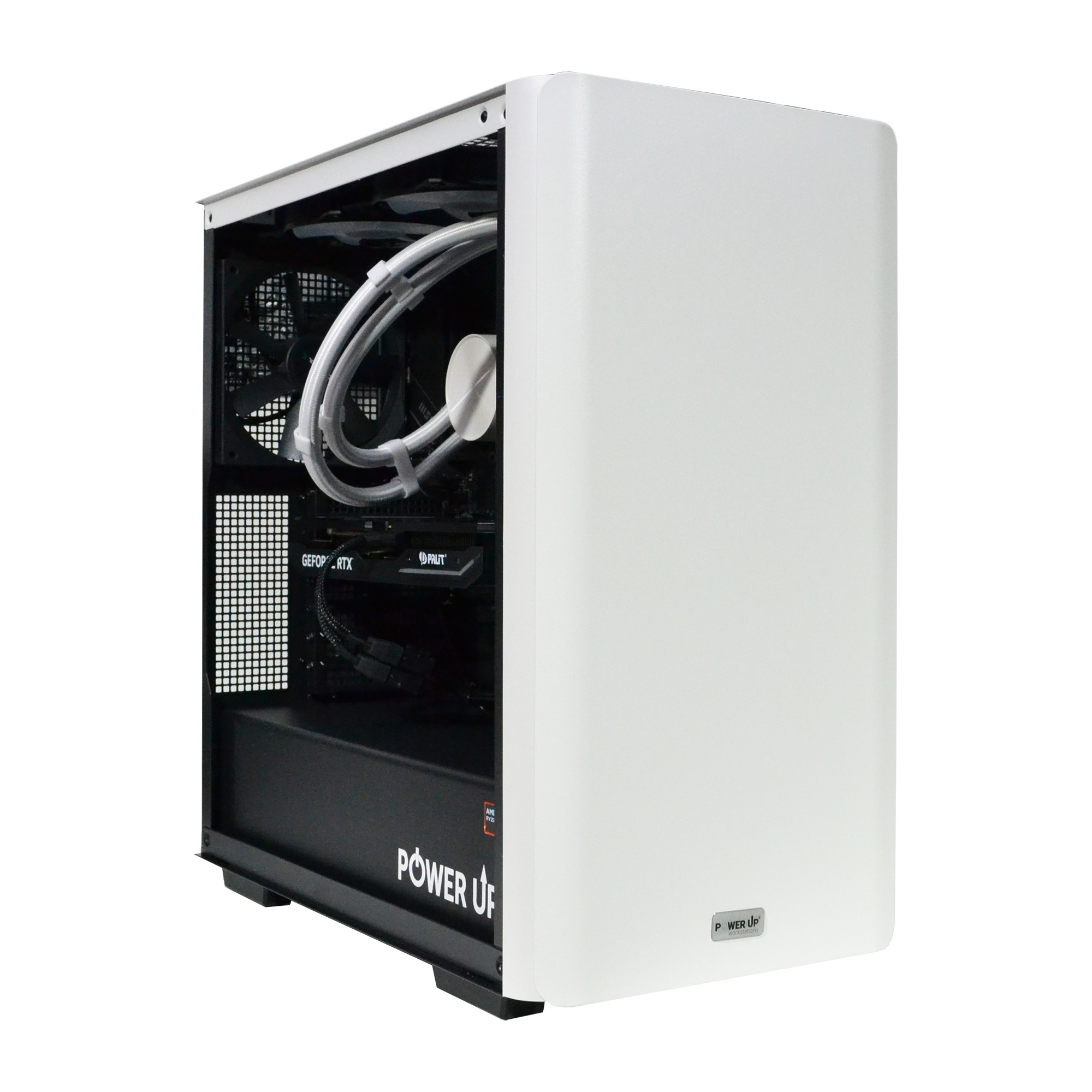
The only way to avoid a bottleneck is to ensure a balanced build. You shouldn't pair an RTX 5080 with a four-year-old Intel Core Ultra 5. A modern powerful gaming PC needs a current processor, fast memory, and a high-performance SSD. Only in a harmonious system can Frame Generation technology reach its full potential without turning the game into a compromise between smoothness and responsiveness.
How to Configure Ray Tracing and Frame Generation for the Perfect Balance?
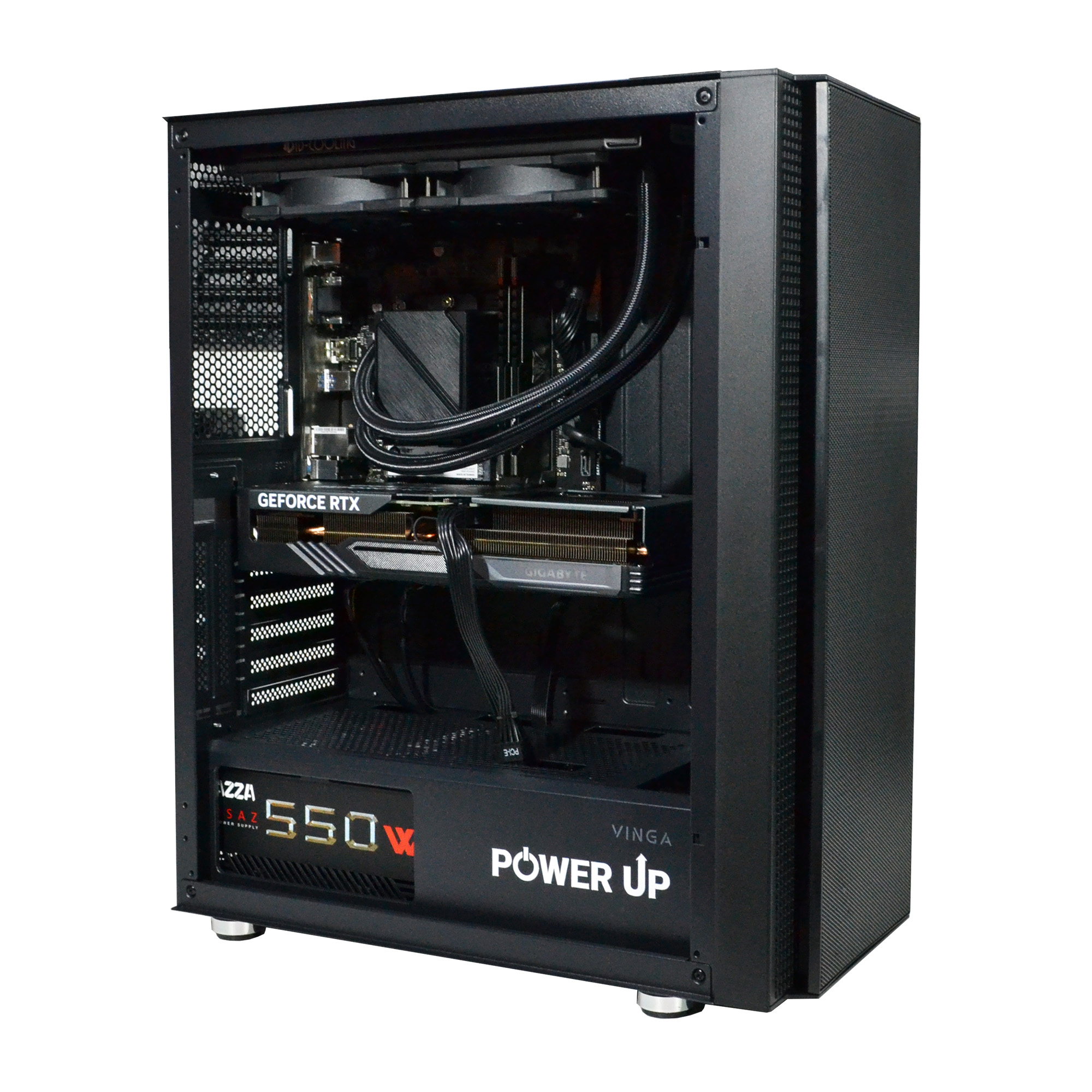
Ray Tracing and Frame Generation are two technologies that perfectly complement each other. Ray Tracing creates incredibly realistic lighting, shadows, and reflections, but at the cost of a huge performance drop. Frame Generation compensates for this drop, bringing the FPS back to a comfortable level. However, configuring them together requires understanding a few key principles to achieve the optimal result.
The first rule: the base FPS must be playable. Before enabling FG, activate Ray Tracing and check the performance. If the game runs at 20-30 FPS without frame generation, enabling FG won't save the situation. Yes, the counter will show 40-60 FPS, but the input lag will be so high that the game will be unplayable. The target base FPS before enabling FG should be at least 50-60 frames per second. If it's lower, it's better to reduce the ray tracing quality (e.g., from 'Ultra' to 'High') or the rendering resolution.
Second—always enable latency reduction technology. For NVIDIA cards, this is Reflex (in On + Boost mode); for AMD, it's Anti-Lag+. These features optimize the rendering pipeline so that the processor doesn't get too far ahead of the graphics card, minimizing the frame queue and, consequently, the latency. Enabling Reflex is a mandatory condition for using DLSS Frame Generation.
Third—choose the upscaling mode correctly. 'Quality' and 'Balanced' modes usually give the best results. 'Performance' and 'Ultra Performance' modes should only be used for very high resolutions (4K and above) or on weaker graphics cards, as they can lead to a noticeable loss of image clarity. When building a custom PC, it's important to understand that the ideal gaming experience is not just about maximum FPS numbers, but about the balance between image quality, smoothness, and control responsiveness. According to independent tests from Tom's Hardware, the combination of DLSS/FSR in 'Quality' mode with FG and Reflex/Anti-Lag+ enabled is optimal for most scenarios.
4K Gaming with Frame Generation: The Reality of 2026
Just a few years ago, 4K gaming (3840x2160 resolution) with a stable 60+ FPS and maximum graphics settings was the domain of only the most expensive and uncompromising builds. The emergence and development of upscaling and frame generation technologies have radically changed the situation. In 2026, comfortable 4K gaming has become accessible to upper-mid-range systems, not just absolute flagships.
Graphics cards like the GeForce RTX 5070 Ti or Radeon RX 8800 XT, equipped with 16 GB of GDDR7 video memory, can provide a base performance of 50-70 FPS in most AAA projects at 4K resolution. After activating Frame Generation (DLSS 4 or FSR 4), the final frame rate rises to 100-140 FPS, ensuring an incredibly smooth and detailed gaming experience. While the input lag does increase, it remains at an acceptable level for single-player games, as the high base FPS serves as a good foundation.
However, stable 4K gaming with ray tracing and FG requires more than just a powerful graphics card. The other system components are also under serious load.
- Processor: A high-performance CPU, such as an Intel Core Ultra 7 270K or AMD Ryzen 7 9700X3D, is needed to prepare data for rendering at such a high resolution and avoid becoming a bottleneck.
- RAM: 32 GB of fast DDR5 memory with a frequency of 6400-7200 MHz and low timings is the de facto standard. For 4K gaming, 16 GB may no longer be sufficient.
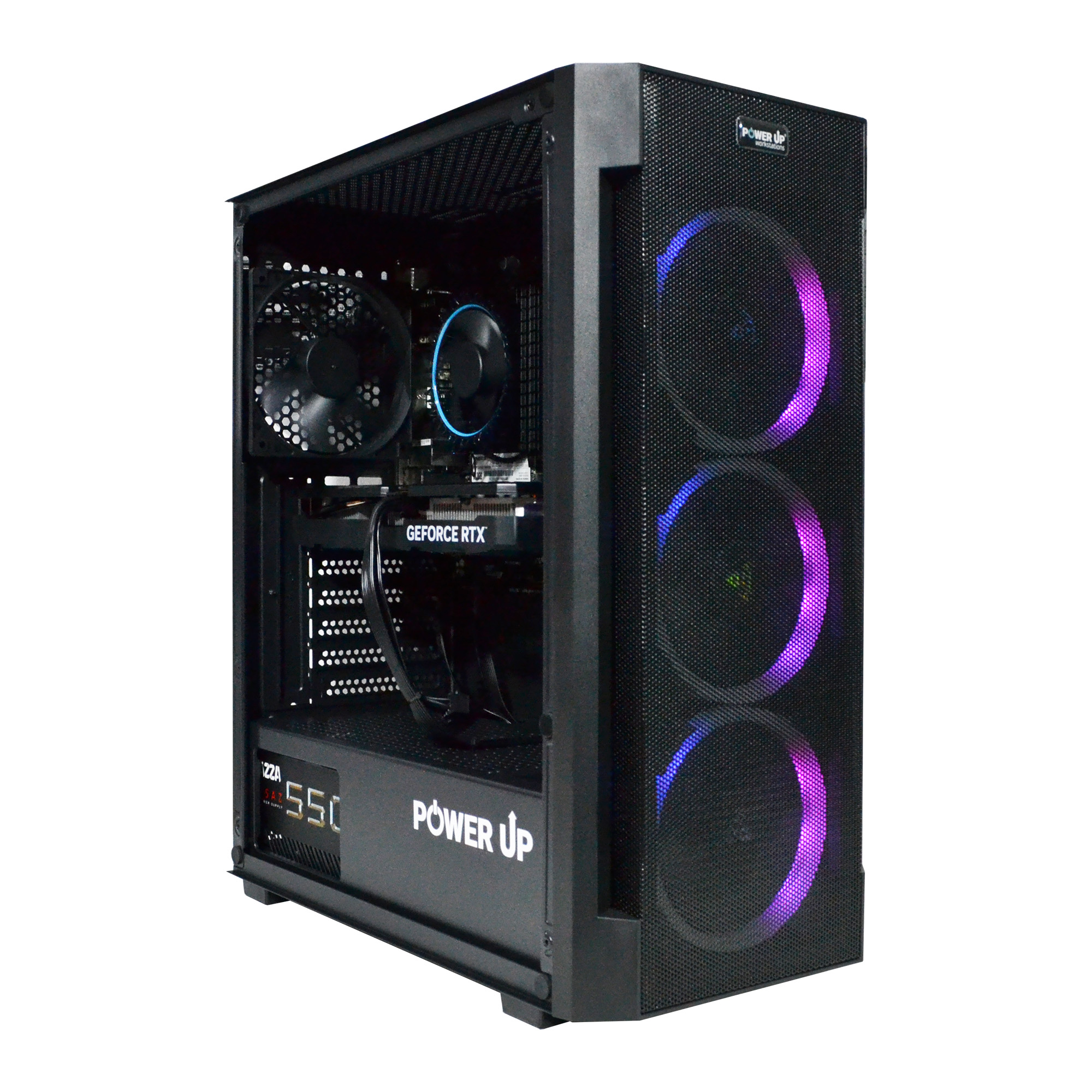
- Cooling: Components working at their limits generate a lot of heat. The TDP of flagship graphics cards and processors reaches 350-450W. An effective liquid cooling system (AIO) with a 280mm or 360mm radiator for the processor and a well-ventilated case with several fans are not a luxury but a necessity to prevent throttling and maintain stable performance.
Thus, Frame Generation has become a key technology that has made 4K gaming truly mainstream and comfortable, allowing players to enjoy maximum detail without having to buy the most expensive graphics card on the market.
How to Deal with Visual Artifacts from Frame Generation?
Despite significant progress in algorithms, frame generation in 2026 is still not perfect and can lead to specific visual distortions. Their visibility heavily depends on the quality of the technology's implementation in a specific game and the dynamics of the scene. The most common problems are artifacts on user interface (HUD) elements and 'ghosting' of fast-moving objects.
The HUD problem arises because the interface is usually rendered last, on top of the already finished 3D image. The generation algorithm, analyzing two frames, might incorrectly 'invent' the intermediate position of, for example, the crosshair, mini-map, or ammo counter, which leads to them shaking, duplicating, or flickering. Game developers combat this by passing UI data to the algorithm separately so it doesn't try to interpolate it, but this optimization is not present in all projects.
Another type of artifact is related to objects that appear suddenly in the frame or move on an unpredictable trajectory. For example, an explosion or a tracer round. The algorithm may not have time to process their appearance correctly, creating a short trail or distortion. To minimize these problems, a gamer can take several steps:
- Update graphics card drivers: Manufacturers constantly improve FG algorithms and release optimizations for new games.
- Use the latest version of the technology: Make sure the game is running the latest version of DLSS or FSR, as they contain improvements in combating artifacts.
- Increase the base FPS: The higher the initial frame rate, the less time there is between real frames, and the more accurately the interpolation works, reducing the number of distortions.
Speaking of speed, don't forget that fast loading of textures and game levels also affects the overall impression of the game. A modern NVMe SSD with a PCIe 5.0 interface, providing read speeds of up to 14,000 MB/s, is a mandatory attribute of a powerful PC. This not only reduces loading times but also prevents stutters that could be misinterpreted by the FG algorithm. And neat cable management inside the case will ensure optimal airflow for all components, including the drive, preventing it from overheating and losing performance.
Advantages and Disadvantages of Frame Generation Technology
Advantages
- ✔Significant FPS increase: the ability to get 1.5-2 times more frames per second, making the image visually smoother.
- ✔Access to ultra graphics settings: allows playing with maximum settings and ray tracing even on mid-range graphics cards.
- ✔Reduced CPU load: in some scenarios, frame generation by the GPU can mitigate the effects of a CPU-bound game.
- ✔Effectiveness in 4K gaming: the technology is particularly useful at high resolutions where achieving a high native FPS is extremely difficult.
Disadvantages
- ✖Increased input lag: the main drawback, making the technology undesirable for competitive online games.
- ✖Visual artifacts: possible distortions of UI elements, trails behind fast-moving objects, and a general 'blurriness' in motion.
- ✖Base performance requirements: for comfortable gaming with FG, a high initial FPS (from 60 FPS) is needed, otherwise the latency becomes too noticeable.
Input Lag: What Lies Behind the Pretty FPS Numbers?
The main metric promoted by graphics card manufacturers is the average frames per second (FPS). However, for a gamer, another parameter is just as important—input lag, which is the time between a physical action (a mouse click) and the result appearing on the screen. Frame Generation technology directly affects this parameter, increasing it. Let's break down what constitutes the total latency and where exactly the extra time is 'hiding'.
The total click-to-photon latency consists of several stages:
- Peripheral Latency: The time it takes for the mouse or keyboard to process and send a signal (usually 1-4 ms).
- PC Latency: The time the system spends processing input, simulating the game world, and rendering a frame. This is the largest and most variable part.
- Display Latency: The time it takes for the monitor to display the received frame (depends on the panel and electronics, 1-10 ms).
Frame Generation increases the second item—PC Latency. Since creating one synthetic frame requires two real ones, the system is forced to 'hold' the last rendered frame to wait for the next one and generate an intermediate one. This adds an extra frame to the rendering queue, which is equivalent to increasing latency by 16.67 ms at 60 FPS or 8.33 ms at 120 FPS. Technologies like NVIDIA Reflex and AMD Anti-Lag+ are designed to minimize this latency by optimizing the rendering queue, but they cannot eliminate it completely. As a result, a game at 140 FPS with FG enabled might feel less responsive than a game at 100 FPS without it. This is especially noticeable in fast-paced shooters. The combination of an Intel Core processor and the motherboard also plays a crucial role here. Modern platforms based on Z890 chipsets with support for ultra-fast DDR5 memory and PCIe 5.0 ensure minimal delays in data exchange between components, which partially compensates for the lag from FG. Choosing the right motherboard is not about saving money, but an investment in the responsiveness of the entire system.
In Which Games Does Frame Generation Reach Its Full Potential?
The effectiveness and appropriateness of using Frame Generation directly depend on the game's genre. The key factor is the balance between the importance of visual smoothness and the demands on reaction speed. All game projects can be conditionally divided into two large groups: those where FG is an excellent tool, and those where it's better to disable it.
Ideal Candidates for Frame Generation:
- Single-player AAA games with a focus on graphics: Projects like Cyberpunk 2077, Alan Wake 2, Starfield, or the upcoming GTA VI. In these, immersion, cinematic quality, and visual fidelity play the main role. An extra 10-20 ms of latency is practically unnoticeable here, but the ability to crank all settings to maximum, including full ray tracing, and get a stable 100+ FPS is priceless.
- Strategies and RPGs with indirect control: Games where you control units or a character through commands rather than direct action (e.g., Baldur's Gate 3, Civilization VII). In such genres, milliseconds don't decide the outcome of a battle.
- Flight simulators and racing games (non-competitive): Microsoft Flight Simulator 2024 or Forza Motorsport. The smoothness of the scenery and environment is much more important here than minimal input lag.
When It's Better to Disable Frame Generation:
- Competitive shooters: CS2, Valorant, Call of Duty, Apex Legends. In these games, every millisecond counts. Victory or defeat is determined by reaction speed, so any additional latency is unacceptable. Professional players often sacrifice graphics quality for maximum frame rate (FPS) and minimal input lag.
- Fighting games: Street Fighter 6, Mortal Kombat. Executing complex combos and timely blocks requires perfect synchronization of button presses and on-screen actions.
Choosing a processor, for example, a powerful AMD Ryzen 9000 series processor with 3D V-Cache technology, can significantly improve the base FPS, making the use of FG more comfortable even in dynamic games. Below is a table with the approximate performance of a modern build (RTX 5070 Ti + Ryzen 7 9800X3D) in popular games with FG enabled in 'Quality' mode.
| Game | Without Ray Tracing | With Ray Tracing (Path Tracing) |
|---|---|---|
| Cyberpunk 2077 (Phantom Liberty) | ~160-180 FPS | ~110-130 FPS |
| GTA VI | ~130-150 FPS | ~90-110 FPS |
| CS2 (max settings) | ~450-500 FPS (FG not recommended) | N/A |
| Purpose | Recommended Graphics Card | Processor | Approximate Budget (UAH) |
|---|---|---|---|
| Full HD (1080p) / Esports | GeForce RTX 5050 / Radeon RX 8600 XT | Intel Core Ultra 5 250H / AMD Ryzen 5 9600X | 45,000 - 60,000 UAH |
| 2K (1440p) / Balanced Gaming | GeForce RTX 5060 Ti / Radeon RX 8700 XT | Intel Core Ultra 7 265K / AMD Ryzen 7 9700X | 70,000 - 95,000 UAH |
| 4K (2160p) / Ultra Settings | GeForce RTX 5080 / Radeon RX 8900 XTX | Intel Core Ultra 9 285K / AMD Ryzen 9 9900X3D | 120,000 - 180,000 UAH |
| 4K / Uncompromising Gaming | GeForce RTX 5090 | Intel Core Ultra 9 290K / AMD Ryzen 9 9950X3D | From 250,000 UAH |
How to Properly Configure Frame Generation for a Balance of Performance and Responsiveness
This step-by-step guide will help you activate and optimally configure frame generation technology in games to achieve maximum image smoothness with the lowest possible input lag.
Step 1: Update Drivers and Game
Before any adjustments, make sure you have the latest driver for your graphics card (NVIDIA Game Ready or AMD Software: Adrenalin Edition). Also, check that the game itself is updated to the latest version, as developers often improve FG support in patches.
Step 2: Enable Hardware-Accelerated GPU Scheduling
Go to Windows settings: 'System' -> 'Display' -> 'Graphics' -> 'Change default graphics settings'. Make sure the 'Hardware-accelerated GPU scheduling' option is enabled. This feature is mandatory for Frame Generation to work.
Step 3: Activate Upscaling and Generation in-game
Launch the game and go to the graphics settings. Find the section for DLSS, FSR, or XeSS. First, enable the main upscaling technology (Super Resolution or Upscaling) and select a mode, for example, 'Quality'. After that, the 'Frame Generation' switch will become available—activate it.
Step 4: Enable Latency Reduction Technology
In the same graphics settings menu, find the NVIDIA Reflex or AMD Anti-Lag+ option. Be sure to enable it. For Reflex, it is recommended to select the 'On + Boost' mode, which keeps GPU frequencies high for the fastest possible response.
Step 5: Test and Fine-Tune
Run the game's built-in benchmark or just play for 10-15 minutes, paying attention not only to the FPS counter but also to how the controls feel. If they seem 'spongy', try lowering some resource-intensive settings (like shadows or reflection quality) to increase the base FPS. Find your perfect balance between image quality and responsiveness.
Frequently Asked Questions (FAQ)
Can I use Frame Generation on older graphics cards, like the RTX 20-series?
No, NVIDIA's Frame Generation technology (DLSS 3 and higher) requires hardware Optical Flow Accelerators, which were introduced only in the RTX 40-series and newer graphics cards. The similar technology from AMD (FSR 3/4 Frame Generation) is more versatile and can run on a wider range of graphics cards, but it also works most effectively on the latest Radeon generations.
Does Frame Generation increase video memory (VRAM) consumption?
Yes, slightly. Storing and analyzing additional data, such as motion vectors and optical flow, requires an additional buffer in the video memory. On average, this can increase VRAM consumption by 5-10%. Therefore, for games with FG at high resolutions, it is recommended to have a graphics card with a memory reserve (12 GB or more).
Does Frame Generation work if V-Sync is enabled?
Yes, but it is not recommended. V-Sync itself adds significant input lag. The combination of Frame Generation + V-Sync can make game controls extremely unresponsive. A much better alternative is to use adaptive sync technologies like G-Sync or FreeSync, along with an FPS limit set slightly below your monitor's refresh rate.
Why does the FPS counter show 150, but the game feels like 70?
This is a classic symptom of using Frame Generation with a low base FPS. The control responsiveness (input lag) is determined by the base, actually rendered frame rate. If your processor or graphics card can only prepare 70 frames per second, then the latency will correspond to 70 FPS, even though the frame generator 'draws' the picture up to 150.
Can I enable Frame Generation in windowed mode?
In most games, Frame Generation requires exclusive fullscreen mode to work correctly. This is due to how the technology manages the frame queue and interacts with the driver and operating system. In windowed or borderless windowed mode, it may not work correctly or may be unavailable.
What's better for esports: 300 FPS without FG or 500 FPS with FG?
Definitely 300 FPS without FG. In competitive games, minimal input lag is the absolute priority. Any increase in input lag, which is inevitable with frame generation, puts you at a disadvantage compared to opponents. Professional players always disable any technologies that might affect control responsiveness.
Does Frame Generation affect the quality of gameplay recording or streaming?
Yes, it does. Video capture software (like OBS or ShadowPlay) by default captures the final, generated video stream. However, performance counters built into the capture software may show incorrect data. Additionally, the extra load from video encoding can affect the stability of FG, sometimes causing stutters.






























