For builds with RTX 50-series and Ryzen 9000, the minimum recommended PSU wattage starts at 850W for the mid-range and goes up to 1200-1500W for flagships.
Transient spikes of new graphics cards can be 2-3 times higher than the stated TGP, so a 30-40% power headroom is not a luxury, but a necessity.
An 80 PLUS Gold certification is the gold standard for gaming PCs, while Platinum/Titanium is for enthusiasts, as high efficiency reduces heat and power draw from the outlet.
Skimping on the power supply is the worst possible economy. A quality PSU from a trusted brand with modern standards (ATX 3.0/3.1) protects your investment in expensive components.
The year is 2026, and the market is dominated by performance monsters—NVIDIA GeForce RTX 50-series graphics cards and AMD Ryzen 9000 processors. These components open the door to true 4K gaming with ray tracing and stable 120+ FPS. But behind this incredible power lies increased energy consumption. The old 650W power supply that faithfully served you with an RTX 3060 now risks causing system instability, sudden reboots, or even failure of expensive components. Choosing a power supply unit (PSU) is no longer a secondary task. It's not just a "box with wires," but the foundation of your gaming PC's stability and longevity. Incorrectly calculating wattage, skimping on certification, or ignoring peak loads is a direct path to a bottleneck, where even the most high-end configuration cannot reach its full potential. This article is your comprehensive guide to selecting the perfect PSU for 2026 builds. We'll break down how much the new RTX 5070, 5080, 5090, and Ryzen 9000 processors really consume, why TDP and TGP are just the tip of the iceberg, and how the ATX 3.1 standard and the 12V-2x6 connector are saving gamers from power-related issues. Forget outdated online calculators; we provide up-to-date data and practical advice to ensure your new PC runs like a Swiss watch, even in the most demanding games like GTA VI.
Investing in a Powerful Power Supply: Pros and Cons
Advantages
✔Guaranteed Stability: Eliminates reboots and game crashes due to voltage drops under peak load.
✔Future-Proofing: Allows for a painless GPU or CPU upgrade in 2-3 years without replacing the PSU.
✔Quiet Operation: A powerful PSU often operates in passive or quiet mode, as the load is 40-60% of its maximum.
✔Component Longevity: Quality, stable power extends the lifespan of the motherboard, GPU, and storage drives.
Disadvantages
✖High Cost: A 1200W+ PSU with a Platinum or Titanium rating can cost as much as a mid-range processor (10,000 - 15,000 UAH).
✖Overkill for Budget Builds: Buying a 1000W PSU for a system with an RTX 5060 is an unjustified expense.
✖Physical Size: High-wattage power supplies are often longer, which can create compatibility issues in compact cases.
The Foundation: Why PSU Wattage Isn't Just the Sum of Component TDPs
Many novice PC builders make a fundamental mistake: they add up the processor's TDP (Thermal Design Power) and the graphics card's TGP (Total Graphics Power), add 50-100W for other components, and assume that's enough. In 2026, this approach is guaranteed to cause problems. Modern components, especially graphics cards, are characterized by huge, instantaneous power spikes that are not reflected in official specifications. For example, a GeForce RTX 5080 with a stated TGP of 400W can, for a few milliseconds, draw up to 750-800W. An older power supply without ATX 3.0 support will simply trigger its overload protection, causing a system reboot. That's why a modern calculation should look like this: (GPU TGP * 2) + CPU TDP + 150W for peripherals and headroom. For a system with an RTX 5080 and a Ryzen 7 9700X (120W TDP), we get: (400*2) + 120 + 150 = 1070W. Therefore, a quality 1000-1200W PSU is a reasonable choice, not an excess. The power delivery for other components is also important. For instance, modern DDR5 RAM, while consuming little (5-7W per module), requires extremely stable voltage to operate at high frequencies of 6800-8000 MHz, which also falls on the PSU's shoulders. For a true esports build, where every millisecond and absolute stability matter, skimping on power is unacceptable.
Approximate Component Power Consumption in a 2026 Gaming Build
Component
Power Consumption (Peak)
Processor (Ryzen 9 9950X)
~230W
Graphics Card (RTX 5090)
~600-900W
Motherboard
50-80W
RAM (2x32 GB DDR5)
~15W
NVMe SSD (2 units)
~20W
Cooling System (AIO 360mm)
~30W
Case Fans (6 units)
~25W
Total (Peak)
~1000-1300W
The Motherboard and Its Role in Power Stability: It's Not Just About the Socket
When choosing a powerful processor and graphics card, gamers often view the motherboard merely as a connecting link with the right socket and chipset. This is a dangerous misconception. The motherboard plays a critical role in power distribution, and its quality directly affects the stability and performance of the entire system, especially in extreme 4K gaming scenarios. The key element here is the VRM (Voltage Regulator Module). It converts the 12 volts from the power supply into a much lower and ultra-stable voltage (usually 1.1-1.4V) needed to power the processor cores. The more powerful the processor, the more power phases and higher-quality components (chokes, capacitors, MOSFETs) it requires. A cheap motherboard with a weak 4+2 phase power system, paired with a Ryzen 9 9950X, simply won't be able to provide it with stable current under load. This will lead to overheating of the VRM zone, CPU throttling (frequency reduction), and performance loss. Even if your PSU delivers a true 1200W, it will be useless if the motherboard cannot 'digest' it and deliver it correctly to the consumer. Therefore, for top-tier builds, choosing a board with a powerful power delivery system (e.g., 16+2+2 phases) and good VRM heatsinks is as important as choosing the PSU itself. Besides the processor's VRM, power lines for other components are also important:
PCIe Slots: The PCIe x16 slot, where the graphics card is installed, can supply up to 75W by standard. Although most modern cards draw their main power through additional cables, stable power delivery over the PCIe bus is still important.
M.2 Slots: High-speed NVMe SSDs also require quality power for stable controller operation.
Power Connectors: High-end motherboards often have not one, but two 8-pin CPU power connectors (8+8 pin), which allows for more even load distribution and can provide up to 384W for the processor alone.
The conclusion is simple: don't skimp on the motherboard. It's not just 'a piece of PCB with slots,' but a complex power distribution system that determines whether your powerful gaming computer can unleash its full potential.
The Blackwell Generation's Appetite: How Much RTX 50 GPUs Really Consume
The NVIDIA Blackwell architecture (RTX 50) brought a phenomenal leap in performance, but power requirements grew accordingly. If the RTX 4090 was the first sign with its 450W TGP, the 2026 flagships have taken another step forward. The key innovation that directly affects PSU choice is the ATX 3.0/3.1 power standard and the 12V-2x6 connector (an improved version of the infamous 12VHPWR). This standard requires the PSU to withstand short-term power spikes of up to 200% of the graphics card's nominal power. Without such a power supply, you risk facing compatibility and stability issues. Let's look at the power consumption of the key models in the lineup:
GeForce RTX 5070 Ti: Expected TGP is around 320-350W. This makes it an excellent choice for 2K gaming, but even for this card, an 850W PSU with an 80 PLUS Gold certification is recommended.
GeForce RTX 5080: Here we're talking about 380-420W TGP. This is territory where a 1000W PSU becomes a necessity, especially if you plan to overclock.
GeForce RTX 5090: The flagship with a TGP ranging from 550 to 600W. Such a card requires a no-compromise 1200-1500W power supply, preferably with a Platinum or Titanium certification to minimize heat.
But raw power isn't everything. DLSS 4.0 technology with frame generation, which allows for incredible performance, is also important. However, even it doesn't negate the high base power consumption when rendering native 4K textures. A high frame rate (FPS) is directly dependent on stable GPU power delivery. Any voltage drops can cause micro-stutters that will ruin the entire gaming experience.
Expected RTX 5080 Performance in 4K on Ultra Settings with DLSS Quality
Game
Average FPS (Ray Tracing On)
Cyberpunk 2077 (Phantom Liberty)
~110 FPS
GTA VI
~95 FPS
Counter-Strike 2
~450 FPS
How to Avoid Miscalculation: Peripherals and Drives Need Power Too
Focusing on the CPU-GPU pair, many forget that a modern gaming PC is an entire ecosystem of components, each requiring power. Ignoring their contribution can lead to a power shortage at the most inconvenient moment. Let's break down what else consumes energy in your system. The main "hidden" consumer is the motherboard and its VRM power delivery system. This is especially true for platforms for top-tier processors, such as the AMD Ryzen 9-series processor. Powerful multi-phase power systems, necessary for the stable operation of 16-core chips, can themselves consume 50-80W under load, converting 12V from the PSU to a lower voltage for the CPU. Next are the storage drives. While HDDs used to consume 5-10W, a modern NVMe SSD of the PCIe 5.0 standard, capable of speeds up to 14 GB/s, can require up to 15W. Install two of these in RAID 0, and you've just added 30W to your calculation. Don't forget the cooling system. An advanced AIO with three 140mm fans and a pump is another 30-35W. Add 4-5 case fans, and you get another 20W. And what about USB devices? A gaming keyboard with backlighting, a mouse, an external DAC, a webcam—all are powered by the motherboard, which in turn draws power from the PSU. In total, connected peripherals can easily 'eat up' 20-40W.
Power Consumption of Secondary Components
Component
Typical Consumption, W
Maximum Consumption, W
Motherboard (chipset, VRM)
30
80
NVMe SSD PCIe 5.0
8
15
AIO 360mm (pump + 3 fans)
15
35
Set of Case Fans (5 pcs)
10
25
USB Peripherals
10
40
Total
~73 W
~195 W
As you can see, the 'small things' can easily add up to 200W of additional load, which must be taken into account when choosing a power supply. Skimping here can lead to unstable USB ports or overheating of the motherboard's VRM.
Cooling and Power Consumption: Is There a Direct Link?
Many gamers don't realize that the cooling system not only combats temperatures but also indirectly affects the PC's overall power consumption. This relationship works both ways. On one hand, the cooling system itself is a power consumer. A powerful custom water cooling loop with two pumps, a dozen fans, and controllers can consume up to 100W, which is comparable to a budget processor. On the other hand, cooling efficiency directly impacts the power consumption and performance of the CPU and GPU. Modern CPUs and GPUs use boost algorithms (automatic overclocking) that are closely tied to temperature readings. The lower the chip's temperature, the longer it can maintain high frequencies and, consequently, consume more power to achieve maximum performance. For example, a Ryzen 7 9700X under a stock cooler in a stress test will quickly reach 95°C and drop its frequencies, limiting its consumption to 120-130W. The same processor under an effective 360mm AIO will run at 75°C, but its frequencies will be higher, and its power consumption can reach 160-170W. You get more performance, but at the cost of increased energy use. The right balance of components is the key to success. There's no point in putting a flagship AIO on a budget processor, just as there's no point in skimping on cooling for a top-tier chip.
Impact of Cooling on Ryzen 7 9700X Performance and Consumption
Cooling Type
Temperature in Cinebench R23
All-Core Frequency
CPU Power Consumption
Performance (Score)
Stock Cooler
95°C (throttling)
4.9 GHz
125W
~28000
Tower Supercooler
82°C
5.1 GHz
150W
~30500
AIO 360mm
74°C
5.3 GHz
165W
~32000
As the table shows, improving cooling directly leads to an increase in performance and power consumption. This must be considered when calculating PSU wattage. If you plan to upgrade your cooling system in the future, it's better to get a power supply with an extra 100-150W of headroom from the start.
What About Processors? The Impact of Ryzen 9000 and Core Ultra 200 on PSU Choice
Processors in 2026 have also become more demanding. While their base TDP might look modest (125-170W for top models), in Precision Boost Overdrive (PBO) mode for AMD or Thermal Velocity Boost for Intel, the actual consumption can easily exceed 250-300W under peak load, such as during shader compilation or game streaming. This places additional strain on the motherboard's VRM and, of course, the power supply. If the processor doesn't receive stable enough power, it won't be able to maintain maximum turbo frequencies, leading to a bottleneck where the powerful graphics card is idle, waiting for data from the CPU. Therefore, when choosing a PSU, it's important to consider not only the graphics card but also the processor with its peak appetites. For example, a build with a Ryzen 9 9950X, with its 16 cores and frequency up to 6.2 GHz, will require a much more stable 12V rail than a system with a Ryzen 5 9600X. Furthermore, don't forget about peripherals. Proper cable management is important not only for aesthetics but also for cooling. However, a large number of cables from a non-modular or semi-modular PSU can obstruct airflow. A fully modular PSU allows you to connect only the necessary cables, improving ventilation and simplifying the build. It's important to understand that every component contributes to the total power consumption:
Liquid Cooling Systems (AIOs): A pump and 3-4 fans can consume up to 30-40W.
High-speed NVMe SSDs PCIe 5.0: Their controllers can get quite hot and consume up to 15W under load.
RGB Lighting: A dozen fans and strips can add another 20-30W to the total count.
Summing up all these "minor" details, we get an additional 100-150W that must be included in the calculation.
80 PLUS Certifications and the ATX 3.1 Standard: What Are We Paying For?
When choosing a power supply, you will inevitably come across the 80 PLUS label and its variations: Bronze, Silver, Gold, Platinum, Titanium. These are not just marketing stickers. The 80 PLUS certification indicates the power supply's energy efficiency, i.e., its efficiency rating. Efficiency is the ratio of output power (what the components receive) to input power (what the PSU draws from the wall). The difference is converted into heat. For example, a 1000W PSU with an 80 PLUS Bronze certification (efficiency ~85% at 50% load) powering a 500W system will draw approximately 588W from the outlet. 88W will be dissipated as heat. The same PSU with a Titanium certification (efficiency ~94%) will draw only 532W from the outlet, and only 32W will be converted into heat. For a powerful gaming PC that will run on ultra graphics settings for hours, choosing a high-efficiency power supply offers several advantages:
Savings on electricity bills: The difference may seem small, but over a year of active gaming, it adds up to a significant amount.
Less heat: A high-efficiency PSU generates less heat, which has a positive effect on the overall temperature inside the case.
Quiet operation: Since the unit heats up less, its fan doesn't need to run at high speeds, and in many models, it stops completely at low loads.
In 2026, the gold standard for a gaming system is a power supply with an 80 PLUS Gold certification. It offers the optimal balance of price and efficiency. Platinum and Titanium are choices for no-compromise builds where every percentage point of efficiency matters. However, even more important than the certification is support for the ATX 3.0/3.1 standard. This standard, developed by Intel, specifically accounts for the operational characteristics of new graphics cards. According to it, a PSU must be able to withstand short-term power spikes of up to 200% of its nominal rating (Power Excursions). This is critically important for stable operation with RTX 40 and 50 series cards. When buying a PSU in 2026, make sure the box has the ATX 3.0/3.1 Ready logo—it's your guarantee of compatibility with future hardware generations.
PSU Wattage Recommendations for 2026 Gaming Builds
Purpose
Recommended GPU
Processor
Approximate Build Budget (UAH)
Recommended PSU Wattage
Full HD / 2K Esports
GeForce RTX 5060 / 5060 Ti
Ryzen 5 9600X / Core Ultra 5 250K
60,000 - 85,000 UAH
750-850W (Gold)
2K (QHD) Gaming
GeForce RTX 5070 / 5070 Ti
Ryzen 7 9700X / Core Ultra 7 260K
90,000 - 130,000 UAH
850-1000W (Gold/Platinum)
4K (UHD) Gaming
GeForce RTX 5080
Ryzen 7 9800X3D / Core Ultra 7 270K
140,000 - 200,000 UAH
1000-1200W (Platinum)
4K Ultra / Enthusiast
GeForce RTX 5090
Ryzen 9 9950X / Core Ultra 9 290K
220,000+ UAH
1200-1600W (Titanium)
How Do Transient Spikes Affect Stability and Why Is Wattage Headroom Critical?
One of the most underestimated characteristics of modern GPUs is their ability to create instantaneous power spikes, also known as transient spikes or power excursions. These peaks last only a few milliseconds, but their amplitude can be colossal. A graphics card with a TGP of 400W can, at the moment of a sharp scene change in a game, especially with Ray Tracing enabled, suddenly request 700, 800, or even 900W from the power supply. If the PSU is not designed to handle such loads, its protection system (OCP/OPP - Over Current/Power Protection) may trigger, treating it as a short circuit. The result is an instant computer reboot right in the middle of an intense match. This is one of the main reasons why older, even high-quality, power supplies may be incompatible with new hardware, despite having sufficient nominal wattage. To ensure a completely smooth gaming experience and achieve the coveted stable framerate without stutters and crashes, a power supply with ample wattage headroom and quality circuitry is necessary. A headroom of 30-40% above the calculated peak load serves several functions:
Covering transient spikes: The main reason. A 1200W PSU will easily 'swallow' a short-term spike to 900W, whereas for an 850W PSU, this would be operating at its limit.
Operating in the maximum efficiency zone: Most PSUs show their highest efficiency at 40-60% of their nominal load. If your system consumes 500-600W on average, a 1000-1200W unit will operate in its optimal range.
Reducing component wear: Constantly operating at the limit of its capabilities shortens the lifespan of capacitors and other PSU elements. Operating with headroom extends its life.
According to independent tests by Tom's Hardware, some RTX 4090 models exhibited peaks of up to 1100W. The flagships of the 50-series are expected to continue this trend. Therefore, the 'more is better' rule in the context of PSU wattage is more relevant than ever in 2026.
Quick PSU Wattage Calculation for Your New PC
This simple three-step guide will help you quickly estimate the required power supply wattage for a modern gaming build, avoiding common mistakes.
Step 1: Determine Peak GPU and CPU Consumption
Find the TGP (Total Graphics Power) for your graphics card and the TDP (Thermal Design Power) for your processor. Multiply the GPU's TGP by 2 to account for transient spikes. Add this value to the processor's TDP. For example, for an RTX 5080 (TGP ~400W) and a Ryzen 7 9700X (TDP 120W), the base calculation would be: (400 * 2) + 120 = 920W.
Step 2: Add Other Components
Add a fixed wattage for all other system components to the value obtained. In 2026, for a typical gaming build with an AIO, several NVMe drives, and RGB fans, you can safely allocate 150W. Our calculation now looks like this: 920W + 150W = 1070W.
Step 3: Add Headroom for the Future and Efficiency
Add a 15-20% headroom to the resulting figure. This will allow the power supply to operate in its optimal range (40-60% load), reduce its wear, and leave room for future upgrades. Total: 1070W * 1.2 ≈ 1284W. Round up to the nearest standard value — 1200W or 1300W. Choose a model with at least an 80 PLUS Gold certification and support for the ATX 3.0/3.1 standard.
Frequently Asked Questions (FAQ)
Do I have to buy a power supply with the new 12V-2x6 connector?
If you are building a PC based on an NVIDIA RTX 40-series or 50-series graphics card, it is highly recommended. Although adapters from older 8-pin connectors exist, they are a potential point of failure and do not provide full compatibility with the ATX 3.0 standard, which is important for handling peak loads. A PSU with a native 12V-2x6 cable is a guarantee of reliability and stability.
What is more important: high wattage or an 80 PLUS certification?
A balance is important, but if choosing between two extremes, quality is more important than quantity. It's better to get an 850W PSU with an 80 PLUS Gold certification from a reputable brand with quality components than a no-name 1200W unit with a Bronze certification or none at all. High efficiency (Gold and above) means better energy efficiency, less heat, and a higher quality component base, which directly affects voltage stability and longevity.
Will my old 850W Gold PSU handle an RTX 5070 Ti?
Technically, its wattage might be sufficient, but there's a big catch — support for peak loads. Older PSUs designed before the ATX 3.0 standard may not be able to handle the instantaneous power spikes of new cards and may trigger their protection, causing reboots. While it might work in some cases, for guaranteed stability, we strongly recommend using a PSU certified for the ATX 3.0/3.1 standard.
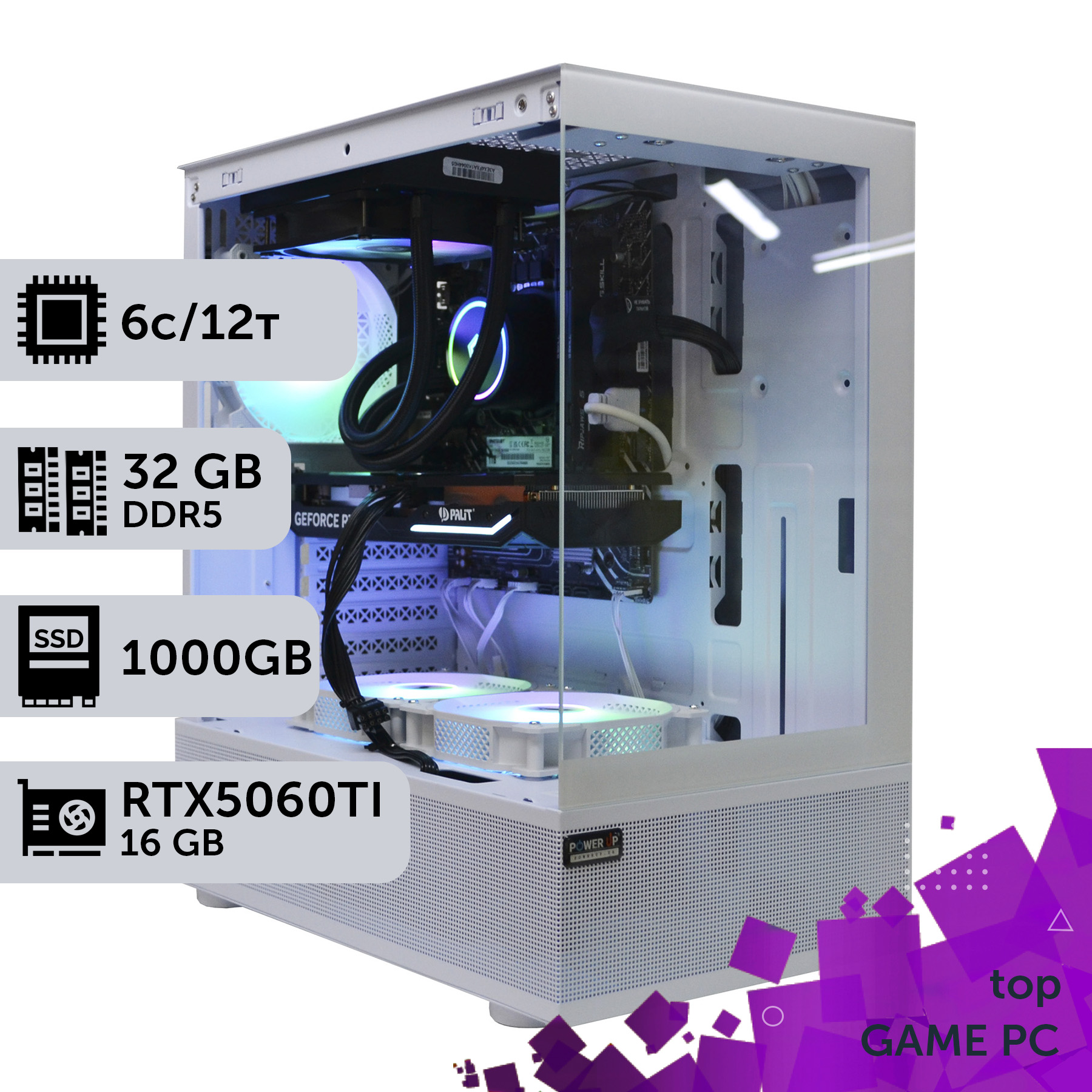
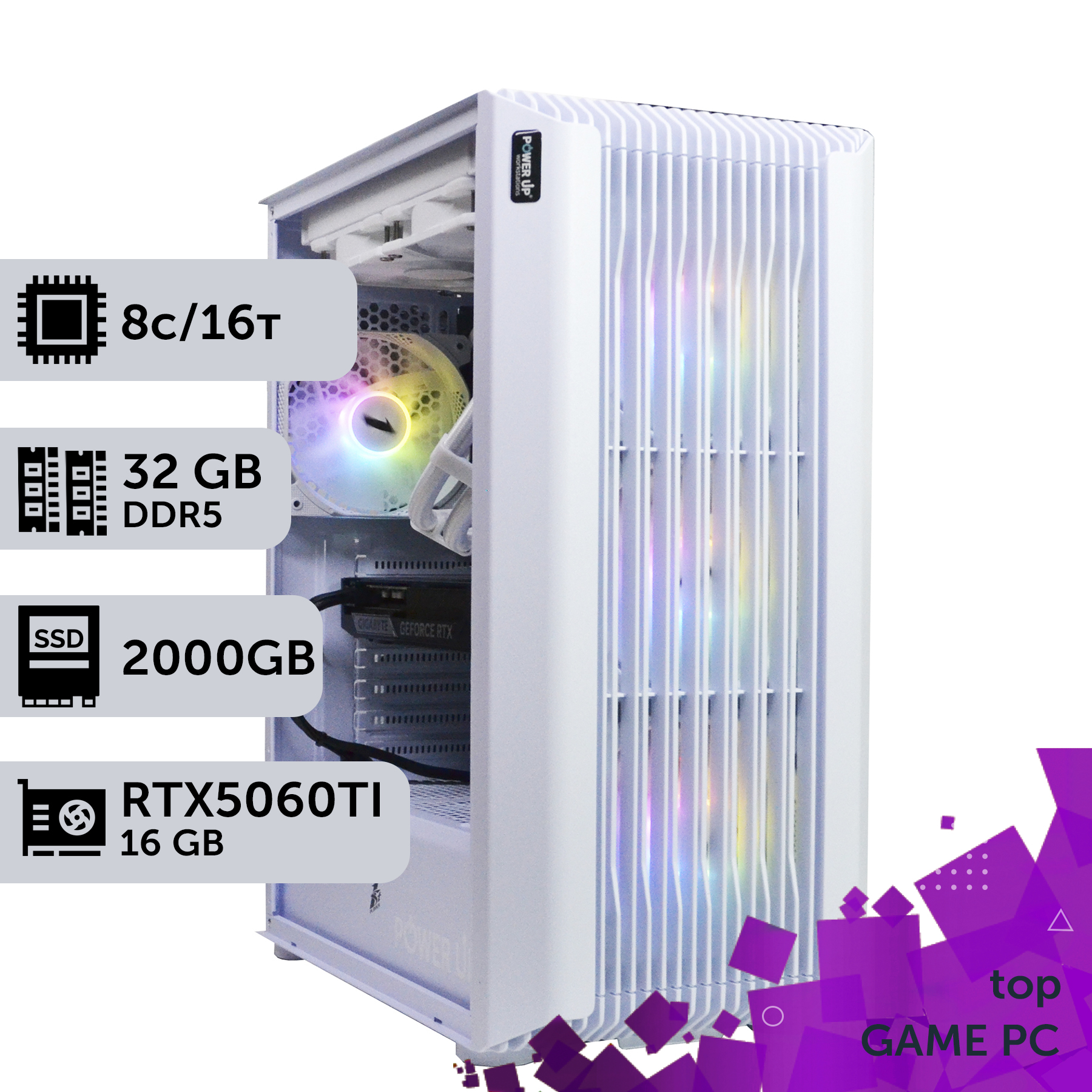
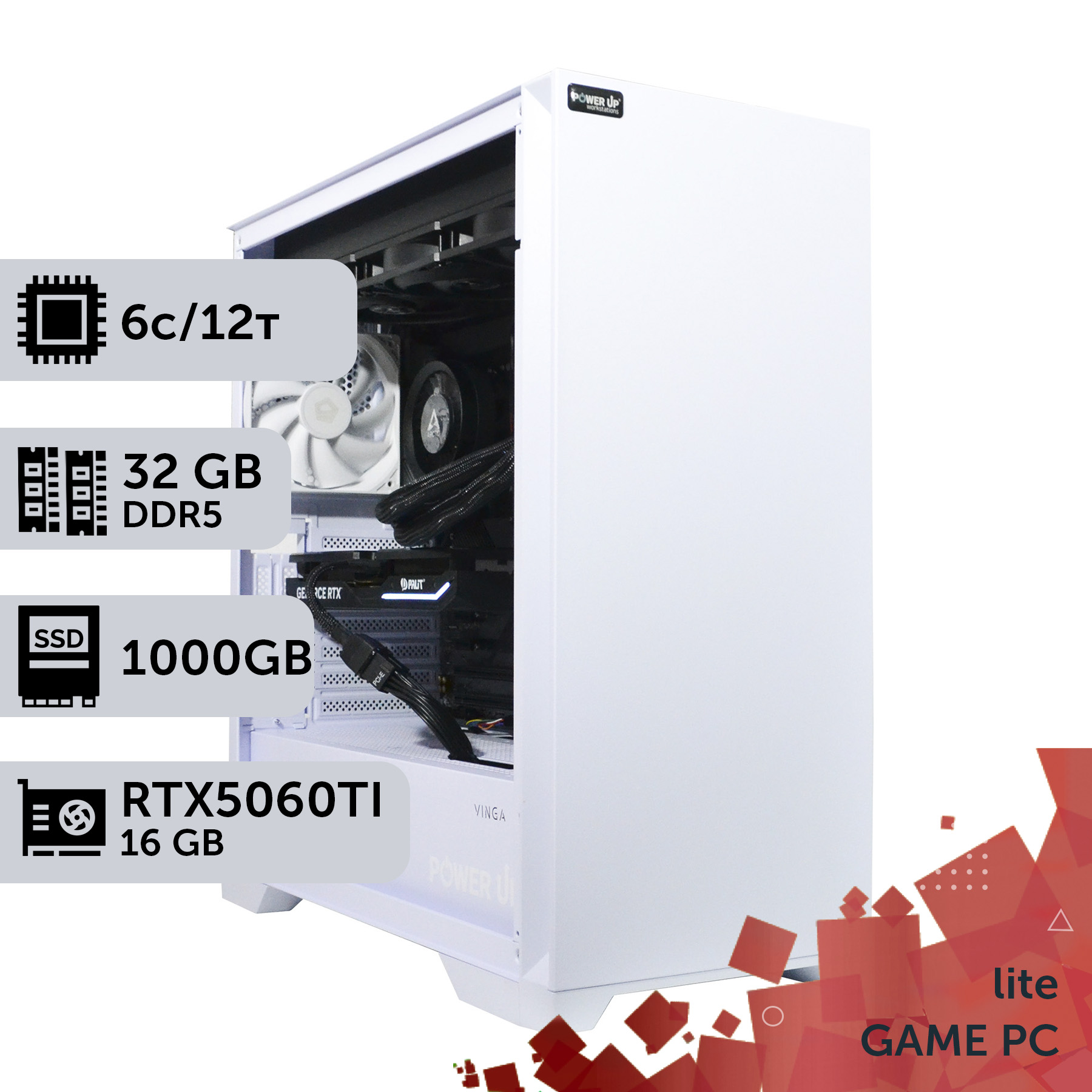
Choosing a power supply for a gaming PC in 2026 is a responsible task, comparable in importance to selecting a graphics card or processor. The era when you could get by with 'any' 700W PSU is long gone. New generations of components demand not only high wattage but also impeccable power quality, the ability to withstand extreme peak loads, and compliance with modern standards like ATX 3.1. Remember that a power supply is a long-term investment in the stability, safety, and future upgradability of your system. Saving a few thousand UAH on this component could result in the failure of an expensive graphics card or processor. Approach the choice consciously, always buy with headroom, and trust only proven manufacturers. And if you're unsure about your choice, check out the PowerUp catalog of pre-built gaming PCs, where every build is equipped with a perfectly matched power supply. Or contact our engineers for a personal consultation — we'll help you create the balanced and reliable system of your dreams.