
Short summary (TL;DR):
- The FPS difference between DDR5-5200 and DDR5-8400 is only 1.4–1.9% even under ideal test conditions (1080p, Low, RTX 4090); at 1440p and 4K, it approaches zero.
- 32 GB of base memory for games in 2026 is more important than 16 GB of expensive high-speed memory: when lacking capacity, FPS drops not by percentages, but in multiples due to disk swapping.
- Dual-channel mode (2 identical modules) is the only memory parameter you shouldn't compromise on.
- In the PowerUp catalog, a 16→32 GB upgrade costs from 15,400 UAH, and 32→64 GB — from 38,000 UAH; this money yields more FPS if invested in a graphics card.
Hardware prices in 2026 are biting again, and the difference between "regular" and "overclocking" RAM on the price tags of Ukrainian stores reaches 15,400–38,000 UAH for the exact same capacity. Assembling a gaming PC turns into a quest: how not to overspend and avoid hitting a system bottleneck.
Bloggers, forum "experts", and neural networks unanimously advise getting DDR5 with a frequency of 6000 MHz and above and low CL30 timings — otherwise, they say, the system will "sag" in games. The reality is more prosaic: on current AM5 (AMD Ryzen 9000) and LGA1851 (Intel Core Ultra 200) platforms, the difference between a basic DDR5-5200 kit and a top-tier DDR5-8400 in real gameplay is 1–2% FPS, not the percentages from promotional slides.
In this article: how manufacturers make money on memory in 2026, how much the overpayment for frequency actually costs in the PowerUp catalog, and where to invest saved hryvnias more effectively: with calculations, real catalog prices, and independent lab tests.
The material is based on two sources: results of third-party tests of DDR5 at different frequencies in current 2026 games and a live price list of 575 configurations from the PowerUp catalog as of August 25, 2026 — meaning real, not hypothetical, figures.
| Resolution | Graphics Card | Processor | Memory | Budget, from |
|---|---|---|---|---|
| Full HD (1080p), budget | GeForce RTX 5050 8GB | AMD Ryzen 5 8400F | 32 GB DDR5 | 55,700 UAH |
| Full HD (1080p), comfort | GeForce RTX 5060 8GB | AMD Ryzen 5 5600 | 32 GB DDR5 | 45,900 UAH |
| 1440p (2K) | GeForce RTX 5070 12GB | AMD Ryzen 5 5600 | 32 GB DDR5 | 65,600 UAH |
| 1440p (2K), High/Ultra | GeForce RTX 5070 Ti 16GB | Intel Core i5 14600K | 32 GB DDR5 | 96,800 UAH |
| 4K, maximum | GeForce RTX 5080 16GB | Intel Core Ultra 5 245KF | 32 GB DDR5 | 126,500 UAH |
How marketers artificially boost FPS in memory benchmarks
Beautiful charts showing a 10–15% FPS difference between "regular" and "overclocker" DDR5 are built on a single trick — testing in non-gaming conditions. Such benchmarks are run on the lowest graphics settings in 1080p or even 720p, paired with a top-tier graphics card like the GeForce RTX 5090 or RTX 4090.
The point of the trick is simple: the lower the resolution and settings, the less load on the graphics card, and the more the frame rate (FPS) hits the ceiling of the processor and memory speed. This is called a CPU-bound scenario — greenhouse conditions where RAM frequency can show a difference on a chart.
- On minimum settings in 720p, the graphics card idles, and the entire load falls on the processor + RAM combo — this is exactly where the difference between DDR5-5200 and DDR5-8000 is maximum.
- When switching to realistic settings — Ultra graphics in 1440p or 4K with Ray Tracing enabled — the bottleneck instantly shifts to the graphics card.
- In a GPU-bound scenario, meaning in the vast majority of real gaming sessions, a stable framerate is determined by the GPU model, not the memory frequency.
According to independent tests by Tom's Hardware and specialized reviews from 2026, the difference between DDR5-5200 and DDR5-8400 in current games on a top-tier setup was 1.4–1.9% — even under specially selected conditions with minimum settings, where memory had every chance to prove itself.
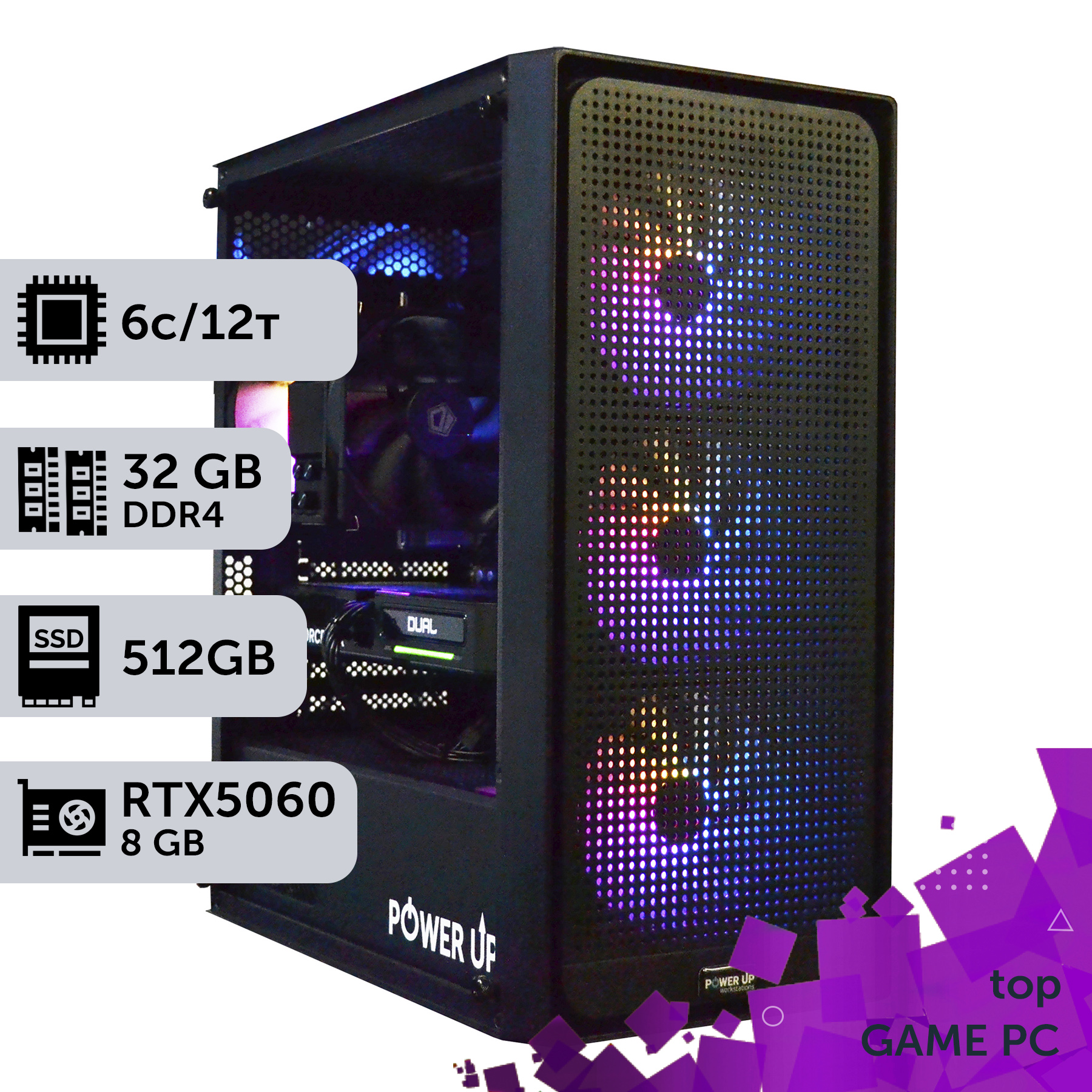
How much does fast DDR5 actually give in 2026 games?
On the AMD Ryzen 7 9700X + GeForce RTX 5080 combo — a current top configuration for 2026 — the frame rate (FPS) breakdown looks like this:
| Game | Resolution | DDR5-5200 | DDR5-6000 | DDR5-8000 |
|---|---|---|---|---|
| Cyberpunk 2077 (RT Ultra + DLSS) | 1080p | 142 FPS | 144 FPS | 145 FPS |
| 1440p | 108 FPS | 109 FPS | 109 FPS | |
| 4K | 71 FPS | 71 FPS | 71 FPS | |
| S.T.A.L.K.E.R. 2: Heart of Chornobyl (Ultra, UE5) | 1080p | 96 FPS | 97 FPS | 98 FPS |
| 1440p | 78 FPS | 78 FPS | 79 FPS | |
| 4K | 52 FPS | 52 FPS | 52 FPS | |
| Counter-Strike 2 (Low, competitive settings) | 1080p | 412 FPS | 424 FPS | 432 FPS |
| 1440p | 380 FPS | 390 FPS | 396 FPS | |
| 4K | 240 FPS | 244 FPS | 246 FPS |
The numbers show a pattern common to the absolute majority of games: the higher the resolution and graphics settings, the less memory speed matters and the more the graphics card model matters. In Cyberpunk 2077 and S.T.A.L.K.E.R. 2 at 4K, the difference between base and top-tier memory disappears completely.
A notable exception is esports titles with an uncapped frame rate ceiling. Counter-Strike 2 on low settings at 1080p physically does not bottleneck the GPU even on a top-tier graphics card, so the difference between DDR5-5200 and DDR5-8000 is more noticeable there — up to 4–5%. For other genres, including heavy projects on Unreal Engine 5, the performance gain falls within the statistical margin of error.
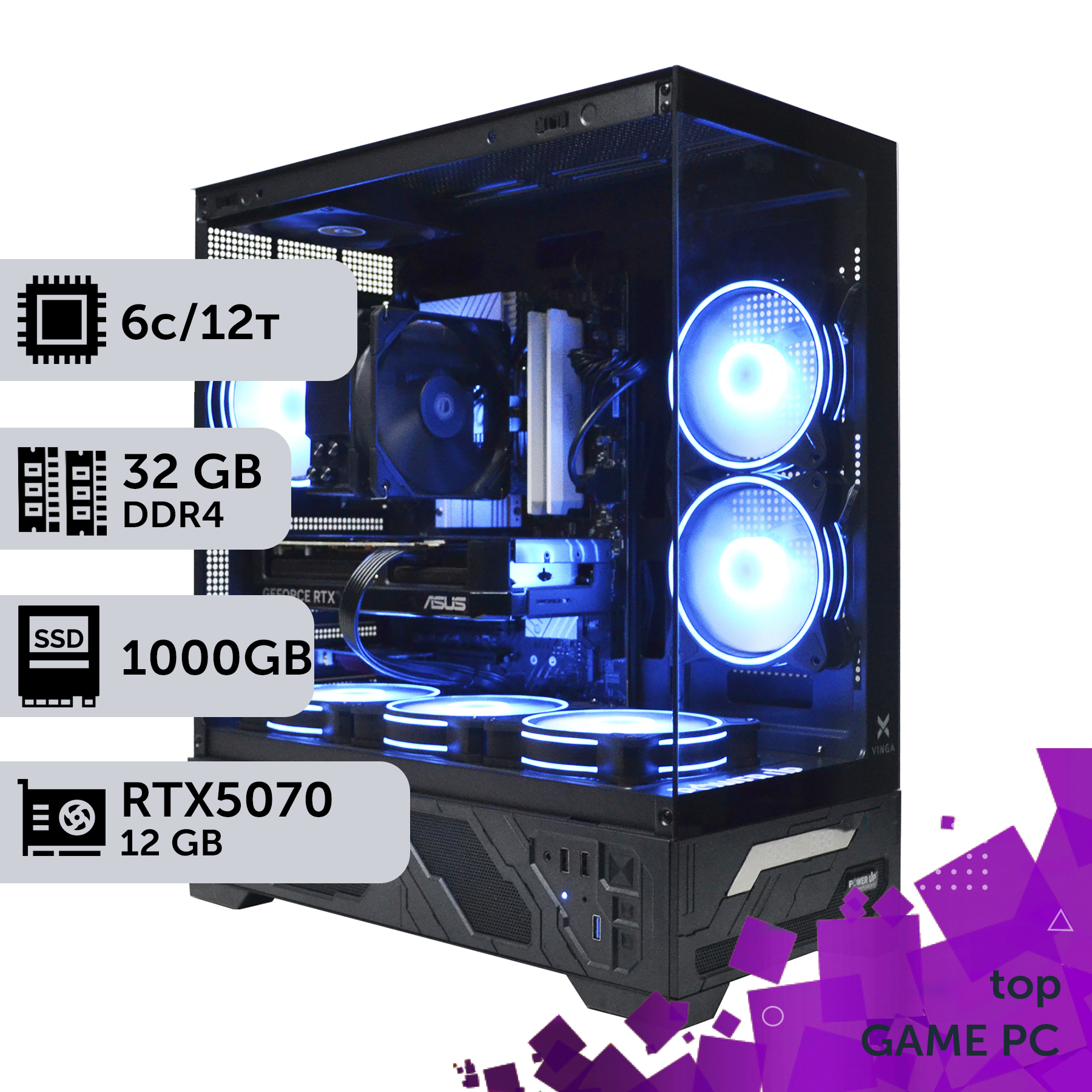
Why memory capacity is more important than frequency
When there is not enough RAM, the operating system dumps some data into the paging file on the SSD — and this is where the FPS drop is measured not in percentages, but in multiples: from 90 down to 20–30 frames per second, accompanied by stutters and freezes while loading textures. No low CL30 timings will save you from this.
The requirements of modern 2026 games speak volumes: most current Unreal Engine 5 projects officially list 16 GB as a minimum and 32 GB as a comfortable level. Considering background processes like Windows 11, Discord, OBS, and a browser with a dozen tabs, 16 GB on a gaming PC in 2026 is the absolute lower limit, not a reserve.
- 16 GB — enough for Full HD on medium settings without streaming or background software; for new projects, it's already pushing it.
- 32 GB — the 2026 standard for any resolution, a comfortable reserve for multitasking and streaming.
- 64 GB — needed not for the games themselves, but for parallel streaming in OBS, heavy modding, working in 3D editors, or video editing between gaming sessions.
Upgrading DDR5 RAM capacity from 16 to 32 GB costs on average 15,400 UAH — and unlike overpaying for frequency, this money directly eliminates frame drops and freezes, rather than yielding hypothetical percentages from synthetic tests.
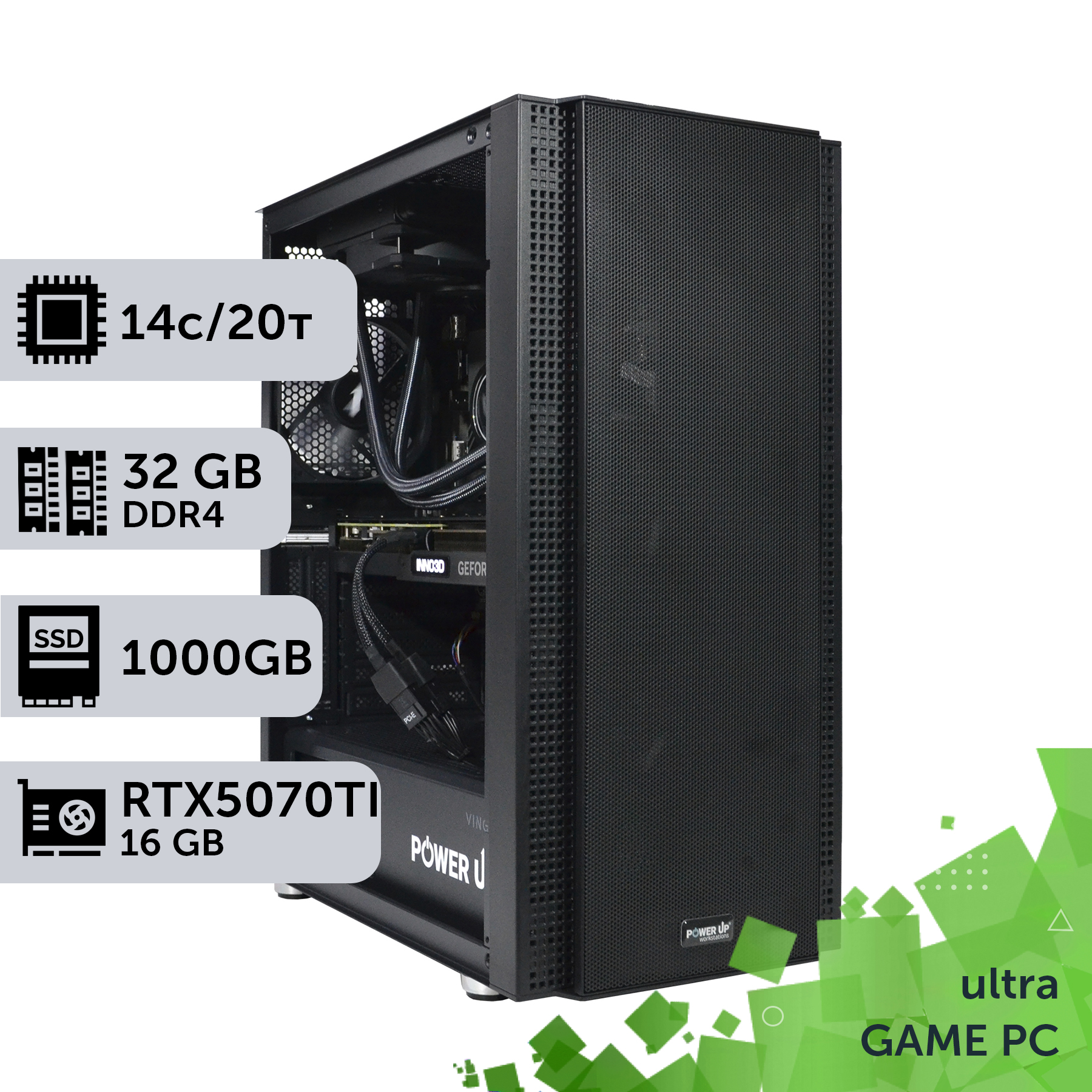
Saving on RAM frequency: pros and cons
Pros
- ✔Saving 15,400–38,000 UAH on the same memory capacity — this money is enough to upgrade to the next graphics card tier.
- ✔FPS loss in real games at 1440p and 4K is between 0 and 2%, which is visually unnoticeable even on 165+ Hz monitors.
- ✔Basic modules without decorative heatsinks and RGB operate stably at standard JEDEC timings, without BIOS overclocking.
- ✔More budget is left for the processor, NVMe SSD, or a highly efficient power supply — components with a real impact on the system's hardware balance.
Cons
- ✖In esports disciplines like CS2 at 1080p, the boost from fast memory reaches 4–5% FPS — there, saving isn't entirely free.
- ✖Systems with integrated graphics share memory bandwidth with the GPU core — there, DDR5 frequency directly and significantly affects FPS.
- ✖You'll have to check the motherboard's QVL list: not just any basic kit is guaranteed to run at the stated frequency in a 4-slot configuration.
How to choose DDR5 modules and not overpay
Three rules for choosing modules without overpaying:
- Chips, not packaging. Modules using Micron, Samsung, or SK Hynix chips without giant heatsinks and RGB lighting cost 20–40% less than "gaming" series with the same controller and real speed.
- JEDEC profile instead of extreme overclocking. Base frequencies of DDR5-5200–5600 for AMD Ryzen 9000 and DDR5-5600–6400 for Intel Core Ultra 200 are officially supported values without BIOS voltage tweaking.
- Two modules instead of one. A 2×16 GB kit utilizes both memory controller channels and performs faster than a single 32 GB module, even if the single stick claims a higher frequency.
Before purchasing, check the Qualified Vendor List (QVL) on the motherboard manufacturer's website — not every kit is guaranteed to boot at the advertised frequency when all 4 slots are populated, especially on the AM5 platform. This is a case where 10 minutes of checking saves an evening of BIOS troubleshooting.
Warranty is another parameter to look at before frequency. Kingston, Patriot, ADATA, and Crucial offer a lifetime or 36–60 month warranty on DDR5 modules without extra charge when bought from an official dealer in Ukraine. Gray-market goods imported bypassing official channels usually have no warranty service within Ukraine at all — saving on frequency should not turn into the risk of being left without a module replacement in case of failure.
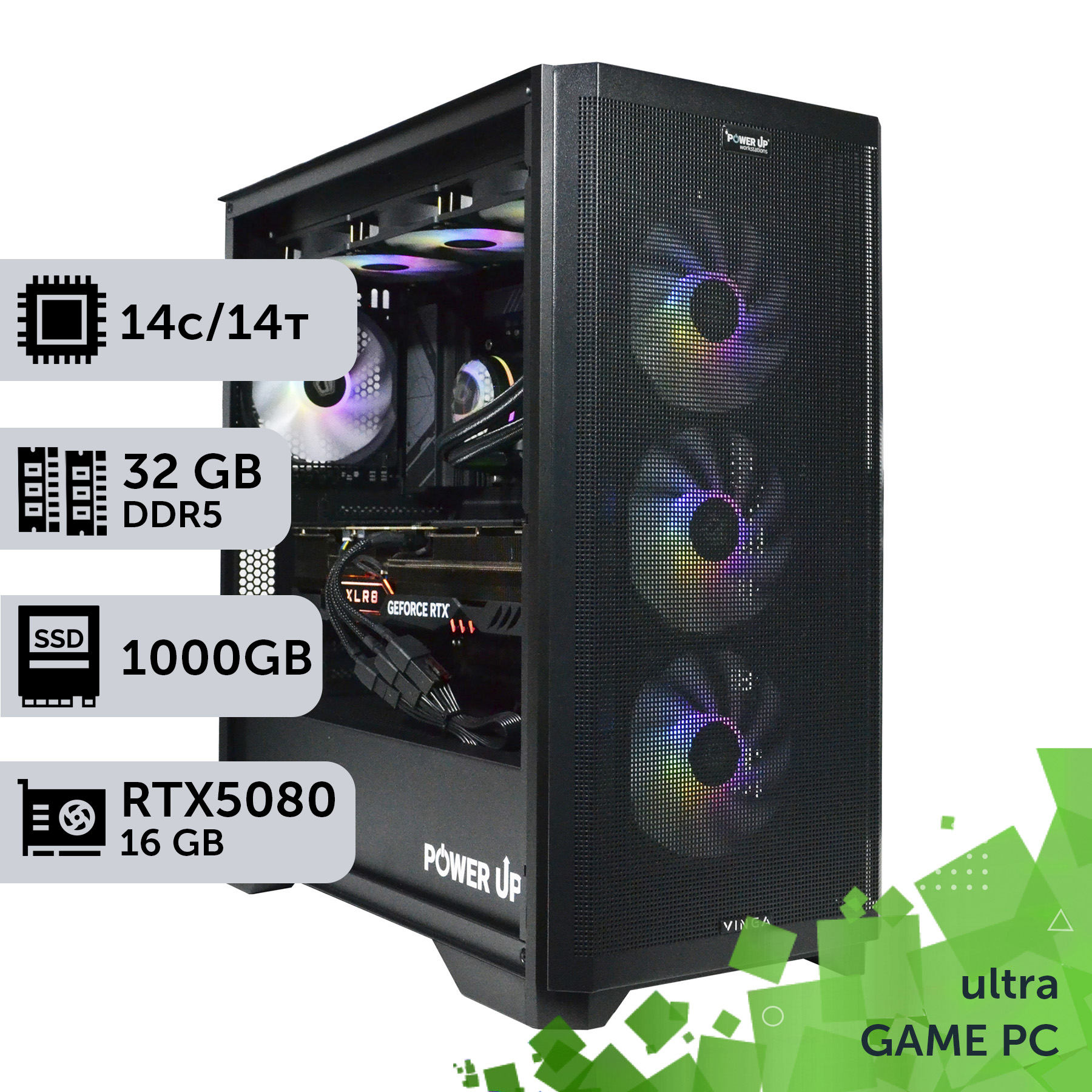
How much does the frequency overpayment cost in Ukraine?
In the PowerUp catalog as of August 25, 2026, the price difference between identical builds differing only in memory capacity is statistically stable:
| Upgrade | Median overpayment | Example of an identical build |
|---|---|---|
| 16 GB → 32 GB | 15,400 UAH | Core i5 13400F + RTX 4060: 48,600 → 64,000 UAH |
| 32 GB → 64 GB | 38,000 UAH | Core i7 14700K + RTX 5080: 130,700 → 168,700 UAH |
This is the price of the capacity itself — it has nothing to do with frequency. Overpaying specifically for a high-speed bin (for example, for DDR5-6000 instead of DDR5-5200 at the same capacity) adds on average another 2,000–5,000 UAH to the price of a pre-built system, depending on the capacity and chip brand. Given an FPS difference of about 1–2%, this is one of the most inefficient expenses in a gaming PC budget.
The prices of DDR5 themselves fluctuate by 5–10% during a quarter throughout 2026 due to exchange rate variations and the utilization of specialized Micron, Samsung, and SK Hynix fabs — focus on the current catalog price at the moment of purchase, not on numbers from articles and month-old screenshots.
Where to invest the saved hryvnias: graphics card or processor
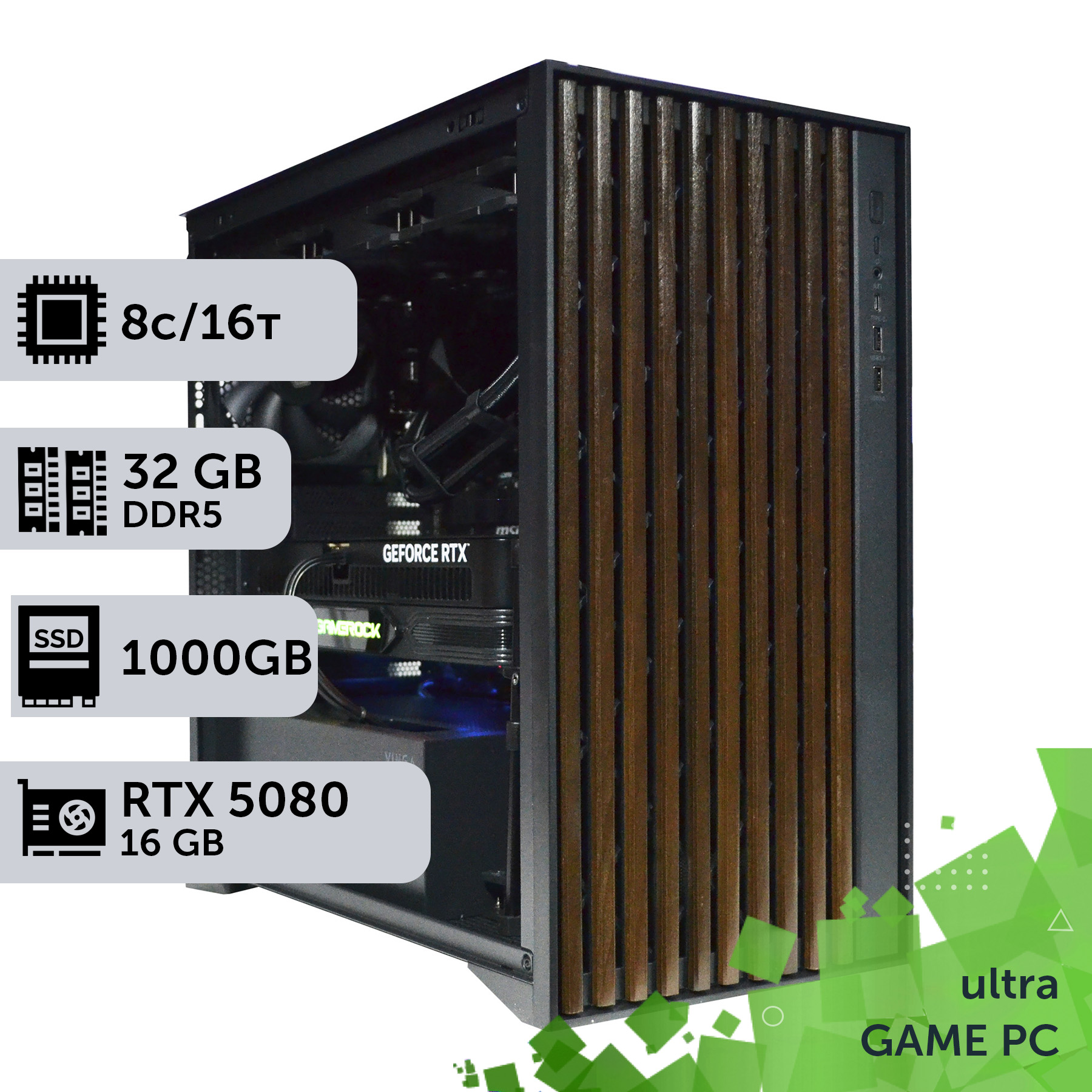
Stepping up the GeForce RTX graphics card tier yields not hypothetical benchmark percentages, but a real 20–30% FPS boost. Moving from an RTX 5060 to an RTX 5070 at 1440p resolution increases the frame rate from an average of 108 to 140 FPS in Cyberpunk 2077 on Ultra settings — a difference visible without an FPS counter.
The second option is to invest in an AMD Ryzen processor or Intel Core processor with an increased cache. Models with 3D V-Cache technology, like the Ryzen 7 9800X3D, reduce the system's reliance on RAM speed more effectively than any DDR5 overclocking due to their tripled L3 cache — the processor cache literally replaces a portion of RAM accesses.
| Investment direction | Real FPS gain |
|---|---|
| DDR5-5200 → DDR5-8000 (same build) | +1–2% |
| RTX 5060 → RTX 5070 (same processor) | +25–30% |
| Core i5 14400F → Core i5 14600K (same graphics card) | +8–12% |
The rule is simple: if the budget is limited, the system bottleneck is almost never the RAM. First, get a graphics card for your target resolution, then a processor that avoids critical frame drops, and only lastly — RAM frequency above the base EXPO/XMP profile.
When high-frequency memory is actually justified
Three scenarios where overpaying for DDR5 frequency genuinely pays off:
- Integrated graphics. In systems with an APU (e.g., Ryzen with an integrated Radeon GPU core), memory doubles as video memory — there, DDR5 frequency directly dictates FPS, and the difference between DDR5-5200 and DDR5-6400 reaches 15–20%.
- Professional esports. For an esports build meant for CS2 or Valorant targeting 400+ FPS and minimal frame latency, every fraction of a millisecond counts — there, fast memory provides a measurable advantage on top of a powerful processor.
- Working alongside gaming. Rendering, 4K/8K editing, and large datasets load the memory controller differently than games: in Adobe Premiere Pro, when exporting a 4K video, jumping from DDR5-5200 to DDR5-6000 cuts export time by 6–8% — more noticeably than in any game from the table above.
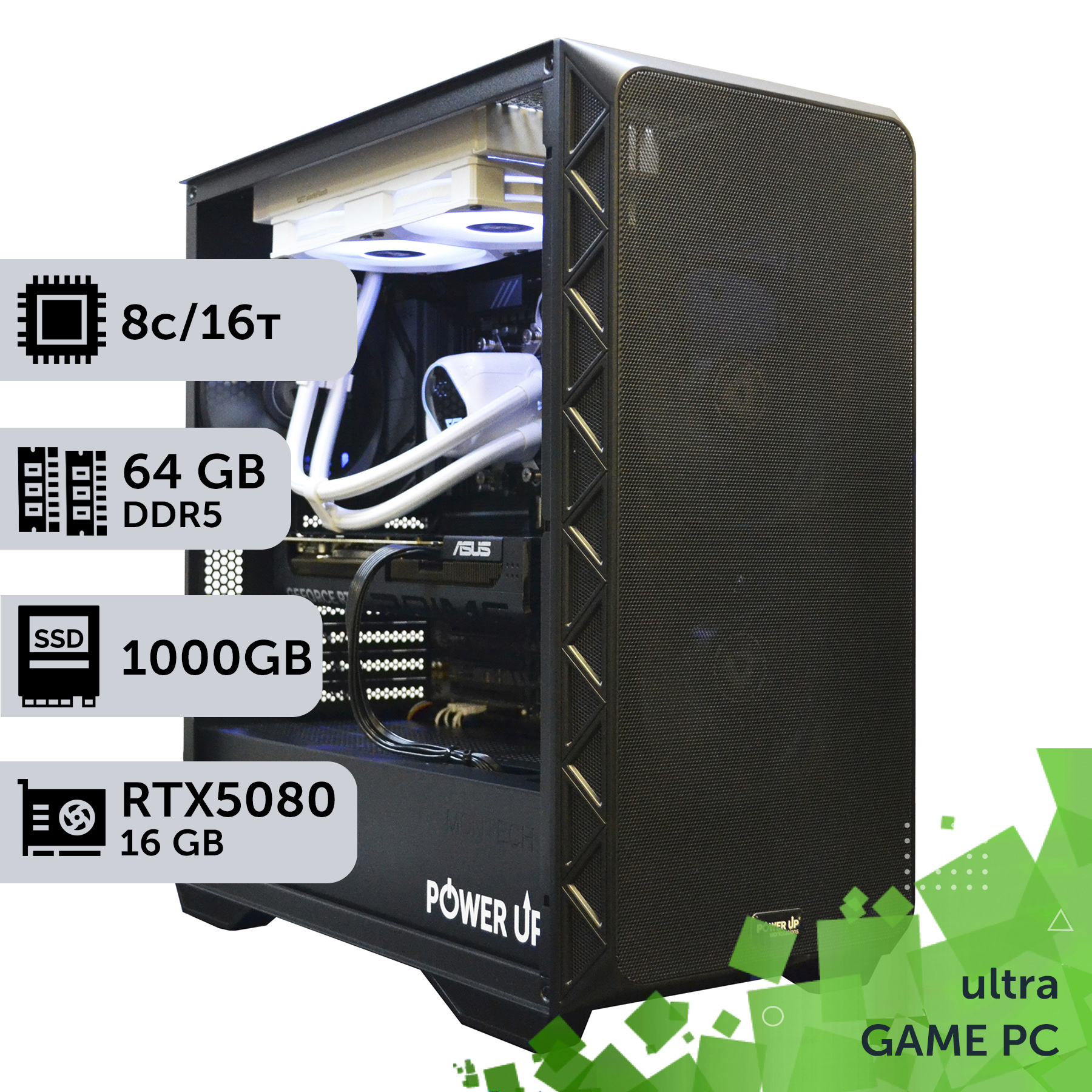
General principle: high DDR5 frequency pays off where memory acts as a second graphics card (APU) or the system physically does not bottleneck on the GPU (esports, rendering). For all other scenarios — from budget Full HD to top-tier 4K gaming with DLSS technology — it's smarter to secure a base 32 GB capacity at stock frequency and put the savings toward a graphics card.
How to choose RAM for a gaming PC: a step-by-step guide
A step-by-step guide to help you build a memory-balanced gaming PC in 2026 without overpaying for specs that don't affect FPS.
Step 1: Determining the required capacity
Base it on resolution and use case: 16 GB is an aging minimum for Full HD without streaming, 32 GB is the 2026 standard for all tasks, 64 GB is only needed for concurrent streaming, heavy modding, or rendering between game sessions.
Step 2: Checking the platform and slots
Confirm the motherboard socket and chipset (AM5 for AMD Ryzen 9000, LGA1851 for Intel Core Ultra 200) and the number of DDR5 slots — dual-channel mode requires at least 2 available slots from the same bank.
Step 3: Choosing a kit over a single module
Always buy a set of 2 identical modules (e.g., 2×16 GB) from the same manufacturer and batch — this guarantees dual-channel operation without manual timing adjustments.
Step 4: Checking the motherboard QVL
Cross-reference the chosen kit with the Qualified Vendor List (QVL) on the board manufacturer's site — this eliminates surprises with unstable frequencies when all slots are populated.
Step 5: Profile activation and stress testing
After assembly, enable the EXPO (AMD) or XMP (Intel) profile in the BIOS at the platform's rated frequency and run a 30–60 minute OCCT or MemTest86 stress test — this will confirm stability before jumping into gaming sessions.
Frequently Asked Questions (FAQ)
How much RAM is needed for gaming in 2026?
32 GB is the comfortable standard for any resolution and most modern games. 16 GB remains a workable minimum for Full HD without background software and streaming, while 64 GB is needed only for parallel workloads, not gaming itself.
Is it worth overpaying for DDR5-6000 instead of DDR5-5200?
In most games, the difference is 1–2% FPS, which is visually unnoticeable. The exceptions are esports titles like CS2 on minimum settings and systems with integrated graphics, where memory serves as VRAM.
What is more important — memory frequency or CL timings?
Neither is critical for gaming on a modern graphics card. The real factors are capacity (32 GB and up) and dual-channel mode — they affect FPS stability much more than frequency or CAS Latency.
Can I mix memory modules from different manufacturers?
Technically yes, but it's not recommended: different timings, voltages, and chip revisions increase the risk of instability. The proper way is a kit of 2 identical modules from the same batch.
One 64 GB module or two 32 GB modules — which is better?
Two 32 GB modules are almost always faster: they utilize both channels of the memory controller. A single module of the same capacity operates in single-channel mode, theoretically halving the bandwidth.
Are heatsinks and RGB lighting necessary on RAM modules for a gaming PC?
No, they do not affect FPS. Heatsinks make sense only for aggressive overclocking beyond stock EXPO/XMP profiles — at base 2026 frequencies, DDR5 chips do not overheat without them.
Is DDR4 still relevant in 2026, or should I only buy DDR5?
For a new build — only DDR5: current AM5 (AMD Ryzen 9000) and LGA1851 (Intel Core Ultra 200) platforms physically do not support DDR4. Upgrading a DDR4 system makes sense only if keeping the old processor and motherboard — buying a new platform for DDR4 in 2026 is no longer practical.
The economics are simple: the frequency overpayment for DDR5 in 2026 buys you 1–2% FPS, whereas the same budget invested in a graphics card yields 20–30%. Grab 32 GB of base memory in dual-channel mode on a standard EXPO/XMP profile, and redirect the 15,400–38,000 UAH difference to where it's actually visible on the screen.
In the PowerUp pre-built gaming PC catalog, you will find balanced configurations with the right ratio of memory, processor, and graphics card for Full HD, 1440p, and 4K. If you need a custom PC for a specific budget or task — PowerUp engineers will individually select components and verify compatibility prior to assembly.
































