
Key Takeaways (TL;DR):
- A top-tier motherboard won't speed up your mid-range processor. Invest in the graphics card instead.
- Extremely fast DDR5 memory (above 7200 MHz) offers a negligible FPS boost for a huge price.
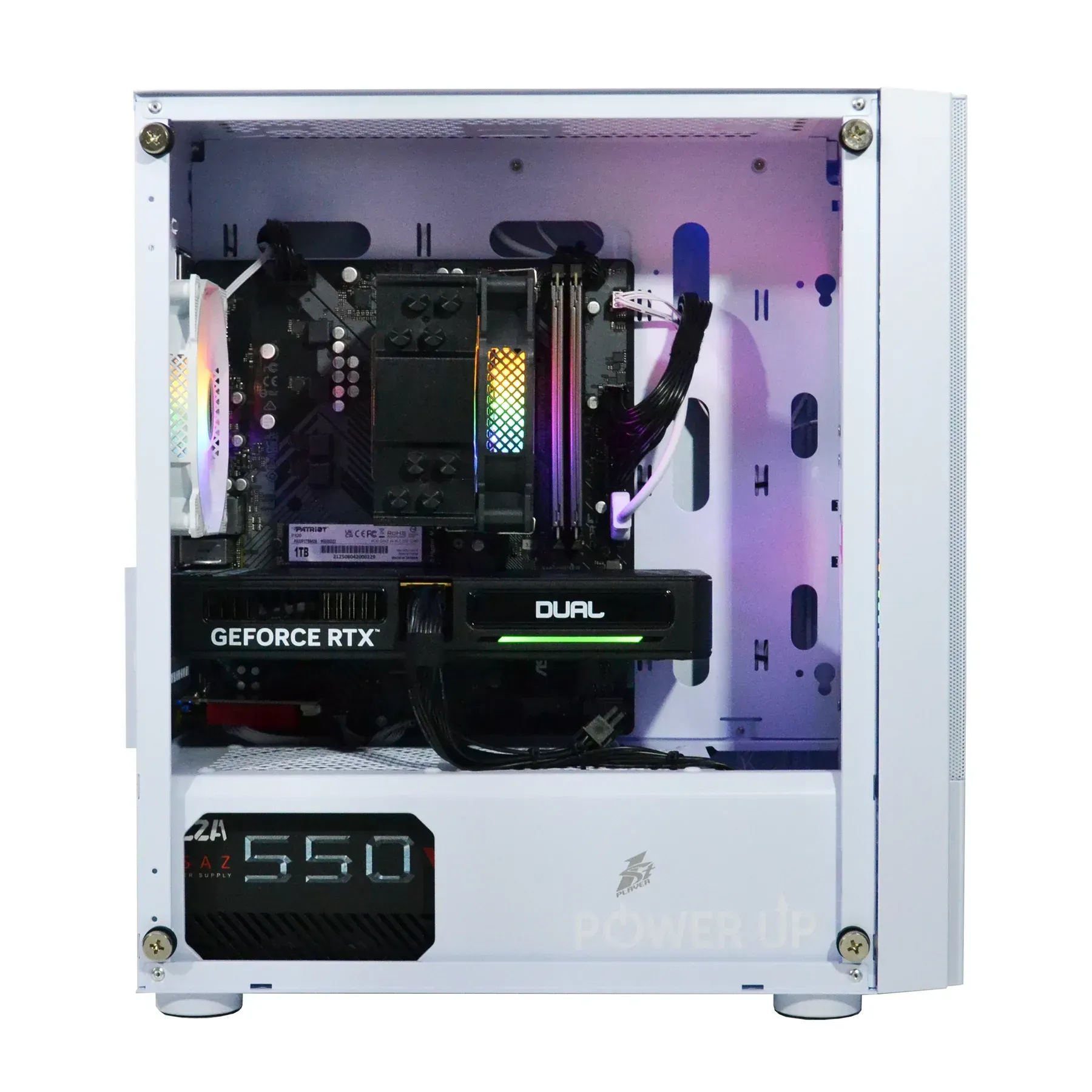
- The power supply wattage should be sufficient, but not excessive. Quality (80+ Gold certification) is more important than kilowatts.
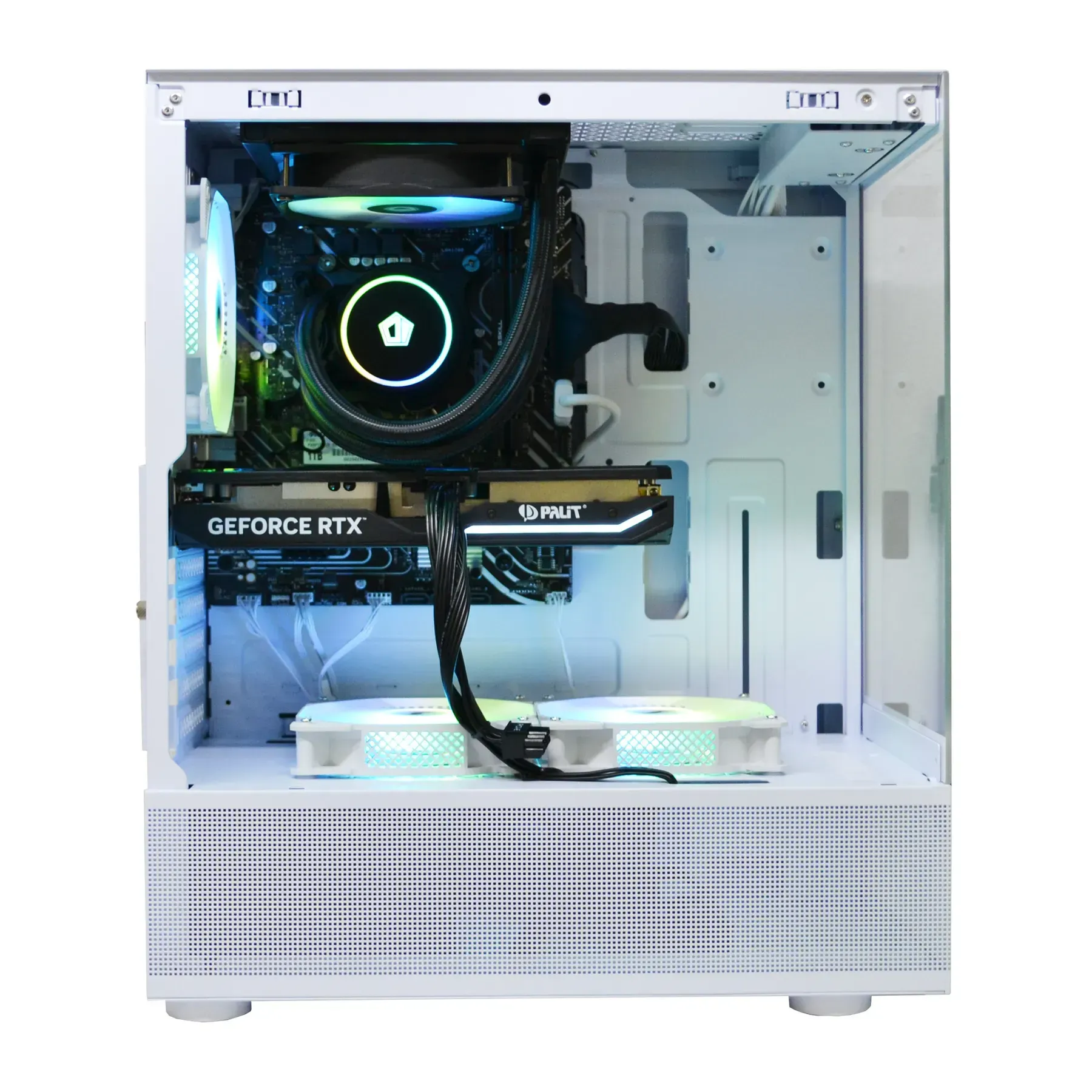
- An expensive case with a solid front panel can worsen performance due to component overheating.
| Purpose | Recommended Graphics Card | Processor | Approximate Build Budget |
|---|---|---|---|
| Full HD (1080p) Gaming | NVIDIA RTX 5060 12GB | Intel Core Ultra 5 245H / AMD Ryzen 5 9600X | 45,000 - 60,000 UAH |
| 2K (1440p) Gaming | NVIDIA RTX 5070 16GB | Intel Core Ultra 7 265H / AMD Ryzen 7 9700X | 75,000 - 100,000 UAH |
| 4K (2160p) Gaming | NVIDIA RTX 5080 20GB | Intel Core Ultra 9 285H / AMD Ryzen 9 9900X | from 130,000 UAH |
Overpayment #1: A Flagship Motherboard for a Mid-Range Processor
- A sufficiently powerful VRM for stable processor operation.
- An M.2 PCIe 5.0 slot for a future fast SSD.
- Support for fast DDR5 memory.
- All the necessary USB ports.

Overpayment #2: Extremely Fast DDR5 RAM
| DDR5 Parameters | Price (Approximate) | FPS Gain in Cyberpunk 2077 (vs. 6400 MHz) |
|---|---|---|
| 32GB (2x16) 6400MHz CL32 | 5,500 UAH | Baseline |
| 32GB (2x16) 7600MHz CL36 | 9,000 UAH | +2-4% |
| 32GB (2x16) 8400MHz CL40 | 14,000 UAH | +3-5% |

Overpayment #3: Excessive Power Supply Unit (PSU) Wattage
Smart Savings: Key Pros and Cons
Advantages
- ✔Maximum performance for every UAH spent.
- ✔A perfectly balanced system without a bottleneck effect.
- ✔The ability to invest saved funds into a quality monitor, chair, or peripherals.
- ✔Reduced overall system power consumption and heat generation.
Disadvantages
- ✖Limited potential for extreme overclocking.
- ✖Absence of niche premium features (10-gigabit Ethernet, Thunderbolt 5, an excessive number of M.2 slots).
- ✖A more understated appearance without an abundance of customizable lighting.
Overpayment #4: A Designer Case at the Expense of Airflow

Overpayment #5: A Top-Tier NVMe SSD with Excessive Speed for Gaming
| SSD Type | Read Speed | Level Load Time in GTA VI | Approximate Price for 2TB |
|---|---|---|---|
| PCIe 4.0 NVMe | ~7,000 MB/s | 8.5 seconds | 4,500 UAH |
| PCIe 5.0 NVMe | ~14,000 MB/s | 7.9 seconds | 8,000 UAH |
How to Avoid Overpaying When Building a Gaming PC
This guide will help you allocate your budget wisely and build a balanced system where every component works at 100%, without creating bottlenecks or emptying your wallet.
Step 1: Defining Your Goal and Budget
Clearly decide for which resolution (1080p, 1440p, 4K) and what games you are building the PC. This will determine the key component — the graphics card. The golden rule: try to allocate about 60-70% of your budget to the CPU+GPU combination. This is the heart of your gaming system.
Step 2: Choosing a Balanced CPU + GPU Combo
Use online bottleneck calculators for a preliminary balance assessment. For a graphics card like the RTX 5070, there's no point in getting a flagship Core Ultra 9 285H; its potential won't be unlocked. The performance of a Core Ultra 7 265H will be sufficient. Balance is the key to maximum FPS for your money.
Step 3: Selecting Supporting Components Without Overpaying
Choose the motherboard based on the chipset that matches your processor (B-series for most, Z-series for overclocking 'K' CPUs) and the necessary set of ports. For RAM, the 2026 standard is 32GB of DDR5 6400 MHz CL32. Faster is for enthusiasts, not for real-world gaming. For the PSU, an 80 Plus Gold rating with a 20-30% power overhead is ideal.
Step 4: Final Check and Stress Test
After selecting all components, check their compatibility using an online configurator. Make sure the cooler can handle the processor's TDP and the graphics card fits in the case. After assembly, be sure to run a system stress test (e.g., in OCCT or AIDA64) to ensure stability and adequate temperatures under load.
Frequently Asked Questions (FAQ)
Should I buy a motherboard for 'future-proofing'?
Most of the time, no. By the time you decide to upgrade your processor, the socket will have changed, and your 'top-tier' board will be outdated. It's better to buy a balanced board now and sell it with the processor in the future, investing in a new, current combination.
How much VRAM is needed in 2026?
For Full HD (1080p), a comfortable minimum is 12GB. For 2K (1440p), it's 16GB. For a full-fledged 4K gaming experience with ultra textures and ray tracing, it's recommended to have 20GB of VRAM or more.
Does SSD speed affect FPS in games?
It has almost no effect. The speed of an NVMe SSD only affects the loading times of games, levels, and 'seamless' worlds. The FPS difference between a SATA SSD, a PCIe 4.0 SSD, and a PCIe 5.0 SSD is close to zero.
Do I need a Platinum or Titanium certified power supply?
For most gaming builds, it's overkill. The 80 Plus Gold certification is the golden mean for efficiency and price. Platinum and Titanium PSUs are justified in systems running 24/7 under maximum load, where electricity savings can offset the price difference.
What is more important: memory frequency or timings?
A balance is important. For AMD Ryzen 9000 and Intel Core Ultra 200 series processors, the optimal choice is DDR5 memory with a frequency of 6000-6800 MHz and low timings (e.g., CL30-CL34). Chasing extreme frequencies with high timings often yields less performance gain.
How does DLSS technology affect the choice of a graphics card?
DLSS technology (and its counterparts FSR, XeSS) allows for high frame rates in demanding games even on mid-range graphics cards. This means that for comfortable 2K gaming with DLSS Quality, an RTX 5060 Ti might be sufficient instead of a more expensive RTX 5070, allowing for significant savings.
































