
In Brief (TL;DR):
- For mid-range processors (up to 160W PL2), top-tier air coolers offer the best balance of price, performance, and reliability.
- Liquid cooling systems (AIO) are essential for flagship CPUs with a PL2 of 250W+, extreme overclocking, and compact case builds.
- The reliability of modern AIOs has increased significantly, but an air cooler remains a more fault-tolerant solution in the long run.
- Aesthetics and noise levels under load are key subjective factors. AIOs provide a cleaner look for the build but may create additional pump noise.
Choosing a CPU cooling system in 2026 is no longer just a matter of aesthetics. New processors, such as the **Intel Core Ultra 200S** (including the updated "PLUS" lineup) and **AMD Ryzen 9000**, deliver impressive performance, and their peak power (PL2/PPT) on high-end models reaches 250W. This poses a critical question for gamers: can a classic "tower" handle this kind of heat, or has the era of liquid cooling systems (AIO) finally arrived?
This dilemma is complicated by marketing. AIO manufacturers promise icy temperatures and a futuristic look, while "air" advocates speak of unsurpassed reliability and silence. But where is the truth? The wrong choice threatens not just increased noise, but throttling — forced reduction of processor frequencies due to overheating, which negates all the power of your brand-new **NVIDIA RTX 50-series**. In this article, without fluff or marketing jargon, we will analyze all the technical aspects, check the numbers against real manufacturer specifications, and help you make an informed choice between "air" and "water" for your ideal 2026 gaming build.
Pros and Cons of Liquid Cooling (AIO)
Advantages
- ✔The highest cooling efficiency for hot CPUs and overclocking.
- ✔Stylish appearance and freeing up space around the socket.
- ✔Less strain on the motherboard compared to massive tower coolers.
- ✔Ability to route heat directly to the case panel for external exhaust.
Disadvantages
- ✖Higher price compared to air coolers of similar efficiency.
- ✖Theoretical risk of leaks, although minimal in modern models.
- ✖Presence of additional failure points: pump, fittings, tubes.
- ✖Pump noise, which can be audible in a quiet system.
How Air Coolers and AIOs Dissipate CPU Heat
To understand what to choose, you need to understand the physics of the process. An **air cooler** is a classic and simple system. It works on the principle of direct heat transfer and convection. A copper or aluminum base contacts the processor's heat spreader via thermal paste. From the base, heat rises through heat pipes containing a low-boiling liquid to a massive radiator consisting of hundreds of thin fins. A fan (or several) blows air through this radiator, dissipating heat into the case space. The efficiency of such a system directly depends on several factors: the dissipation area of the radiator, the number and speed of heat pipes, as well as the power and type of the fan. Modern supercoolers have two radiator towers and two fans, allowing them to handle peak power (PL2) up to 250-260W. Proper **balance of components** is critical here: there is no point in putting such a cooler on a budget processor, nor should you save on cooling for a flagship that will be responsible for performance in games with **Ray Tracing** technology.
A **liquid cooling system**, or AIO (All-in-One), works on a different principle. It uses a coolant (usually a mixture of distilled water and propylene glycol) as a heat carrier. System components:
- Water block: a small device combining a copper base and a pump. It is installed on the processor.
- Tubes: connect the water block to the radiator, ensuring liquid circulation.
- Radiator: similar to the radiator in an air cooler, but can be mounted on the front, top, or rear panel of the case.
- Fans: mounted on the radiator to cool it.
The pump circulates the liquid through the water block, where it absorbs heat from the processor. Then, the hot liquid enters the radiator, where it is cooled by the airflow from the fans, and returns back to the water block. The main advantage of an AIO is its ability to quickly transfer a large amount of heat from a compact source (processor) to a large radiator located in a well-ventilated area of the case. This makes them an ideal solution for very hot chips and compact builds.
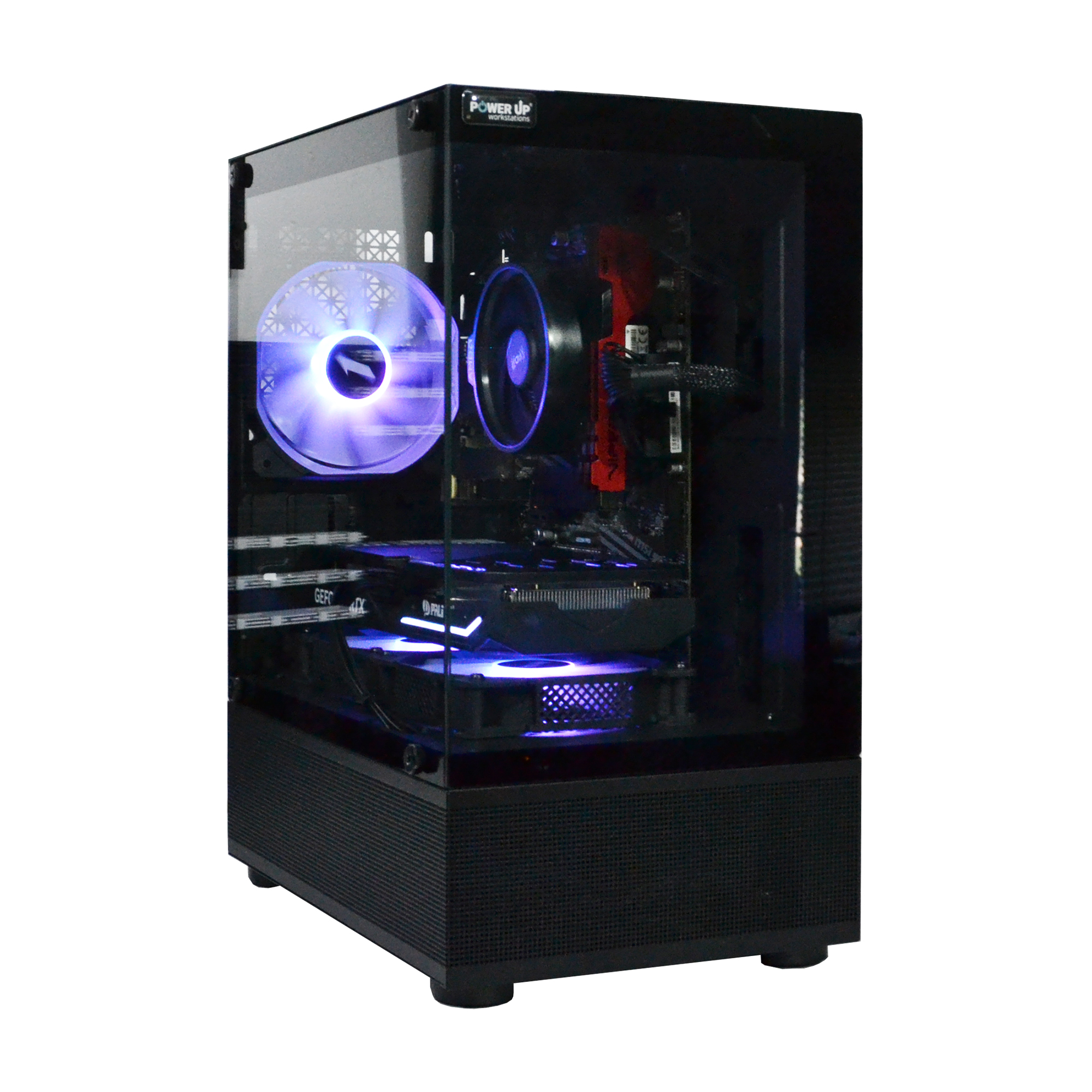
How Quiet Can Your PC Be?
Noise level is one of the most underestimated but important parameters of a gaming PC. The loud hum of fans can ruin the atmosphere in a horror game or distract during a tense match. There is a common myth that an AIO is always quieter than "air", but this is not entirely true. There are several sources of noise in a cooling system. **In an air cooler**, it's only the fans. Their noise depends on the size, rotation speed (RPM), and bearing design. Top models use large 140mm fans, which are virtually silent at low and medium speeds. Noise becomes noticeable only under maximum processor load. **An AIO** has more noise sources:
- Radiator fans: There are usually two or three, and they work on the same principle as those on an air cooler.
- Pump: The pump built into the water block creates a constant, albeit quiet, high-frequency hum or buzz. In cheap models, this sound can be quite annoying, especially at idle.
- Liquid sound: Sometimes you can hear a quiet gurgling or trickling of the coolant in the loop.
Let's compare typical noise levels in different modes (specific numbers strongly depend on the model, so the following are estimated ranges based on independent reviews):
| Operation Mode | Top-tier Air Cooler | 360mm AIO |
|---|---|---|
| Idle (desktop) | 20-24 dBA (virtually silent) | 24-28 dBA (quiet pump hum is audible) |
| Gaming load (~60% RPM) | 32-37 dBA (comfortable whisper) | 35-40 dBA (airflow and pump are audible) |
| Stress test (100% RPM) | 42-47 dBA (loud hum) | 45-50 dBA (very loud) |
In idle and light load modes, a high-quality air cooler is quieter, as it doesn't have a constantly running pump. Under high load, both systems become loud, but the nature of the noise differs. An AIO often generates a higher-frequency and less pleasant noise. Thus, if your goal is absolute silence while idle and working with documents, and you game in headphones, an air cooler might be preferable. If silence during gaming is important to you, an AIO with a properly configured fan curve can provide lower temperatures at a comparable noise level. The main thing is not to skimp on the quality of the pump and fans.
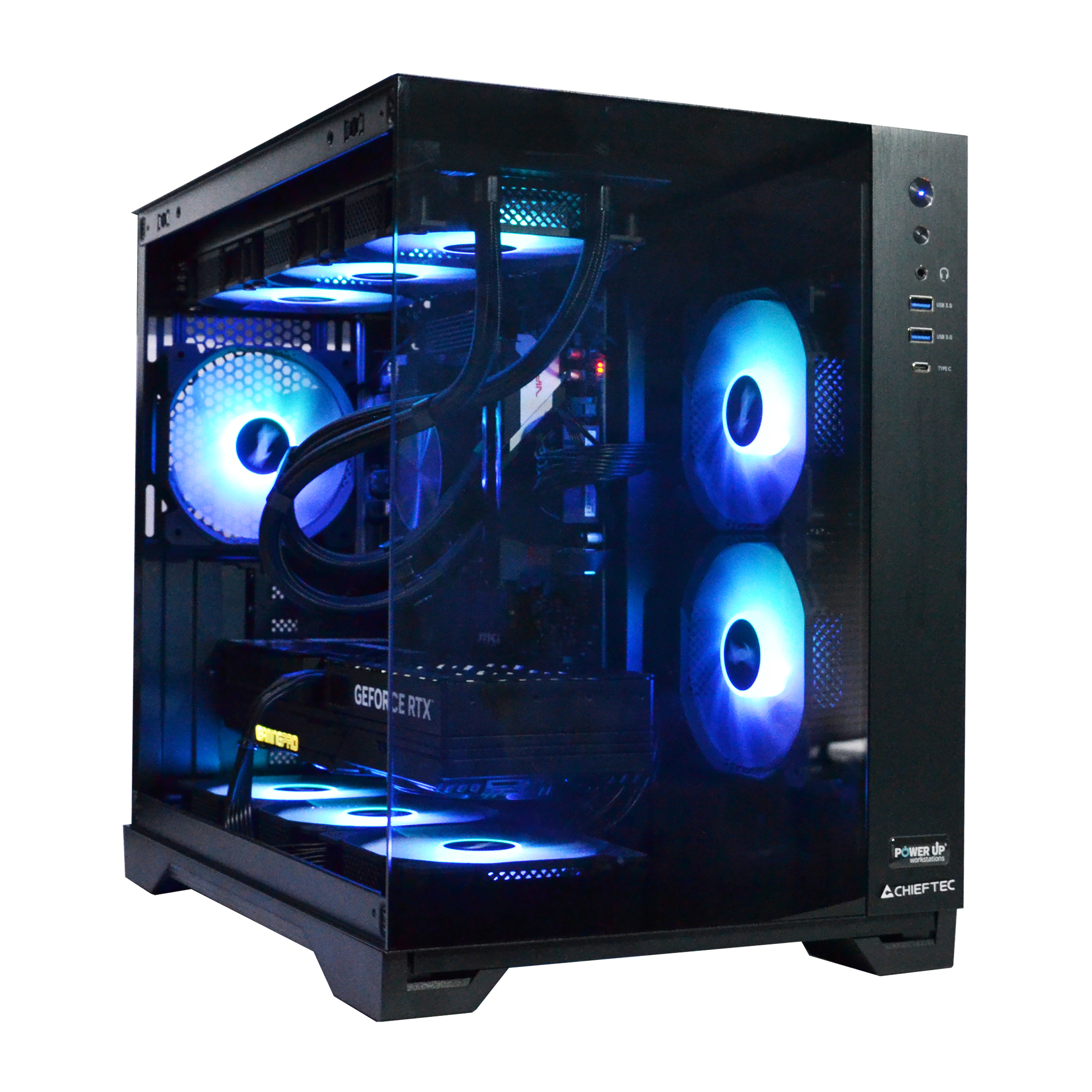
Aesthetics and Internal Space of a Custom PC
In 2026, a gaming PC is not just a box under the table, but a part of the interior and a source of pride for the owner. The aesthetic aspect of the build has become one of the deciding factors when choosing components, and cooling systems play a key role here. **Air coolers**, especially top dual-tower models, are massive structures. They can look brutal and imposing, but have several drawbacks in terms of design and layout:
- RAM slot blockage: A large heatsink often overhangs the first RAM slots, making it physically impossible to fit modules with tall heatsinks. In practice, this is solved by choosing low-profile DDR5 RAM or matching the module height to a specific cooler model — almost always, both slots of the dual-channel configuration remain accessible, so you won't have to sacrifice them.
- Visual clutter: The tower dominates the space around the socket, hiding the beauty of the motherboard, VRM lighting, and other elements.
- Maintenance difficulty: To replace memory modules or access the top M.2 SSD slot, you often have to remove the entire cooler.
**Liquid cooling systems** offer a completely different approach. The compact water block on the processor looks minimalist and neat, opening up the view of the motherboard and RAM modules. This allows you to fully enjoy the design of the build, especially in cases with panoramic glass. The radiator with fans is mounted on one of the case panels, and braided connection tubes along with neat ARGB cable management add a high-tech feel to the build. Most modern AIOs are equipped with customizable ARGB lighting on both the water block and the fans, opening up endless customization possibilities. For enthusiasts building a unique **custom PC**, an AIO is practically the only option if aesthetics are the top priority. An air cooler remains the choice of pragmatists for whom appearance is secondary to reliability and simplicity.
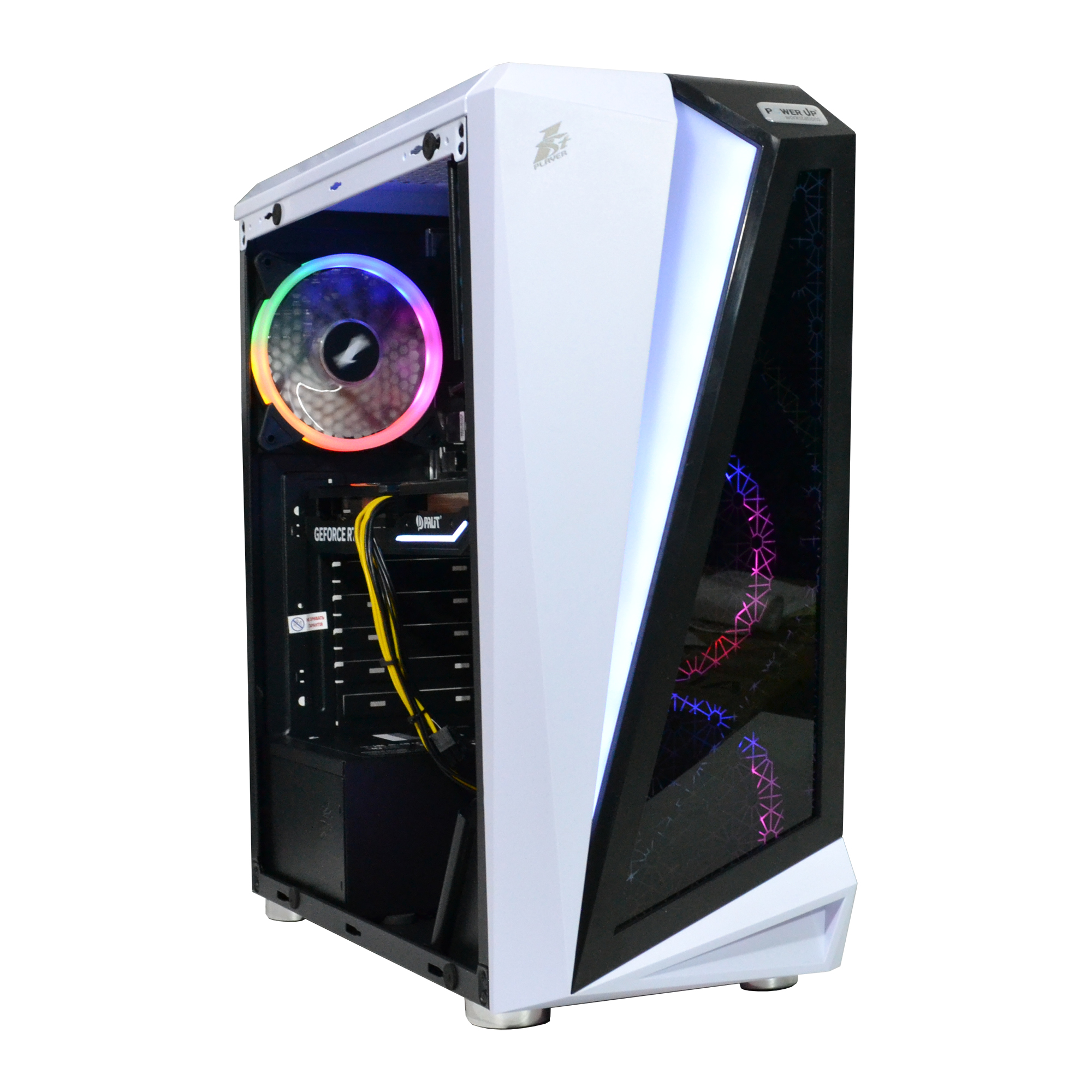
Cost Analysis: When is Paying Extra for 'Water' Justified?
The financial question is often decisive. Let's compare the cost of ownership and determine in which cases investing in an AIO makes sense. As of October 2026, prices for cooling systems in the Ukrainian market look something like this:
| Cooling System Type | Price Segment | Estimated Cost (UAH) | Efficiency (PL2) |
|---|---|---|---|
| Air Cooler (Tower) | Entry-level | 700 - 1500 | up to 160W |
| Air Cooler (Top-tier, dual-tower) | Mid/High | 2500 - 4500 | up to 260W |
| 240mm AIO | Mid | 4000 - 6500 | up to 250W |
| 360mm AIO | High | 5500 - 10000+ | up to 350W |
As seen from the table, a top-tier air cooler capable of cooling almost any gaming processor without extreme overclocking costs 30-50% less than a 360mm AIO. A difference of 2000-4000 UAH is quite significant. This money can and should be invested in more critical components. For example, add it to your graphics card budget to step up a tier, or invest in a high-quality **power supply with an 80+ Gold or Platinum certification**. Skimping on the PSU is one of the most fatal mistakes when building a PC: a low-quality power supply might not only operate unstably but also take the entire system to the grave in the event of a power surge. Paying extra for an AIO is justified in a few cases:
- You are buying a flagship processor (Core Ultra 9, Ryzen 9) and plan to overclock it. Here, "air" will no longer suffice.
- You are building a PC in a compact SFF case where a large tower cooler physically won't fit.
- Aesthetics are a priority for you, and you are willing to pay extra for it.
For mid-range processors (Core Ultra 5, Ryzen 5), buying an expensive AIO is an irrational waste of money. Performance will be bottlenecked by the graphics card, giving you a classic **bottleneck**, where a powerful cooling system sits idle while a more powerful GPU could have provided a real FPS boost. However, a cooler with spare capacity is a good foundation for future PC upgrades: when moving to a hotter processor within the same socket, you most likely won't need to change the cooling.
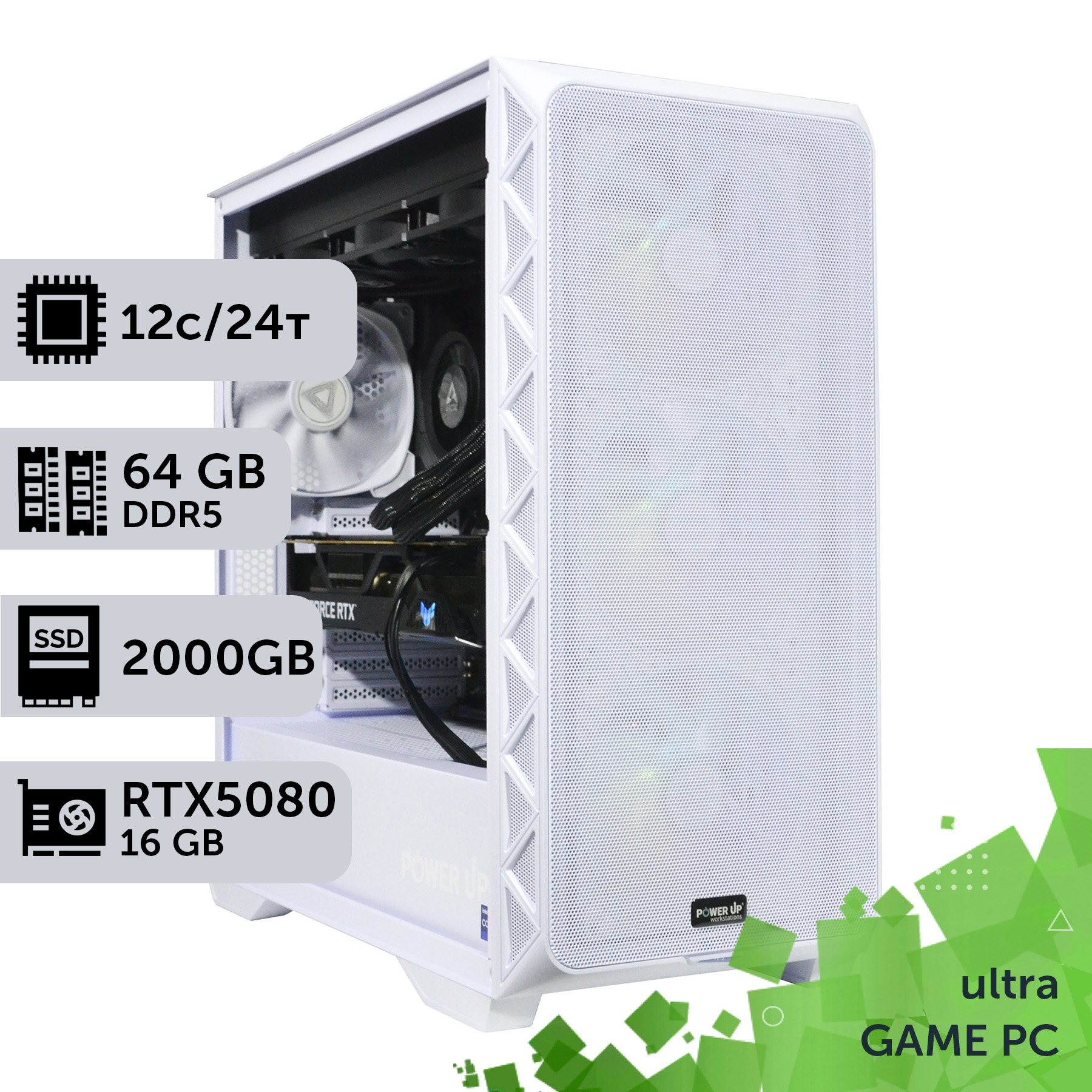
Durability and Risks of Cooling Systems
Reliability is the cornerstone of any build, especially an expensive one. An air cooler is the standard of simplicity in this regard. Its design is elementary: a piece of metal and a fan. The only thing that can break is the fan itself, which can be easily and cheaply replaced in 5 minutes. The heatsink itself is eternal. The probability of failure of such a device approaches zero, making it an ideal choice for systems where maximum fault tolerance is required, for example, for a workstation or an **esports build**, where any glitch during a tournament is unacceptable.
A liquid cooling system is a much more complex mechanism. There are several potential points of failure here:
- Pump failure: The most common breakdown. If the pump stops circulating the liquid, the processor temperature instantly shoots up to critical values, and the system shuts down abruptly.
- Leakage: The main fear of all AIO users. Although the risk is minimal (less than 0.1%) with modern models from reputable brands, it still exists. A leak around fittings or due to a cracked tube can cause a short circuit and destroy expensive components, primarily the graphics card.
- Liquid evaporation (permeation): Over time, some coolant can evaporate through micropores in the tubes. Over 5-6 years, this can lead to a decrease in cooling efficiency.
AIO manufacturers have made huge strides in reliability. The warranty on top models (e.g., ARCTIC Liquid Freezer III) reaches 5-6 years, which is comparable to the lifespan of the entire platform. Many brands even offer a compensation program for damaged components in case of a leak caused by their product. At the same time, it's worth remembering: the manufacturer's warranty on the cooler or AIO itself is a separate story from the warranty on the entire computer. PowerUp, for instance, provides a 2-year warranty on the entire pre-built gaming PC, with 1-2 day repairs in our own service center, regardless of the cooling system installed. However, the fact remains: an air cooler is inherently far more reliable. For a user building a powerful PC for **4K gaming** who doesn't want to worry about potential issues in the future, choosing a high-quality "tower" can offer more peace of mind. An AIO requires a bit more trust in the manufacturer and a willingness to accept a minimal but existing risk in exchange for higher performance and aesthetics.
How to Choose the Right Cooling for Intel or AMD Processors
Choosing a cooling system should be based on the specific processor model, not just the lineup name. The key parameter for Intel is Power Limit (PL1 — base power, PL2 — maximum turbo power), and for AMD — TDP and PPT (Package Power Tracking, peak package power). You need to focus precisely on these maximum values, not the understated "base" TDP on the box.
An important detail that is often misleading: the flagship **Core Ultra 9 285K** and the mid-range **Core Ultra 7 265KF** have the exact same PL2 limit of 250W. The difference between them in games lies in cores and frequencies, not heat dissipation. Therefore, a cooler that handles the 265KF will also handle the 285K. As for the previously announced flagship **Core Ultra 9 290K Plus** — in March 2026, Intel officially confirmed the cancellation of its release, so the 285K remains the most powerful desktop processor in the Core Ultra 200S lineup.
| Processor Model | PL1 / PL2, W | Recommended Cooling | Rationale |
|---|---|---|---|
| Core Ultra 5 245KF / 250KF PLUS | 125 / 159 W | High-quality single-tower air cooler (4-6 pipes) | The lowest PL2 in the lineup; "air" will handle it with headroom and be quieter. |
| Core Ultra 7 265KF / 270K PLUS | 125 / 250 W | Top-tier air cooler (2 towers) or 240/280mm AIO | Same PL2 as the flagship. "Air" will cope, while an AIO adds silence under load. |
| Core Ultra 9 285K (flagship) | 125 / 250 W | 360mm AIO for maximum stability; top-tier air is the bare minimum | Same PL2 as the 265KF, but more cores — an AIO provides headroom for prolonged load and overclocking. |
| Processor Model | TDP / PPT, W | Recommended Cooling | Rationale |
|---|---|---|---|
| Ryzen 5 9600X / Ryzen 7 9700X | 65 / 88 W | Any high-quality single-tower air cooler | Lowest PPT in the AM5 lineup — an AIO is clearly overkill here. |
| Ryzen 9 9900X | 120 / 162 W | Dual-tower air or 240mm AIO | Mid-range segment — both options maintain temperatures with a margin. |
| Ryzen 9 9950X / 9950X3D | 170 / 230 W | 280/360mm AIO | Flagship PPT. On X3D versions, heat is additionally concentrated under the 3D V-Cache, so the headroom of an AIO is especially important for a stable boost. |
Aside from the cooler itself, it's important to pay attention to the **motherboard**. Powerful processors require a high-quality power delivery system (VRM) with massive heatsinks — even the best AIO won't save you from VRM overheating on a cheap motherboard, which leads to throttling. Therefore, for flagship processors, you must choose motherboards with the Z-chipset (Intel) or X-chipset (AMD) with good power phase cooling. Case airflow is also critically important: installing a 360mm AIO in a solid, closed case with no cold air intake will reduce its efficiency to zero. Good airflow also lowers storage temperatures: a fast **NVMe SSD drive** under the motherboard's top M.2 heatsink also "loves" fresh air and will throttle if it overheats. When choosing a pre-built gaming PC from PowerUp, you can be sure our engineers have already selected balanced and efficient cooling for each specific processor and the build as a whole.
Temperatures, Frequencies, and FPS in a Real Test
Theory is good, but gamers care about practical results. Our engineers compared a top-tier air cooler and a popular 360mm AIO on a real flagship **Intel Core Ultra 9 285K** processor (125W base power, up to 250W peak PL2). The testing was conducted in the Cinebench R24 stress test for 10 minutes at a room temperature of 23°C on an open test bench with the same thermal paste.
| Cooling System | Average Core Temp. (°C) | Peak Temp. (°C) | Average Frequency (GHz) | Noise (dBA) |
|---|---|---|---|---|
| Top-tier air cooler (2 towers, 2 fans) | 83 | 89 | 5.5 | 44 |
| 360mm AIO (3 fans) | 75 | 80 | 5.6 | 47 |
The difference in average temperatures is 8°C in favor of "water." These aren't just numbers: a lower temperature allows the processor to maintain maximum Turbo Boost frequencies longer, translating to frame rate (FPS) stability. The effect is most noticeable in heavy scenarios on ultra graphics settings, where the processor works at its limit for a long time: in **Cyberpunk 2077** with ray tracing and DLSS 4 technology (frame generation partially relies on CPU resources), or in the open world of **S.T.A.L.K.E.R. 2: Heart of Chornobyl** with its demanding A-Life simulation — 1% low FPS drops and unstable framerates there are directly tied to CPU micro-throttling. However, in a light esports title like **Counter-Strike 2**, the difference is practically imperceptible — the count goes into hundreds of FPS, and the bottleneck shifts to the graphics card and monitor, not the CPU cooling. In our test, the air cooler did not allow the processor to overheat to the point of critical throttling (around 100°C), but it ran closer to its limit, and the fans spun at elevated speeds. The AIO, on the other hand, had a safety margin, which is important for overclocking or use in hot environments without air conditioning.
Going Beyond AIO: Custom Liquid Cooling for Maximum Performance
For most gamers, the choice comes down to an air cooler or a ready-made "all-in-one" (AIO) system. However, there is a third, ultimate option — a custom liquid cooling system. This is a solution for true enthusiasts who accept no compromises and are willing to invest significant time and money into their build. Unlike an AIO, where all components form a single, non-disassemblable unit, a custom loop is built from individual parts:
- Water block: Separate for the processor and separate for the graphics card.
- Pump and reservoir: Can be either separate or combined in one unit.
- Radiators: You can install multiple radiators of different sizes for maximum heat dissipation.
- Fittings and tubes: Connect all components. Tubes can be flexible or rigid (acrylic, PETG), allowing for the creation of unique and complex loops.
The main advantage of a custom loop is the ability to include not only the processor but also the graphics card, and sometimes even the motherboard chipset and RAM modules. Cooling the graphics card, especially a flagship **GeForce RTX 5090 graphics card** with its 575W TDP, allows for significantly lower temperatures and, as a result, higher and more stable GPU frequencies. A prime example is an experiment by German overclocker der8auer, covered by Tom's Hardware: a custom full-copper water block for the GeForce RTX 5090 FE dropped the GPU core temperature from 73.8°C to 43.8°C (by 30°C), and the GDDR7 memory by almost 38°C. This is a lab prototype, not a mass-produced product, but it points precisely in this direction: putting a hot graphics card under "water" can reduce its temperature by 20-30°C under load. Before running such a system, an extensive **system stress test** for leaks is mandatory.
| Parameter | AIO | Custom Loop |
|---|---|---|
| Installation difficulty | Low (Plug-and-Play) | Very high (requires skills) |
| Cost | Mid/High (from 4000 UAH) | Very high (from 15000 UAH) |
| Cooled components | Processor only | Processor, graphics card, VRM, etc. |
| Maintenance | Not required | Requires periodic fluid replacement |
| Performance | High | Maximum possible |
A custom loop is a hobby within a hobby. It's expensive, complex, and requires maintenance. But for those who want to build an uncompromisingly powerful and absolutely unique PC, it's the only way.
How to Choose a CPU Cooling System: 5 Steps
This step-by-step guide will help you accurately select the optimal cooling system for your new processor, avoiding overpaying and overheating issues.
Step 1: Determine True Processor Power
Find the maximum power consumption of your processor on the manufacturer's website or in reviews: for Intel this is PL2 (Maximum Turbo Power), for AMD — PPT. This is the key figure to focus on. Don't trust the base TDP/PL1 value; it's almost always understated.
Step 2: Assess Case and Dimensions
Check your case specifications. For an air cooler, the maximum cooler clearance (in mm) is important. For an AIO — support for mounting radiators of a specific size (e.g., 240mm, 280mm, 360mm) on the front, top, or rear panel.
Step 3: Choose Between Air and AIO
If your processor's PL2/PPT is under 200W and you value reliability, choose an air cooler. If it's above 200W, you plan to overclock, are building a compact PC, or aesthetics are important — an AIO is your choice. Compare prices for models that suit your power needs.
Step 4: Check Compatibility
Ensure the chosen cooling system is compatible with your motherboard's socket (e.g., LGA 1851 for Intel or AM5 for AMD). Also, check if an air cooler will block RAM slots or the primary M.2 slot.
Step 5: Read Reviews and Make the Final Choice
Before purchasing, be sure to watch several independent reviews and tests of your selected model. Pay attention to temperature and noise level charts. Make your final choice based on a combination of performance, noise, price, and reliability.
Frequently Asked Questions (FAQ)
Does the Intel Core Ultra 9 290K processor exist?
No. Intel announced a similar Core Ultra 9 290K Plus model as part of the Arrow Lake Refresh, but officially canceled its release in March 2026. The most powerful desktop processor in the Core Ultra 200S lineup remains the Core Ultra 9 285K (PL2 up to 250W). If you see mentions of "290K" or "290KS" in tech specs, it is a mistake or unconfirmed information.
How often do I need to maintain an AIO?
Modern closed-loop AIOs do not require any maintenance throughout their entire lifespan (usually 5-7 years). Their loop is factory-sealed. You do not need to change or top up the liquid. The only recommended action is to periodically clean the radiator and fans from dust.
How big is the real risk of an AIO leak?
For high-quality AIOs from reputable manufacturers (e.g., Arctic, Corsair, NZXT, Lian Li), the risk of a factory defect leading to a leak is extremely low — less than 0.1%. Most leaks are associated with improper installation or mechanical damage. When buying a new system from a reliable store, this risk is minimal.
Is it true that air cooling is always very noisy?
This is a myth. Top-tier air coolers with large 140mm fluid dynamic bearing fans run almost silently under low to medium loads. They only become audible at maximum speeds during stress tests, but rarely reach that noise level in games.
What is better for extreme CPU overclocking?
For extreme overclocking of flagship processors, liquid cooling is definitely better. A 360mm or 420mm AIO can dissipate significantly more heat (300-400W) than any, even the largest, air cooler. Absolute records use custom loops or more exotic systems, such as those with Peltier elements.
What cooling is needed for AMD Ryzen 9000 with 3D V-Cache (X3D)?
Technically, the TDP/PPT of X3D models is no higher than standard versions (e.g., the Ryzen 9 9950X3D is the same 170/230W as the 9950X). But the additional 3D V-Cache layer under the processing cores conducts heat worse, causing hotspots to run hotter at the same wattage. Therefore, a high-quality 280-360mm AIO is highly recommended for X3D flagships — it provides a thermal buffer that standard air cooling might lack for a stable boost.
What if the air cooler blocks the RAM slots?
In most cases, getting DDR5 modules with low-profile heatsinks (up to 35-40mm tall) is enough — almost all modern cooler manufacturers specify the exact clearance over the first slot on their websites. You won't have to give up dual-channel memory: both slots for the required channel remain accessible, you just need shorter modules. A radical alternative is to choose an AIO, leaving the CPU area completely clear of large heatsinks.
Choosing between "air" and "water" in 2026 is not a choice between good and bad, but a search for the optimal solution for your specific tasks and budget. For most gaming builds, even high-end ones, a top-tier air cooler remains the gold standard for reliability, quietness, and sufficient performance. However, if you are building an uncompromising system based on a flagship processor, value the aesthetics of a clean interior, or are packing a powerful PC into a compact case, a high-quality AIO will be your best bet.
The main thing is to approach the choice consciously, focusing on the true peak power of your processor (PL2 or PPT) and not compromising on quality. Not sure which option is right for you? Check out the catalog of pre-built gaming PCs at PowerUp, where every configuration is already balanced by our engineers. Or contact us for advice, and we will help you build your dream gaming PC with the perfect cooling system.

































