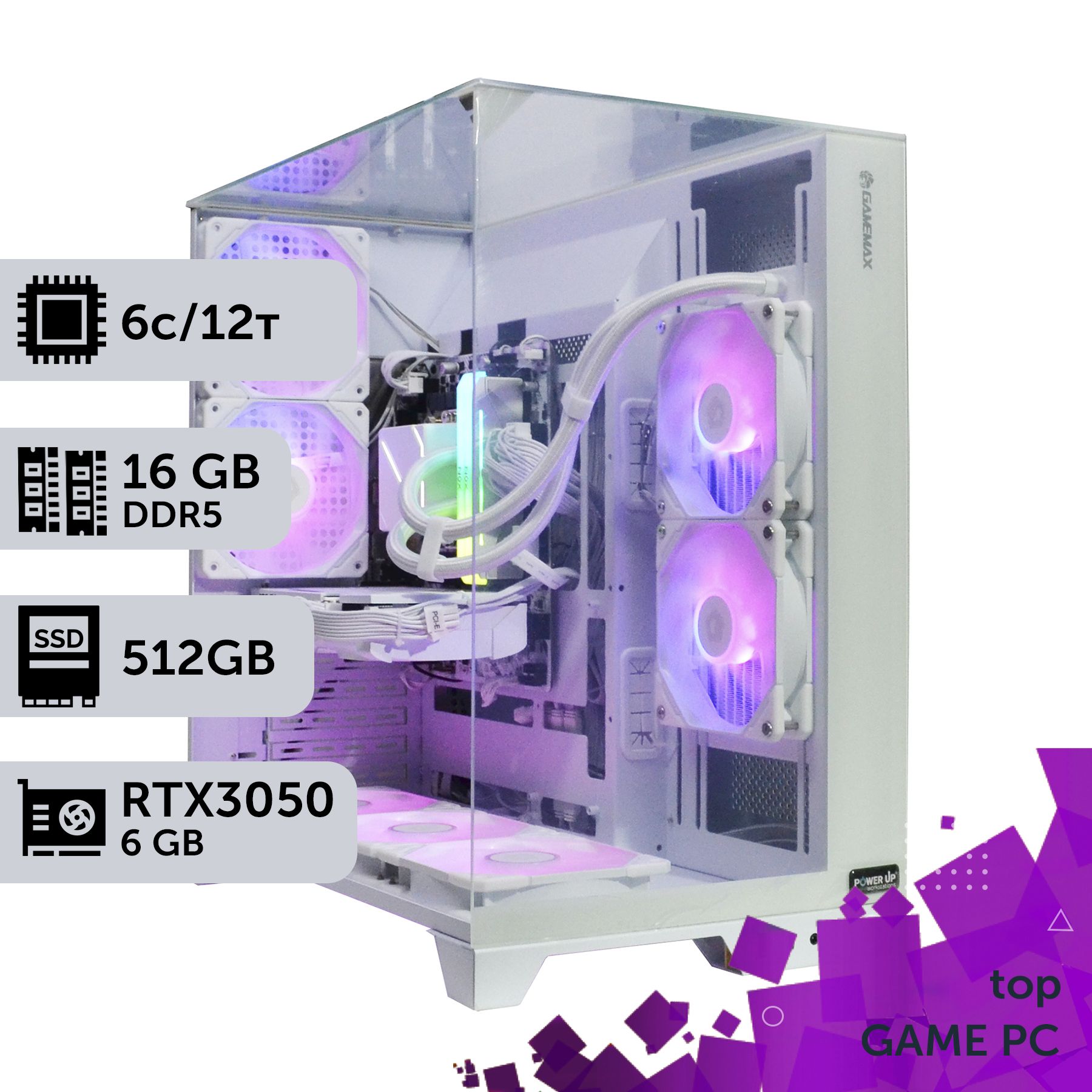
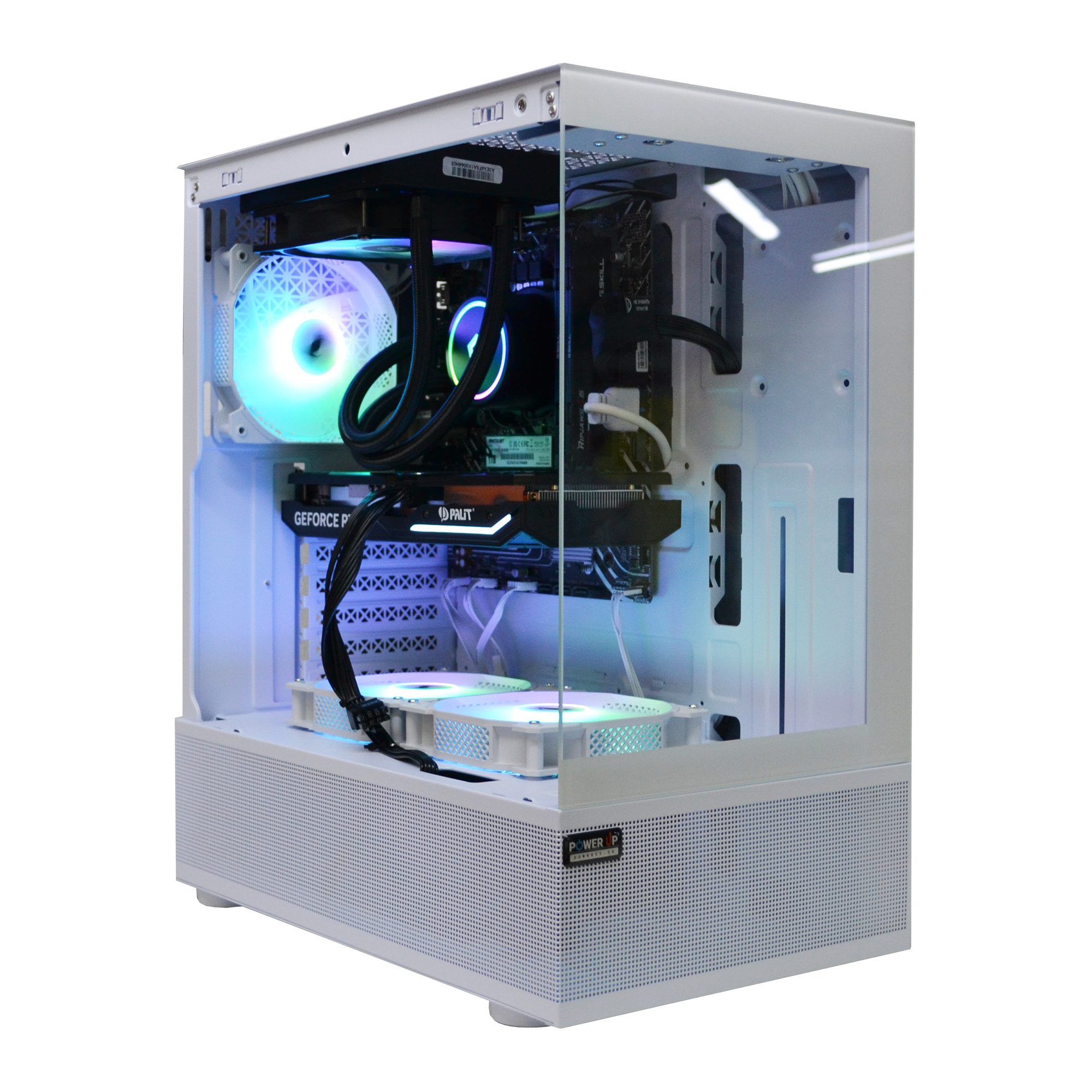
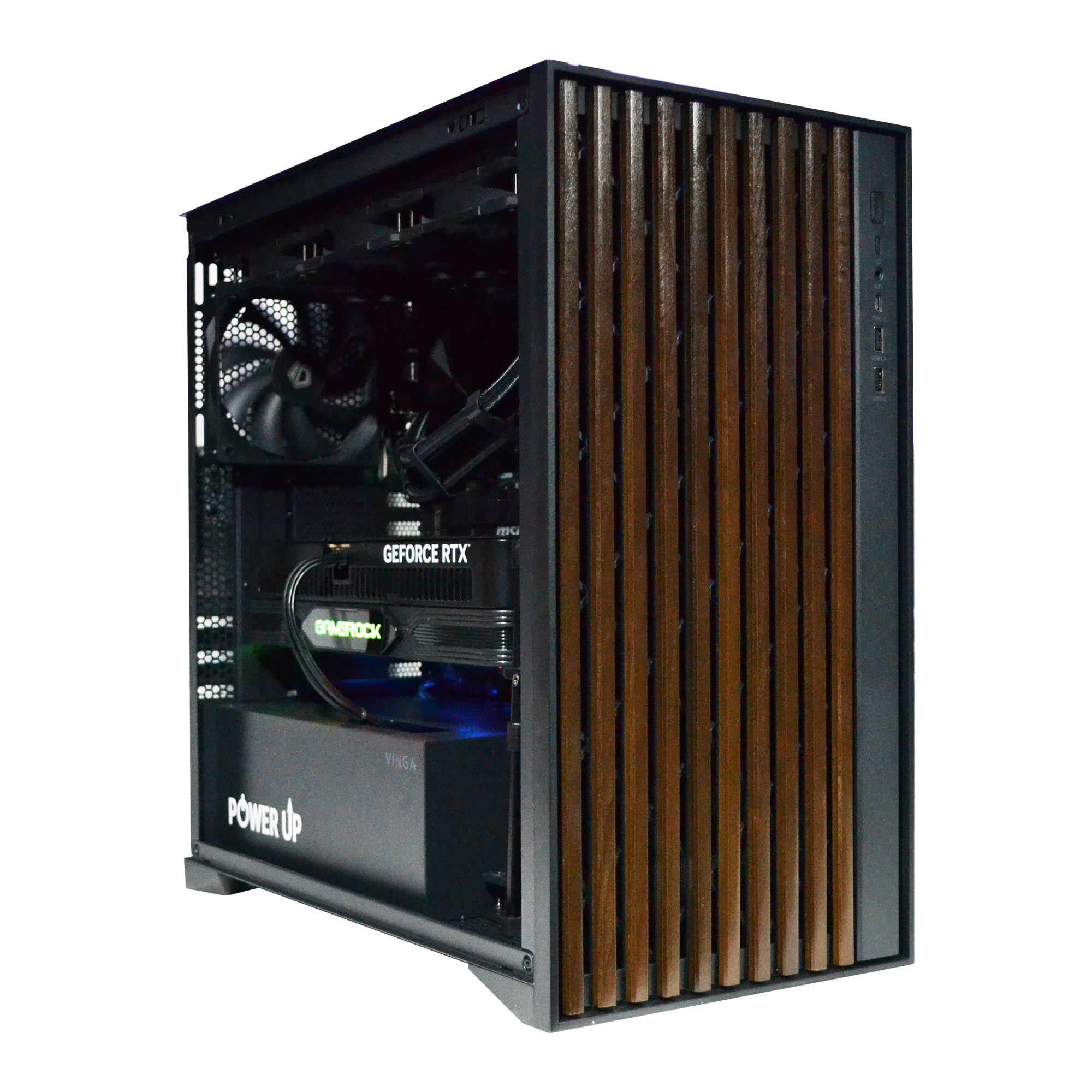
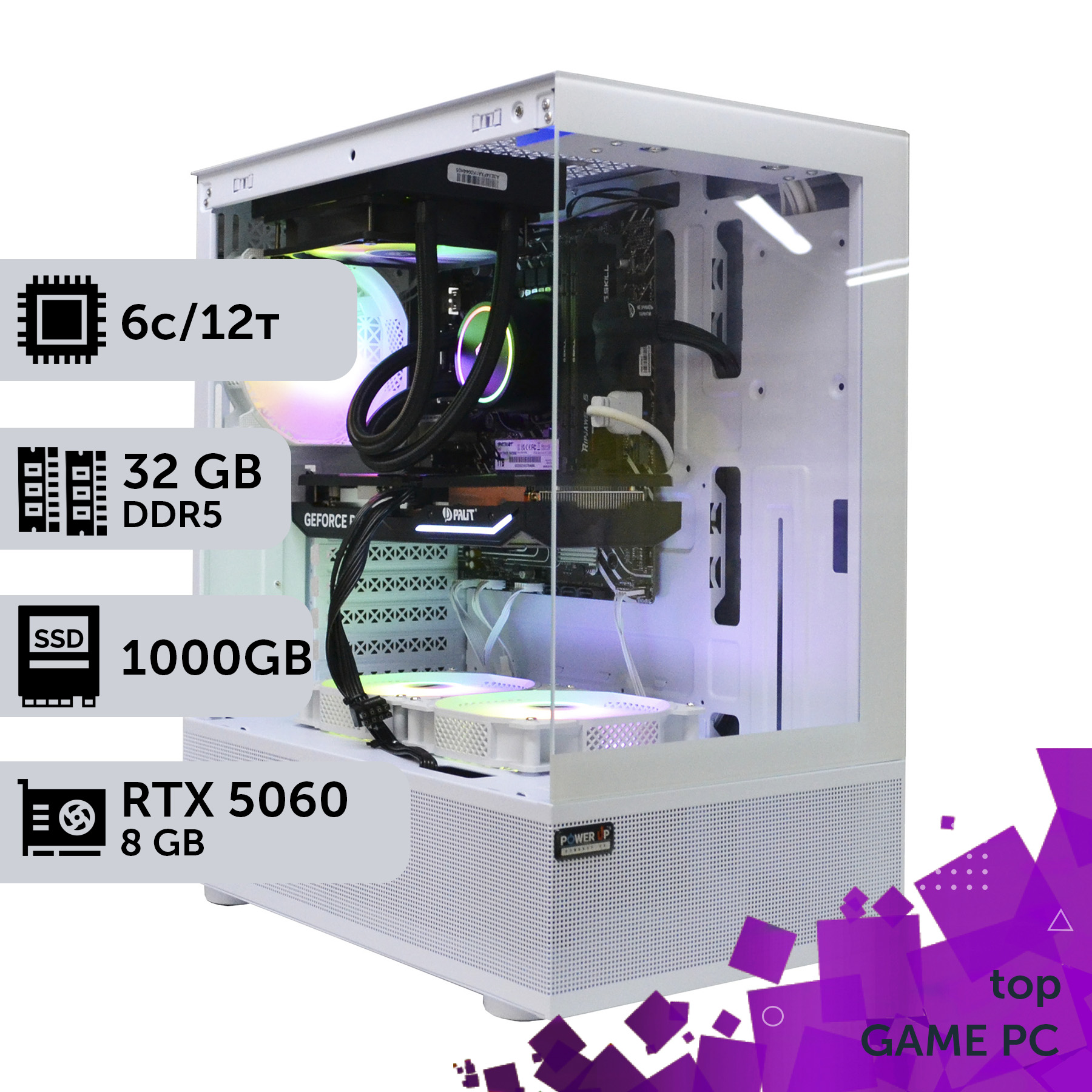
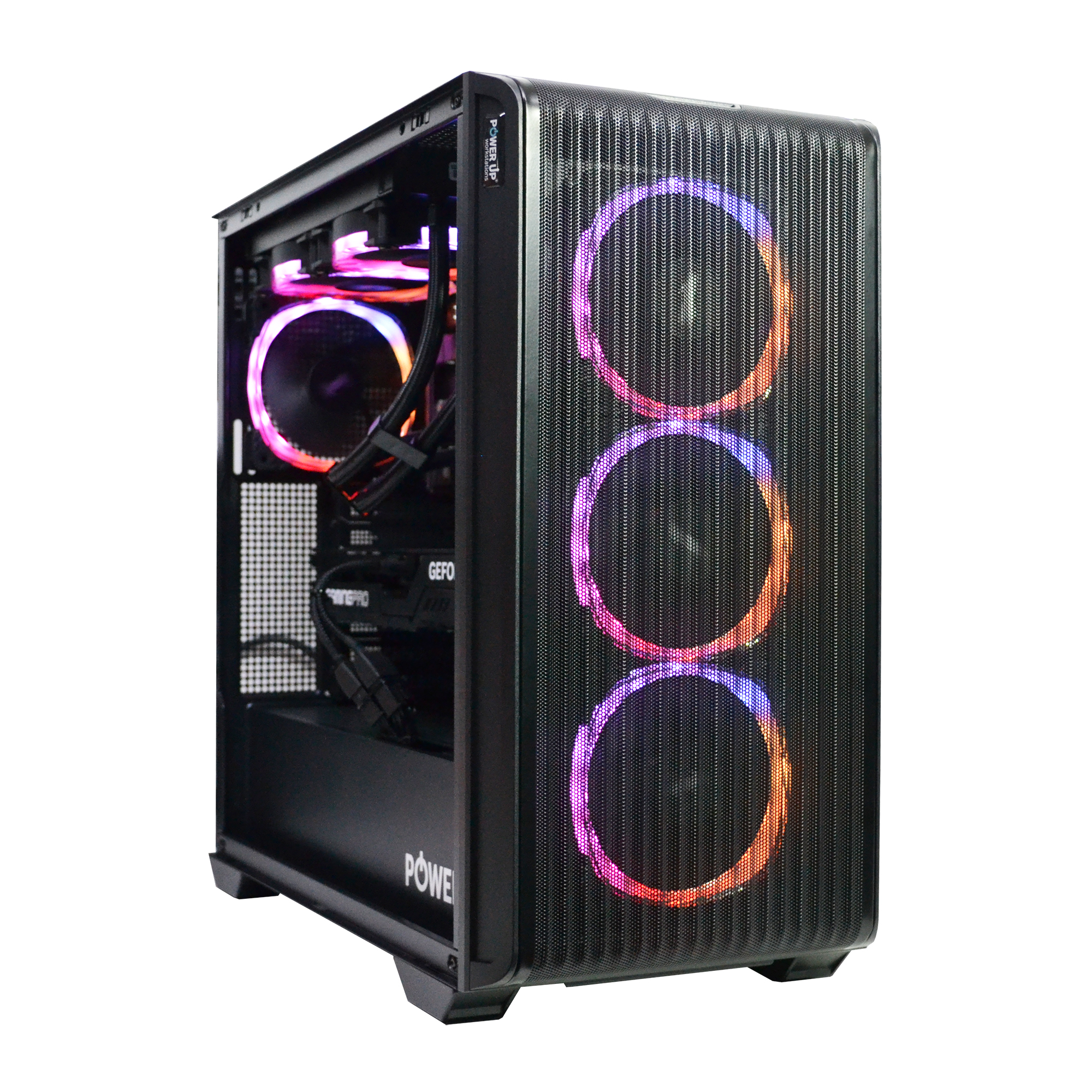
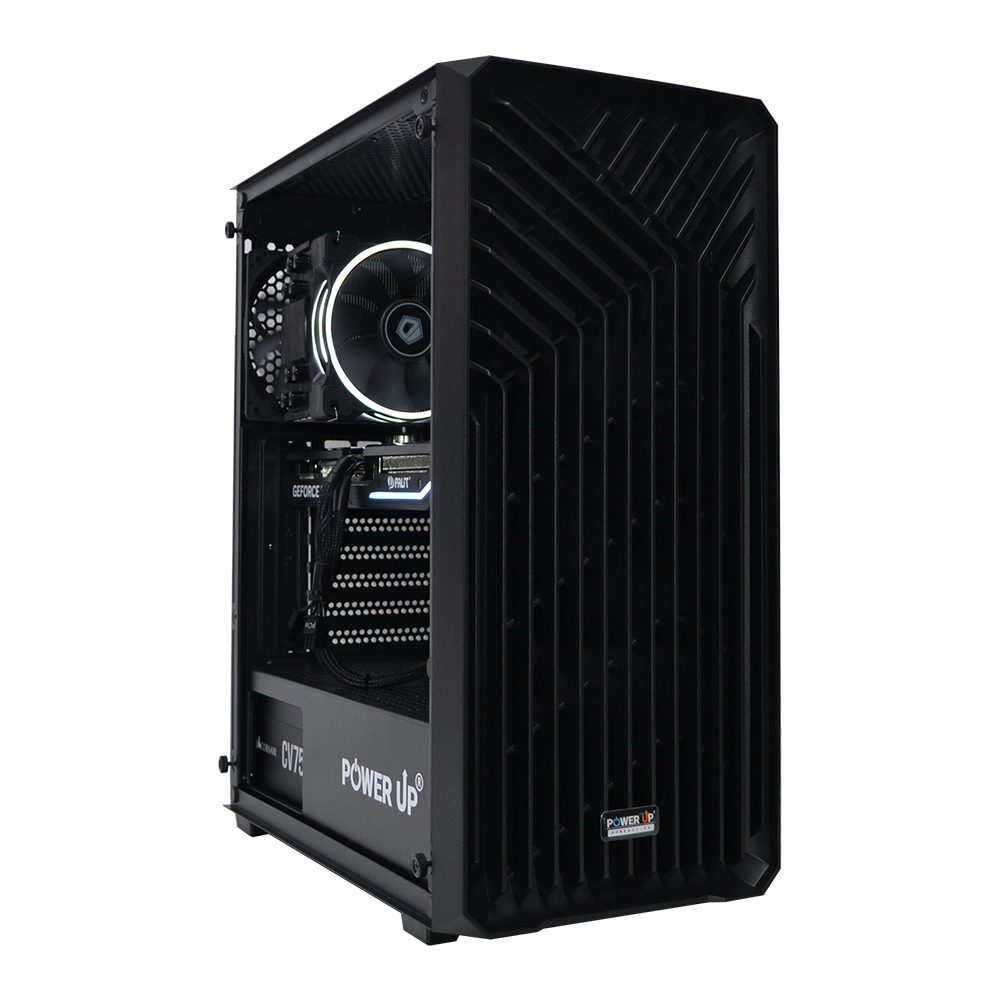
For Minecraft with mods and shaders, the single-core performance of the processor (IPC and frequency) is more important than the total number of cores.
Processors with a large L3 cache (like AMD's 3D V-Cache technology) show a significant FPS boost in Minecraft.
A mid-range graphics card (RTX 5060 / 5070 level) is the optimal choice, as the game rarely becomes GPU-bound.
Fast DDR5 RAM with low latency (CL) is critically important for minimizing freezes caused by the Java Virtual Machine.
Minecraft, a game with visually simple cubic graphics, remains one of the most hardware-demanding tasks in 2026 when it comes to mods and shaders. A common misconception is that a top-tier graphics card is needed for beautiful visuals. However, the architecture of the game's Java Edition, compounded by hundreds of mods and complex real-time shaders like SEUS PTGI or Complementary Unbound, creates a paradoxical situation. The load falls not on the graphics chip, but on the central processor, specifically on one or two of its cores. This turns CPU selection from a formality into a key factor that determines whether you get a smooth 120+ FPS or suffer from constant stutters and drops when loading new chunks. This article will shatter outdated stereotypes. We will delve into the technical nuances of the Minecraft engine and explain why, in the reality of 2026, a build based on a hypothetical Intel Core Ultra 7 275K with a mid-range NVIDIA GeForce RTX 5060 graphics card will be significantly more powerful and stable than a system with a flagship RTX 5090 but a weak processor. We will break down which CPU characteristics—clock speed, L3 cache size, and instructions per clock (IPC)—are crucial. You will learn how to properly allocate your budget, investing in components that provide the maximum performance boost in this surprisingly CPU-dependent game.
Why Does Modded Minecraft Require Supercomputer Power for Ultra Graphics Settings?
At first glance, Minecraft's voxel graphics shouldn't pose a challenge for modern hardware. However, this simplicity is deceptive. The problem lies in the game's core — the Java Edition is written in Java and runs in the Java Virtual Machine (JVM). This imposes serious limitations on multithreading. Most key game processes, such as processing mod logic, mob AI, block physics (redstone), and most importantly, world loading and generation (chunks), are executed on a single main thread. When you install hundreds of mods, each one adds its calculations to this same thread, creating a colossal load on a single processor core. Shaders, in turn, while they load the graphics card with rendering, are closely tied to the data prepared by the CPU. If the processor can't keep up with processing world geometry and block data, the graphics card sits idle, waiting for instructions. This is the root cause of low FPS and freezes. Even when gaming in 4K with the most beautiful textures, the bottleneck remains the CPU. Imagine the processor is a chef, and the graphics card is a huge oven. If the chef is slow at chopping ingredients (processing data), the oven will be idle, no matter how powerful it is. That's why for ultra graphics settings in modpacks like "All the Mods" or "RLCraft," a processor with the highest possible single-core performance is required. For clarity, here's how the load is distributed:
As you can see, most tasks fall on the central processor, making its selection the absolute priority for a smooth gaming experience.
Cooling System: Liquid Cooling or Air for Silence and Performance?
Modern flagship and sub-flagship processors generate a huge amount of heat. Their TDP (Thermal Design Power) can reach 250-300W at peak. Without effective cooling, the processor will quickly reach its critical temperature (around 100°C) and start to throttle (reduce frequencies), which negates all the benefits of buying a powerful CPU. The choice is between two camps: top-tier air coolers and all-in-one (AIO) liquid cooling systems. Air supercoolers (e.g., from Noctua, DeepCool, be quiet!) are a reliable, durable, and quiet solution. They consist of a massive heatsink, several heat pipes, and one or two fans. Their performance is sufficient to cool most processors without extreme overclocking. Pros include ease of installation and no risk of leaks. Cons are their large size, which can conflict with tall modules of fast DDR5 RAM or block slots on the motherboard. Liquid cooling (AIO) offers higher efficiency, especially models with 280mm or 360mm radiators. They consist of a water block installed on the processor, a pump, hoses, and a radiator with fans. AIOs handle peak thermal loads better and allow the processor to maintain maximum turbo frequencies for longer. Additionally, they look more aesthetically pleasing and don't clutter the space around the socket.
Cooling System Comparison for Core Ultra 7 275K (TDP up to 250W)
Cooling Type
Temperature in Stress Test (Cinebench)
Noise Level
Approximate Cost
Top-tier Air Cooler (dual tower)
88-95 °C
Medium
4,000 - 5,500 UAH
240mm AIO
85-92 °C
Medium/High
5,000 - 7,000 UAH
360mm AIO
78-85 °C
Low/Medium
6,500 - 10,000 UAH
For builds focused on Minecraft, where the processor often runs at the limit on one or two cores, consistently low temperatures are critically important. Therefore, for processors at the level of Core Ultra 7 / Ryzen 7 and above, it is recommended to use a high-quality AIO with a 360mm radiator. This will ensure not only low temperatures and stable high frequencies but also acoustic comfort, as the fans will not have to run at maximum speed.
What Role Does the Graphics Card Play and How Does It Affect Frame Rate (FPS)?
Despite the processor's dominant role, the graphics card cannot be written off. It is responsible for everything related to rendering: drawing textures, applying shaders, anti-aliasing, and outputting the image to the monitor. The higher the resolution and the more complex the shaders, the greater the load on the GPU. Modern shaders like BSL, SEUS, or Complementary use complex techniques: volumetric lighting, screen-space path tracing (SSPT), realistic shadows, and reflections. All of this requires significant computational resources from the graphics card. Therefore, balance is important for a comfortable experience. The optimal choice in 2026 for most gamers will be mid-range graphics cards, such as the NVIDIA GeForce RTX 5060 with 12 GB of VRAM or the RTX 5070 with 16 GB. Their performance is more than enough for 1080p and 1440p resolutions with the most beautiful shaders, provided the processor is not the bottleneck. Buying a flagship RTX 5090 solely for Minecraft is an irrational waste of money, as its potential will only be utilized by 50-60%. It's better to invest the price difference in a more powerful CPU or faster memory. The amount of video memory (VRAM) is also important. Heavy modpacks combined with high-resolution texture packs (256x, 512x) can consume 8-10 GB of VRAM. Therefore, 12 GB on an RTX 5060 is a reasonable minimum for smooth gaming without freezes related to texture loading. You should also pay attention to the motherboard. Ensure it has a PCIe 5.0 x16 slot so that the new generation graphics card can operate at full speed, although this is not a critical factor for Minecraft, it is important for overall balance and future upgrades. Ultimately, the graphics card determines the maximum graphics quality you can afford, but it is the processor that determines whether the frame rate (FPS) will be stable and high.
The Processor: The Heart of Your Custom Minecraft PC
When choosing a processor for a custom PC for Minecraft in 2026, you need to look at three key parameters: Boost clock speed, instructions per clock (IPC), and, most importantly, the amount of Level 3 (L3) cache. The L3 cache acts as an ultra-fast buffer for data that the core accesses most frequently. Minecraft, with its constant access to block and entity data, gets a colossal performance boost from a large L3 cache. This makes AMD Ryzen processors with 3D V-Cache technology, such as the Ryzen 7 9700X3D or Ryzen 9 9900X3D, the absolute champions for this game. They offer up to 128 MB of L3 cache, allowing huge amounts of game data to be held right next to the core, minimizing access to slower RAM. On the other hand, Intel Core Ultra 200-series processors, like the Core Ultra 7 275K, excel due to their extremely high clock speeds (up to 6.2 GHz on P-cores) and excellent IPC. The choice between them depends on budget and preferences. For a purely gaming build where Minecraft is the priority, AMD with 3D V-Cache will often be ahead. If the PC is also used for work tasks that require high frequency, Intel might be a more versatile solution. This build is not typical for an esports build, where maximum FPS in competitive shooters is key, but the principles of CPU selection are similar: focus on maximum single-core performance.
Regardless of your choice, do not skimp on cooling. Modern processors are sensitive to temperatures, and a good cooler or AIO will allow them to run at maximum Boost clocks for longer.
Pros and Cons of a CPU-Focused Build
Advantages
✔The smoothest possible gameplay in Minecraft, even with the heaviest modpacks and shaders.
✔High 1% and 0.1% low FPS, which eliminates micro-freezes and stutters.
✔Excellent performance in other CPU-dependent games (strategies, simulators).
✔Saving money on the graphics card allows for a larger investment in a quality processor, memory, and cooling.
Disadvantages
✖May show lower FPS in purely GPU-dependent AAA games with ray tracing compared to a build with a more powerful graphics card for the same budget.
✖Requires a more careful approach to selecting the motherboard and cooling system to unlock the full potential of a top-tier CPU.
Achieving the Perfect Component Balance: How to Avoid Bottlenecks?
The concept of a 'bottleneck' is central to any PC build, but for Minecraft, it is particularly acute. The ideal component balance is when no single component is idle, waiting for another. In typical AAA games, the bottleneck is most often the graphics card. In modded Minecraft, the situation is reversed: the processor is running at 100% (on a single core), while the graphics card is only 30-50% utilized. This means you have overpaid for a GPU whose potential is not being used. To avoid this, you must select components starting with the CPU. To check the balance of your future or current system, a system stress test is necessary. Not a standard one like Prime95 + FurMark, but an in-game test. Install a heavy modpack (e.g., SevTech: Ages) and shaders (Complementary Reimagined), enable monitoring via MSI Afterburner, and analyze component utilization.
Typical Component Load Scenarios in Modded Minecraft (1440p)
Configuration
CPU Load (main core)
GPU Load
Conclusion
Weak CPU (Core i5-12400) + Powerful GPU (RTX 5080)
Optimal system with headroom. Ideal for 4K and other games.
The correct approach in 2026 is to choose a processor that is one step ahead of the graphics card. For example, a combination of AMD Ryzen 7 9700X3D and NVIDIA GeForce RTX 5070 will be much more effective for Minecraft than a Ryzen 5 9600X and RTX 5080. Investing in a fast processor, memory, and SSD will pay off with smooth gameplay, while excess GPU power will go unused.
DLSS and Frame Generation: Are They Useful in Minecraft?
Image scaling technologies like NVIDIA's DLSS technology have become a real breakthrough in gaming. They allow the game to be rendered at a lower resolution and then use AI algorithms to upscale the image to the target resolution, restoring details and ensuring high image quality. The latest version, DLSS 4 with Frame Generation, goes even further by creating intermediate frames and significantly increasing FPS. But are these technologies useful in our case? The answer is yes and no. It all depends on which component is the bottleneck. DLSS and Frame Generation work when the system is limited by the graphics card's performance. In this case, they reduce the load on the GPU and 'draw' extra frames, increasing the final FPS. If you are playing in 4K with very heavy shaders, and your RTX 5070 is at 99% load, enabling DLSS in 'Performance' mode can provide a 50-70% FPS boost. However, in a typical modded Minecraft scenario, where the main bottleneck is the processor, the benefit of DLSS will be minimal. If the CPU can only prepare 80 frames per second, no matter how many frames the graphics card can generate, the final FPS will not exceed 80. Frame Generation can slightly improve the situation, but it will also face CPU limitations and may increase input latency. According to independent tests from Tom's Hardware, the boost from frame generation is significantly lower in CPU-bound games. Nevertheless, a powerful PC for Minecraft is a versatile machine. In other, more traditional GPU-dependent games, these technologies will be fully utilized.
Expected Performance of the Build (Core Ultra 7 275K + RTX 5070)
Game
1440p Resolution, Max Settings
FPS (DLSS Off)
FPS (DLSS Quality + FG On)
Cyberpunk 2077 (Path Tracing)
~55 FPS
~110 FPS
CS2
~450 FPS
- (not used)
GTA VI (forecast)
~70 FPS
~120 FPS
Thus, DLSS and Frame Generation are an excellent bonus for your system, making it more versatile and allowing you to comfortably play any AAA projects. But you shouldn't see them as a panacea for low FPS specifically in Minecraft modpacks. The foundation of smoothness here will always be a powerful processor. If you are looking for pre-built gaming PCs, pay attention to models with a balance of CPU and GPU, rather than a bias towards the graphics card.
Recommended PC Configurations for Minecraft with Mods and Shaders (2026)
Purpose
Recommended Graphics Card
Processor
Approximate Budget
Full HD (1080p), stable 100+ FPS
NVIDIA GeForce RTX 5060 12 GB
Intel Core Ultra 5 260K / AMD Ryzen 5 9600X
55,000 - 70,000 UAH
2K (1440p), stable 120+ FPS
NVIDIA GeForce RTX 5070 16 GB
Intel Core Ultra 7 275K / AMD Ryzen 7 9700X3D
80,000 - 110,000 UAH
4K (2160p), stable 60+ FPS
NVIDIA GeForce RTX 5070 Ti 16 GB / RTX 5080 20 GB
Intel Core Ultra 9 290K / AMD Ryzen 9 9900X3D
130,000 - 180,000 UAH
How to Choose a Motherboard and Power Supply for Future PC Upgrades?
Skimping on the motherboard and power supply unit (PSU) is one of the most common and dangerous mistakes when building a PC. These components are the foundation of the entire system, and their quality determines stability, reliability, and the possibility of future PC upgrades. Let's start with the motherboard. For powerful 2026 processors like the Intel Core Ultra 7/9 or AMD Ryzen 7/9, you need a board with a quality power delivery system (VRM). The VRM is the unit that converts voltage from the PSU to what the processor needs. A weak VRM will overheat, leading to CPU throttling (frequency drops) and performance loss, even if you have excellent cooling. Look for boards with massive heatsinks on the VRM area and at least 12+2 power phases. The chipset is also important: for Intel, it's Z890, for AMD, it's X870/X870E. They offer support for PCIe 5.0 for the graphics card and NVMe SSD, as well as processor and memory overclocking. Now, for the power supply. This is a component you absolutely cannot save money on. A low-quality PSU can not only operate unstably but, in case of failure, can 'take with it' other expensive components. Choose a PSU from trusted brands (Seasonic, Corsair, be quiet!, Super Flower) with an 80 PLUS Gold certification or higher. This guarantees high efficiency (less heat and power consumption) and quality components. For a system with average power consumption (Core Ultra 7 + RTX 5070), the recommended wattage is 850W. This provides headroom for peak loads and future upgrades. A modular or semi-modular PSU design will significantly simplify cable management, allowing you to connect only the necessary cables and neatly arrange them in the case, which improves airflow and the build's appearance.
Motherboard Selection Checklist:
Compatible socket (LGA 1851 for Intel, AM5 for AMD).
Powerful VRM with good cooling.
Support for fast DDR5 (7200+ MT/s).
Presence of M.2 PCIe 5.0 slots.
Sufficient number of USB ports, including USB4/Type-C.
Power Supply Selection Checklist:
Wattage with headroom (850W+).
80 PLUS Gold certification or higher.
Presence of all necessary connectors (including 12VHPWR for new GPUs).
Modular cable system.
Warranty period of 7-10 years.
RAM: Not Just Capacity, but Speed for a Stable Framerate
Java, the language Minecraft is written in, is known for its active use of RAM and a process called 'Garbage Collection'. This is an automatic process of clearing memory of unused objects, which, with slow RAM, can cause short but noticeable hitches (freezes) in the game. That is why, to achieve a perfectly stable framerate, the choice of RAM is as important as the choice of CPU. In 2026, DDR5 is the de facto standard. But simply buying any DDR5 module is not enough. Two parameters are critically important: frequency and timings (latency, CL). The higher the frequency (measured in megatransfers per second, MT/s) and the lower the timings (CL), the faster the processor can exchange data with RAM. This directly affects performance in Minecraft, especially the 1% and 0.1% low FPS metrics, which are responsible for image smoothness. For builds based on Intel Core Ultra 200 or AMD Ryzen 9000 processors, the optimal choice would be DDR5 kits with frequencies from 6400 MT/s to 7200 MT/s and a latency of CL30-CL34. The difference between slow DDR5-5200 CL40 and fast DDR5-7200 CL34 can be up to 15-20% in average FPS and up to 30% in minimum FPS in heavy scenes. As for capacity, for a modded game, 16 GB is the absolute minimum, which is already insufficient for many builds. The recommended amount is 32 GB (two 16 GB modules for dual-channel mode). This is enough for the game itself, to which you will allocate 10-12 GB, and for the operating system, browser, Discord, and other background applications.
Impact of DDR5 Speed on Minecraft Performance (1440p, modpack + shaders)
RAM Kit
Average FPS
1% Low FPS
Comment
32 GB DDR5-5200 CL40
110
65
Base level, stutters are possible.
32 GB DDR5-6400 CL32
128
85
Optimal choice, a significant improvement in smoothness.
32 GB DDR5-7200 CL34
135
92
Maximum performance for enthusiasts.
Investing in high-quality, fast RAM is one of the most effective strategies for eliminating micro-freezes and achieving perfect smoothness in Minecraft modpacks.
How to Build a Balanced PC for Modded Minecraft
This step-by-step guide will help you correctly allocate your budget and choose components for a PC build that will provide maximum performance and smoothness in the most demanding Minecraft modpacks and shaders.
Step 1: Defining the Budget and Choosing a Processor
Start with the most important thing: determine your total budget and allocate 30-35% of it to the processor. This is your key investment. Study current tests and performance comparisons in Minecraft. For maximum performance, choose AMD processors with 3D V-Cache technology (e.g., Ryzen 7 9700X3D) or top-tier Intel models with high clock speeds (Core Ultra 7 275K). Don't chase core counts; 8 performance cores are more than enough.
Step 2: Selecting a 'No Overpayment' Graphics Card
Allocate about the same amount to the graphics card as to the processor, or slightly more (30-40% of the budget). Do not buy a flagship model if your budget is limited. The optimal choice for 1080p and 1440p resolutions will be the NVIDIA GeForce RTX 5060 12 GB or RTX 5070 16 GB. This performance is enough to unlock the potential of your powerful processor and provide beautiful visuals with shaders.
Step 3: Choosing Fast RAM and Storage
Don't skimp on RAM. Purchase a kit of two modules (for dual-channel mode) with a total capacity of 32 GB of DDR5 standard. Pay attention to the frequency (6400-7200 MT/s) and low latency (CL30-CL34). For the system drive and game installation, be sure to use a fast NVMe SSD of PCIe 4.0 or 5.0 standard with a capacity of at least 1 TB. This will significantly speed up game, world, and texture loading.
Step 4: Choosing a Reliable Foundation: Motherboard and PSU
Choose a motherboard with a top-tier or mid-range chipset (Z890 for Intel, X870 for AMD) with a powerful VRM system and good cooling. This will ensure stable processor operation. Get a power supply with wattage headroom (at least 850W) and an 80 PLUS Gold certification from a reputable manufacturer. This is the key to the longevity and safety of the entire system.
Step 5: Cooling and Assembly
An effective cooling system is mandatory for the hot processors of 2026. Consider installing an AIO with a 280mm or 360mm radiator. This guarantees low temperatures and stable frequencies. During assembly, pay attention to cable management for good airflow in the case. After assembly, be sure to run stress tests (AIDA64, OCCT, Cinebench) to check the system's stability under load.
Frequently Asked Questions (FAQ)
How much RAM should be allocated for modded Minecraft?
For heavy modpacks (200+ mods), it is recommended to allocate 10-12 GB of RAM in the game launcher. With a total system memory of 32 GB, this is an optimal value that leaves enough memory for the OS and background applications.
So what's better for Minecraft in 2026: Intel or AMD?
Both manufacturers offer excellent solutions. Historically, AMD processors with 3D V-Cache technology (e.g., Ryzen 7 9700X3D) show the best performance in Minecraft due to their huge L3 cache. However, Intel processors (e.g., Core Ultra 7 275K) can catch up thanks to higher clock speeds. The choice depends on specific benchmarks and budget, but AMD's X3D processors are often the preferred choice for this particular game.
Is it necessary to use an NVMe SSD?
Yes, it is highly recommended. Modded Minecraft constantly loads a huge amount of data from the disk. Using a fast NVMe SSD (especially PCIe 4.0 or 5.0) significantly reduces world loading times and minimizes freezes when exploring new territories compared to a SATA SSD or HDD.
Will I be able to stream Minecraft with such a CPU-focused build?
Absolutely. A powerful processor is excellent for streaming. You can use CPU-based encoding (x264 codec), which provides high image quality, or switch to the graphics card's hardware encoder (NVENC for NVIDIA), which has almost no impact on in-game performance.
How much do shaders affect performance?
Very significantly. Enabling even 'light' shaders can reduce FPS by 30-40%. Heavy shaders with Path Tracing can reduce performance by 3-4 times. It is for running shaders that a modern graphics card of the RTX 5060 level or higher is needed.
Does it make sense to overclock the processor and memory for Minecraft?
Yes, it does. Minecraft is very sensitive to CPU and memory performance. Overclocking the processor to achieve the maximum stable single-core frequencies and fine-tuning DDR5 RAM timings can provide a noticeable FPS boost and improve gameplay smoothness.
Which monitor is best suited for this build?
The optimal choice would be a monitor with a 1440p (2K) resolution and a high refresh rate (144-170 Hz). This is the golden mean that will provide a sharp image and very smooth gameplay. Support for adaptive sync technologies (G-Sync or FreeSync) is also important to eliminate screen tearing.
In conclusion, building a gaming PC for Minecraft with mods and shaders in 2026 is a task that requires a non-trivial approach. Instead of blindly chasing the most powerful graphics card, the key to smooth gameplay lies in choosing the highest-performing central processor. Investing in a CPU with high single-core performance, a large L3 cache, and fast DDR5 RAM will pay off handsomely, giving you a consistently high FPS without the annoying freezes and stutters that can ruin the experience of even the most beautiful visuals. Remember balance: a mid-range graphics card will be the perfect complement to a powerful processor, while a quality motherboard and power supply will ensure stability and provide a foundation for the future. If you're ready to build your ideal machine for conquering cubic worlds or want professional advice, check out the PowerUp catalog of pre-built gaming PCs. Our engineers are always ready to help you build a custom PC perfectly tailored to your tasks and budget.