Key Takeaways (TL;DR):
- Integrated Wi-Fi 7 is an economical and convenient solution for most users, requiring no extra slots or wires.
- PCIe Wi-Fi 7 adapters provide a better signal and lower latency due to external antennas, which is critical with a weak router signal.
- Upgradability is a key advantage of PCIe cards. It's practically impossible to replace an integrated module on a motherboard.
- For esports and 4K streaming, a wired 2.5 Gbps Ethernet port remains the most stable and fastest solution.
Wi-Fi 7 and Bluetooth 5.4: What's New for Gamers?
The Wi-Fi 7 (IEEE 802.11be) standard is not just about increased speed. It's a qualitative leap focused on reducing latency and increasing stability, which is critically important for online gaming and streaming. Key improvements include:
- Multi-Link Operation (MLO): A device can simultaneously connect to a router on two bands (e.g., 5 GHz + 6 GHz). This drastically reduces latency (ping) and increases throughput by bypassing interference.
- 320 MHz Channels: Doubled channel width compared to Wi-Fi 6E allows for more data to be transmitted simultaneously. It's like expanding a two-lane highway to four lanes.
- 4K-QAM (Quadrature Amplitude Modulation): Increases data encoding density by 20%, which boosts peak speeds.
Bluetooth 5.4, in turn, brings Periodic Advertising with Responses (PAwR) technology, which improves energy efficiency and response times for wireless peripherals like mice, keyboards, and headsets.

Integration vs. Expansion: Key Pros and Cons
Advantages
- ✔Integrated module: Saves money initially, no extra components in the system, guaranteed compatibility with the motherboard.
- ✔Integrated module: Does not occupy valuable PCIe expansion slots, leaving them for sound cards or video capture cards.
- ✔PCIe card: Superior signal quality due to optimal placement of the external antenna.
- ✔PCIe card: Complete freedom to upgrade and the ability to move the adapter to the next PC build.
Disadvantages
- ✖Integrated module: You are tied to a specific version of Wi-Fi and Bluetooth for the entire lifespan of the board.
- ✖Integrated module: Antennas located at the back of the case often end up in a signal "dead zone."
- ✖PCIe card: Occupies a slot on the motherboard and can interfere with airflow to the graphics card.
Integrated Solution: The Convenience of Motherboards
In 2026, motherboard manufacturers are actively integrating Intel Gale Peak 2 (BE200) and Qualcomm FastConnect 7800 modules. Choosing a board based on the Z890 chipset for an Intel Core Ultra 250K or an X770 for an AMD Ryzen 9 9950X with a "Wi-Fi" designation saves you the extra hassle. This is the ideal option for builds in compact cases where every slot counts.
However, there's a trade-off. The antennas screwed into the rear panel of the case are often squeezed between a wall and the metal chassis, which severely degrades the signal. It's like trying to listen to the radio in a bunker. Furthermore, you're paying for the module even if you plan to use Ethernet. Choosing quality RAM, such as modern DDR5, can have a much greater impact on gaming performance than the presence of built-in Wi-Fi.
| Motherboard Model | Wi-Fi 7 Presence | Estimated Price, UAH |
|---|---|---|
| ASUS ROG STRIX Z890-F GAMING | No | 15,500 |
| ASUS ROG STRIX Z890-F GAMING WIFI | Yes (Intel BE200) | 17,200 |
| Gigabyte X770 AORUS ELITE | No | 13,100 |
| Gigabyte X770 AORUS ELITE AX | Yes (Qualcomm) | 14,900 |
PCIe Adapters: Maximum Performance and Flexibility
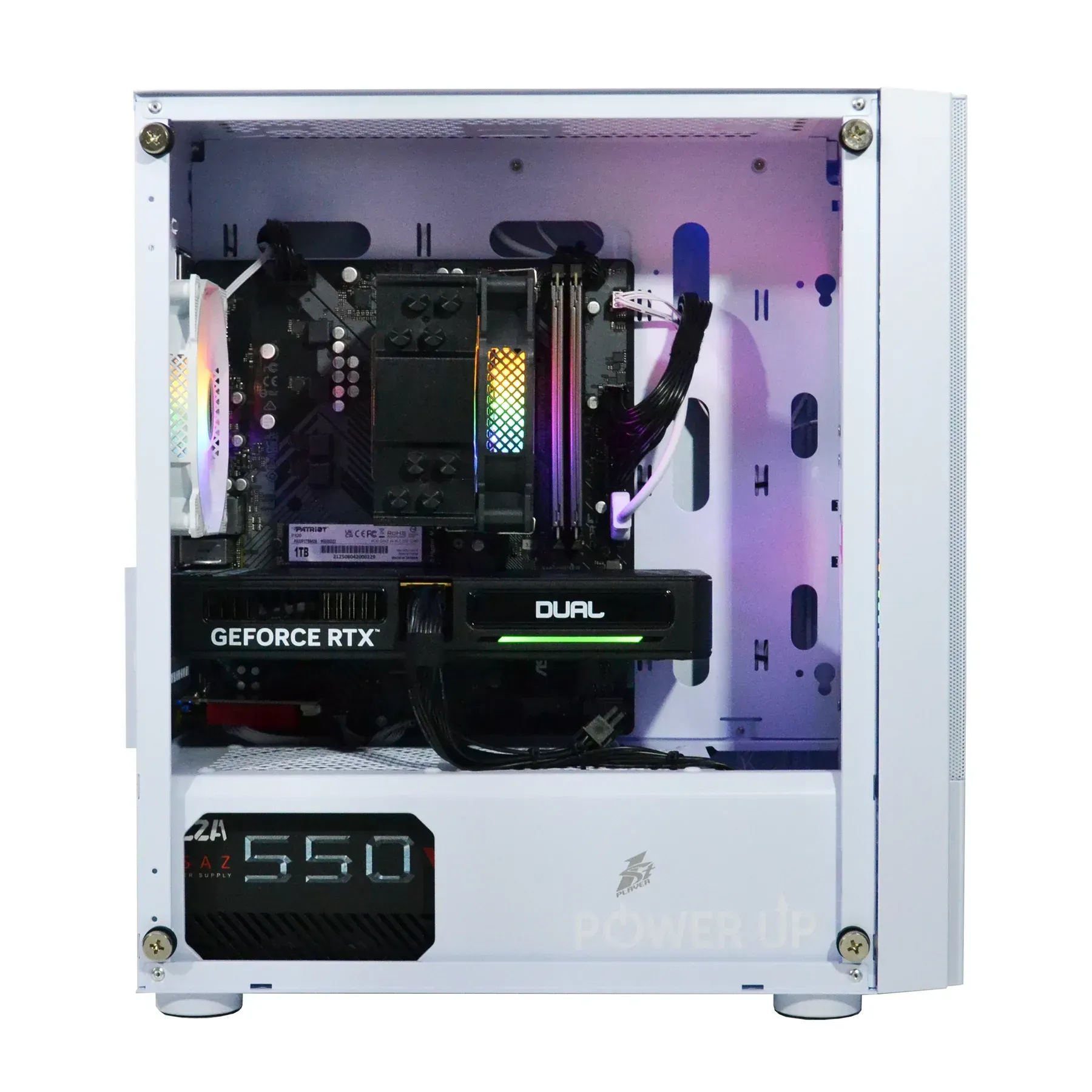
A PCIe adapter is the enthusiast's choice. Models from TP-Link, ASUS, or Gigabyte featuring the Intel BE200 chip offer an external antenna base with a magnetic stand. It can be placed on a desk or on top of the case, ensuring a direct line of sight to the router. This solves the "dead zone" problem and provides a significant advantage in signal stability.
Installing such a card is not just adding a feature; it's an upgrade to your network subsystem. Imagine you have a powerful engine (a Ryzen 7 9700X processor and an RTX 5070 Ti graphics card), but you've put cheap tires on it. The system won't be able to realize its full potential. The same applies here: a poor Wi-Fi signal is a bottleneck that will cause lags and stutters even on the most powerful hardware. A PCIe adapter is the "performance tire" for your network.
| Parameter | Integrated Intel BE200 (rear antennas) | PCIe Card ASUS ROG Rapture GT-BE98 (antenna on desk) |
|---|---|---|
| Ping in CS2 (EU server), ms | 28-35 | 22-26 |
| Download Speed (Steam), MB/s | 215 | 280 |
| Signal (through 1 wall), dBm | -65 | -52 |

| Parameter | Integrated Wi-Fi 7 Module | PCIe Wi-Fi 7 Card |
|---|---|---|
| Cost | Included in the motherboard price (difference of ~1500-2500 UAH) | Separate purchase (from 2000 to 4500 UAH) |
| Performance | Good, but depends on the placement of antennas on the PC's rear panel | Excellent, thanks to external antennas with a magnetic base |
| Installation | None, works "out of the box" | Requires a free PCIe x1 slot and connection to a USB header on the board |
| Upgradability | Practically impossible | Easily replaceable with a newer model in the future |
| System Impact | Minimal, uses chipset resources | Occupies a PCIe slot, may slightly affect airflow to the graphics card |
Wired Superiority: When Ethernet is Irreplaceable
Despite all the advancements of Wi-Fi 7, for competitive gaming at ultra settings with ray tracing and lossless streaming, a wired 2.5G Ethernet connection remains the gold standard. The main advantage is the almost complete absence of jitter (latency fluctuations) and external interference. If your gaming computer is located next to the router, a cable connection will always be the preferred choice.
Modern motherboards are equipped with 2.5-gigabit ports, and high-end ones even have 5- and 10-gigabit ports. This provides a colossal amount of bandwidth. Current network controllers comply with the latest Intel specifications and guarantee minimal CPU load when processing network traffic. For a gamer striving for the absolute minimum latency, a cable is the only option.

How to Choose and Install a Wireless Adapter in Your PC
This short guide will help you decide between an integrated and a discrete Wi-Fi module and install it correctly to achieve maximum network performance.
Step 1: Assess PC and Router Placement
Determine the distance to your router and the number of obstacles (walls, furniture). If the PC is in direct line of sight or through one drywall partition, an integrated module on the motherboard will likely be sufficient. If the distance is long or there are concrete walls, immediately opt for a PCIe adapter with an external antenna.
Step 2: Choose a Solution: Integration or Expansion
When buying a new PC, compare the prices of motherboards with and without Wi-Fi. If the price difference (1500-2500 UAH) is less than the cost of a good PCIe adapter (2000-4500 UAH) and your signal reception conditions are ideal, choose the integrated option. In all other cases, and for future upgradability, it is preferable to buy a motherboard without Wi-Fi and a separate adapter.
Step 3: Physical Installation of a PCIe Adapter
Disconnect the PC from the power outlet. Open the side panel of the case. Select a free PCIe x1 slot (the shortest one on the board). Remove the metal bracket from the back panel of the case. Carefully insert the card into the slot until it clicks, and secure it with a screw. Connect the cable from the adapter to a free USB header on the motherboard—this is necessary for Bluetooth to work.
Step 4: Driver Installation and Setup
After assembling and turning on the PC, the system may not automatically detect the adapter. Download the latest drivers from the manufacturer's website for the adapter or chip (Intel/Qualcomm) in advance. Install them and restart the system. Screw the antennas onto the adapter or connect the external base. You can now connect to your Wi-Fi network.

Frequently Asked Questions (FAQ)
Do I need Wi-Fi 7 if my router only supports Wi-Fi 6?
A Wi-Fi 7 adapter is fully backward compatible with older standards (Wi-Fi 6E/6/5/4). You can connect to any network, but the maximum speeds and low latencies of the Wi-Fi 7 standard will only be available with a compatible router.
Does installing a PCIe Wi-Fi card affect the performance of the graphics card?
Technically, no. Wi-Fi adapters use a PCIe x1 slot, which does not take away lanes from the main PCIe x16 slot for the graphics card. The only potential downside is that the card might slightly obstruct airflow to the graphics card's fans if installed right next to it. In most builds, this does not affect temperatures.
What is ultimately better for competitive online gaming in 2026: Wi-Fi 7 or Ethernet?
For maximum stability and the lowest possible ping, a wired Ethernet connection (especially 2.5 Gbps) remains the best choice. Wi-Fi 7 has significantly closed the gap, but a wired connection is still the gold standard for esports due to its immunity to radio interference.
Can the integrated Wi-Fi module on a motherboard be replaced in the future?
In 99% of cases, no. The Wi-Fi chip is soldered directly onto the motherboard. Only on some very expensive enthusiast models might it be installed in a separate M.2 E-key slot, but this is very rare. Therefore, choosing a board with an integrated module is a choice for its entire service life.