In short (TL;DR):
- Real memory speed is determined not by the frequency on the box, but by the bandwidth: Frequency (MT/s) × 8 bytes × number of channels. One parameter without the other two says nothing about performance.
- On a standard desktop, when installing all 4 DDR5 modules, the frequency drops from the advertised 6000 MT/s to 3600–4400 MT/s — an expensive high-speed 128 GB memory kit hits the limit of the same 2 channels.
- Budget DDR4 2400 MT/s on a workstation with 4 memory channels (Threadripper, server Xeon/EPYC) delivers a stable 76.8 GB/s — on par with or even faster than a throttled desktop on expensive DDR5.
- Up to 64 GB, a standard gaming PC with two modules runs at its full rated frequency without drops — the channel bottleneck only starts at 128 GB and above.
In previous articles, we debunked marketing myths about RAM frequency and SSD speed in gaming builds — and both times the conclusion was the same: overpaying for numbers in synthetic benchmarks almost never pays off in games. With a workstation, the rule flips 180 degrees.
When memory capacity goes beyond 128 GB for rendering, working with large databases, 4K/8K video editing, or virtualization, it's not the frequency on the box that matters, but how many "roads" — memory channels — the processor has to transfer data. Let's break down on real 2026 math why expensive desktop DDR5 RAM at 6000+ MT/s can lose to a more modest-on-paper platform, and when a regular gaming PC is still enough.
The difference in numbers is immediately noticeable: the same 128 GB volume on different platforms can differ in real bandwidth by almost half — and this is not a hypothetical lab overclocking, but official, documented limitations of production boards.
The secret of bandwidth: what memory channels have to do with it
A standard consumer AMD Ryzen processor or Intel Core processor is dual-channel: it has exactly two independent "routes" to exchange data with memory, regardless of how many modules are physically installed in the slots. Workstations are built differently — they have more physical channels, and this, not the megahertz on the module box, is what matters for large capacities.
- AM5 (AMD Ryzen 9000) and LGA1851 (Intel Core Ultra 200) — 2 memory channels; when filling all 4 DIMM slots, each channel handles 2 modules.
- Threadripper — 4 channels, one module per channel even fully loaded.
- Threadripper PRO — 8 channels, also one module per channel.
- AMD EPYC and Intel Xeon server platforms — from 6 to 12 channels depending on the model, up to dual-processor systems.
The difference isn't about "better/worse", but architecture for the task: a consumer platform was designed for gaming and everyday software, where 2 channels are more than enough. A workstation was designed for tasks where the bottleneck is precisely the data transfer speed between the processor and memory.
How real memory bandwidth is calculated
The formula is simple and doesn't require an engineering calculator: Bandwidth (MB/s) = Frequency (MT/s) × 8 bytes × Number of channels. Eight bytes is the bus width of one DDR4/DDR5 channel (64 bits).
- DDR5-6000 in 2 channels: 6000 × 8 × 2 = 96,000 MB/s (96 GB/s) — the rated maximum of a regular gaming PC if only 2 modules are installed.
- DDR4-2400 in 4 channels (Threadripper workstation): 2400 × 8 × 4 = 76,800 MB/s (76.8 GB/s) — at a frequency four times lower than trendy DDR5.
- DDR4-2400 in 8 channels (Threadripper PRO): 2400 × 8 × 8 = 153,600 MB/s (153.6 GB/s) — the same turtle-like frequency, but twice as many channels.
The number of channels in the formula is a separate multiplier — therefore, a platform with half the frequency but twice the channels yields the exact same result. This is the whole secret: with an equal amount of memory, the winner is not the highest-frequency stick, but the platform with the most channels, capable of sustaining the rated frequency under full slot load.
| Platform | Channels | Frequency at 128 GB | Real Bandwidth | For whom |
|---|---|---|---|---|
| Desktop, DDR5 6000 (4 modules) | 2 | 3600–4400 MT/s | 57,600–70,400 MB/s | Gaming, office — not for 128 GB |
| Workstation, DDR4 2400 (Threadripper) | 4 | 2400 MT/s | 76,800 MB/s | 4K/8K editing, 3D, development |
| Workstation, DDR4 2400 (Threadripper PRO) | 8 | 2400 MT/s | 153,600 MB/s | Render farms, simulations, AI models |
Real case: 128 GB on four modules
Let's take a specific and most common task — assembling 128 GB from four 32 GB modules, because it's the most affordable path to this capacity.
Scenario A — standard desktop DDR5 build. We take trendy DDR5 memory at beautiful marketing 6000 MT/s. But regular consumer processors (Core i9 / Ryzen 9) can only run a maximum of 2 channels — which means to get 128 GB, you'll have to squeeze four 32 GB modules into those same 2 channels, 2 modules each. Under such load, the memory controller is guaranteed to drop the frequency to base values — 3600–4400 MT/s — because it is physically unable to hold the rated 6000 MT/s across all four slots. Buying a top-tier kit for 128 GB in such a configuration is almost always pointless.
Scenario B — workstation on "ancient" DDR4. We take the cheapest, basic DDR4 memory with a turtle-like frequency of 2400 MT/s, but put it on a platform like Threadripper or server Xeon/EPYC, which can run in 4 channels. 128 GB here means four modules, one for each of the 4 channels, not two for each of two. The frequency stays at the rated 2400 MT/s at all times, without overclocking and without risk.
The result in plain terms: 57,600–70,400 MB/s on the throttled desktop versus a stable 76,800 MB/s on "outdated" DDR4 across 4 channels. "Slow" and allegedly obsolete memory in quad-channel mode performs on par with or even faster than expensive desktop DDR5 that choked trying to run 4 modules at a normal frequency.
The reason for the limitation is not marketing, but signal physics: the more electrical loads (modules) hang on one line, the harder it is to maintain signal integrity at high frequencies. Independent tests confirm this in practice: on AMD consumer platforms, the officially guaranteed frequency when filling all 4 DDR5 slots drops to 3600 MT/s, and on Intel — to 4400–4800 MT/s. This is precisely why motherboard manufacturers certify specific combinations of modules and frequencies.
Do you need more than 128 GB of memory?
128 GB is by no means the ceiling for heavy tasks, and quad-channel mode isn't the limit either. Where capacities significantly higher than 128 GB are needed, dual-processor systems or monsters like AMD Threadripper PRO are used, where memory has 8 full channels — even on the same modest DDR4-2400, that's already 153.6 GB/s, and the gap with a throttled desktop becomes truly cosmic.
- Threadripper PRO — up to 8 channels and 8 modules, ECC memory support to protect against single-bit errors during multi-day calculations.
- Dual-processor systems on server platforms — an effective doubling of channels and capacity, relevant for render farms and training models on your own hardware.
- AMD EPYC and Intel Xeon — where hundreds of gigabytes and guaranteed 24/7 reliability are needed, rather than peak frequency on a benchmark screenshot.
For the vast majority of scenarios — video editing, 3D rendering, development, medium-sized local AI models — platforms like Threadripper with 4 channels and 128–256 GB are more than enough. Octa-channel and server solutions are specialized purchases for specific production pipelines, not home PC upgrades.
Task guideline: dozens of gigabytes of datasets for analytics or machine learning, simultaneously running 5–10 virtual machines, or rendering multiple projects in parallel — these are scenarios where even honest 4 channels turn into a bottleneck, not a safety margin. Under these conditions, the multiple-fold difference in bandwidth directly converts into hours, sometimes days of time saved on every major calculation.
Multi-channel workstation: pros and cons
Advantages
- ✔Rated frequency remains stable under full slot load — no overclocking, no silicon lottery.
- ✔ECC memory support — single-bit errors are corrected on the fly, critical for multi-hour calculations.
- ✔Clean memory upgrade path: free channels and slots allow expanding capacity without replacing the platform.
- ✔More PCI-Express lanes for multiple graphics cards, network cards, and NVMe drives simultaneously.
Disadvantages
- ✖The processor and motherboard themselves cost several times more than desktop ones — the platform pays off only with real workloads.
- ✖ECC RDIMM modules are more expensive than regular desktop sticks of the same capacity.
- ✖High power consumption under load requires an 850–1000W+ high-efficiency power supply, and high-end models with dozens of cores often switch to water cooling instead of air.
- ✖If the actual task fits into 64 GB, this entire architecture is simply unnecessary — an overpayment with no benefit.
When overpaying for a workstation is justified
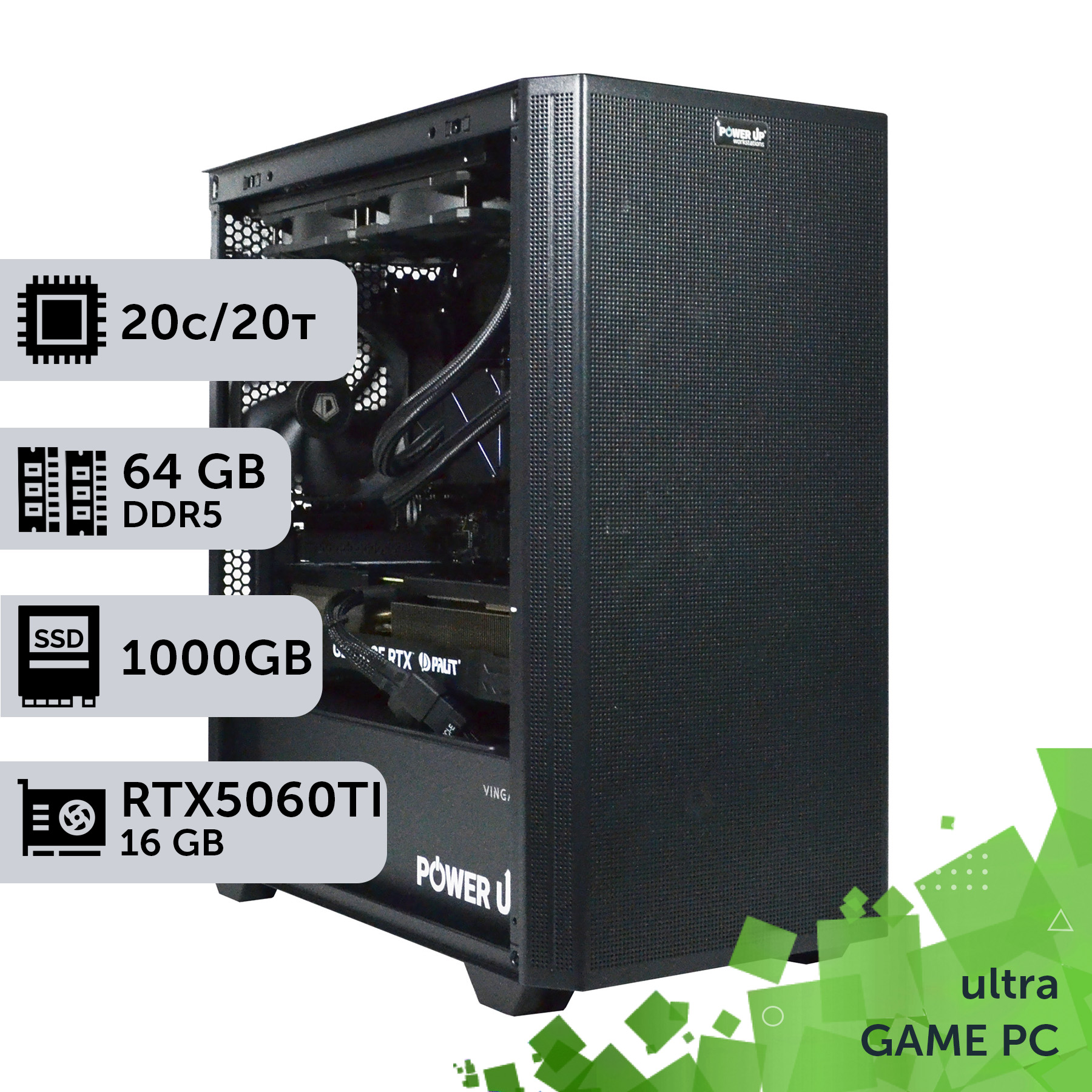
Under 64 GB, the channel problem simply doesn't exist: this capacity is almost always built from two 32 GB modules, which is standard dual-channel mode running at full rated frequency without any throttling. The difference between 32 and 64 GB in the same build in the PowerUp catalog as of 08/30/2026 ranges from 26,000 to 45,300 UAH depending on the CPU and GPU — and this is the pure price for capacity, without speed compromises.
| Configuration | 32 GB | 64 GB | Difference |
|---|---|---|---|
| Core i7 14700K + RTX 4060 Ti, 2 TB | 88,900 UAH | 126,900 UAH | +38,000 UAH |
| Core i7 14700K + RTX 4070 Ti Super, 2 TB | 106,900 UAH | 144,900 UAH | +38,000 UAH |
| Ryzen 9 9950X3D + RTX 5070 Ti, 2 TB | 135,400 UAH | 161,400 UAH | +26,000 UAH |
| Core Ultra 7 265KF + RTX 5060 Ti, 1 TB | 83,200 UAH | 128,500 UAH | +45,300 UAH |
If the real workload is evening rendering, heavy video editing, streaming parallel to gaming, or medium-sized local AI models, rather than an 8+ hour continuous production pipeline, a standard gaming PC on DDR5 with 64 GB of memory from PowerUp covers the task without overpaying for an exotic platform. Switching to a multi-channel workstation (Threadripper, Threadripper PRO, Xeon, EPYC) only makes sense when 128 GB and above is not a future-proofing measure, but a daily working necessity, and system downtime due to instability directly costs money or time.
How to choose a platform for memory capacity: a step-by-step guide
A step-by-step guide for those who need more than 64 GB of memory: how to calculate your real needs and avoid overpaying for a throttled desktop or an unnecessary workstation.
Step 1: Calculate the real capacity needed for tasks
Open Task Manager during your heaviest work session (rendering, editing, compiling large projects) and look at peak RAM consumption. Add a 20–30% margin — this is your real number, not a marketing benchmark.
Step 2: Check if you fit within 64 GB
If yes — a regular gaming PC with two DDR5 modules fully covers the task at the full rated frequency. You don't need to read further about channels and workstations.
Step 3: If you need 128 GB or more — calculate the bandwidth for both options
Take the Frequency × 8 bytes × Channels formula for a desktop at its real (not rated) frequency with 4 modules, and for a workstation with its actual number of channels. Compare the difference in gigabytes per second, not megahertz on the module box.
Step 4: Decide if you need ECC support
For multi-day calculations, financial modeling, or tasks where a flipped bit can ruin the result, ECC memory is mandatory — this is only available on Threadripper (PRO) platforms and server solutions.
Step 5: Stress test the system before deployment
Run MemTest86 or Prime95 for at least 8–12 hours straight to simulate a real working load. This is cheaper and faster than catching a BSOD in the middle of a 24-hour render a week after assembly.
Frequently Asked Questions (FAQ)
How much memory is really needed for 4K/8K rendering and editing?
For 4K editing, 32–64 GB is usually enough; for 8K and heavy 3D rendering — 128 GB or more. The exact figure depends on the project: it's more reliable to check the real peak consumption in Task Manager than to rely on general advice.
What happens if you put 4 DDR5 modules into a standard gaming PC?
The system will boot and run, but the guaranteed frequency will drop from the rated 6000 MT/s down to 3600–4400 MT/s (closer to 3600 on AMD, up to 4400–4800 on Intel). This is not a malfunction — it is an official platform limitation when all slots are populated.
How does ECC memory differ from regular memory, and does everyone need it?
ECC automatically detects and corrects single-bit errors on the fly. It is not needed and not supported by platforms for gaming and everyday tasks. It's only relevant for multi-hour calculations and tasks where a memory error can ruin the result.
Is a Threadripper workstation worse for gaming than a regular gaming PC?
Paired with a high-end GeForce RTX graphics card, a workstation handles gaming perfectly well; moreover, in 4K with ray tracing and DLSS technology, the GPU is almost always the bottleneck, not the CPU. However, a workstation's CPU core frequency is usually lower than that of a top-tier gaming processor — in esports and other single-thread-demanding games, this can cost a few percent in frame rate (FPS) and doesn't offer the same stable framerate as a dedicated gaming build. Assembling such a platform exclusively for gaming makes no economic sense.
Isn't DDR4 on a workstation outdated in 2026?
Formally, yes, DDR5 is faster on paper. But the principle of this article is not about a specific memory generation, it's about the number of channels: even "old" DDR4 on 4–8 channels outperforms throttled DDR5 across 4 modules in 2 channels. Some workstation platforms have already shifted to multi-channel DDR5 — in that case, the channel advantage is stacked with the frequency advantage, but the core principle of "channels rule" remains true for any memory generation.
Is it worth overpaying for memory frequency on a workstation?
Usually, no: even basic, cheapest memory on 4–8 channels consistently provides more real bandwidth than overclocked memory on 2 channels restricted by the slot limit. Overpaying for frequency on a workstation only makes sense when the channel count is already maxed out for the platform with no more room to grow.
How do you know it's time to switch from a desktop to a workstation?
The main signal is a regular need for 128 GB of memory and above coupled with multi-hour tasks that have zero tolerance for crashing. If 64 GB is enough and rock-solid stability isn't critical, the switch is economically unjustified.
Under 64 GB, the channel issue is completely irrelevant — grab a standard gaming PC on DDR5 and don't overpay for exotics. Above 128 GB, it's not the box frequency that matters, but the platform architecture: even cheap memory on 4 or 8 true channels yields equal or greater real bandwidth compared to an expensive high-frequency kit hitting a desktop's slot limits.
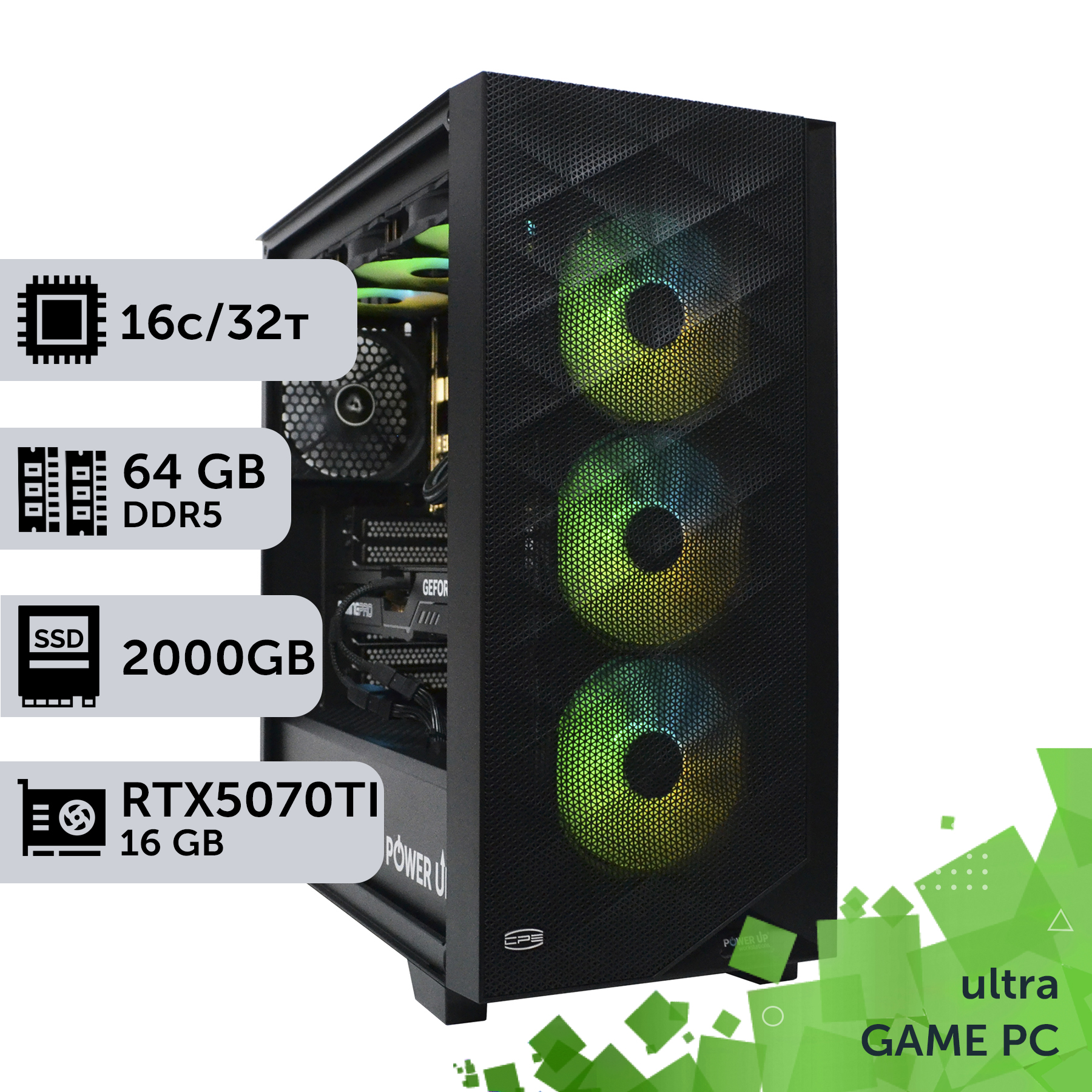
If, by your calculations, 64 GB is sufficient, the PowerUp pre-built gaming PC catalog already features balanced configurations with this capacity on modern platforms. For tasks requiring 128 GB and up, it's a separate, specialized purchase tailored to a specific workflow: essentially a custom PC for one job, not a universal machine for every occasion. The workstation processor and motherboard themselves cost multiples more than an entire mid-range gaming PC, and this is only justified by actual daily workloads, not a desire for future-proofing. PowerUp engineers will help accurately calculate what platform is truly necessary before spending budget on components that won't be used for their intended purpose.