
Key Takeaways (TL;DR):
- For comfortable Path Tracing at 2K resolution on high settings, a graphics card at the level of an NVIDIA GeForce RTX 5070 16 GB is required.
- Full path tracing at 4K resolution demands flagship solutions like the RTX 5080 or RTX 5090, with at least 20 GB of VRAM.
- The processor is just as important: to unlock the full potential of top-tier GPUs, a CPU at the level of an Intel Core Ultra 7 265K or AMD Ryzen 7 9700X is needed to avoid bottlenecks.
- Skimping on the power supply and cooling is unacceptable. For stable system operation under peak loads from new GPUs, an ATX 3.1 standard PSU with a capacity of at least 1000W and an 80+ Gold certification is required.
The Foundation of the Build: Why You Can't Skimp on the PSU and Cooling
When building a powerful gaming PC for Path Tracing, the focus often shifts to the graphics card and processor, leaving the power supply unit (PSU) and cooling system on the periphery. In 2026, this approach is a direct path to instability, throttling, and even failure of expensive components. Flagship graphics cards like the RTX 5090 and processors like the Core Ultra 9 290K not only boast phenomenal performance but also have substantial power consumption with sharp peak spikes, known as 'transient spikes.' These spikes can be double the component's stated TDP for fractions of a second. This is where a high-quality power supply with a certification of at least 80+ Gold and support for the ATX 3.1 standard comes into play. This standard ensures that the PSU can withstand short-term overloads of up to 200% of its rated power, providing a stable voltage for the GPU.
Saving a few thousand UAH on a power supply can turn into a disaster. A cheap PSU with questionable components and inefficient circuitry cannot provide clean and stable power. This leads to a whole range of problems:
- Random reboots and game crashes: the most common symptom when the PSU can't handle peak loads.
- Reduced performance: unstable power forces components to operate in a conservative mode, reducing their potential.
- High-frequency noise (Coil Whine): the inductors on the graphics card and PSU start to emit an unpleasant sound under load.
- Premature failure: voltage ripples slowly but surely destroy the sensitive electronics of the graphics card and motherboard.
After assembling the system, it is critically important to conduct a comprehensive system stress test. Using software like AIDA64 (for CPU and RAM) and FurMark or OCCT (for GPU), run simultaneously for 30-60 minutes, allows you to simulate an extreme gaming load. During the test, you need to monitor temperatures, frequencies, and voltage stability. If the system passes such a test without overheating, errors, or reboots, you can be confident in its reliability. Below is a table demonstrating the difference in voltage stability between a quality and a budget PSU under load.
| Parameter | Quality PSU (1200W 80+ Platinum) | Budget PSU (1200W 80+ Bronze) |
|---|---|---|
| Idle Voltage | 12.05 V | 12.15 V |
| Load Voltage (Average) | 12.01 V | 11.85 V |
| Minimum Drop (Peak) | 11.95 V (stable) | 11.60 V (critical) |
| Ripples | < 25 mV | > 80 mV |
As seen from the table, even with the same rated power, a quality PSU keeps the voltage within strict tolerances, while its budget counterpart shows dangerous drops. For a system costing over 150,000 UAH, the choice is obvious — only a top-tier power supply from a trusted brand (Seasonic, Corsair, be quiet!) with a 20-30% power overhead above the calculated consumption.

How to Build a Balanced Custom PC and Not Overpay?
Creating the perfect gaming PC is an art of balance. There's no point in installing a flagship RTX 5090 in a system with a mid-range processor or slow memory. Such an approach will lead to the expensive graphics card idling, waiting for data from other components, and you won't get even half the performance you paid for. Building a custom PC starts with defining the goal (resolution, target FPS, types of games) and budget. From there, the entire hierarchy of components is built, where each element matches the level of the others.
The key rule for budget allocation in 2026 looks something like this:
- Graphics Card: 40-50% of the total system unit cost. This is the main component for gaming, and you can't skimp on it.
- Processor: 15-20%. It's important to choose a CPU that can fully load the selected graphics card.
- Motherboard: 10-15%. It must have a quality VRM for the chosen CPU and the necessary set of ports.
- DDR5 RAM: 5-7%. 32 GB (2x16 GB) is the optimal amount.
- Storage (SSD): 5-7%. A 2 TB NVMe PCIe 4.0 is an excellent start.
- Power Supply Unit: 5-8%. Only quality 80+ Gold/Platinum models with power overhead.
- Cooling and Case: 5-10%. Effective cooling and a well-ventilated case are key to stability.
Now for the main point: what can you save on, and what should you absolutely not skimp on? Let's start with safe savings. First, the case. You don't need the most expensive case with ten RGB fans. A quality, well-ventilated case from brands like Fractal Design, Lian Li, or be quiet! with 2-3 pre-installed fans is sufficient. Second, you can temporarily opt for a more affordable but still very fast PCIe 4.0 SSD instead of a PCIe 5.0 one. The difference in games will be minimal, and the saved funds can be invested in a more powerful graphics card. Third, if you are not planning extreme overclocking, a B-series chipset motherboard (e.g., B860 for Intel or B750 for AMD) can offer 95% of the functionality of top-tier Z/X-chipsets for less money.
And here is a list of components where skimping will lead to problems:
| Component | Why Saving is Dangerous |
|---|---|
| Power Supply Unit | Risk of instability, reboots, and failure of the entire system. A cheap PSU is a ticking time bomb. |
| CPU Cooling | Overheating and throttling, which will 'eat up' to 15-20% of your CPU's performance. |
| Motherboard VRM | A weak power delivery system will prevent the processor from running at maximum frequencies, leading to performance loss. |
| RAM Amount | For modern games, 16 GB is no longer enough. 32 GB of fast DDR5 RAM is the new standard that eliminates stutters and loading hitches. |
Building a balanced PC requires knowledge and experience. If you are unsure about component compatibility or want to get a perfectly tuned and tested system with a warranty, it's better to turn to professionals. Specialists will help you choose the optimal configuration for your budget, assemble everything neatly with proper cable management, and conduct all the necessary stress tests.
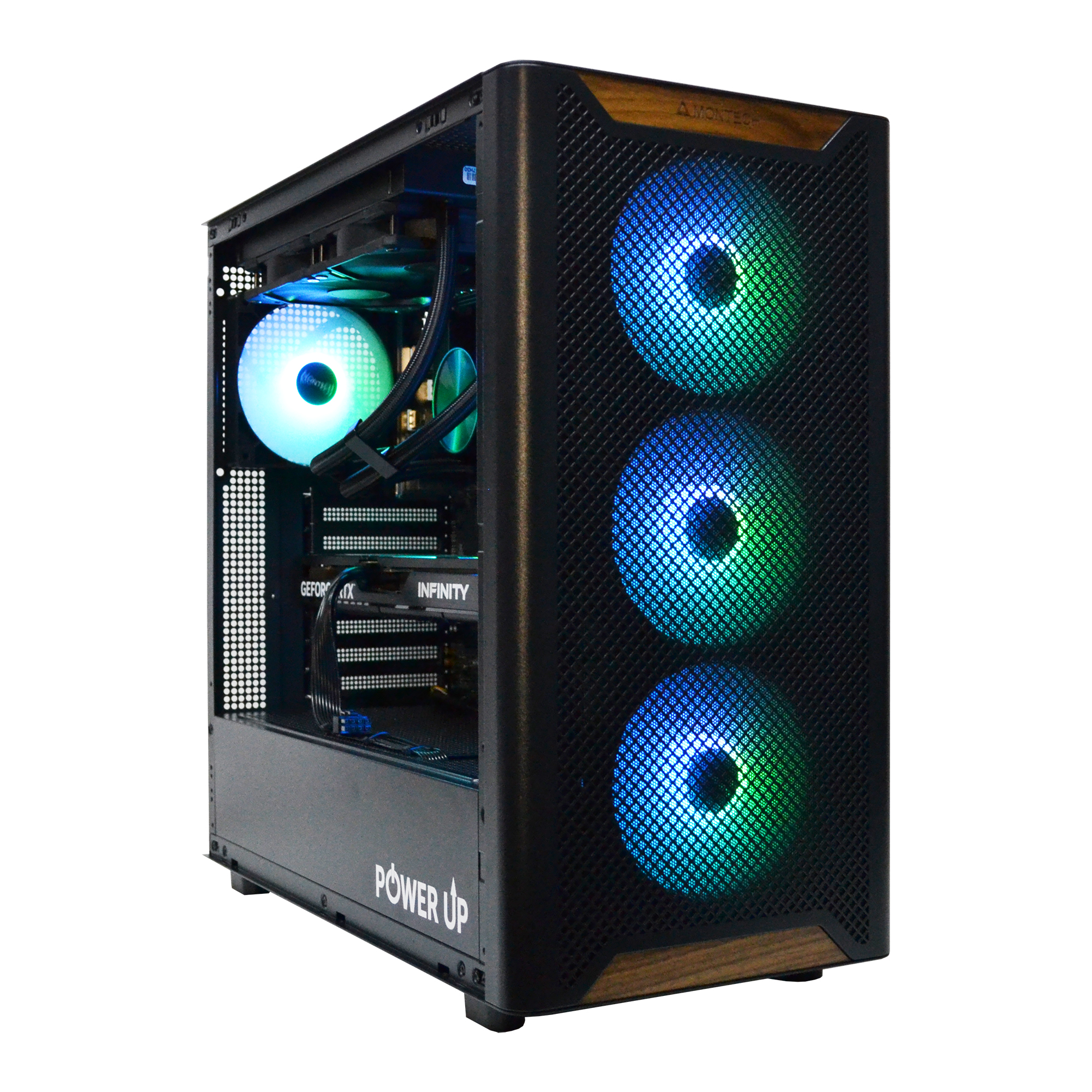
Which GeForce RTX Graphics Card is Needed for Path Tracing in 2026?
In 2026, the landscape of graphics technology is entirely defined by the capabilities of hardware-accelerated ray tracing. The NVIDIA Blackwell architecture (or whatever it will be ultimately named) in the 50-series of GeForce RTX graphics cards has made a huge leap forward compared to its predecessors. An increased number of next-generation RT cores, improved Tensor cores for DLSS 4.0 (with generation of additional rays, not just frames), and significantly increased GDDR7 memory bandwidth are all aimed at one goal: to make Path Tracing playable without compromise. But which specific card do you need for your tasks? The answer depends on your target resolution and desired framerate.
To achieve the gold standard — a stable framerate of 60+ FPS — the requirements are very high. Let's look at popular models using the biggest hits of 2026 with full path tracing as examples. All tests are conducted with DLSS 4.0 technology activated in 'Quality' mode.
- GeForce RTX 5060 12 GB: This card is the entry ticket to the world of Ray Tracing, but not Path Tracing. It handles classic ray tracing in Full HD perfectly, but its power is insufficient for full path tracing. In Cyberpunk 2077 with PT Overdrive Mode, it will show an average of 35-45 FPS, which will not be comfortable enough for many players.
- GeForce RTX 5070 16 GB: This is the true 'people's choice' for 2K (1440p) gaming with Path Tracing. With 16 GB of fast GDDR7 VRAM and a powerful chip, it can deliver the coveted 60-75 FPS in most projects. It is the optimal choice for those who want to get the most out of modern technologies without investing a fortune in their system.
- GeForce RTX 5080 20 GB: The ultimate solution for 4K (2160p) gaming. This card allows you to enjoy full path tracing with a frame rate of 70-90 FPS. 20 GB of VRAM is becoming the standard for 4K, as high-resolution textures and complex BVH structures (bounding volume hierarchy for tracing) require a huge buffer.
- GeForce RTX 5090 24 GB: The uncompromising flagship for enthusiasts who need 120+ FPS in 4K or comfortable gaming in 8K. Its performance is overkill for most gamers, but if the budget is unlimited, it's the best way to see games exactly as the developers intended.
Let's look at the specific performance figures in the table below. This will help you make an informed choice and find your perfect gaming computer.
| Game | GeForce RTX 5060 | GeForce RTX 5070 | GeForce RTX 5080 |
|---|---|---|---|
| Cyberpunk 2077 (PT Overdrive) | 42 FPS | 71 FPS | 105 FPS |
| Alan Wake 2 (PT Enabled) | 38 FPS | 65 FPS | 98 FPS |
| GTA VI (Ultra RT) | 45 FPS | 75 FPS | 112 FPS |
Competitors from AMD, namely the Radeon RX 8000 series, also show significant progress in ray tracing, but according to independent tests, they still lag behind NVIDIA's solutions in tasks with intensive Path Tracing use. FSR 4.0 technology scales the image excellently, but NVIDIA's advantage in hardware RT cores and the maturity of the DLSS ecosystem remains for now.

How Important Are the Processor and Motherboard in a Ray Tracing Build?
A common myth states that at high resolutions like 4K, all the load falls on the graphics card, and the processor hardly matters. In 2026, this statement is fundamentally wrong, especially in the context of complex games with Path Tracing. Modern game engines actively use multithreading to prepare data for the GPU, process physics, AI, and decompress assets using DirectStorage. A weak processor becomes a 'bottleneck' that prevents even the most powerful graphics card, like the RTX 5090, from reaching its full potential. This manifests not so much in a decrease in average FPS, but in a drop in rare and very rare events (1% and 0.1% low FPS), which is felt as micro-stutters and hitches, ruining the smoothness of gameplay. Therefore, choosing the right CPU and motherboard is a task no less important than choosing the GPU.
In 2026, the market is dominated by two processor families: Intel Core Ultra 200 (Arrow Lake) and AMD Ryzen 9000 (Zen 5). Both offer a significant increase in IPC (instructions per clock) and high clock speeds. The choice between them depends on budget and preference.
- For mid-range builds (with an RTX 5070): The ideal choices are the Intel Core Ultra 7 265K or AMD Ryzen 7 9700X. These 8-core/16-thread processors have enough power to 'feed' the graphics card with data and ensure a high and stable frame rate (FPS) at 1440p resolution.
- For top-tier systems (with an RTX 5080/5090): Here, flagship solutions are needed, such as the Intel Core Ultra 9 290K or AMD Ryzen 9 9900X. Their 16+ cores and huge L3 cache are indispensable for streaming, running background applications, and achieving maximum FPS in competitive games on 240+ Hz monitors.
The motherboard is no less important. It's not just a 'board with connectors,' but the foundation of the entire system's stability. For powerful processors with high TDP, a board with a quality power delivery system (VRM) is required. A multi-phase VRM with massive heatsinks ensures that the processor receives stable voltage even at maximum turbo boost, without overheating or throttling. According to independent tests from Tom's Hardware, the performance difference between the same CPU model on a budget motherboard and a top-tier one can reach 5-10% due to better boost clock sustainability. Key aspects when choosing a motherboard:
| Characteristic | Description | Recommendation |
|---|---|---|
| Chipset | The logic set that determines functionality. | Intel Z890 for overclocking 'K' processors, AMD X770/X770E for enthusiasts. |
| VRM (Power Delivery System) | The number and quality of processor power phases. | At least 16+1+1 phases with quality MOSFETs and heatsinks for top-tier CPUs. |
| Memory Support | Maximum frequency and number of DDR5 slots. | Support for XMP/EXPO profiles up to 8000+ MHz. 4 DIMM slots. |
| Expansion Slots | Connectors for the graphics card and drives. | At least one PCIe 5.0 x16 slot for the GPU and one M.2 PCIe 5.0 x4 for the SSD. |
| Networking Features | Wired and wireless internet. | 2.5G or 5G Ethernet, built-in Wi-Fi 7. |
Skimping on the motherboard is a false economy. You risk not only losing performance but also facing compatibility and stability issues in the future. A good board is an investment in the longevity and upgradeability of your PC.
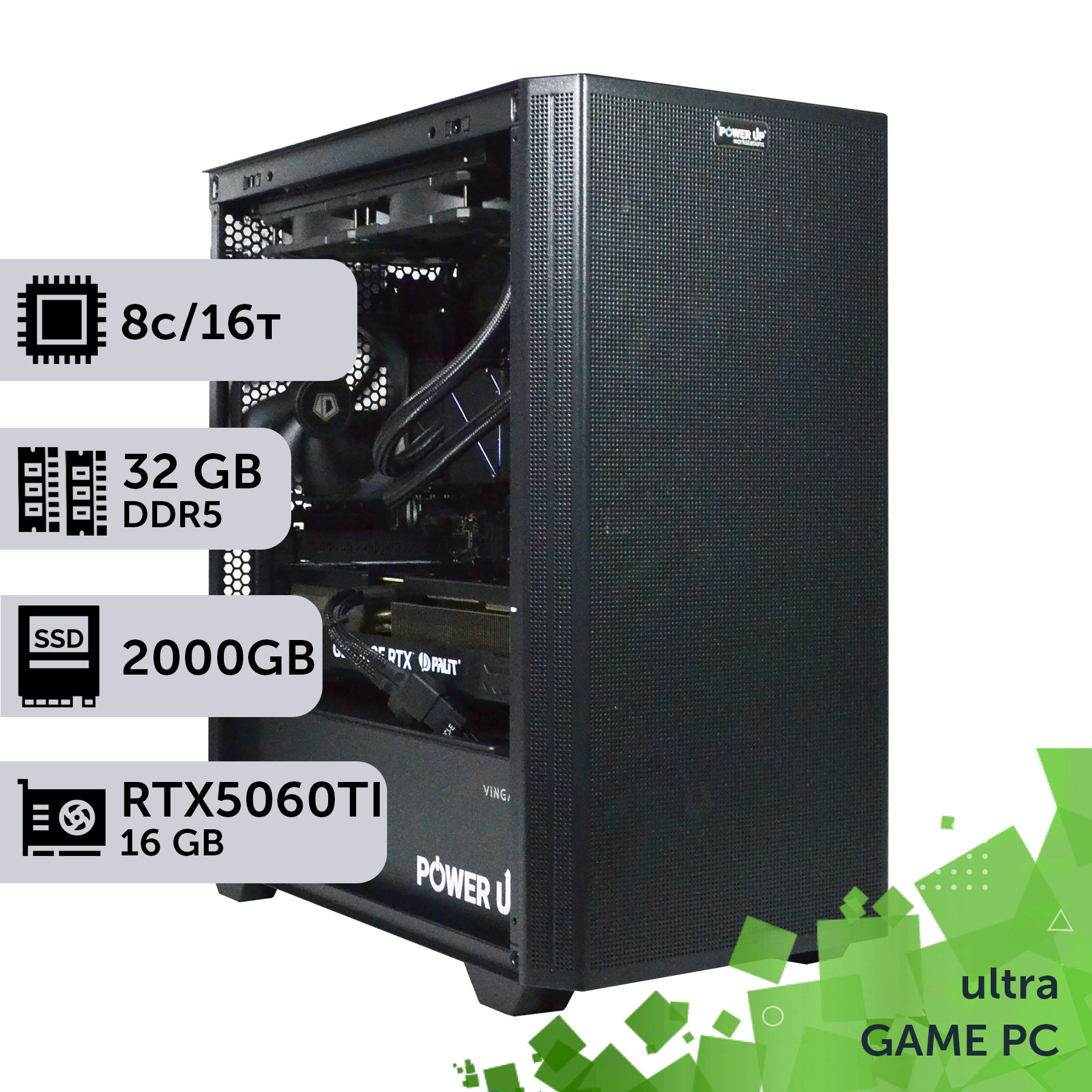
| Purpose | Recommended Graphics Card | Processor | Approximate Budget |
|---|---|---|---|
| Full HD (1080p) with Ray Tracing | NVIDIA GeForce RTX 5060 12 GB / AMD Radeon RX 8700 XT 12 GB | Intel Core Ultra 5 245K / AMD Ryzen 5 9600X | 55,000 - 70,000 UAH |
| 2K (1440p) with Path Tracing | NVIDIA GeForce RTX 5070 16 GB / AMD Radeon RX 8800 XT 16 GB | Intel Core Ultra 7 265K / AMD Ryzen 7 9700X | 90,000 - 120,000 UAH |
| 4K (2160p) with Path Tracing | NVIDIA GeForce RTX 5080 20 GB / NVIDIA GeForce RTX 5090 24 GB | Intel Core Ultra 9 290K / AMD Ryzen 9 9900X | 160,000 - 250,000 UAH |
How Do Liquid Cooling, Memory, and Storage Affect Ray Tracing Games?
The stability and performance of a gaming system under the intense load of ray tracing depend on more than just the CPU-GPU duo. Three often-underestimated components—the cooling system, RAM, and storage drive—play a critical role in achieving maximum results. Modern processors and graphics cards generate a huge amount of heat. For example, the TDP of a flagship Core Ultra 9 290K can reach 250-300W at its peak, and an RTX 5090 can exceed 500W. Without effective heat dissipation, components will inevitably face thermal throttling: the system will automatically reduce their frequencies to prevent overheating. This leads to a sharp drop in FPS precisely during the most intense moments of the game.
For cooling such 'hot' processors, high-end air coolers (like the Noctua NH-D15 or DeepCool Assassin IV) are still a good choice, but for maximum efficiency and silence, a liquid cooling system (AIO) is preferable. A quality AIO with a 360mm or even 420mm radiator can keep a flagship CPU's temperature within 75-85°C under maximum load, allowing it to run at peak frequencies for longer. This provides a tangible performance boost, especially in games sensitive to processor frequency. For graphics cards, the reference cooling systems from NVIDIA and AMD in 2026 have become very effective, but for enthusiasts who overclock, custom liquid cooling loops remain the best solution.
Next up is RAM. With the arrival of the DDR5 standard, we have reached a new level of speed. But it's not just the frequency that matters, but also the timings (latency). For gaming systems based on Intel and AMD in 2026, the 'sweet spot' is considered to be a 32 GB (2x16 GB) kit of DDR5 memory with a frequency of 6800-7200 MHz and timings of CL34-CL36. Higher frequencies (8000+ MHz) provide minimal gains in games but are significantly more expensive and may require manual tuning for stable operation. It is important to activate the XMP (for Intel) or EXPO (for AMD) profile in the BIOS so that the memory runs at its advertised specifications, not at the standard low JEDEC frequencies.
| Frequency and Timings | Average FPS in Starfield | Average FPS in Baldur's Gate 3 |
|---|---|---|
| DDR5-5200 CL40 (JEDEC) | 105 FPS | 140 FPS |
| DDR5-6000 CL30 (XMP/EXPO) | 118 FPS (+12%) | 162 FPS (+15%) |
| DDR5-7200 CL34 (XMP/EXPO) | 124 FPS (+18%) | 171 FPS (+22%) |
Finally, the storage drive. Microsoft's DirectStorage technology, now built into many game engines, allows the GPU to load data directly from an NVMe SSD, bypassing the CPU. This dramatically speeds up the loading of levels and textures, eliminating on-the-fly 'pop-in'. To fully unlock this technology, a fast NVMe SSD is required. Although the difference between top-tier PCIe 4.0 and the latest PCIe 5.0 drives in games is not yet as significant as in synthetic benchmarks (a 1-2 second difference in loading times), buying a PCIe 5.0 SSD is a future-proofing measure. Games released in 2027-2028 will use this technology more actively, and then the advantage will become more noticeable. The minimum standard for a 2026 gaming build is an NVMe PCIe 4.0 SSD with a capacity of at least 2 TB.
Path Tracing: The Price of Photorealism
Advantages
- ✔Unprecedented level of realism: physically accurate global illumination, soft shadows, and perfect reflections.
- ✔Complete immersion in the game world, blurring the line between gaming and cinema.
- ✔Simplified development for game creators: a single light source behaves as it would in the real world, instead of hundreds of fake ones.
- ✔A technological standard for the future that will only evolve and improve.
Disadvantages
- ✖Extremely high demands on graphics card performance.
- ✖High cost of building a PC capable of providing a comfortable FPS.
- ✖Dependence on upscaling technologies (DLSS/FSR) to achieve playable frame rates.
Configuring Your PC for Maximum Performance in Path Tracing Games
After assembling a new PC, you need to perform several key configurations to unlock its full potential and ensure maximum performance and stability in ray tracing games.
Step 1: Update BIOS and Drivers
First, go to your motherboard manufacturer's website and download the latest BIOS version. Updating improves memory compatibility, fixes bugs, and often increases performance. After that, install the latest driver for your graphics card from the NVIDIA or AMD website. This is critical for performance in new games.
Step 2: Activate RAM XMP/EXPO Profiles
By default, your new fast DDR5 memory runs at a low standard frequency. Restart your PC, enter the BIOS (usually by pressing the Del or F2 key), and find the setting called XMP (Extreme Memory Profile) for Intel platforms or EXPO (Extended Profiles for Overclocking) for AMD. Enable it, save the settings, and reboot. This will allow the memory to run at its advertised high frequency and with low timings, which can provide an FPS boost of up to 15-20%.
Step 3: Enable Resizable BAR
Resizable BAR technology (or Smart Access Memory on AMD) allows the processor to get full access to the entire VRAM, not just small chunks. This provides a performance boost in most modern games. Make sure this option is enabled in the BIOS. It is usually located in the PCI Express settings section. Also in this section, you should check that the 'Above 4G Decoding' option is activated.
Step 4: Optimize Graphics Card Control Panel
Open the NVIDIA Control Panel or AMD Adrenalin Software. In the global 3D settings, set 'Power management mode' to 'Prefer maximum performance'. This will prevent the graphics card from downclocking under light load. Also, make sure that all manufacturer-specific technologies, such as NVIDIA Reflex for reducing latency in competitive games, are enabled.
Frequently Asked Questions (FAQ)
Is 32 GB of RAM really necessary for gaming in 2026?
Absolutely. Games with large open worlds and high-resolution textures, such as GTA VI or Starfield, can already consume up to 20-22 GB of system memory. Having 32 GB of RAM ensures no stutters or freezes related to memory shortages and also allows you to comfortably keep other applications, like Discord or a browser, running in the background without impacting performance.
What is more important for ray tracing games right now: the processor or the graphics card?
The graphics card is still the main component that determines performance. In 95% of cases, the load from Path Tracing falls on the GPU. However, as we've discussed, the processor acts as the 'conductor'. A powerful graphics card cannot work at full capacity without a sufficiently powerful processor. Therefore, balance is important, but on a limited budget, the priority should always be the graphics card.
Is it worth overpaying for a PCIe 5.0 SSD, or is PCIe 4.0 enough?
At the moment (early 2026), the difference in game loading speeds between top-tier PCIe 4.0 and PCIe 5.0 SSDs is only 1-3 seconds. DirectStorage technology is not yet being fully utilized by games. Therefore, buying a PCIe 4.0 SSD is currently a more rational choice in terms of price/performance. However, if you are building a PC to last for the next 3-4 years, an investment in PCIe 5.0 may be justified.
How much does Path Tracing reduce FPS compared to regular ray tracing?
A lot. Path Tracing (full path tracing) simulates billions of rays for each frame to create physically accurate lighting. Classic Ray Tracing uses rays only for specific effects (shadows, reflections). On average, enabling Path Tracing mode instead of standard RT can reduce FPS by an additional 40-50%. This is why it requires flagship graphics cards and upscaling technologies like DLSS.




























